
Remove It : Remove Objects PC
vyro.ai
قم بتنزيل Remove It : Remove Objects على جهاز الكمبيوتر باستخدام GameLoop Emulator
Remove It : Remove Objects على الكمبيوتر الشخصي
Remove It : Remove Objects ، القادم من المطور vyro.ai ، يعمل على نظام Android في الماضي.
الآن ، يمكنك لعب Remove It : Remove Objects على جهاز الكمبيوتر باستخدام GameLoop بسلاسة.
قم بتنزيله في مكتبة GameLoop أو في نتائج البحث. لا مزيد من الانتباه إلى البطارية أو المكالمات المحبطة في الوقت الخطأ بعد الآن.
ما عليك سوى الاستمتاع بجهاز Remove It : Remove Objects على الشاشة الكبيرة مجانًا!
Remove It : Remove Objects مقدمة
Remove Unwanted Elements From Photos With Smart AI Precision!
Remove It: Background Eraser gives you full creative control over your images using advanced AI technology. With Remove It: Background Eraser, editing photos becomes smooth, intuitive, and accurate. Whether you want to clean up busy backgrounds or refine portraits, Object Removal: Image Eraser helps you achieve clean and natural-looking results. Using Photo Editor Remove Objects From Photo: AI Eraser, unwanted details disappear while your photo keeps its original quality.📄 AI Removal Key Features:📄
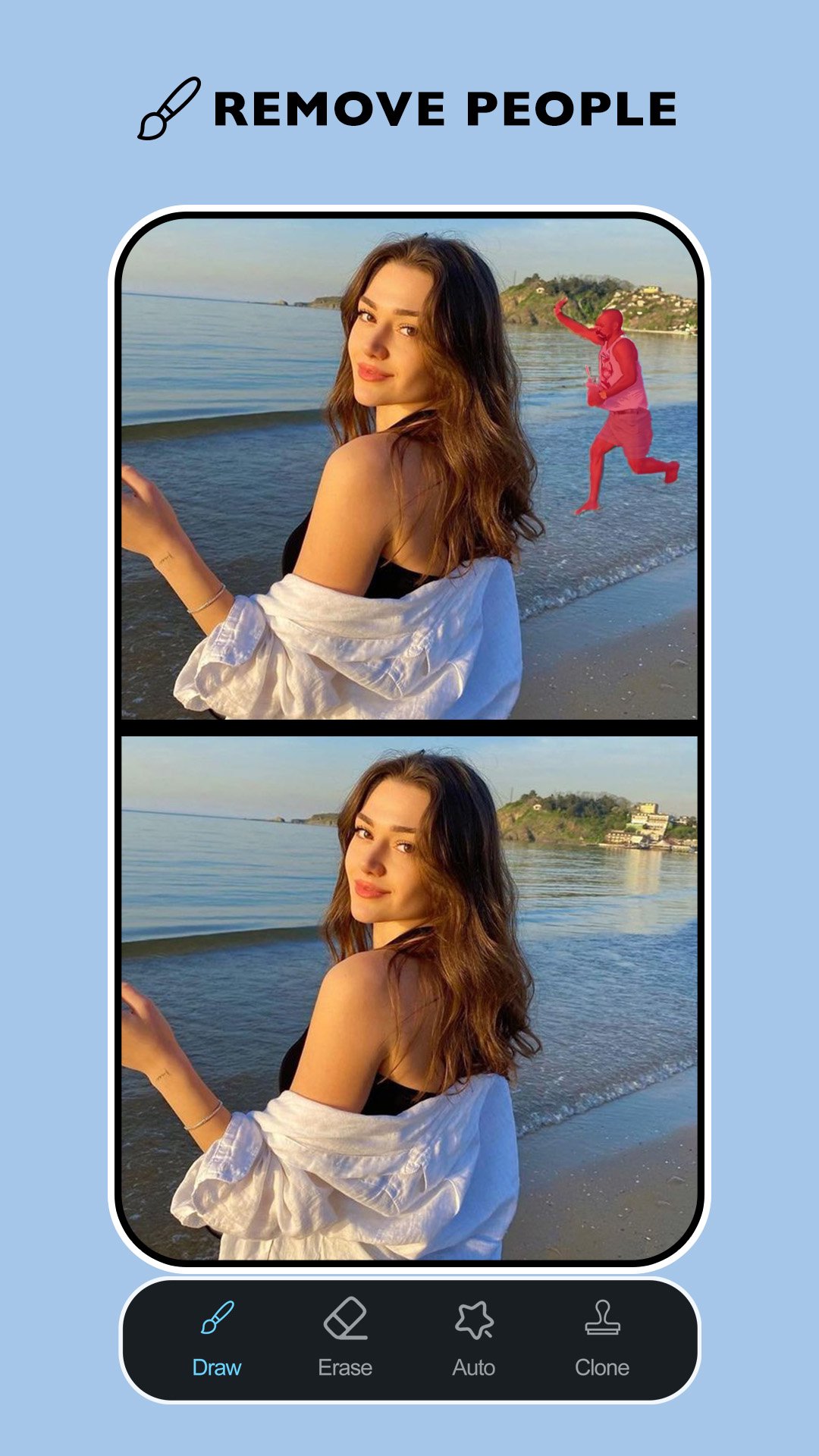
✨ Remove People From Photos with intelligent background detection;
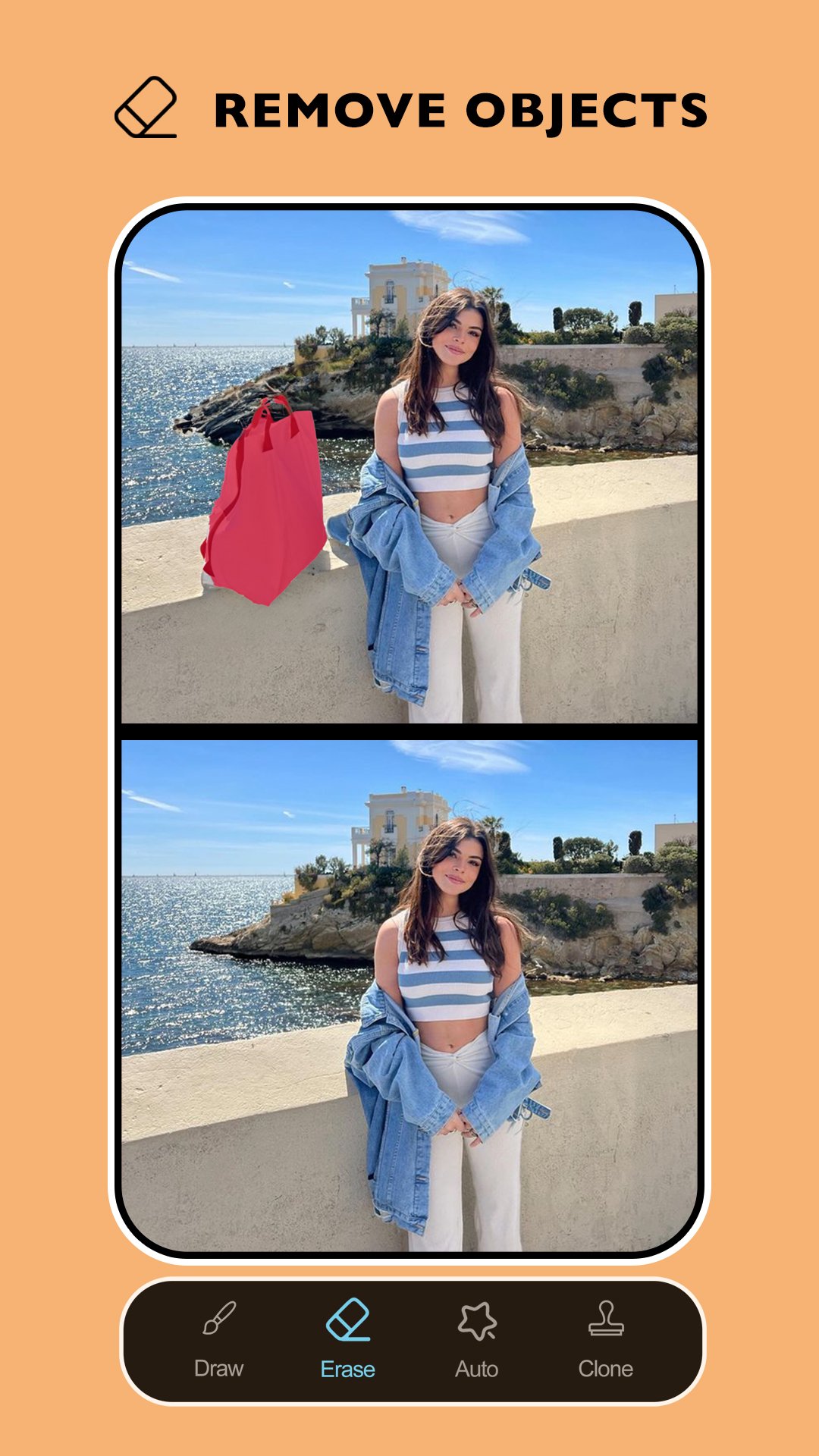
✨ Object Removal: Image Eraser for objects, clutter, and distractions;
✨ Acne Remover Tool for smoother and clearer skin;
✨ Objects Eraser: Blemish Remover for facial imperfections;
✨ AI Object Remover: Photo Eraser for logos, text, and marks;
✨ Photo Editor Remove Objects From Photo: AI Eraser with precision brush control;
✨ Remove It: Background Eraser for clean and focused images;
✨ Adjustable brush size for detailed edits;
✨ Undo and redo actions for full editing control;
✨ Instant before and after preview!
AI Editing That Feels Simple and Natural
Remove People and Clean Backgrounds:📸
Remove People From Photos easily with smart AI detection that blends backgrounds smoothly. Object Removal: Image Eraser helps clear distractions without leaving visible traces. With Photo Editor Remove Objects From Photo: AI Eraser, you can fine-tune every removal area for a polished result.
Refine Portraits With Confidence:✨
Improve portrait quality using Acne Remover Tool to remove spots and skin imperfections naturally. Objects Eraser: Blemish Remover helps correct small details while preserving texture. Remove It: Background Eraser ensures portraits remain balanced, clean, and visually appealing.
Erase Objects, Text, and Visual Noise:🖌️
Unwanted objects, markings, and distractions are easy to remove with AI Object Remover: Photo Eraser. Object Removal: Image Eraser blends edited areas seamlessly into the background. Photo Editor Remove Objects From Photo: AI Eraser gives you manual control for more complex edits.
Precise Tools for Accurate Editing:🎯
Control every detail with adjustable brush tools and instant corrections. Remove It: Background Eraser allows you to refine selections without starting over. Whether you use Remove People From Photos or the Acne Remover Tool, each edit stays clean and realistic.
Clean, Professional Results Without Complicated Steps
With smart AI support and easy-to-use tools, editing photos becomes faster and more enjoyable. Objects Eraser: Blemish Remover helps refine details, while AI Object Remover: Photo Eraser delivers smooth and natural results. This editing experience is built to help your photos look clean, balanced, and visually impressive every time.معاينة
العلامات
وسائل الترفيهالتصويرمعلومة
مطور
vyro.ai
احدث اصدار
4.1.1.1
آخر تحديث
2026-06-30
فئة
وسائل الترفيه
متاح على
Google Play
أظهر المزيد
كيف تلعب Remove It : Remove Objects مع GameLoop على جهاز الكمبيوتر
1. قم بتنزيل GameLoop من الموقع الرسمي ، ثم قم بتشغيل ملف exe لتثبيت GameLoop.
2. افتح GameLoop وابحث عن "Remove It : Remove Objects" ، وابحث عن Remove It : Remove Objects في نتائج البحث وانقر على "تثبيت".
3. استمتع بلعب Remove It : Remove Objects على GameLoop.
Minimum requirements
OS
Windows 8.1 64-bit or Windows 10 64-bit
GPU
GTX 1050
CPU
i3-8300
Memory
8GB RAM
Storage
1GB available space
Recommended requirements
OS
Windows 8.1 64-bit or Windows 10 64-bit
GPU
GTX 1050
CPU
i3-9320
Memory
16GB RAM
Storage
1GB available space