Find the button for mcpe PC
TaperStudio
قم بتنزيل Find the button for mcpe على جهاز الكمبيوتر باستخدام GameLoop Emulator
Find the button for mcpe على الكمبيوتر الشخصي
Find the button for mcpe ، القادم من المطور TaperStudio ، يعمل على نظام Android في الماضي.
الآن ، يمكنك لعب Find the button for mcpe على جهاز الكمبيوتر باستخدام GameLoop بسلاسة.
قم بتنزيله في مكتبة GameLoop أو في نتائج البحث. لا مزيد من الانتباه إلى البطارية أو المكالمات المحبطة في الوقت الخطأ بعد الآن.
ما عليك سوى الاستمتاع بجهاز Find the button for mcpe على الشاشة الكبيرة مجانًا!
Find the button for mcpe مقدمة
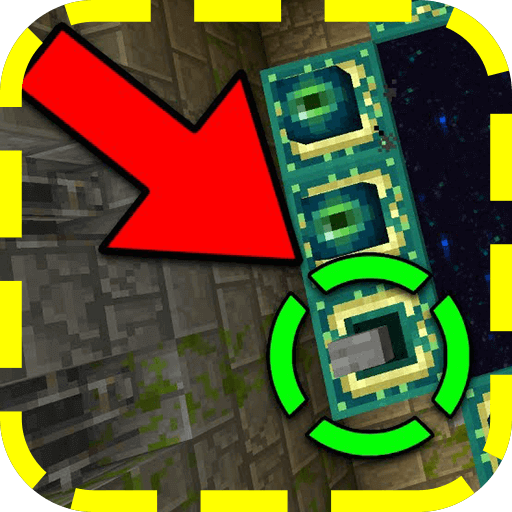
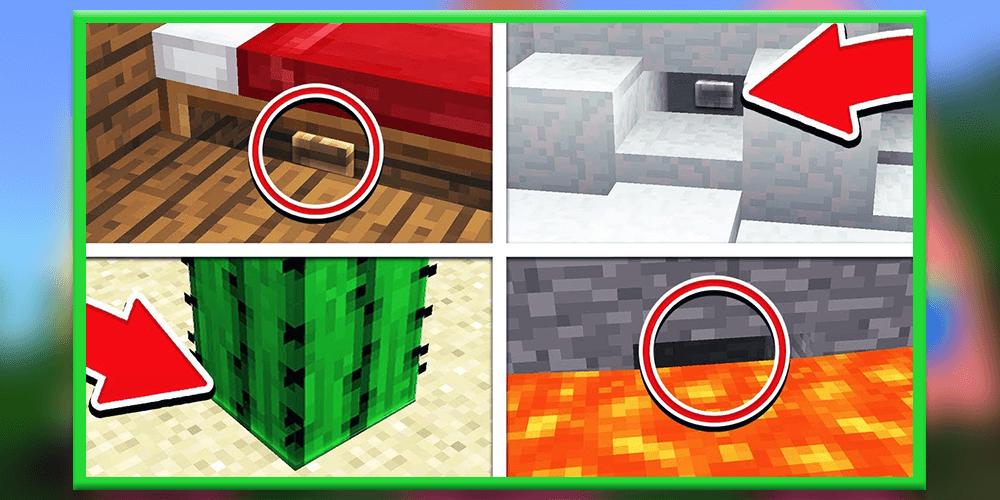
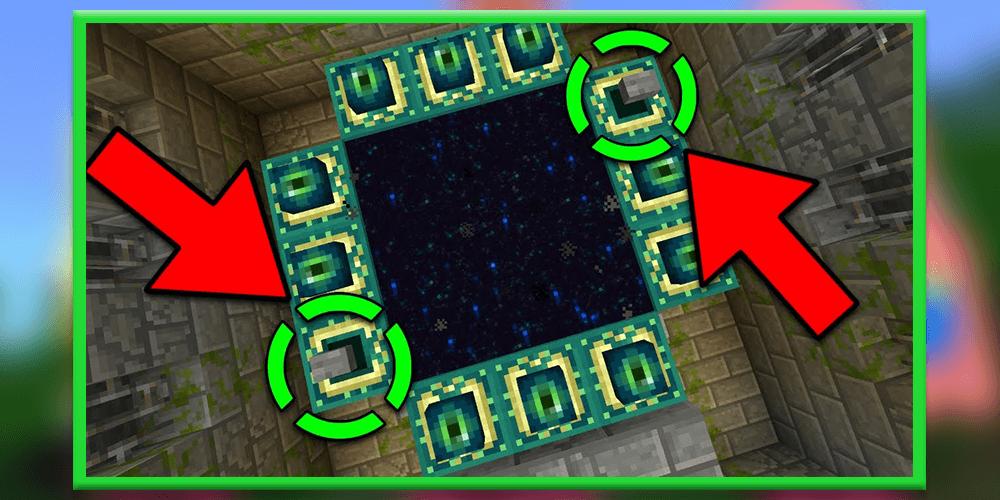
Find The Button [Map] Find The Button is probably the most self-explanatory Map in Minecraft. This map consists of a different levels and in each one there is a button which you need to find. One thing that really makes this particular map stand out is that all of the levels are very well designed. For example, in one level you’ll be at a nice cottage by a lake and in another level you’ll find yourself on the beach. How to play? The main objective is to search for a button which is hidden somewhere unknown in each level and then press the button to teleport to the next level. These challenges will continue until you’ve completed all levels.
Play through a series of challenging levels to find hidden buttons and levers. This minigames is multiplayer compatible but you can also play it alone by yourself. It’s a really simple game where you must search and find something to press or toggle in order to move onto the next level. Each level includes a different building style (e.g. medieval, modern and so on).
How to play?
Find The Button is a type of minigame where you (and your friends) need to find a hidden button or lever. You then need to press or toggle it in order to access the next level.
Disclaimer: Find The Button is not endorsed by or affiliated with Mojang AB, its name, commercial brand and other aspects of the application are registered brands and the property of their respective owners. This application adheres to the conditions set by Mojang. All items, names, places, and other aspects of the game described in this application are trademarks and belong to their respective owners. We do not claim and do not have any rights to any of the above.
معاينة
العلامات
وسائل الترفيهمعلومة
مطور
TaperStudio
احدث اصدار
4.0
آخر تحديث
2021-02-05
فئة
وسائل الترفيه
متاح على
Google Play
أظهر المزيد
كيف تلعب Find the button for mcpe مع GameLoop على جهاز الكمبيوتر
1. قم بتنزيل GameLoop من الموقع الرسمي ، ثم قم بتشغيل ملف exe لتثبيت GameLoop.
2. افتح GameLoop وابحث عن "Find the button for mcpe" ، وابحث عن Find the button for mcpe في نتائج البحث وانقر على "تثبيت".
3. استمتع بلعب Find the button for mcpe على GameLoop.
Minimum requirements
OS
Windows 8.1 64-bit or Windows 10 64-bit
GPU
GTX 1050
CPU
i3-8300
Memory
8GB RAM
Storage
1GB available space
Recommended requirements
OS
Windows 8.1 64-bit or Windows 10 64-bit
GPU
GTX 1050
CPU
i3-9320
Memory
16GB RAM
Storage
1GB available space