
GeoMetric Photo Frame Editor PC
PJ INFOTECH
قم بتنزيل GeoMetric Photo Frame Editor على جهاز الكمبيوتر باستخدام GameLoop Emulator
GeoMetric Photo Frame Editor على الكمبيوتر الشخصي
GeoMetric Photo Frame Editor ، القادم من المطور PJ INFOTECH ، يعمل على نظام Android في الماضي.
الآن ، يمكنك لعب GeoMetric Photo Frame Editor على جهاز الكمبيوتر باستخدام GameLoop بسلاسة.
قم بتنزيله في مكتبة GameLoop أو في نتائج البحث. لا مزيد من الانتباه إلى البطارية أو المكالمات المحبطة في الوقت الخطأ بعد الآن.
ما عليك سوى الاستمتاع بجهاز GeoMetric Photo Frame Editor على الشاشة الكبيرة مجانًا!
GeoMetric Photo Frame Editor مقدمة
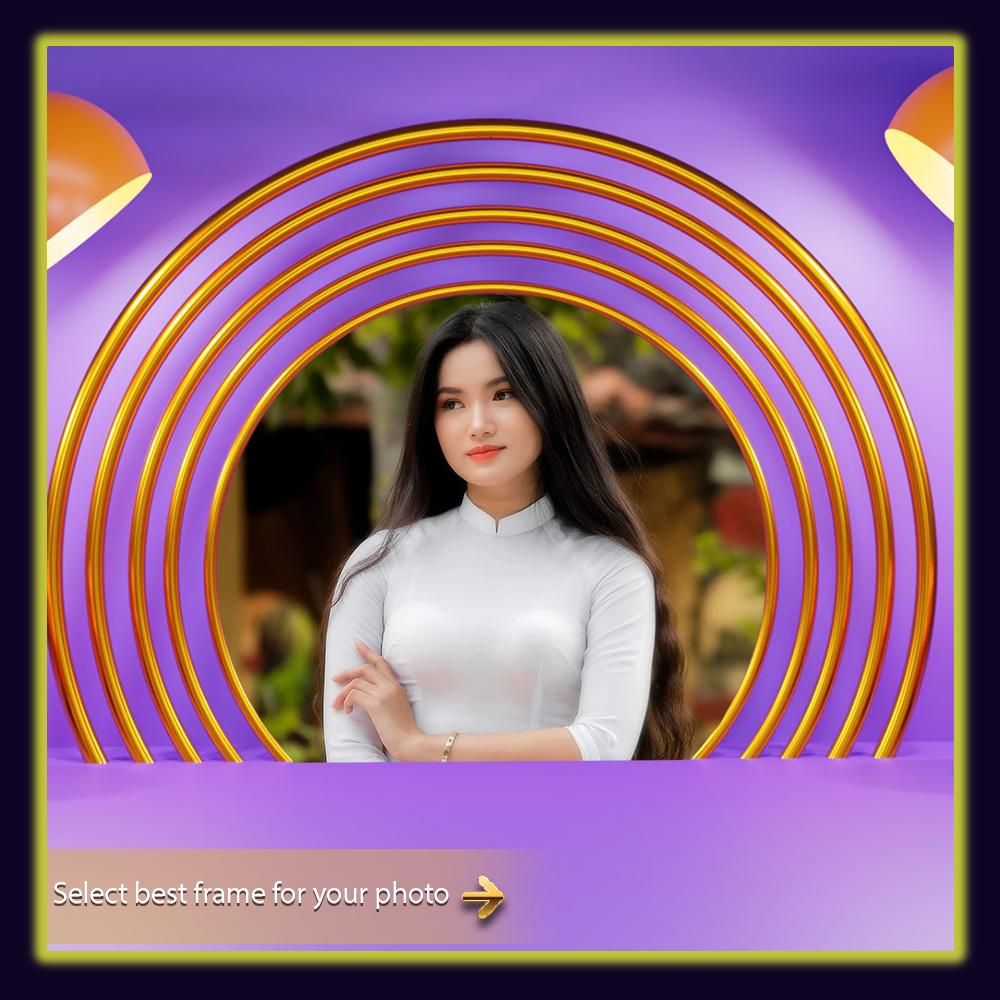
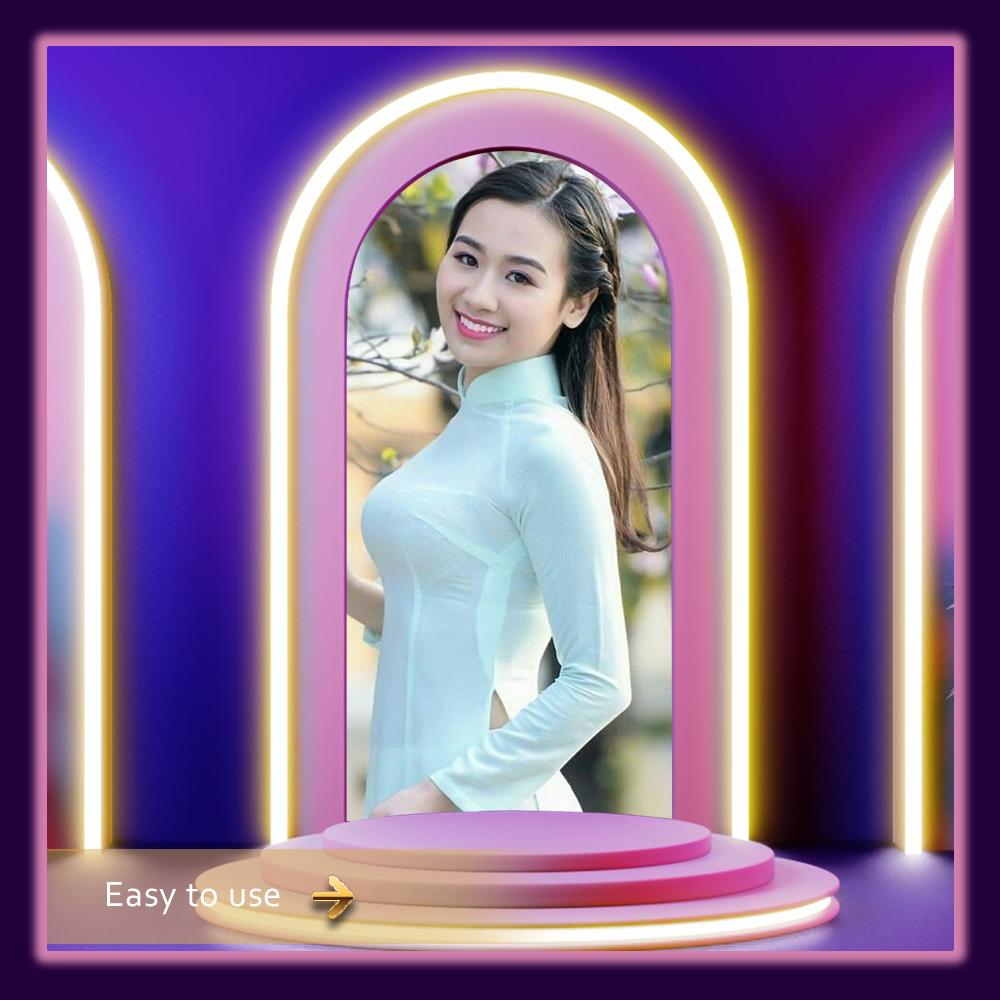
GeoMetric Photo Frame - Photo Editor 2020 is best app for GeoMetric photos with 3D Photo Frames. This app is designed for true GeoMetric lovers. Best app for GeoMetricity lover. You will be surprised with GeoMetric based theme with real photos of different species of Star GeoMetric. HD “GeoMetric pictures” frames to create thrilling photos for GeoMetric memories.
Photo backgrounds, photo frames and stickers are in this GeoMetric Photo Frame.
Take selfie or photo from gallery and edit with GeoMetric Photo with the help 3DGeoMetric Photo Frame - Photo Editor 2019. HD quality GeoMetric photo frames and stickers will give natural effect to your photos and selfies. Your photo with these photo frames will impress others.
Create thrilling photo with picture frames.
? Select your photo from the Gallery or Take a Selfie/Picture from camera.
? Simple crop image as you want.
? Choose frame from various collection of GeoMetric Photo Frame
? Move, rotate, drag options to set photos on frame.
? Apply effect to make photo more thrilled and show love towards GeoMetric.
? Add emoji stickers on your photograph.
? Adjust orientation to give natural look to photo.
? Flip photo vertically to get beautiful view.
? Save the photos directly on your mobile or gallery
? Share your creations on FaceGeoMetric, Twitter, WhatsApp Instagram etc.
We would love to receive your valuable suggestions, feedback or reviews for our GeoMetric Photo Frame - Photo Editor 2020 App to serve you better. You can also send your feedback on : angelambani55@gmail.com
Thank you for downloading this app!!
معاينة
العلامات
وسائل الترفيهمعلومة
مطور
PJ INFOTECH
احدث اصدار
1.2
آخر تحديث
2021-08-17
فئة
وسائل الترفيه
متاح على
Google Play
أظهر المزيد
كيف تلعب GeoMetric Photo Frame Editor مع GameLoop على جهاز الكمبيوتر
1. قم بتنزيل GameLoop من الموقع الرسمي ، ثم قم بتشغيل ملف exe لتثبيت GameLoop.
2. افتح GameLoop وابحث عن "GeoMetric Photo Frame Editor" ، وابحث عن GeoMetric Photo Frame Editor في نتائج البحث وانقر على "تثبيت".
3. استمتع بلعب GeoMetric Photo Frame Editor على GameLoop.
Minimum requirements
OS
Windows 8.1 64-bit or Windows 10 64-bit
GPU
GTX 1050
CPU
i3-8300
Memory
8GB RAM
Storage
1GB available space
Recommended requirements
OS
Windows 8.1 64-bit or Windows 10 64-bit
GPU
GTX 1050
CPU
i3-9320
Memory
16GB RAM
Storage
1GB available space