XBPlay - Remote Play PC
08 Studio
قم بتنزيل XBPlay - Remote Play على جهاز الكمبيوتر باستخدام GameLoop Emulator
XBPlay - Remote Play على الكمبيوتر الشخصي
XBPlay - Remote Play ، القادم من المطور 08 Studio ، يعمل على نظام Android في الماضي.
الآن ، يمكنك لعب XBPlay - Remote Play على جهاز الكمبيوتر باستخدام GameLoop بسلاسة.
قم بتنزيله في مكتبة GameLoop أو في نتائج البحث. لا مزيد من الانتباه إلى البطارية أو المكالمات المحبطة في الوقت الخطأ بعد الآن.
ما عليك سوى الاستمتاع بجهاز XBPlay - Remote Play على الشاشة الكبيرة مجانًا!
XBPlay - Remote Play مقدمة
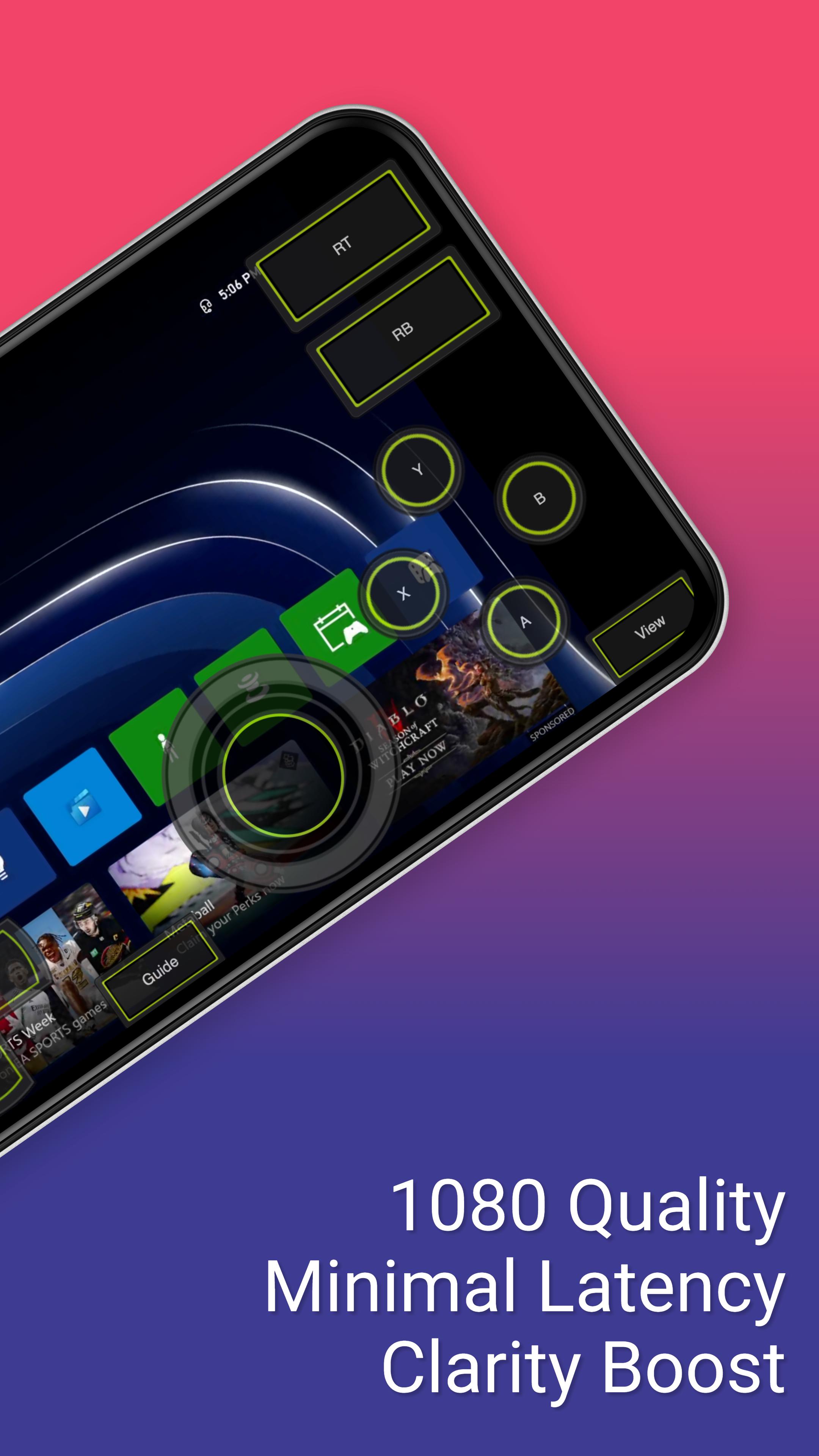
*Supports streaming backwards compatible (360) games and streams in 1080p quality.
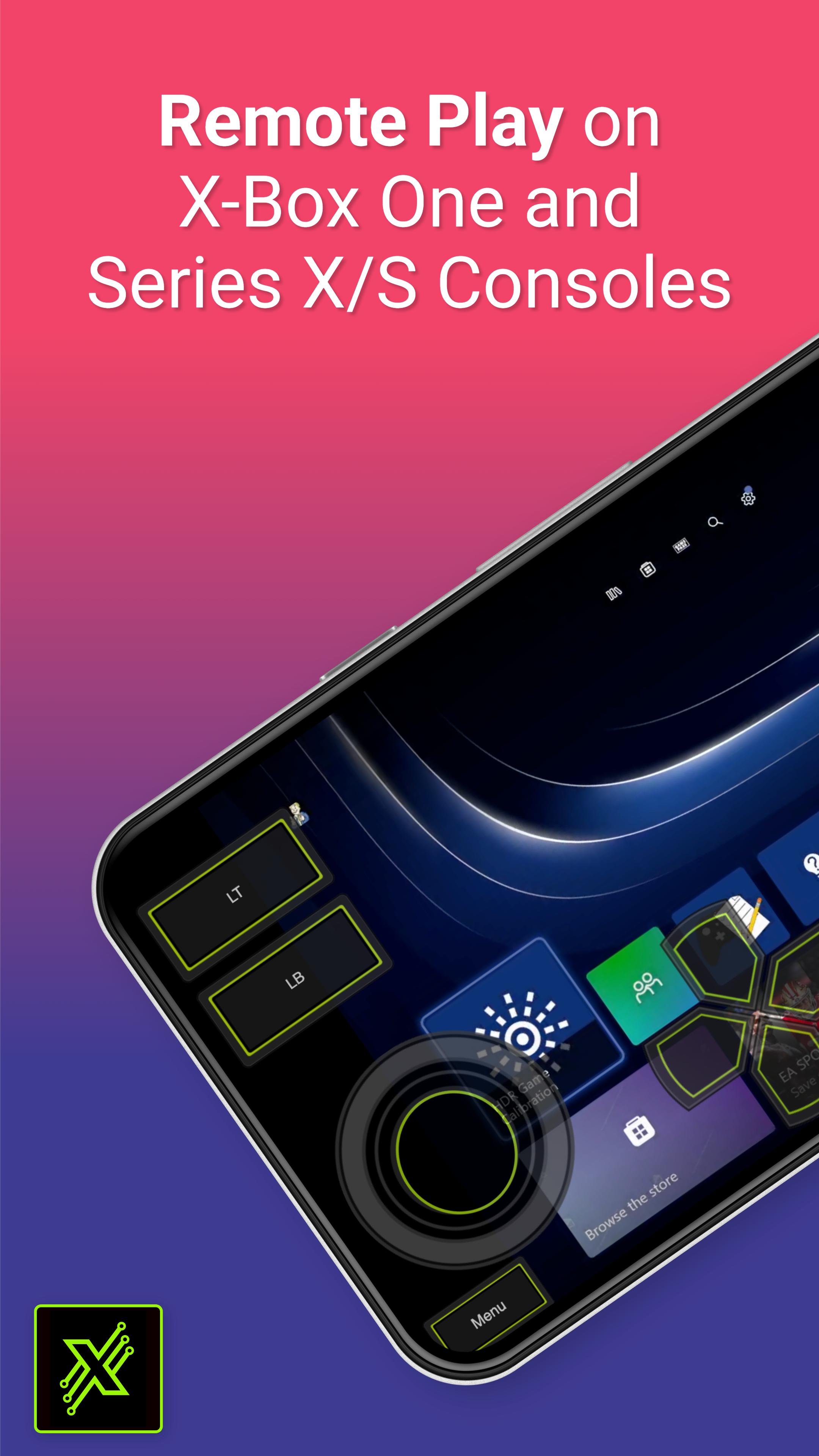
This app allows you to stream, remote control, and cast to your X-Box One or Series X/S game console! It supports physical controllers connected to your phone or a virtual on screen gamepad. Additionally, this app can configure your X-Box to stream straight to your Smart TV eliminating the need to use an HDMI cable.
Features:
- Remote Play: Stream content to your phone and control it with an on screen gamepad. Supports 1080p resolution and backwards compatible games (360 games)!
- Cloud Play: Play X-Box games without needing to be on the same WiFi network as your console with the cloud play feature.
- Mouse and Keyboard Support: Play with a mouse and keyboard either in simulation mode or true direct mode for games that officially support mouse and keyboard interaction.
- Clarity Boost: Select from a variety of clarity enhancement algorithms and tailor the strength to precisely match your specific requirements.
- Media Cast: Cast videos from your phone to your X-Box 360, X-Box One or Series X/S console.
- TV Cast: Cast your console's screen straight to a Smart TV (currently requires a high end Smart TV of 60fps and at 1080p).
- Controller Builder: Create and save your very own custom full screen or mini Gamepads for in-game play.
- Physical Controller: All streaming screens work with a physical controller connected to your phone. For example, you can use a PS5 controller on your X-Box!
- Media Remote: Control your console with a simple media remote while playing video's or navigating your console's home-screen.
- MirrorCast: Create a local server on your WiFi network that allows any connected device to stream content from your console. Even stream straight to a not so smart TV, Mac, Linux device, or virtually any device with a modern web browser.
- Steam Deck: This is the companion app for the Steam Deck.
معاينة
العلامات
وسائل الترفيهمعلومة
مطور
08 Studio
احدث اصدار
4.46
آخر تحديث
2025-02-12
فئة
وسائل الترفيه
متاح على
Google Play
أظهر المزيد
كيف تلعب XBPlay - Remote Play مع GameLoop على جهاز الكمبيوتر
1. قم بتنزيل GameLoop من الموقع الرسمي ، ثم قم بتشغيل ملف exe لتثبيت GameLoop.
2. افتح GameLoop وابحث عن "XBPlay - Remote Play" ، وابحث عن XBPlay - Remote Play في نتائج البحث وانقر على "تثبيت".
3. استمتع بلعب XBPlay - Remote Play على GameLoop.
Minimum requirements
OS
Windows 8.1 64-bit or Windows 10 64-bit
GPU
GTX 1050
CPU
i3-8300
Memory
8GB RAM
Storage
1GB available space
Recommended requirements
OS
Windows 8.1 64-bit or Windows 10 64-bit
GPU
GTX 1050
CPU
i3-9320
Memory
16GB RAM
Storage
1GB available space