
CheerOjisan (Uncle cheers) PC
株式会社アドバンスト・ネット
قم بتنزيل CheerOjisan (Uncle cheers) على جهاز الكمبيوتر باستخدام GameLoop Emulator
CheerOjisan (Uncle cheers) على الكمبيوتر الشخصي
CheerOjisan (Uncle cheers) ، القادم من المطور 株式会社アドバンスト・ネット ، يعمل على نظام Android في الماضي.
الآن ، يمكنك لعب CheerOjisan (Uncle cheers) على جهاز الكمبيوتر باستخدام GameLoop بسلاسة.
قم بتنزيله في مكتبة GameLoop أو في نتائج البحث. لا مزيد من الانتباه إلى البطارية أو المكالمات المحبطة في الوقت الخطأ بعد الآن.
ما عليك سوى الاستمتاع بجهاز CheerOjisan (Uncle cheers) على الشاشة الكبيرة مجانًا!
CheerOjisan (Uncle cheers) مقدمة
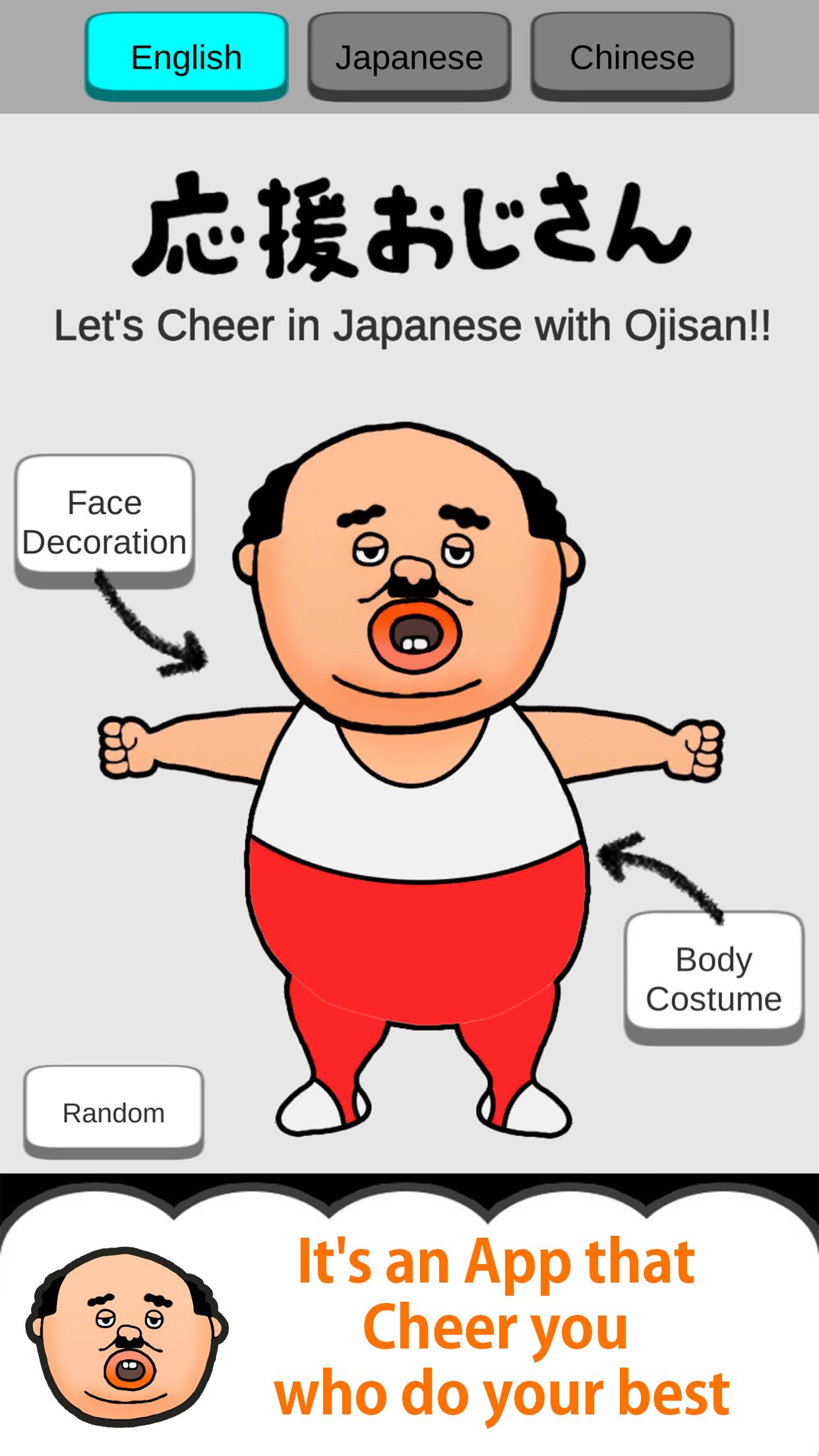
This is the Japanese uncle character "Ojisan" Apllication.
Uncle Cheers with you.
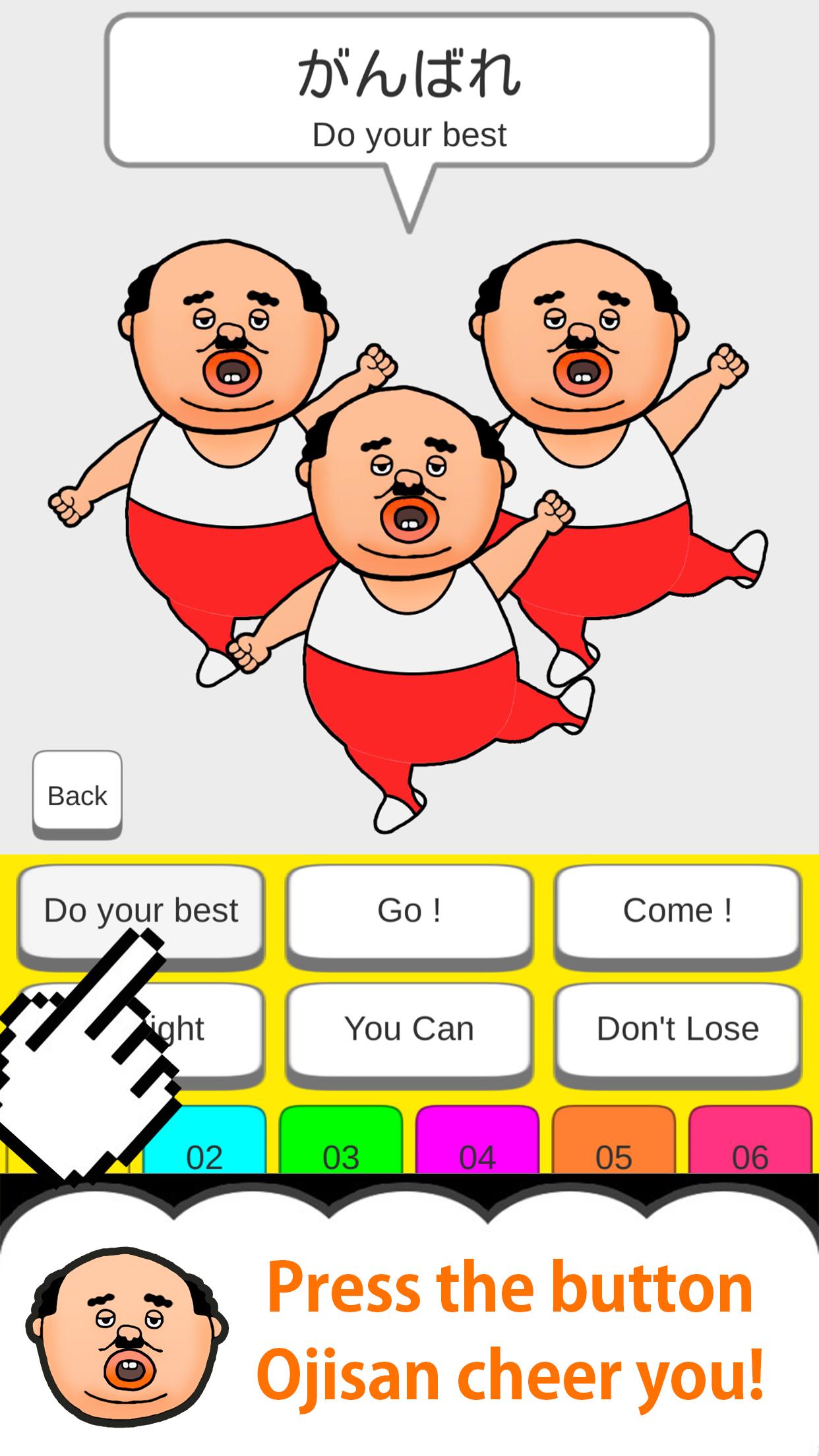
Every time you press the button with your finger,
Ojisan will move limbs and cheer you!
Let's press the button you care about!
So addictive!
-12 kinds of Ojisan's clothes
-12 types of Ojisan's face items
Have fun in combination!
Cute! Smile! lol!
please enjoy it !!
[Secret Button] ... If you release all your uncle's clothes and face items, the secret button will appear somewhere.
When you press the secret button, the number of cheering uncles ...
* Please release the silent mode and use it!
* Some English and Chinese translations may differ from Japanese nuances.
m (_ _) m
معاينة
العلامات
وسائل الترفيهمعلومة
مطور
株式会社アドバンスト・ネット
احدث اصدار
1.2.0
آخر تحديث
2020-03-24
فئة
وسائل الترفيه
متاح على
Google Play
أظهر المزيد
كيف تلعب CheerOjisan (Uncle cheers) مع GameLoop على جهاز الكمبيوتر
1. قم بتنزيل GameLoop من الموقع الرسمي ، ثم قم بتشغيل ملف exe لتثبيت GameLoop.
2. افتح GameLoop وابحث عن "CheerOjisan (Uncle cheers)" ، وابحث عن CheerOjisan (Uncle cheers) في نتائج البحث وانقر على "تثبيت".
3. استمتع بلعب CheerOjisan (Uncle cheers) على GameLoop.
Minimum requirements
OS
Windows 8.1 64-bit or Windows 10 64-bit
GPU
GTX 1050
CPU
i3-8300
Memory
8GB RAM
Storage
1GB available space
Recommended requirements
OS
Windows 8.1 64-bit or Windows 10 64-bit
GPU
GTX 1050
CPU
i3-9320
Memory
16GB RAM
Storage
1GB available space