FNAF: Unit Skins for Minecraft PC
BMCPEMods
قم بتنزيل FNAF: Unit Skins for Minecraft على جهاز الكمبيوتر باستخدام GameLoop Emulator
FNAF: Unit Skins for Minecraft على الكمبيوتر الشخصي
FNAF: Unit Skins for Minecraft ، القادم من المطور BMCPEMods ، يعمل على نظام Android في الماضي.
الآن ، يمكنك لعب FNAF: Unit Skins for Minecraft على جهاز الكمبيوتر باستخدام GameLoop بسلاسة.
قم بتنزيله في مكتبة GameLoop أو في نتائج البحث. لا مزيد من الانتباه إلى البطارية أو المكالمات المحبطة في الوقت الخطأ بعد الآن.
ما عليك سوى الاستمتاع بجهاز FNAF: Unit Skins for Minecraft على الشاشة الكبيرة مجانًا!
FNAF: Unit Skins for Minecraft مقدمة
FNAF - Five nights at Freddys home - horror mod addon + skin in Minecraft Game
FNF mod - Five Nights with Freddy is a game in the horror genre, in which the player acts as the guard of a pizzeria.
However, the pizzeria is unusual, and filled with a variety of mechanoids that act as décor.
But at night, the mechanoids come to life and begin to hunt the player.
As the game progresses, the guard finds records of the worker's past, in which he learns the secrets of the place
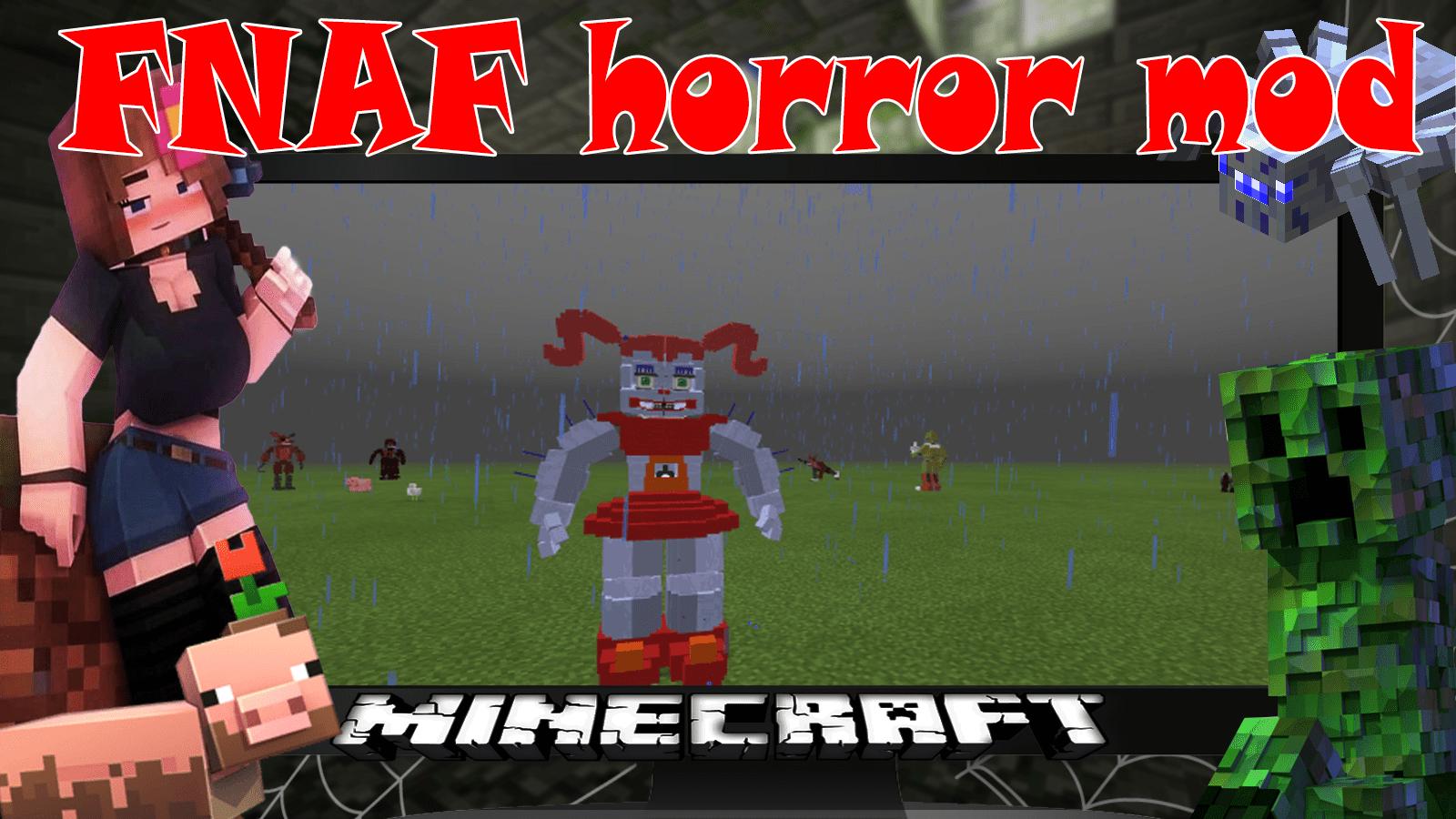
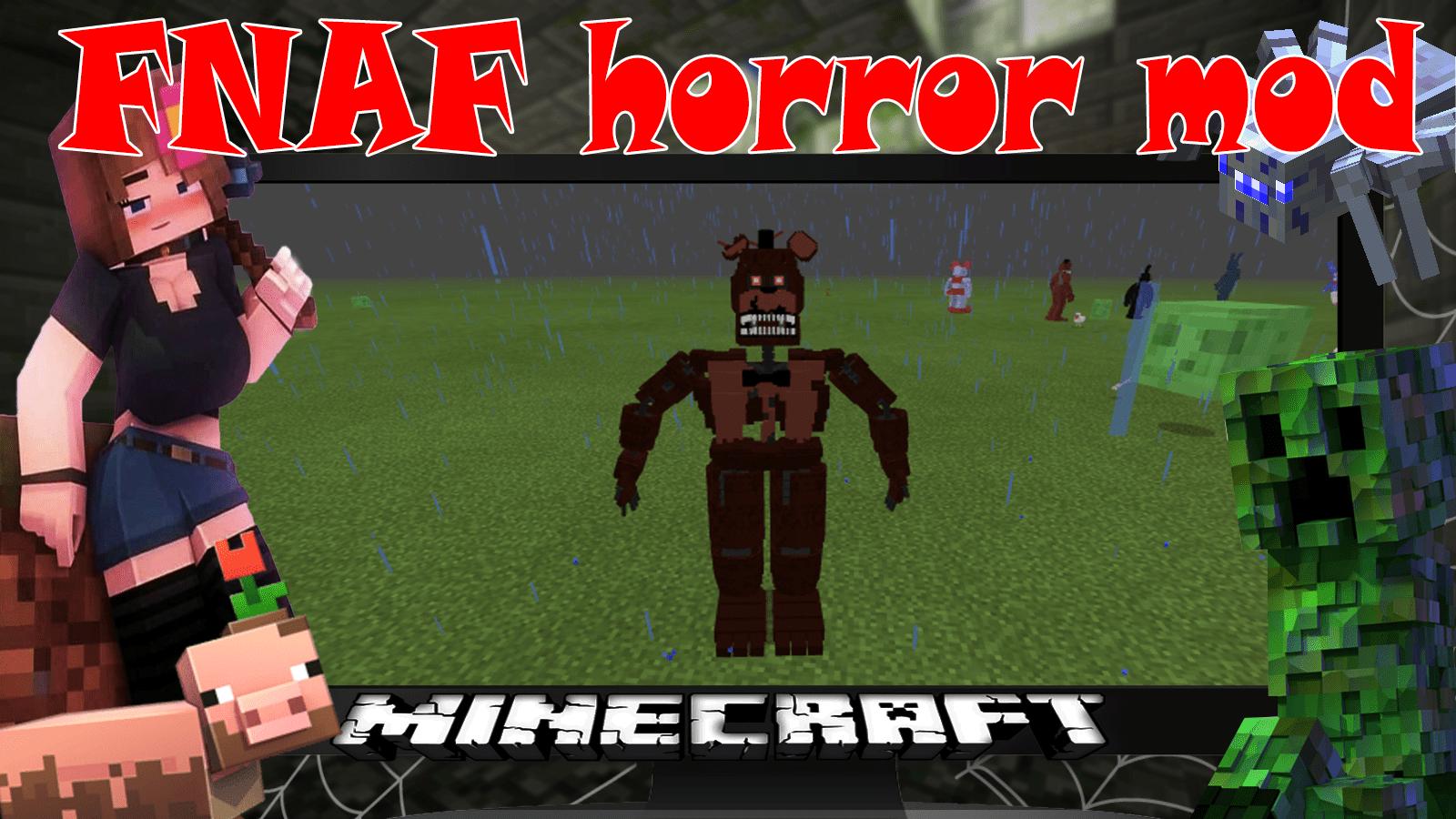
The modification adds a variety of mechanoids that will hunt the player.
FNAF Features:
★ Lots of new mobs
★ Each mechanoid has its own unique animation
★ New items
★ Quick install
🛑 👍 Rate the modification and skin and leave feedback! 👍
🛑 Disclaimer: The most popular skins and mods! The FNAF mod is not an official product of Mojang's MCPE game Meinkraft. FNAF skin pack is not affiliated with Mojang AB. FNAF 5: Unit Skins for Minecraft game mod addon + map pack
معاينة
العلامات
وسائل الترفيهمعلومة
مطور
BMCPEMods
احدث اصدار
4.39
آخر تحديث
2023-10-25
فئة
وسائل الترفيه
متاح على
Google Play
أظهر المزيد
كيف تلعب FNAF: Unit Skins for Minecraft مع GameLoop على جهاز الكمبيوتر
1. قم بتنزيل GameLoop من الموقع الرسمي ، ثم قم بتشغيل ملف exe لتثبيت GameLoop.
2. افتح GameLoop وابحث عن "FNAF: Unit Skins for Minecraft" ، وابحث عن FNAF: Unit Skins for Minecraft في نتائج البحث وانقر على "تثبيت".
3. استمتع بلعب FNAF: Unit Skins for Minecraft على GameLoop.
Minimum requirements
OS
Windows 8.1 64-bit or Windows 10 64-bit
GPU
GTX 1050
CPU
i3-8300
Memory
8GB RAM
Storage
1GB available space
Recommended requirements
OS
Windows 8.1 64-bit or Windows 10 64-bit
GPU
GTX 1050
CPU
i3-9320
Memory
16GB RAM
Storage
1GB available space