Phonics Learning - Kids Game PC
Bitty Apps
قم بتنزيل Phonics Learning - Kids Game على جهاز الكمبيوتر باستخدام GameLoop Emulator
Phonics Learning - Kids Game على الكمبيوتر الشخصي
Phonics Learning - Kids Game ، القادم من المطور Bitty Apps ، يعمل على نظام Android في الماضي.
الآن ، يمكنك لعب Phonics Learning - Kids Game على جهاز الكمبيوتر باستخدام GameLoop بسلاسة.
قم بتنزيله في مكتبة GameLoop أو في نتائج البحث. لا مزيد من الانتباه إلى البطارية أو المكالمات المحبطة في الوقت الخطأ بعد الآن.
ما عليك سوى الاستمتاع بجهاز Phonics Learning - Kids Game على الشاشة الكبيرة مجانًا!
Phonics Learning - Kids Game مقدمة
“Phonics Learning” is a simple and exciting learning game. It will introduce the English phonics with the educational process being funny and interesting. With no effort, you will learn English Phonic sounds and their first object names. The Game includes a bunch of unique of ways to teach the phonics in a very fun way like Learn, Play and Matching. Lower/Uppercase letters can be selected to play.
How to Play:
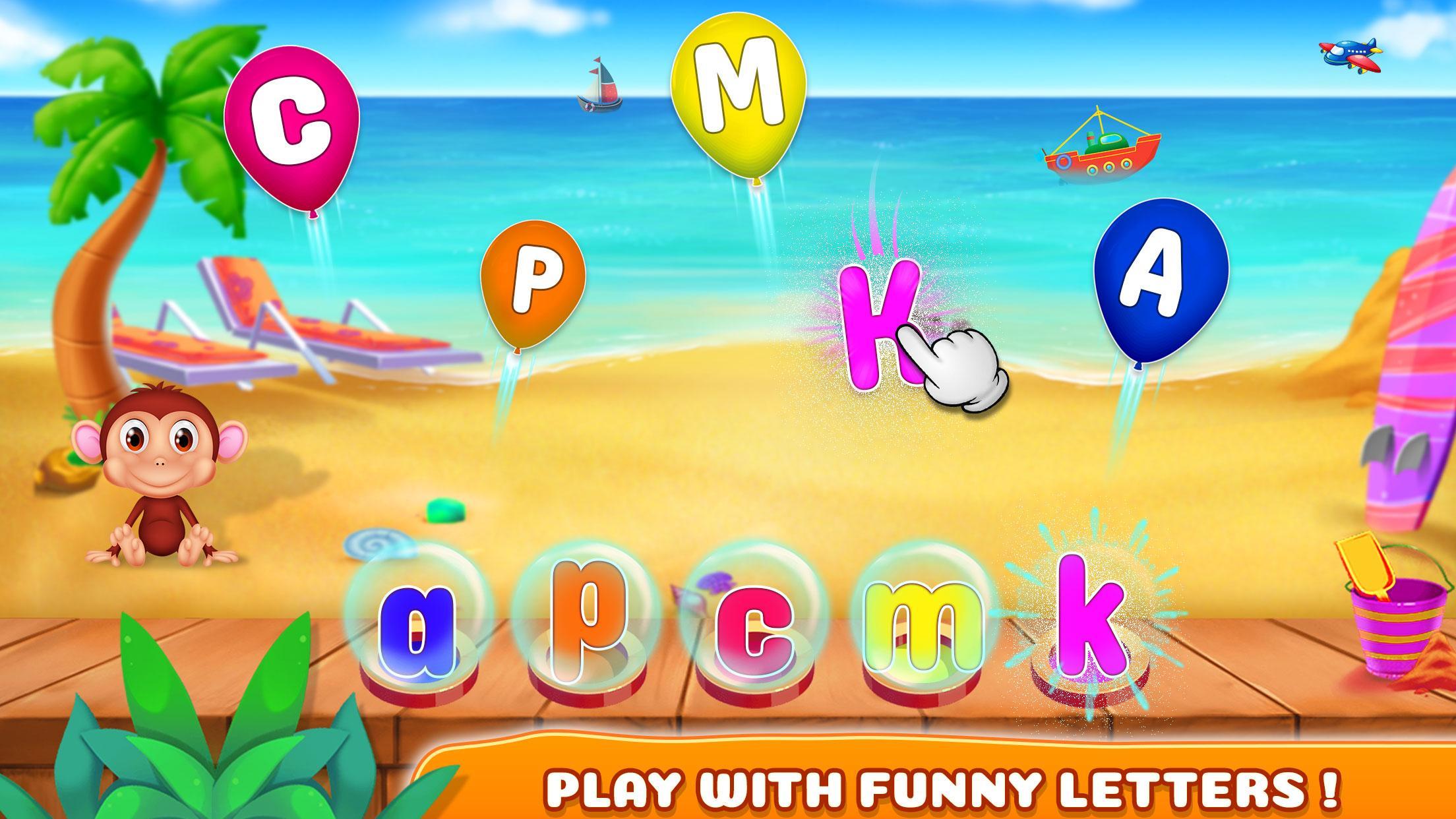
- Learn Phonics: You have to select any balloon of capital letter and have to match with the small letter give. Pronunciation will be played by the sound of that selected letter. You will give stars based on your performance.
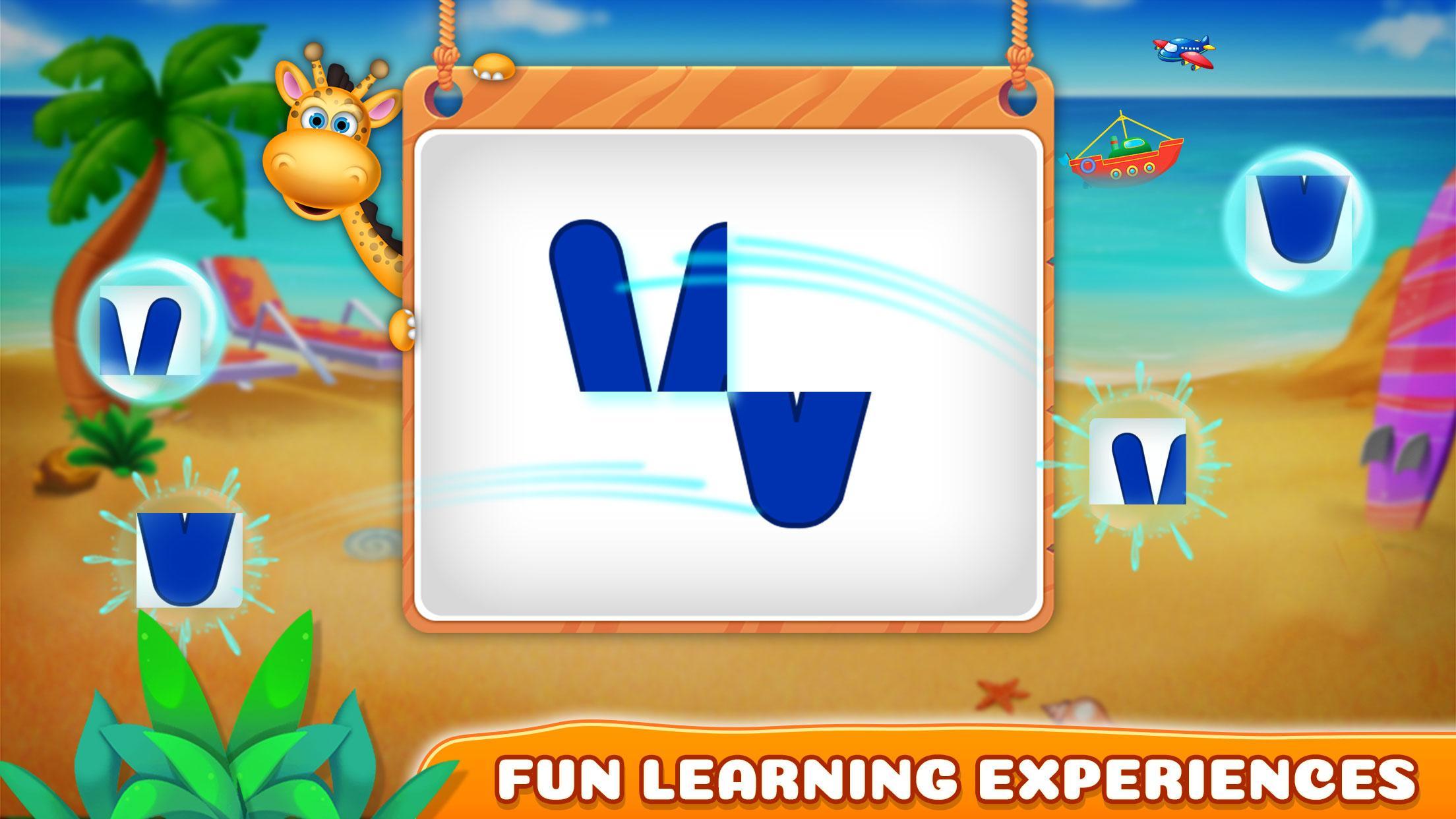
- Play with Phonics: Arrange the pieces of paper in a way that will create a single letter. Pronunciation will be played by the sound of that selected letter. You will give stars based on your performance.
- Matching Phonics: It's a matching game between phonic letters and the objects that begins with the relevant phonic sound. You have flip the cards with matching phonic letter and objects which are started from their phonic letter.
- Guess Phonics: You need to select the correct phonic/letter from the all letters to match the object shown in the boat.
Features:
- High-quality graphics
- Nice music
- 4 type of learning games
- 6 levels in each game
- Easy to learn phonics
Enjoy!
Any suggestions are heartily welcomed.
معاينة
العلامات
تعليميمعلومة
مطور
Bitty Apps
احدث اصدار
1.0.4
آخر تحديث
2023-09-18
فئة
تعليمي
متاح على
Google Play
أظهر المزيد
كيف تلعب Phonics Learning - Kids Game مع GameLoop على جهاز الكمبيوتر
1. قم بتنزيل GameLoop من الموقع الرسمي ، ثم قم بتشغيل ملف exe لتثبيت GameLoop.
2. افتح GameLoop وابحث عن "Phonics Learning - Kids Game" ، وابحث عن Phonics Learning - Kids Game في نتائج البحث وانقر على "تثبيت".
3. استمتع بلعب Phonics Learning - Kids Game على GameLoop.
Minimum requirements
OS
Windows 8.1 64-bit or Windows 10 64-bit
GPU
GTX 1050
CPU
i3-8300
Memory
8GB RAM
Storage
1GB available space
Recommended requirements
OS
Windows 8.1 64-bit or Windows 10 64-bit
GPU
GTX 1050
CPU
i3-9320
Memory
16GB RAM
Storage
1GB available space