codeSpark - Coding for Kids PC
codeSpark
قم بتنزيل codeSpark - Coding for Kids على جهاز الكمبيوتر باستخدام GameLoop Emulator
codeSpark - Coding for Kids على الكمبيوتر الشخصي
codeSpark - Coding for Kids ، القادم من المطور codeSpark ، يعمل على نظام Android في الماضي.
الآن ، يمكنك لعب codeSpark - Coding for Kids على جهاز الكمبيوتر باستخدام GameLoop بسلاسة.
قم بتنزيله في مكتبة GameLoop أو في نتائج البحث. لا مزيد من الانتباه إلى البطارية أو المكالمات المحبطة في الوقت الخطأ بعد الآن.
ما عليك سوى الاستمتاع بجهاز codeSpark - Coding for Kids على الشاشة الكبيرة مجانًا!
codeSpark - Coding for Kids مقدمة
codeSpark: The Best Learn-to-Code App for Kids (Ages 3–10)
🌟 100s of coding games & activities—plus tools to create your own!
Get full access with a monthly or annual subscription and start with a 7-day free trial!
OR
Play limited content through Hour of Code (no credit card required)
Up to 5 child profiles for annual subscribers!
🎮 Learn Through Play
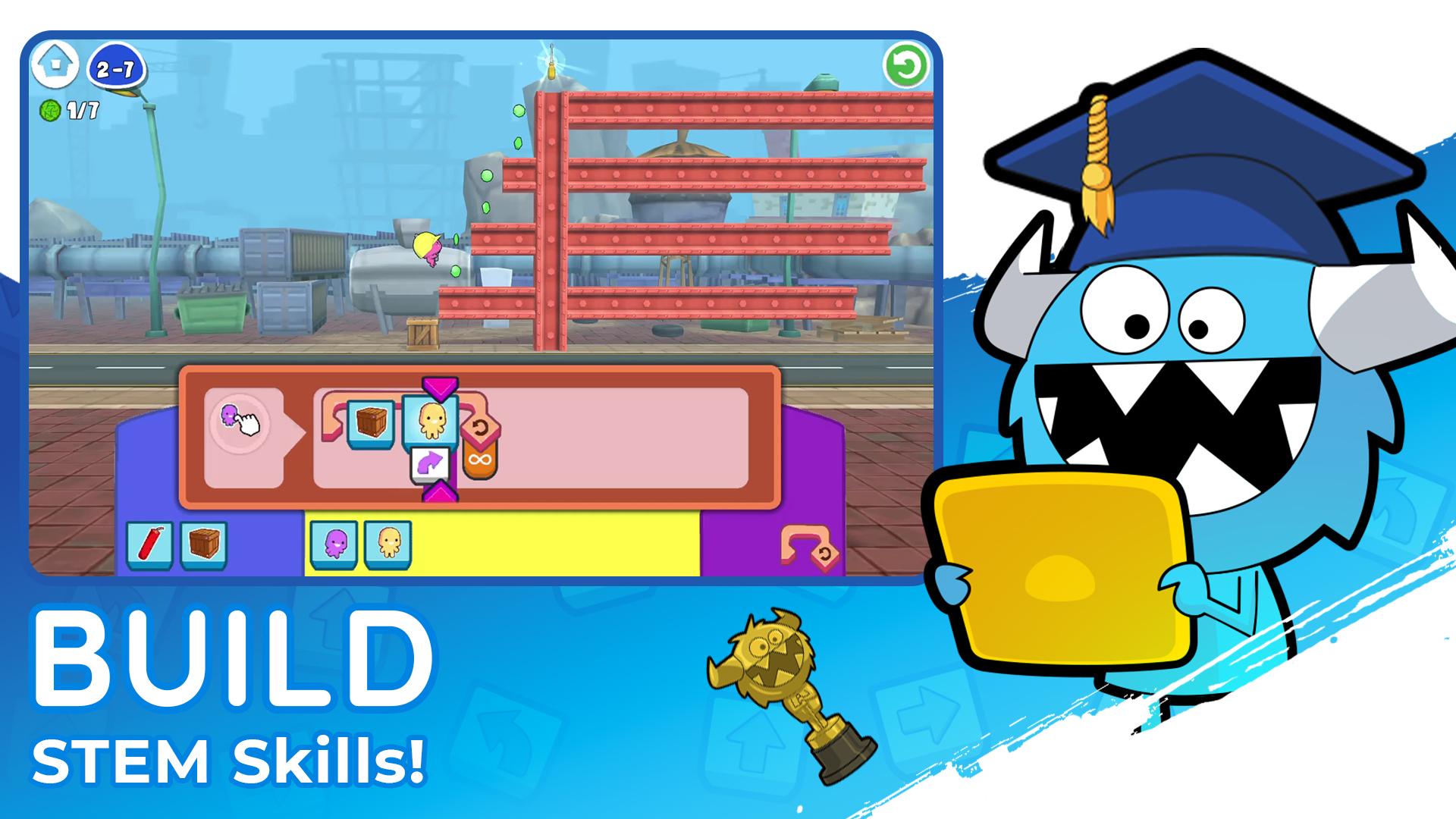
Puzzles – Master coding and problem-solving through each level!
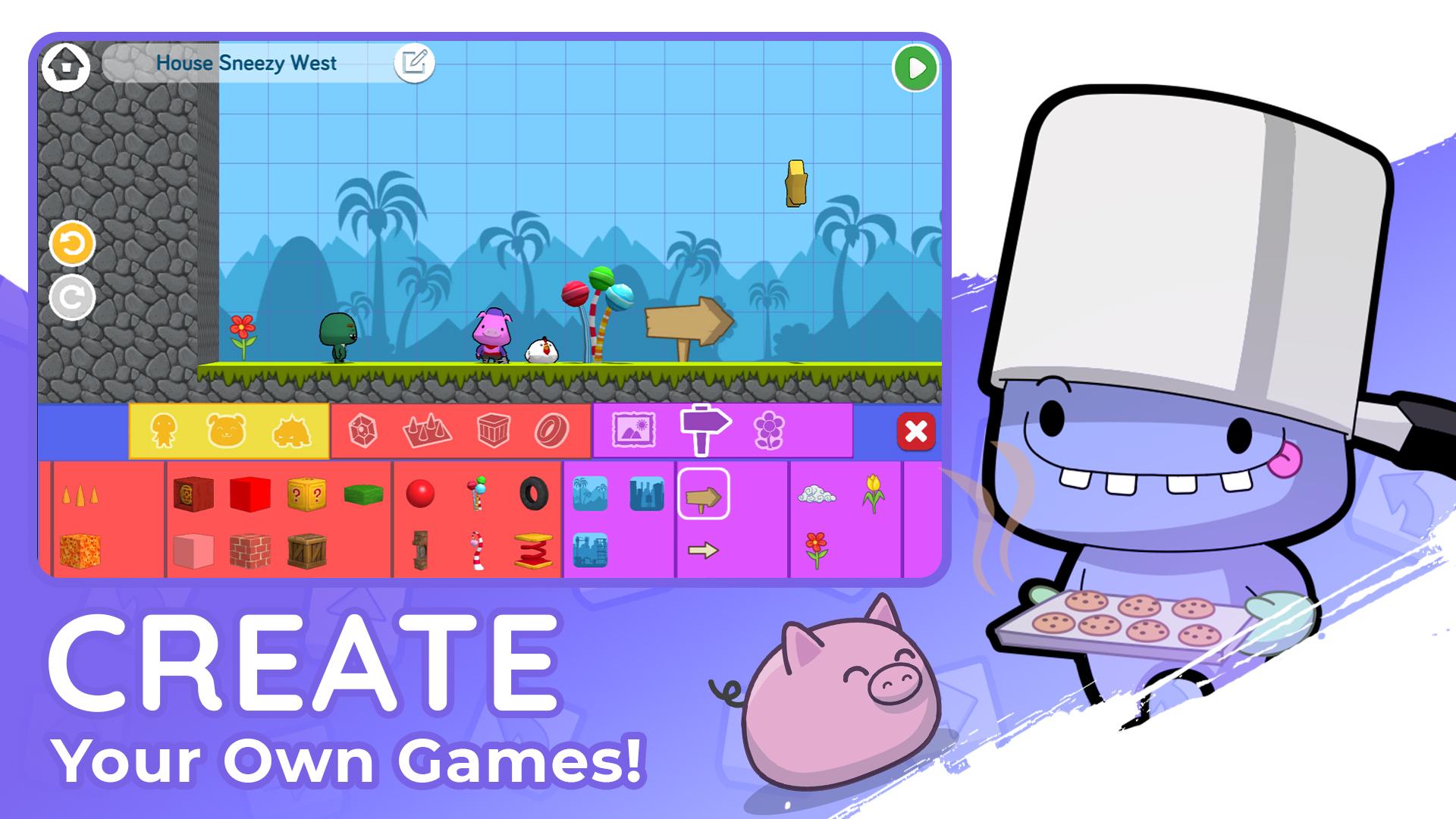
Create - Design and code your own games and stories!
Made by Kids - Explore games created by other kid coders!
Monthly Coding Contests - Showcase your creative coding and win prizes!
Code Together - Code your way to victory in a multiplayer water balloon fight!
NEW - Pre-Coding for Preschoolers - Start coding as early as 3 years old!
🔒 Kid-Safe & Ad-Free
Every game and story is moderated before publishing.
No ads or micro-transactions.
💬 Praise from Parents
"My daughters are 6 and 8, and this is their new favorite game. Now they want to be programmers!" - Parent Review, App Store
"I loved seeing how my children enjoyed working together on the puzzles." -Parent Review, Usability Study
📚 Educational Benefits
Master coding concepts: loops, conditionals, debugging & more.
Strengthen reading, math, creativity and logical thinking skills
Based on research-backed curriculum from MIT and Princeton
🏆 Awards & Recognition
✅ The LEGO Foundation – Pioneer in Reimagining Learning & Play
🎖️ Children’s Technology Review – Editor’s Choice Award
🥇 Parent’s Choice Award – Gold Medal
🏅 Silver Collision Awards - Kids & Family
📥 Download & Subscription
Manage or cancel anytime via Account Settings.
🛡️ Privacy Policy: http://learnwithhomer.com/privacy/
📜 Terms of Use: http://learnwithhomer.com/terms/
🚀 Start your child’s coding journey today with codeSpark!
معاينة
العلامات
اليوميلاعب واحدمنمنمةغير متصل على الانترنتكارتونلغزمنطقFantasyمعلومة
مطور
codeSpark
احدث اصدار
4.25.00
آخر تحديث
2025-08-12
فئة
تعليمي
متاح على
Google Play
أظهر المزيد
كيف تلعب codeSpark - Coding for Kids مع GameLoop على جهاز الكمبيوتر
1. قم بتنزيل GameLoop من الموقع الرسمي ، ثم قم بتشغيل ملف exe لتثبيت GameLoop.
2. افتح GameLoop وابحث عن "codeSpark - Coding for Kids" ، وابحث عن codeSpark - Coding for Kids في نتائج البحث وانقر على "تثبيت".
3. استمتع بلعب codeSpark - Coding for Kids على GameLoop.
Minimum requirements
OS
Windows 8.1 64-bit or Windows 10 64-bit
GPU
GTX 1050
CPU
i3-8300
Memory
8GB RAM
Storage
1GB available space
Recommended requirements
OS
Windows 8.1 64-bit or Windows 10 64-bit
GPU
GTX 1050
CPU
i3-9320
Memory
16GB RAM
Storage
1GB available space