
VSmart School PC
Vibal Group
قم بتنزيل VSmart School على جهاز الكمبيوتر باستخدام GameLoop Emulator
VSmart School على الكمبيوتر الشخصي
VSmart School ، القادم من المطور Vibal Group ، يعمل على نظام Android في الماضي.
الآن ، يمكنك لعب VSmart School على جهاز الكمبيوتر باستخدام GameLoop بسلاسة.
قم بتنزيله في مكتبة GameLoop أو في نتائج البحث. لا مزيد من الانتباه إلى البطارية أو المكالمات المحبطة في الوقت الخطأ بعد الآن.
ما عليك سوى الاستمتاع بجهاز VSmart School على الشاشة الكبيرة مجانًا!
VSmart School مقدمة
VSmart School
Bring the classroom into your home
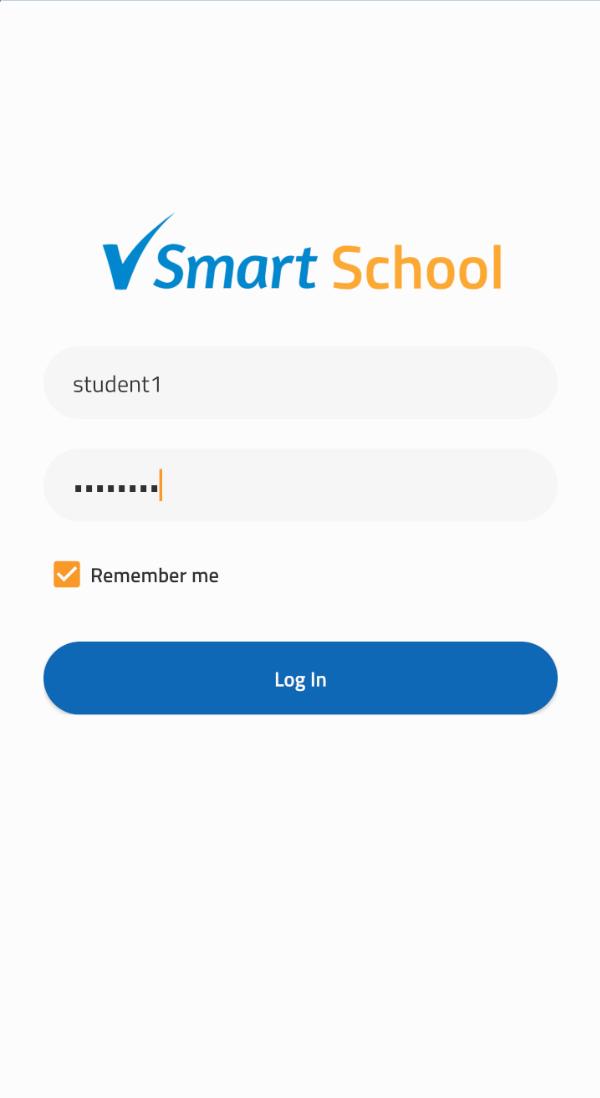
VSmart School is a one-stop teaching and learning platform that supports self-paced, teacher-paced, asynchronous, and synchronous formal education online.
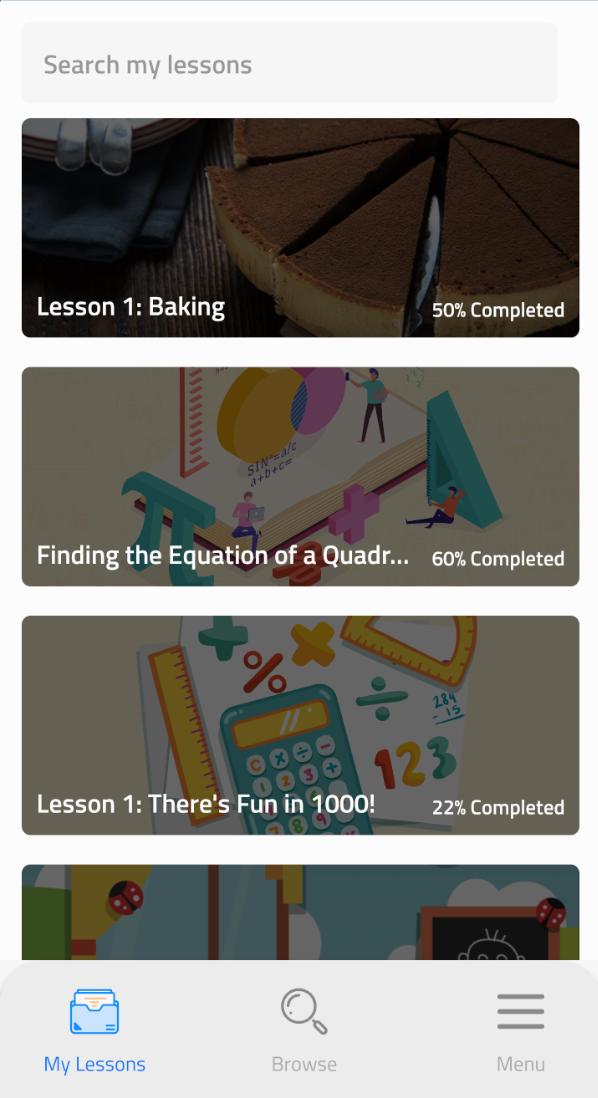
In VSmart School, students will attend daily online classes and access Vibal’s DepEd-aligned digital curriculum from preschool to senior high school, across all subjects. With the guidance of parents and teachers, students learning from their homes during class suspensions or cancellations will follow DepEd’s recommended day-to-day lesson calendar for an entire school year.
Teachers using VSmart School can schedule and follow their students’ progression through the classes and will also have access to Vibal’s test bank and lesson plan repository mapped to the curriculum. Teachers can also live stream or conduct online classes securely from the platform.
VSmart School provides both teachers and learners future-proof learning opportunities that go beyond the traditional classroom experience.
معاينة
العلامات
تعليممعلومة
مطور
Vibal Group
احدث اصدار
1.13.0
آخر تحديث
2022-03-07
فئة
تعليم
متاح على
Google Play
أظهر المزيد
كيف تلعب VSmart School مع GameLoop على جهاز الكمبيوتر
1. قم بتنزيل GameLoop من الموقع الرسمي ، ثم قم بتشغيل ملف exe لتثبيت GameLoop.
2. افتح GameLoop وابحث عن "VSmart School" ، وابحث عن VSmart School في نتائج البحث وانقر على "تثبيت".
3. استمتع بلعب VSmart School على GameLoop.
Minimum requirements
OS
Windows 8.1 64-bit or Windows 10 64-bit
GPU
GTX 1050
CPU
i3-8300
Memory
8GB RAM
Storage
1GB available space
Recommended requirements
OS
Windows 8.1 64-bit or Windows 10 64-bit
GPU
GTX 1050
CPU
i3-9320
Memory
16GB RAM
Storage
1GB available space