
VSmart Ebook Reader PC
Vibal Group
قم بتنزيل VSmart Ebook Reader على جهاز الكمبيوتر باستخدام GameLoop Emulator
VSmart Ebook Reader على الكمبيوتر الشخصي
VSmart Ebook Reader ، القادم من المطور Vibal Group ، يعمل على نظام Android في الماضي.
الآن ، يمكنك لعب VSmart Ebook Reader على جهاز الكمبيوتر باستخدام GameLoop بسلاسة.
قم بتنزيله في مكتبة GameLoop أو في نتائج البحث. لا مزيد من الانتباه إلى البطارية أو المكالمات المحبطة في الوقت الخطأ بعد الآن.
ما عليك سوى الاستمتاع بجهاز VSmart Ebook Reader على الشاشة الكبيرة مجانًا!
VSmart Ebook Reader مقدمة
V-Smart is an integrated learning management system for the mobile age, engineered by Filipinos. It has been developed in partnership with education experts to give teachers and school administrators all the tools they need to create a 21st-century digital classroom.
This app features an interactive e-textbook reader, gradebooks, social streams, a quiz creator, learning analytics tools, and gamified learning. When used in conjunction with the V-Smart School Server, it can connect devices even with low bandwidth or no internet access.
Students can:
• Read e-textbooks, measure lesson mastery performance, and win medals based on scores
• Answer quizzes deployed by the teacher in Test Guru
• Exchange ideas though Social Stream
• Be up to date with the latest school events and announcements through School Stream
Teachers can:
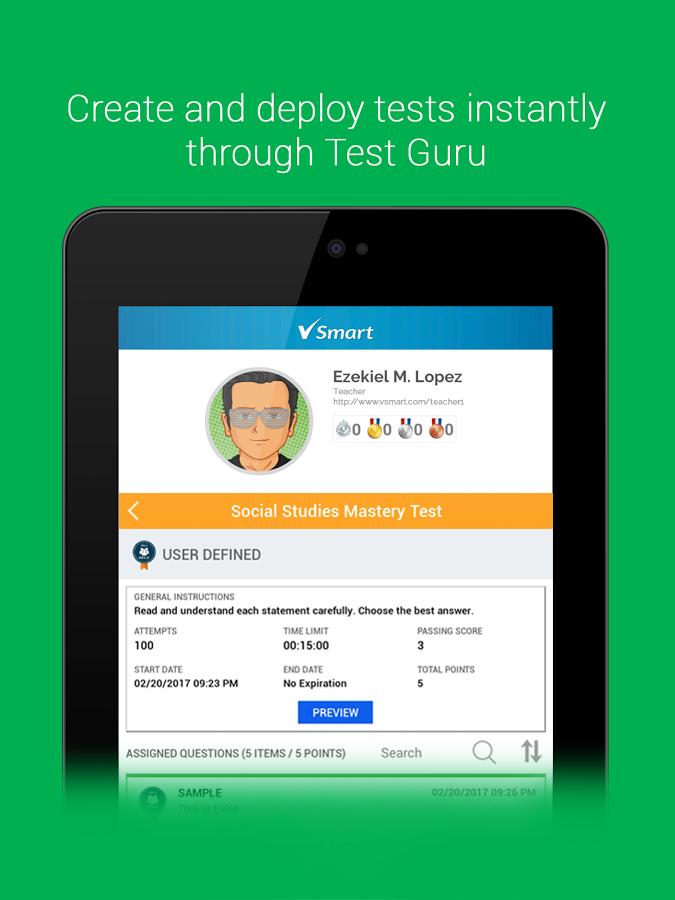
• Create and deploy tests instantly through Test Guru
• Record scores automatically in the Teacher's Gradebook
• Create their own lesson plan template
School admins can:
• Organize their school, classes, teachers, and students through the V-Smart Admin Panel
• Create their school's curriculum and map this to classes and teachers' lesson plans
• Be guided on the Philippine K to 12 Curriculum Standard through the Curriculum Guide
V-Smart also allows you to:
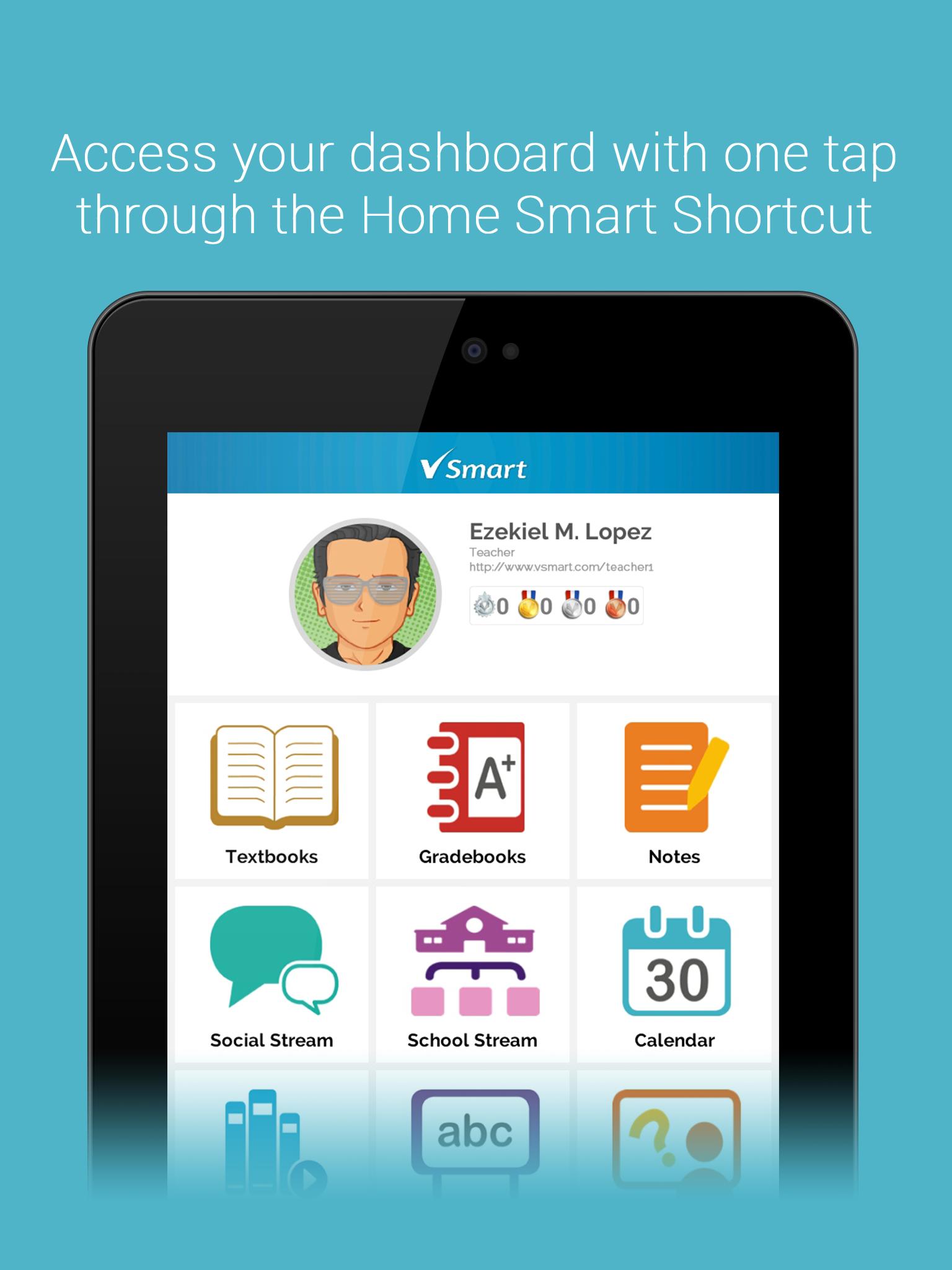
• Access your dashboard with one tap through the Home Smart Shortcut
• Instantly check your schedule with the Calendar Smart Shortcut
• Check out profiles through the People Smart Shortcut
• Record all important events in your own personalized Calendar
• Create and classify notes through Notes module
• Jot down ideas instantly with the Idea Pad
• Report issues through the Vibal Support site
• Download pre-purchased interactive e-textbooks via the V-Smart Storefront
معاينة
العلامات
تعليممعلومة
مطور
Vibal Group
احدث اصدار
4.2.0
آخر تحديث
2020-10-22
فئة
تعليم
متاح على
Google Play
أظهر المزيد
كيف تلعب VSmart Ebook Reader مع GameLoop على جهاز الكمبيوتر
1. قم بتنزيل GameLoop من الموقع الرسمي ، ثم قم بتشغيل ملف exe لتثبيت GameLoop.
2. افتح GameLoop وابحث عن "VSmart Ebook Reader" ، وابحث عن VSmart Ebook Reader في نتائج البحث وانقر على "تثبيت".
3. استمتع بلعب VSmart Ebook Reader على GameLoop.
Minimum requirements
OS
Windows 8.1 64-bit or Windows 10 64-bit
GPU
GTX 1050
CPU
i3-8300
Memory
8GB RAM
Storage
1GB available space
Recommended requirements
OS
Windows 8.1 64-bit or Windows 10 64-bit
GPU
GTX 1050
CPU
i3-9320
Memory
16GB RAM
Storage
1GB available space