
toPhonetics Converter PC
Mu-sonic
قم بتنزيل toPhonetics Converter على جهاز الكمبيوتر باستخدام GameLoop Emulator
toPhonetics Converter على الكمبيوتر الشخصي
toPhonetics Converter ، القادم من المطور Mu-sonic ، يعمل على نظام Android في الماضي.
الآن ، يمكنك لعب toPhonetics Converter على جهاز الكمبيوتر باستخدام GameLoop بسلاسة.
قم بتنزيله في مكتبة GameLoop أو في نتائج البحث. لا مزيد من الانتباه إلى البطارية أو المكالمات المحبطة في الوقت الخطأ بعد الآن.
ما عليك سوى الاستمتاع بجهاز toPhonetics Converter على الشاشة الكبيرة مجانًا!
toPhonetics Converter مقدمة
Got an English text and want to see how to pronounce it? This app will turn your English text into its phonetic transcription using International Phonetic Alphabet.
Features:
- See phonetic transcription of the whole text, not just the dictionary forms of separate words.
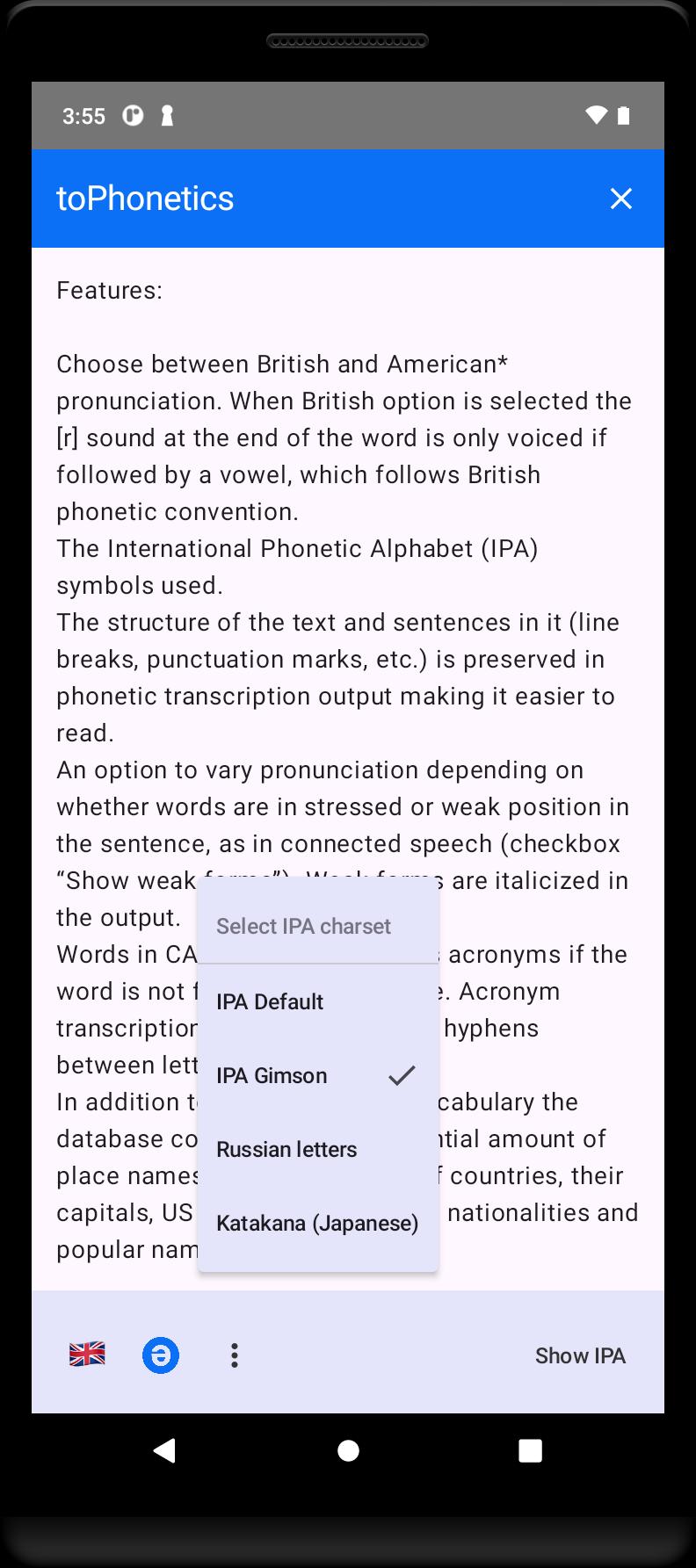
- Choose between British and American* pronunciation. When British dialect is selected the [r] sound at the end of the word is only voiced if followed by a vowel, which follows British phonetic convention.
- International Phonetic Alphabet (IPA) symbols used.
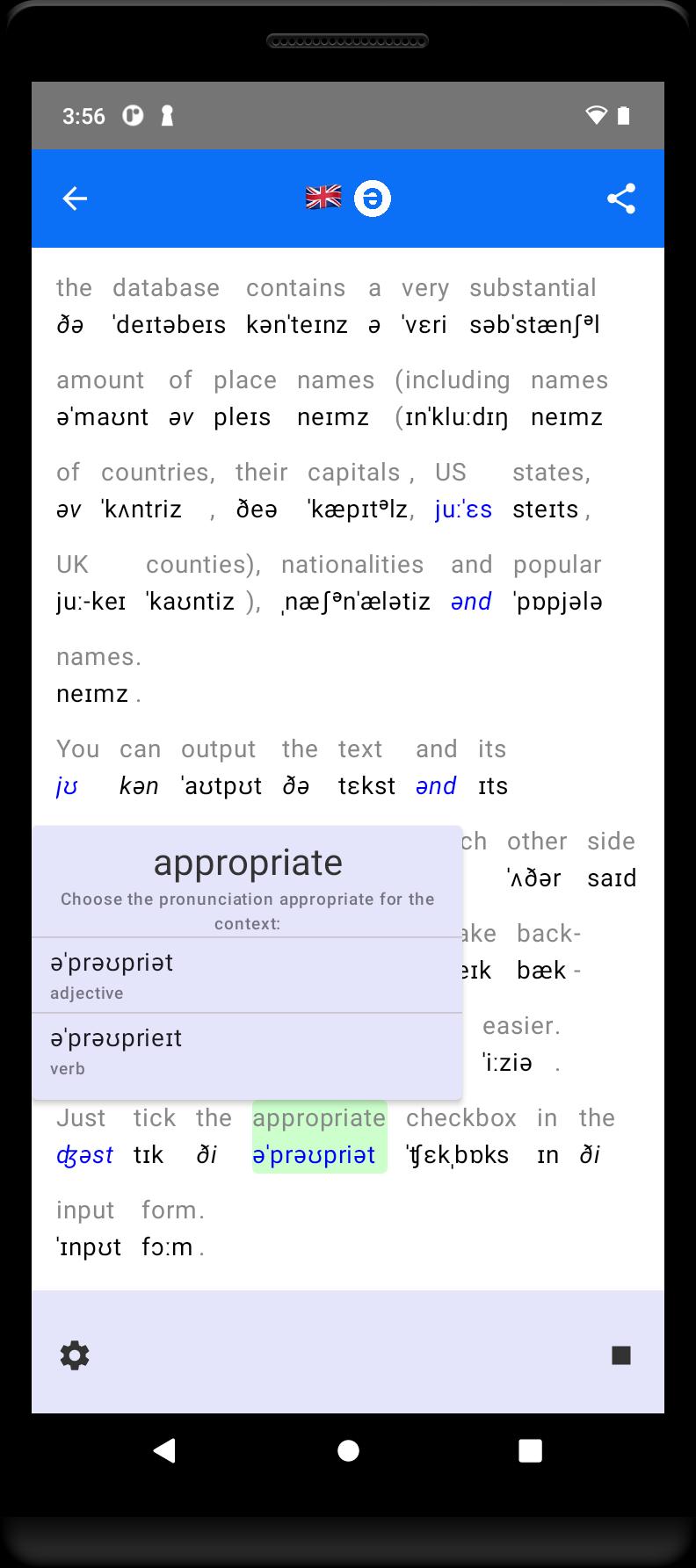
- The structure of the text and sentences in it (line breaks, punctuation marks, etc.) is preserved in phonetic transcription output making it easier to read.
- An option to vary pronunciation depending on whether words are in stressed or weak position in the sentence, as in connected speech.
- In addition to commonly used vocabulary the database contains a very substantial amount of place names (including names of countries, their capitals, US states, UK counties), nationalities and popular names.
- Where a word has a number of possible pronunciations (highlighted in blue in the output) you can select the one that agrees with the context by tapping on it.
- Print (or export to PDF) your transcription results, IPA only or along with the original.
*) American transcriptions are based on the open Carnegie Mellon University Pronouncing Dictionary.
معاينة
العلامات
تعليممعلومة
مطور
Mu-sonic
احدث اصدار
2.8.free
آخر تحديث
2025-08-11
فئة
تعليم
متاح على
Google Play
أظهر المزيد
كيف تلعب toPhonetics Converter مع GameLoop على جهاز الكمبيوتر
1. قم بتنزيل GameLoop من الموقع الرسمي ، ثم قم بتشغيل ملف exe لتثبيت GameLoop.
2. افتح GameLoop وابحث عن "toPhonetics Converter" ، وابحث عن toPhonetics Converter في نتائج البحث وانقر على "تثبيت".
3. استمتع بلعب toPhonetics Converter على GameLoop.
Minimum requirements
OS
Windows 8.1 64-bit or Windows 10 64-bit
GPU
GTX 1050
CPU
i3-8300
Memory
8GB RAM
Storage
1GB available space
Recommended requirements
OS
Windows 8.1 64-bit or Windows 10 64-bit
GPU
GTX 1050
CPU
i3-9320
Memory
16GB RAM
Storage
1GB available space