Bnext Genz : Building next Gen PC
Education Pen Media
قم بتنزيل Bnext Genz : Building next Gen على جهاز الكمبيوتر باستخدام GameLoop Emulator
Bnext Genz : Building next Gen على الكمبيوتر الشخصي
Bnext Genz : Building next Gen ، القادم من المطور Education Pen Media ، يعمل على نظام Android في الماضي.
الآن ، يمكنك لعب Bnext Genz : Building next Gen على جهاز الكمبيوتر باستخدام GameLoop بسلاسة.
قم بتنزيله في مكتبة GameLoop أو في نتائج البحث. لا مزيد من الانتباه إلى البطارية أو المكالمات المحبطة في الوقت الخطأ بعد الآن.
ما عليك سوى الاستمتاع بجهاز Bnext Genz : Building next Gen على الشاشة الكبيرة مجانًا!
Bnext Genz : Building next Gen مقدمة
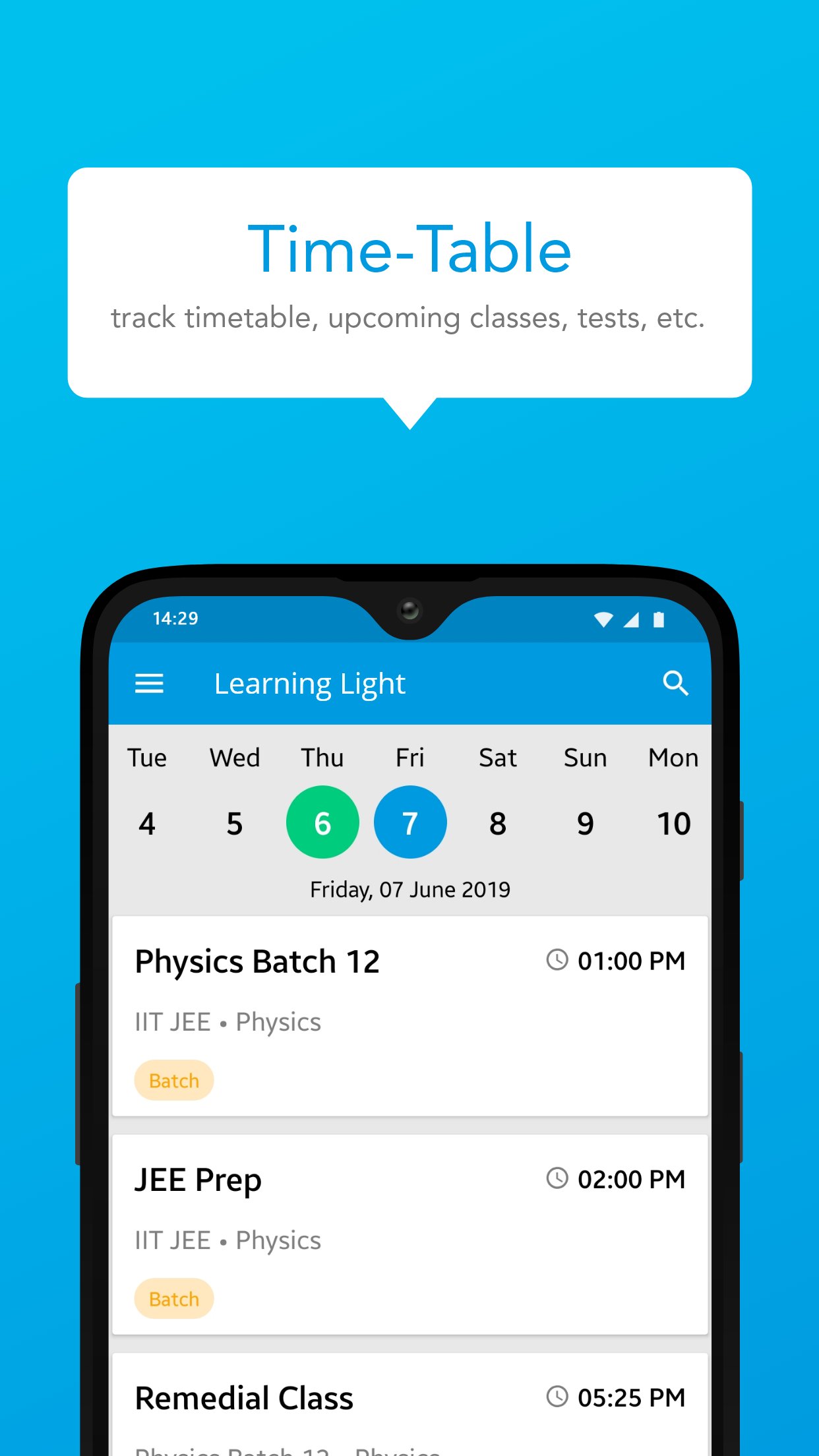
Bnext Genz: Building Next Gen is a dynamic learning platform crafted to empower students with the skills and knowledge they need to thrive in today’s fast-paced academic environment. The app offers a blend of structured learning content, interactive practice tools, and performance insights — all in one easy-to-use platform.
Designed to make learning efficient and enjoyable, Bnext Genz supports learners at various stages with expertly developed materials and self-paced progress tracking.
Key Features:
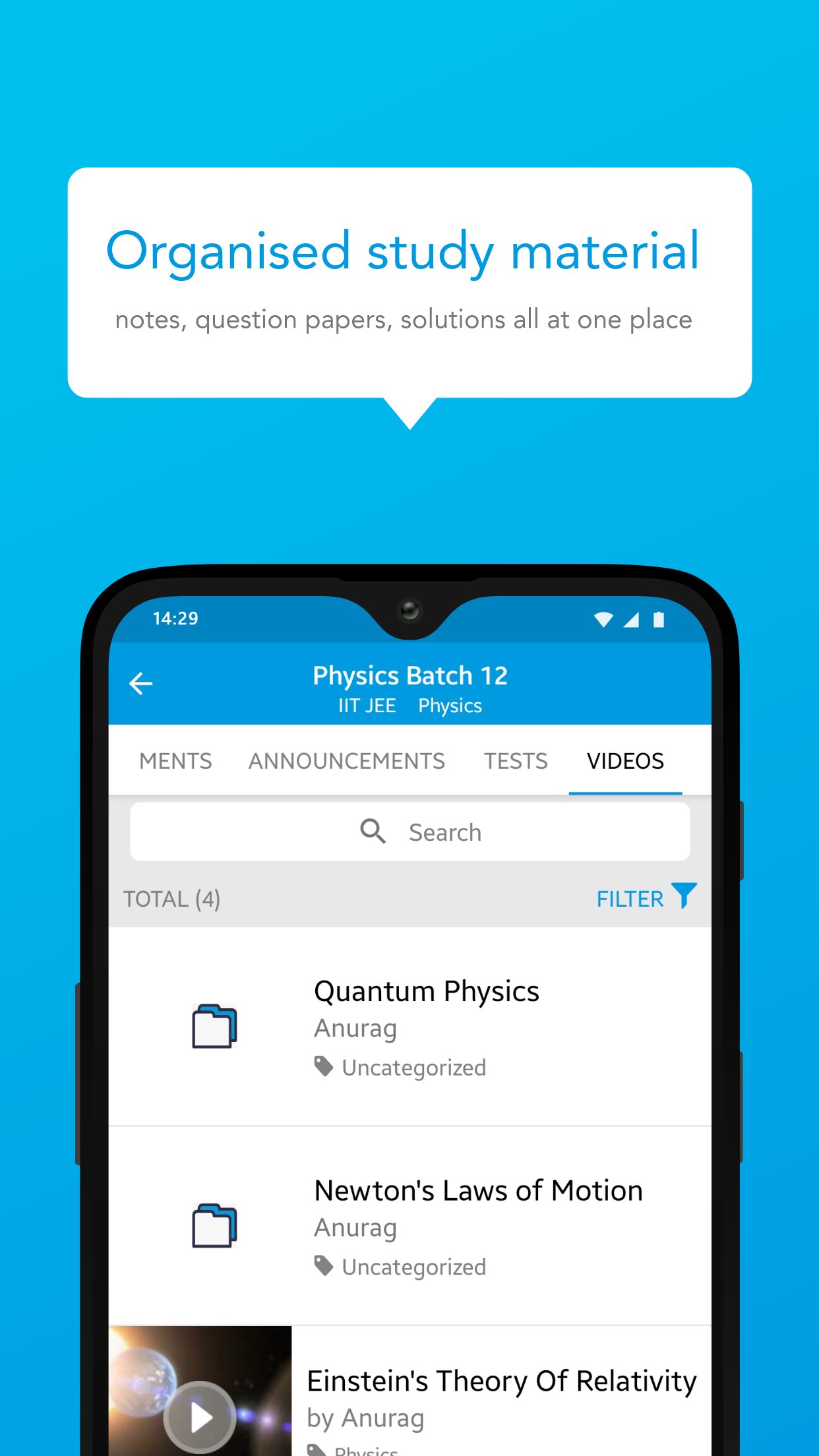
Concept-based video lessons and tutorials
Well-organized notes and reference materials
Interactive quizzes to reinforce learning
Personalized dashboards to monitor performance
Seamless learning experience across subjects and levels
Whether you're building foundational knowledge or aiming to enhance your skills, Bnext Genz helps you move forward with confidence and clarity.
معاينة
العلامات
تعليممعلومة
مطور
Education Pen Media
احدث اصدار
1.16.1.1
آخر تحديث
2026-07-24
فئة
تعليم
متاح على
Google Play
أظهر المزيد
كيف تلعب Bnext Genz : Building next Gen مع GameLoop على جهاز الكمبيوتر
1. قم بتنزيل GameLoop من الموقع الرسمي ، ثم قم بتشغيل ملف exe لتثبيت GameLoop.
2. افتح GameLoop وابحث عن "Bnext Genz : Building next Gen" ، وابحث عن Bnext Genz : Building next Gen في نتائج البحث وانقر على "تثبيت".
3. استمتع بلعب Bnext Genz : Building next Gen على GameLoop.
Minimum requirements
OS
Windows 8.1 64-bit or Windows 10 64-bit
GPU
GTX 1050
CPU
i3-8300
Memory
8GB RAM
Storage
1GB available space
Recommended requirements
OS
Windows 8.1 64-bit or Windows 10 64-bit
GPU
GTX 1050
CPU
i3-9320
Memory
16GB RAM
Storage
1GB available space