Pinkfong Hogi Star Adventure PC
The Pinkfong Company
قم بتنزيل Pinkfong Hogi Star Adventure على جهاز الكمبيوتر باستخدام GameLoop Emulator
Pinkfong Hogi Star Adventure على الكمبيوتر الشخصي
Pinkfong Hogi Star Adventure ، القادم من المطور The Pinkfong Company ، يعمل على نظام Android في الماضي.
الآن ، يمكنك لعب Pinkfong Hogi Star Adventure على جهاز الكمبيوتر باستخدام GameLoop بسلاسة.
قم بتنزيله في مكتبة GameLoop أو في نتائج البحث. لا مزيد من الانتباه إلى البطارية أو المكالمات المحبطة في الوقت الخطأ بعد الآن.
ما عليك سوى الاستمتاع بجهاز Pinkfong Hogi Star Adventure على الشاشة الكبيرة مجانًا!
Pinkfong Hogi Star Adventure مقدمة
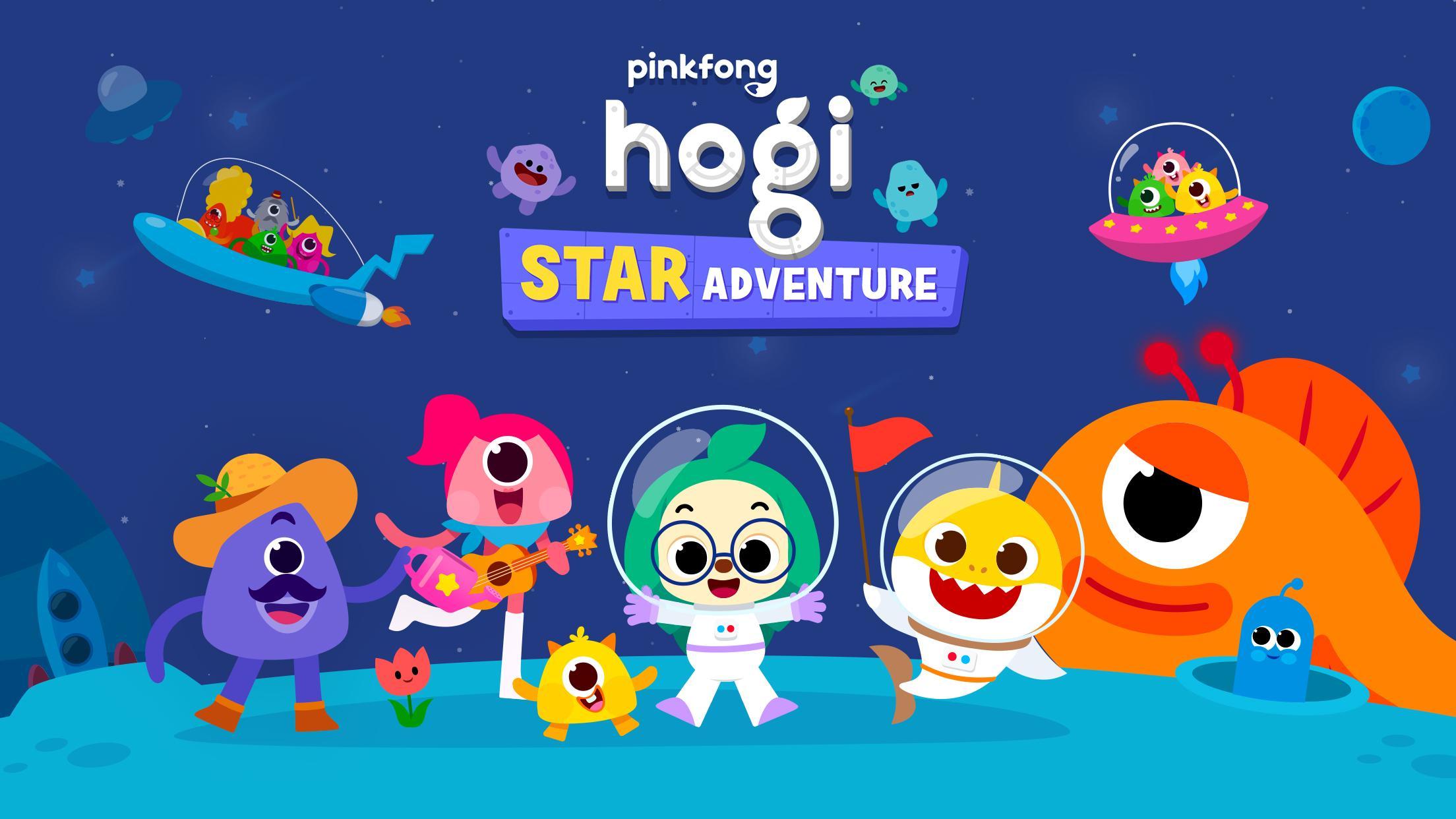
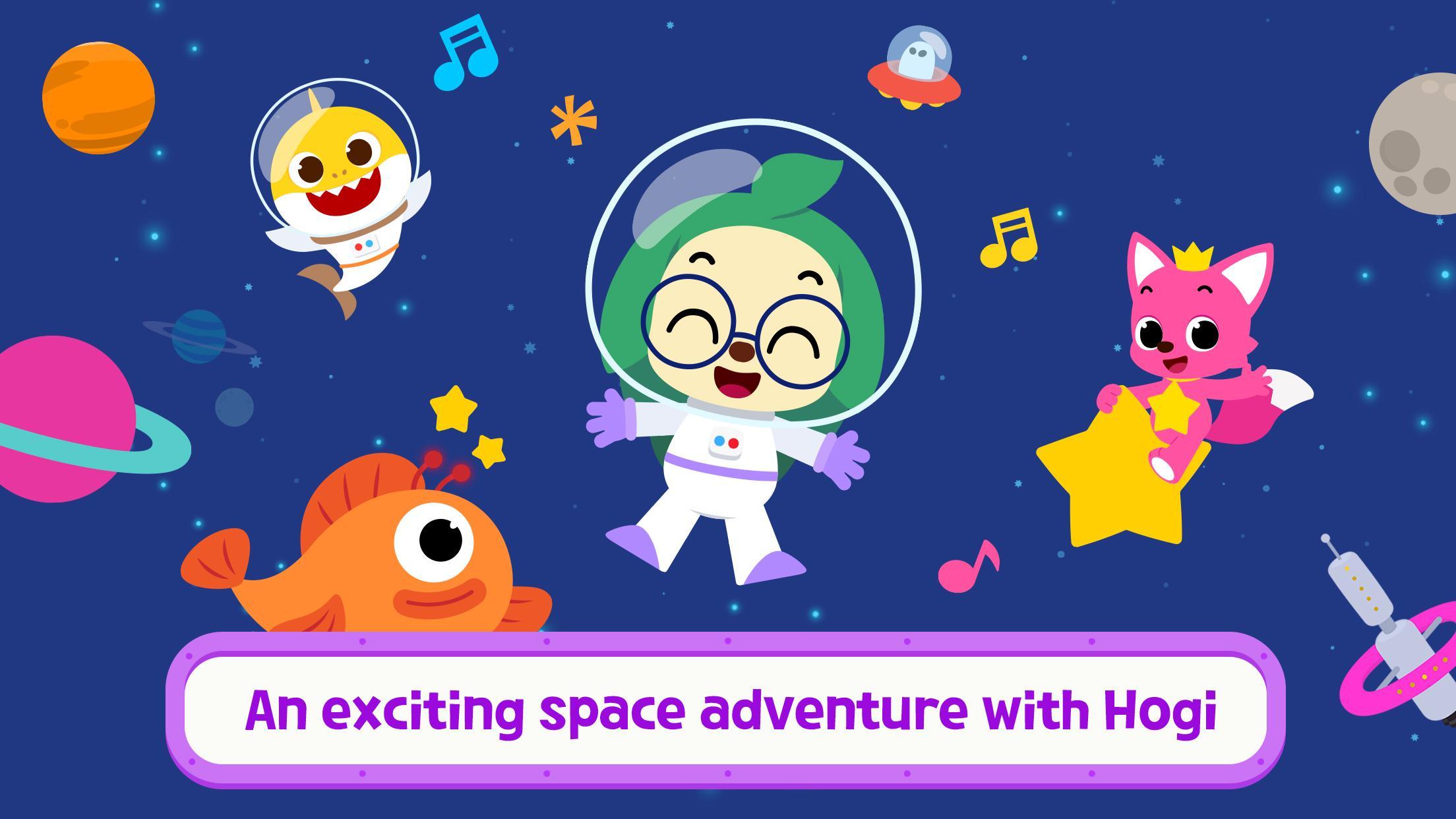
Exciting space adventure with Hogi!
You can say hello to monster friends in the space and watch the moving planets.
Dance time with Pinkfong as we keep meet our friends.
Join us to the fascinating space adventure with fancy animation.
Hogi Star Adventure
1. Let’s Play and Learn!
- Say hello to different friends, naturally build friendship, and learn healthy habits.
- Grow imagination and learn more about the space in easy and fun way.
2. Easy and fun for everyone.
- Everyone can play the app by just tapping and dragging.
- You can watch various animations of Pinkfong characters and planets as you play.
3. Enjoy various sounds.
- Anyone in the globe can enjoy without a language barrier.
-
A World of Play + Learning
- Discover a premium kids' membership designed by Pinkfong's unique expertise!
• Official Website: https://fong.kr/pinkfongplus/
• What's so great about Pinkfong Plus:
1. 30+ apps with different themes and levels for each stage of child development!
2. Interactive play and educational content that allows for self-directed learning!
3. Unlock all premium content
4. Block unsafe ads and inappropriate content
5. Exclusive Pinkfong Plus original content only available to members!
6. Connect with various devices such as smartphones, tablets, and smart TVs
7. Certified by teachers and professional organizations!
• Unlimited apps available with Pinkfong Plus:
- Baby Shark World for Kids, Baby Shark Princess Dress Up, Baby Shark Chef Cooking Game, Bebefinn Baby Care, Baby Shark Hospital Play, Baby Shark Taco Sandwich Maker, Baby Shark's Dessert Shop, Pinkfong Baby Shark, Baby Shark Pizza Game, Pinkfong Baby Shark Phone, Pinkfong Shapes & Colors, Pinkfong Dino World, Pinkfong Tracing World, Baby Shark Coloring Book, Baby Shark ABC Phonics, Baby Shark Makeover Game, Pinkfong My Body, Baby Shark Car Town, Pinkfong 123 Numbers, Pinkfong Guess the Animal, Pinkfong Numbers Zoo, Pinkfong Learn Korean, Pinkfong Police Heroes Game, Pinkfong Coloring Fun, Pinkfong Super Phonics, Pinkfong Baby Shark Storybook, Pinkfong Word Power, Pinkfong Mother Goose, Pinkfong Birthday Party, Pinkfong Fun Times Tables, Pinkfong Baby Bedtime Songs, Pinkfong Hogi Star Adventure + more!
- More available apps will be updated soon.
- Click the 'More Apps' button on each app's main screen or search for the app on Google Play!
-
Privacy Policy:
https://pid.pinkfong.com/terms?type=privacy-policy
Terms of Use of Pinkfong Integrated Services:
https://pid.pinkfong.com/terms?type=terms-and-conditions
Terms of Use of Pinkfong Interactive App:
https://pid.pinkfong.com/terms?type=interactive-terms-and-conditions
معاينة
العلامات
تعليممعلومة
مطور
The Pinkfong Company
احدث اصدار
3.15
آخر تحديث
2025-09-11
فئة
تعليم
متاح على
Google Play
أظهر المزيد
كيف تلعب Pinkfong Hogi Star Adventure مع GameLoop على جهاز الكمبيوتر
1. قم بتنزيل GameLoop من الموقع الرسمي ، ثم قم بتشغيل ملف exe لتثبيت GameLoop.
2. افتح GameLoop وابحث عن "Pinkfong Hogi Star Adventure" ، وابحث عن Pinkfong Hogi Star Adventure في نتائج البحث وانقر على "تثبيت".
3. استمتع بلعب Pinkfong Hogi Star Adventure على GameLoop.
Minimum requirements
OS
Windows 8.1 64-bit or Windows 10 64-bit
GPU
GTX 1050
CPU
i3-8300
Memory
8GB RAM
Storage
1GB available space
Recommended requirements
OS
Windows 8.1 64-bit or Windows 10 64-bit
GPU
GTX 1050
CPU
i3-9320
Memory
16GB RAM
Storage
1GB available space