
Math Ninja -Times Table- PC
Fantamstick, Ltd.
قم بتنزيل Math Ninja -Times Table- على جهاز الكمبيوتر باستخدام GameLoop Emulator
Math Ninja -Times Table- على الكمبيوتر الشخصي
Math Ninja -Times Table- ، القادم من المطور Fantamstick, Ltd. ، يعمل على نظام Android في الماضي.
الآن ، يمكنك لعب Math Ninja -Times Table- على جهاز الكمبيوتر باستخدام GameLoop بسلاسة.
قم بتنزيله في مكتبة GameLoop أو في نتائج البحث. لا مزيد من الانتباه إلى البطارية أو المكالمات المحبطة في الوقت الخطأ بعد الآن.
ما عليك سوى الاستمتاع بجهاز Math Ninja -Times Table- على الشاشة الكبيرة مجانًا!
Math Ninja -Times Table- مقدمة
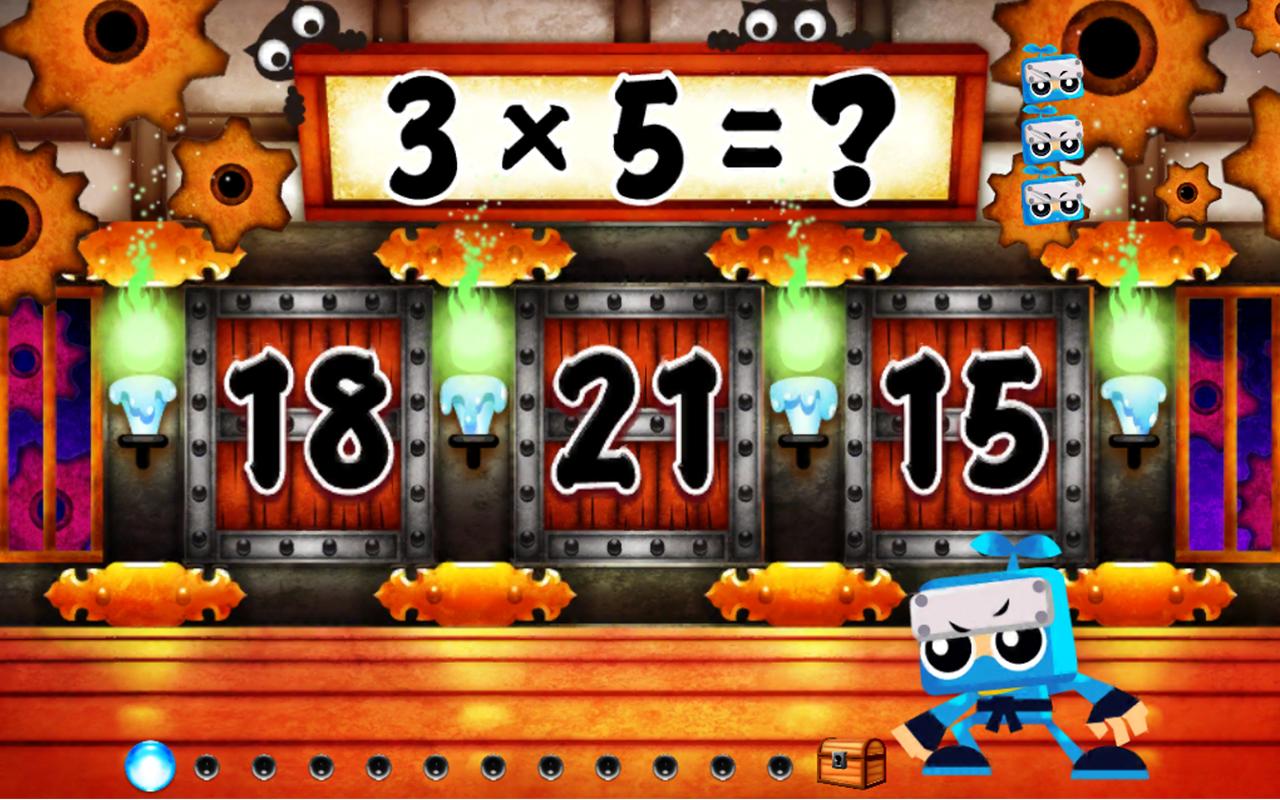
Become Kazumaru or Kazuha and train hard to beat your way up to the Ninja Masters, and before you know it, you've learned the Times Table! Learning should be fun, and this is just that! Fun, Entertaining and Educational.
Check how many problems you answered correct or wrong on the status report and see the top 3 multiplications you had the most difficulty with.
Each multiplication has a unique Ninja Master, try to beat them all.
Learn from your mistakes! Count the rice balls when you get the answer wrong.
Three separate save data can be used, so no need to fight between brothers or sisters!
معاينة

معلومة
مطور
Fantamstick, Ltd.
احدث اصدار
3.1.1
آخر تحديث
2016-03-22
فئة
تعليم
متاح على
Google Play
أظهر المزيد
كيف تلعب Math Ninja -Times Table- مع GameLoop على جهاز الكمبيوتر
1. قم بتنزيل GameLoop من الموقع الرسمي ، ثم قم بتشغيل ملف exe لتثبيت GameLoop.
2. افتح GameLoop وابحث عن "Math Ninja -Times Table-" ، وابحث عن Math Ninja -Times Table- في نتائج البحث وانقر على "تثبيت".
3. استمتع بلعب Math Ninja -Times Table- على GameLoop.
Minimum requirements
OS
Windows 8.1 64-bit or Windows 10 64-bit
GPU
GTX 1050
CPU
i3-8300
Memory
8GB RAM
Storage
1GB available space
Recommended requirements
OS
Windows 8.1 64-bit or Windows 10 64-bit
GPU
GTX 1050
CPU
i3-9320
Memory
16GB RAM
Storage
1GB available space