
Explore & Develop PC
OWNA Childcare Apps
قم بتنزيل Explore & Develop على جهاز الكمبيوتر باستخدام GameLoop Emulator
Explore & Develop على الكمبيوتر الشخصي
Explore & Develop ، القادم من المطور OWNA Childcare Apps ، يعمل على نظام Android في الماضي.
الآن ، يمكنك لعب Explore & Develop على جهاز الكمبيوتر باستخدام GameLoop بسلاسة.
قم بتنزيله في مكتبة GameLoop أو في نتائج البحث. لا مزيد من الانتباه إلى البطارية أو المكالمات المحبطة في الوقت الخطأ بعد الآن.
ما عليك سوى الاستمتاع بجهاز Explore & Develop على الشاشة الكبيرة مجانًا!
Explore & Develop مقدمة
Welcome to the Adamstown Early Learning App - as a Parent you are going to love our App.
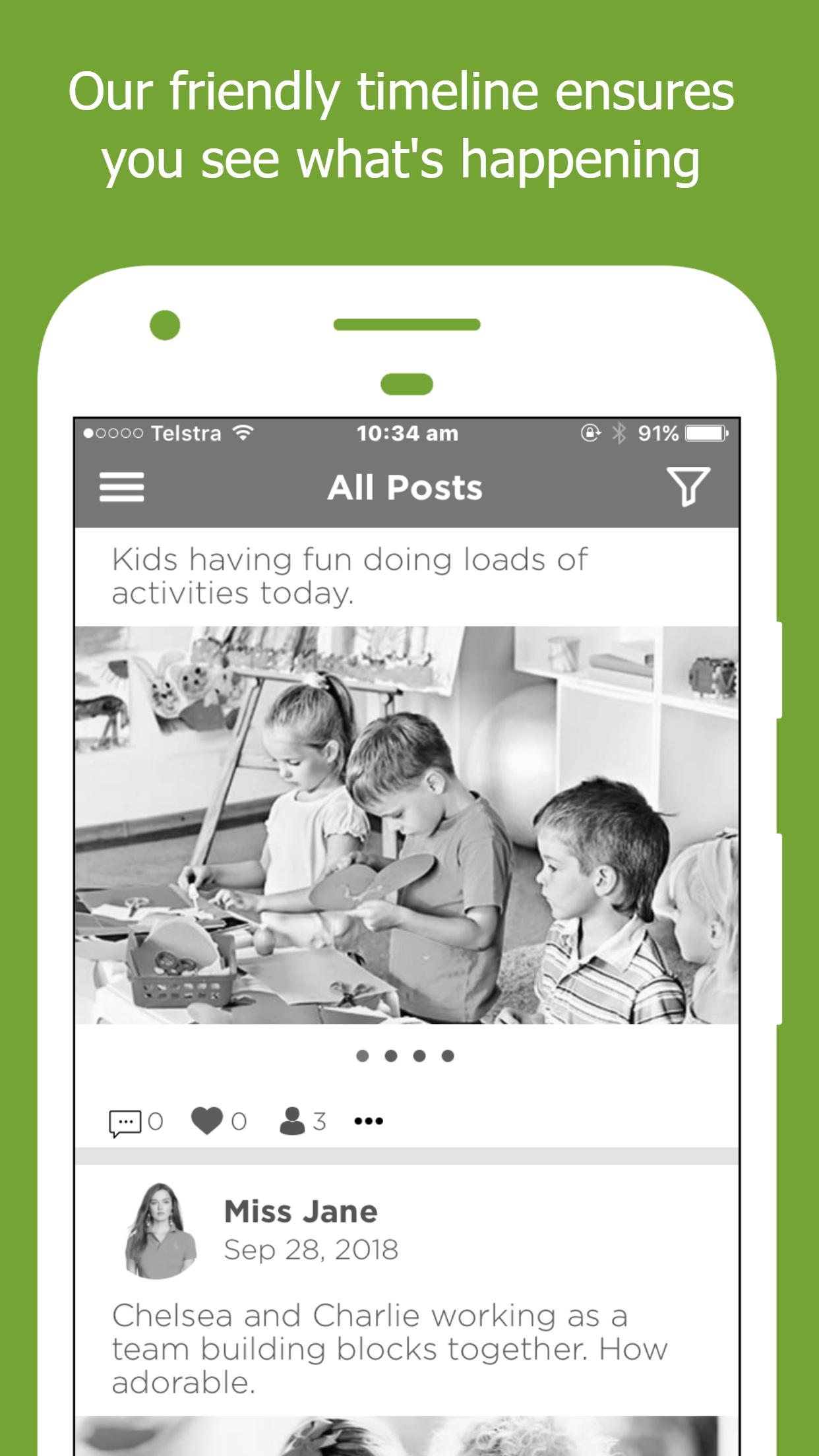
Have access to real-time data about your child including vital stats such as Food and Fluid Intake, Sleep Checks, Nappy Changes as well as other important information. You can also mark a child not attending, send messages direct to educators and know what’s happening with our Event Calendar.
Enjoy our App and feel free to contact us at any time if you have any questions.
معاينة
العلامات
تعليممعلومة
مطور
OWNA Childcare Apps
احدث اصدار
1.99.202305030242
آخر تحديث
2023-06-24
فئة
تعليم
متاح على
Google Play
أظهر المزيد
كيف تلعب Explore & Develop مع GameLoop على جهاز الكمبيوتر
1. قم بتنزيل GameLoop من الموقع الرسمي ، ثم قم بتشغيل ملف exe لتثبيت GameLoop.
2. افتح GameLoop وابحث عن "Explore & Develop" ، وابحث عن Explore & Develop في نتائج البحث وانقر على "تثبيت".
3. استمتع بلعب Explore & Develop على GameLoop.
Minimum requirements
OS
Windows 8.1 64-bit or Windows 10 64-bit
GPU
GTX 1050
CPU
i3-8300
Memory
8GB RAM
Storage
1GB available space
Recommended requirements
OS
Windows 8.1 64-bit or Windows 10 64-bit
GPU
GTX 1050
CPU
i3-9320
Memory
16GB RAM
Storage
1GB available space