
Ecoach The Learning App PC
Edutalk
قم بتنزيل Ecoach The Learning App على جهاز الكمبيوتر باستخدام GameLoop Emulator
Ecoach The Learning App على الكمبيوتر الشخصي
Ecoach The Learning App ، القادم من المطور Edutalk ، يعمل على نظام Android في الماضي.
الآن ، يمكنك لعب Ecoach The Learning App على جهاز الكمبيوتر باستخدام GameLoop بسلاسة.
قم بتنزيله في مكتبة GameLoop أو في نتائج البحث. لا مزيد من الانتباه إلى البطارية أو المكالمات المحبطة في الوقت الخطأ بعد الآن.
ما عليك سوى الاستمتاع بجهاز Ecoach The Learning App على الشاشة الكبيرة مجانًا!
Ecoach The Learning App مقدمة
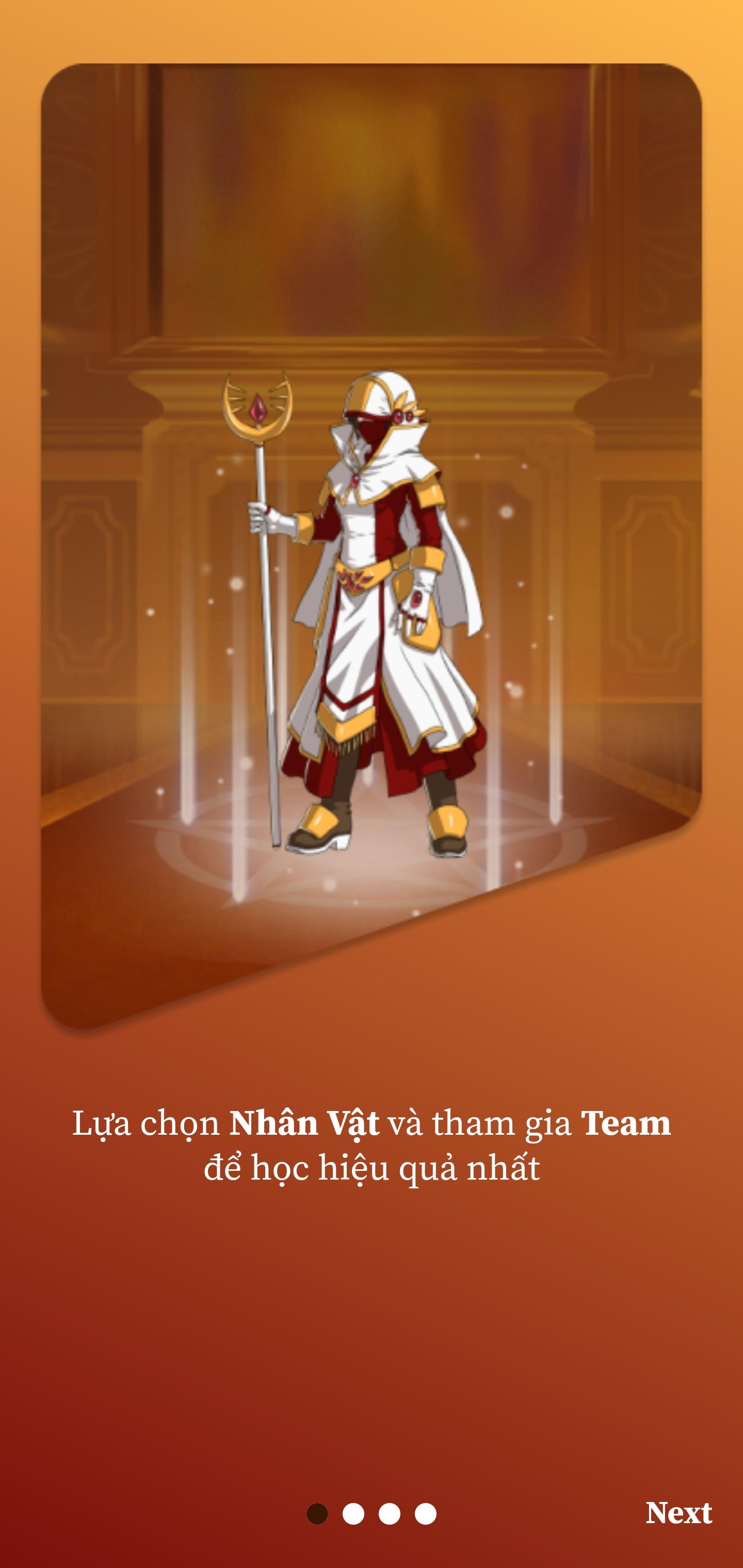
Learning English through ECoach system and Active Learning method is available on ECoach The Learning APP!
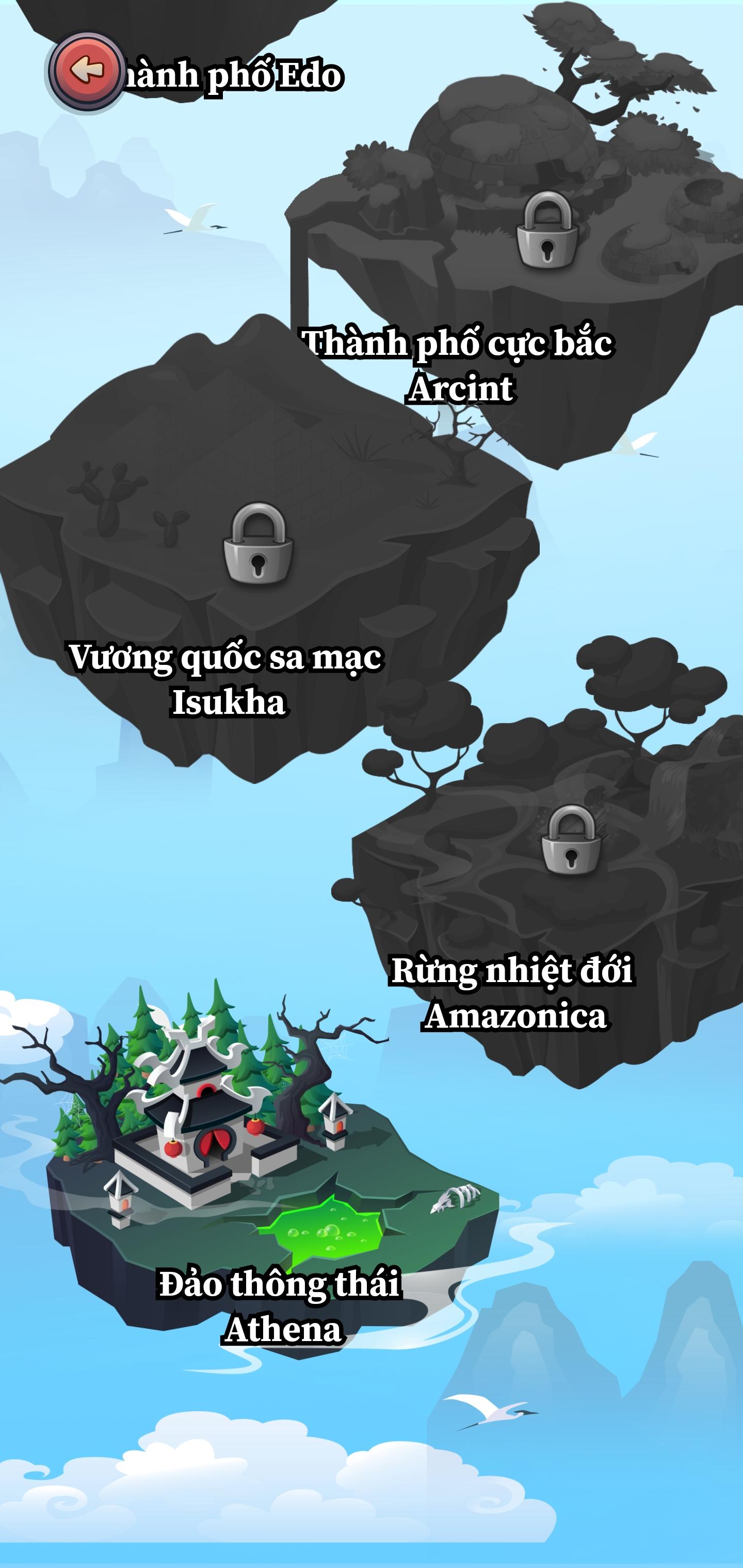
English learning APP exclusively for students of ECoach. Students enter an open world and are equipped with passive memorization.
Special features:
- Do homework: Review what you have learned in class with questions integrated on the APP.
- Practice vocabulary: Memorize Vocabulary, practice Listening, practice Pronunciation through videos in movies, TV, vlogs,...
- Speed training: Improve the speed of completing a puzzle with AI opponents, score points and receive attractive rewards in the Speed room.
- Exam preparation: The latest University exam questions from the Ministry of Education, IELTS questions from Cambridge books, the latest TOEIC Format test preparation questions from ETS are always updated and integrated on the App.
- Arena: Practice and compete with rival Teams, win, and receive many valuable rewards.
- Tournaments: English events and tournaments are held annually across the country.
معاينة
العلامات
تعليممعلومة
مطور
Edutalk
احدث اصدار
1.0.100350
آخر تحديث
2025-09-12
فئة
تعليم
متاح على
Google Play
أظهر المزيد
كيف تلعب Ecoach The Learning App مع GameLoop على جهاز الكمبيوتر
1. قم بتنزيل GameLoop من الموقع الرسمي ، ثم قم بتشغيل ملف exe لتثبيت GameLoop.
2. افتح GameLoop وابحث عن "Ecoach The Learning App" ، وابحث عن Ecoach The Learning App في نتائج البحث وانقر على "تثبيت".
3. استمتع بلعب Ecoach The Learning App على GameLoop.
Minimum requirements
OS
Windows 8.1 64-bit or Windows 10 64-bit
GPU
GTX 1050
CPU
i3-8300
Memory
8GB RAM
Storage
1GB available space
Recommended requirements
OS
Windows 8.1 64-bit or Windows 10 64-bit
GPU
GTX 1050
CPU
i3-9320
Memory
16GB RAM
Storage
1GB available space