
English to Malay Translation PC
Translation and Voice Typing Apps
قم بتنزيل English to Malay Translation على جهاز الكمبيوتر باستخدام GameLoop Emulator
English to Malay Translation على الكمبيوتر الشخصي
English to Malay Translation ، القادم من المطور Translation and Voice Typing Apps ، يعمل على نظام Android في الماضي.
الآن ، يمكنك لعب English to Malay Translation على جهاز الكمبيوتر باستخدام GameLoop بسلاسة.
قم بتنزيله في مكتبة GameLoop أو في نتائج البحث. لا مزيد من الانتباه إلى البطارية أو المكالمات المحبطة في الوقت الخطأ بعد الآن.
ما عليك سوى الاستمتاع بجهاز English to Malay Translation على الشاشة الكبيرة مجانًا!
English to Malay Translation مقدمة
🏆 ★★★★★ 🏆
#1 MalEngMal: English to Malay Translation app and Malay to English Translation app
✓ Easily translate English text to Malay using our free English to Malay Translation App. You can also perform Malay to English Translation.
✓ Using inbuilt voice recognition technology, you can type your text using your voice and then translate the text. This convenient feature allows you to translate regular conversations. You can translate your English voice to Malay and Malay voice to English.
✓ Using inbuilt speak functionality, you can listen to words or sentences. Click on speaker and app will read English words / sentences. App will also read Malay words / sentences.
✓ Use it as a Dictionary. You can type your words in English and get the exact word in Malay. You can type your words in Malay and get the exact word in English.
Usage Guide
1) I have copied a text, how can I translate?
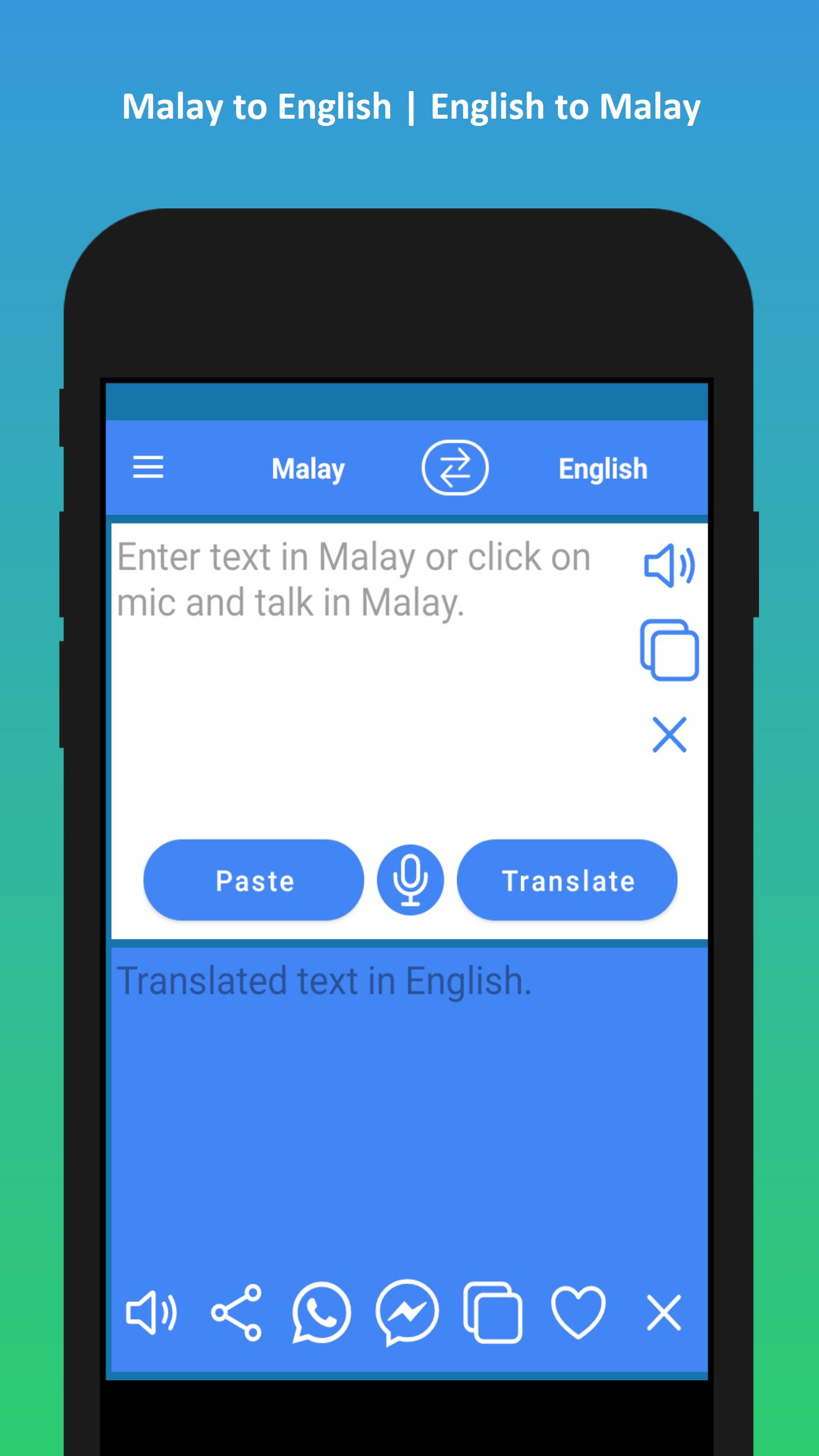
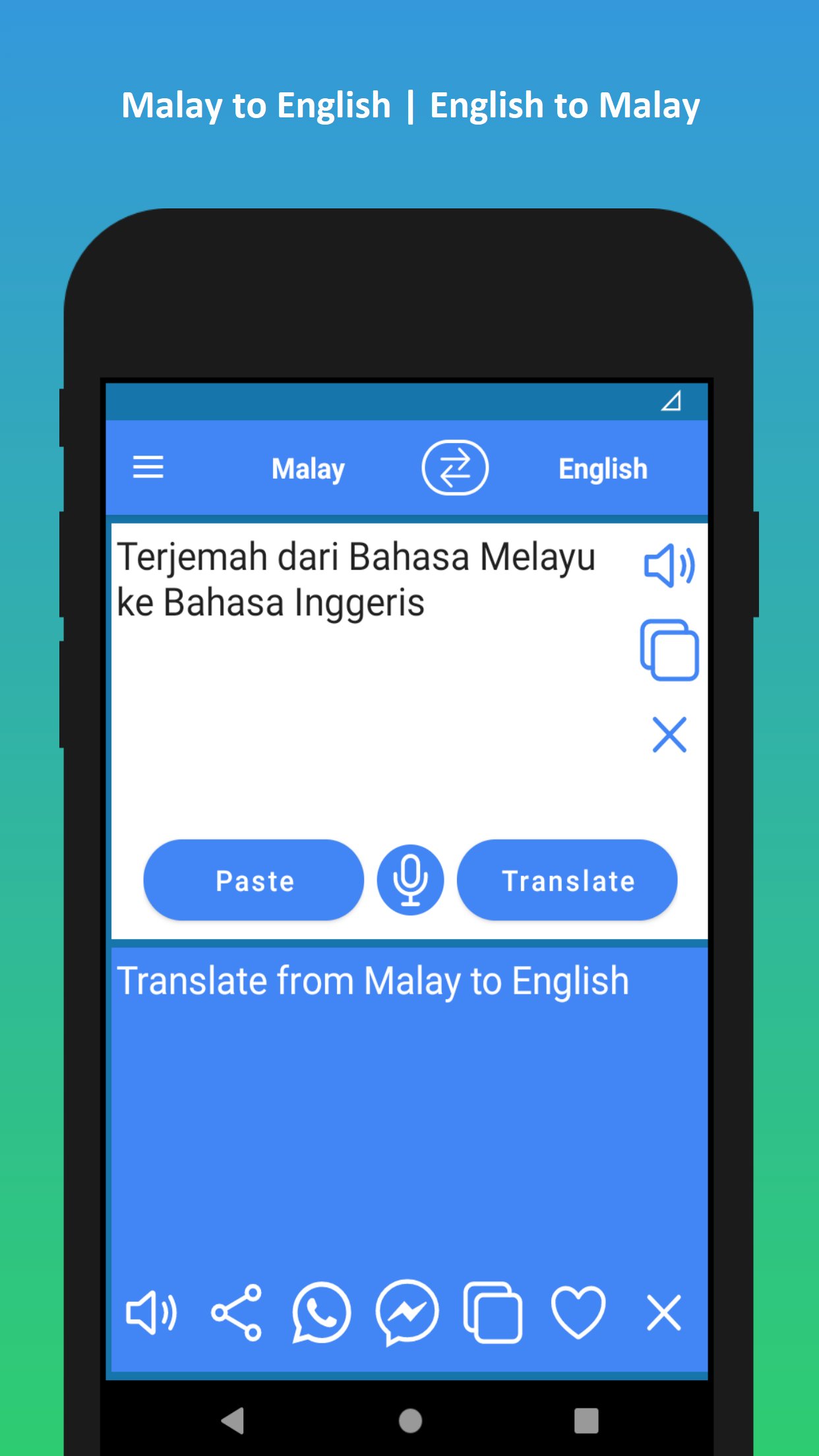
A) Click on 'Paste' button and our English to Malay Translation app will translate the text.
2) How to change language?
A) Click on swap button (2 arrows) on the top of the screen. Clicking swap button changes the translation direction between "English to Malay" and "Malay to English"
3) I want to say some text and translate?
A) Click on 'Mic' button and say the text. Once you are finished with voice typing, click on 'Translate' and English to Malay Translation app will translate the text.
4) How do I use it as English to Malay Translation?
A) Enter text in the first text box and click 'Translate' and our app will translate your English text to Malay.
5) How do I use it as Malay to English Translation?
A) Clicking on 'Swap' button changes the translation direction. Once you set the direction from Malay to English, enter text in the top text box and click 'Translate' to translate from Malay to English.
Features of English to Malay Translation App:
✓ 1. English to Malay Converter / English to Malay Translation.
✓ 2. Malay to English Converter / Malay to English Translation.
✓ 3. Voice typing in English. Voice Translation from English to Malay.
✓ 4. Voice typing in Malay. Voice Translation from Malay to English.
✓ 5. Easily share the translated text to other apps.
✓ 6. One click share translated text to WhatsApp or FB Messenger.
✓ 7. English to Malay Dictionary (or) Malay to English Dictionary.
✓ 8. Consumes very less memory.
✓ 9. Super fast.
English to Malay Translation App uses the below permissions:
1. Storage access: This is for storing history of English to Malay Translation and Malay to English Translation
Thank you for using our English to Malay Translation app!
pro-tip: You can use this app as Malay to English Translation app too.
For any issues/queries/feedback/suggestions regarding our English to Malay Translation app, please reach us at support@honeysha.com, we will be happy to get in touch with you.
✓ English to Malay Translation / Translate English to Malay
✓ Malay to English Translation / Translate Malay to English
معاينة
العلامات
تعليممعلومة
مطور
Translation and Voice Typing Apps
احدث اصدار
20260130
آخر تحديث
2026-02-03
فئة
تعليم
متاح على
Google Play
أظهر المزيد
كيف تلعب English to Malay Translation مع GameLoop على جهاز الكمبيوتر
1. قم بتنزيل GameLoop من الموقع الرسمي ، ثم قم بتشغيل ملف exe لتثبيت GameLoop.
2. افتح GameLoop وابحث عن "English to Malay Translation" ، وابحث عن English to Malay Translation في نتائج البحث وانقر على "تثبيت".
3. استمتع بلعب English to Malay Translation على GameLoop.
Minimum requirements
OS
Windows 8.1 64-bit or Windows 10 64-bit
GPU
GTX 1050
CPU
i3-8300
Memory
8GB RAM
Storage
1GB available space
Recommended requirements
OS
Windows 8.1 64-bit or Windows 10 64-bit
GPU
GTX 1050
CPU
i3-9320
Memory
16GB RAM
Storage
1GB available space