
Christ School PC
Sunsoft Eduware Solutions LLP
قم بتنزيل Christ School على جهاز الكمبيوتر باستخدام GameLoop Emulator
Christ School على الكمبيوتر الشخصي
Christ School ، القادم من المطور Sunsoft Eduware Solutions LLP ، يعمل على نظام Android في الماضي.
الآن ، يمكنك لعب Christ School على جهاز الكمبيوتر باستخدام GameLoop بسلاسة.
قم بتنزيله في مكتبة GameLoop أو في نتائج البحث. لا مزيد من الانتباه إلى البطارية أو المكالمات المحبطة في الوقت الخطأ بعد الآن.
ما عليك سوى الاستمتاع بجهاز Christ School على الشاشة الكبيرة مجانًا!
Christ School مقدمة
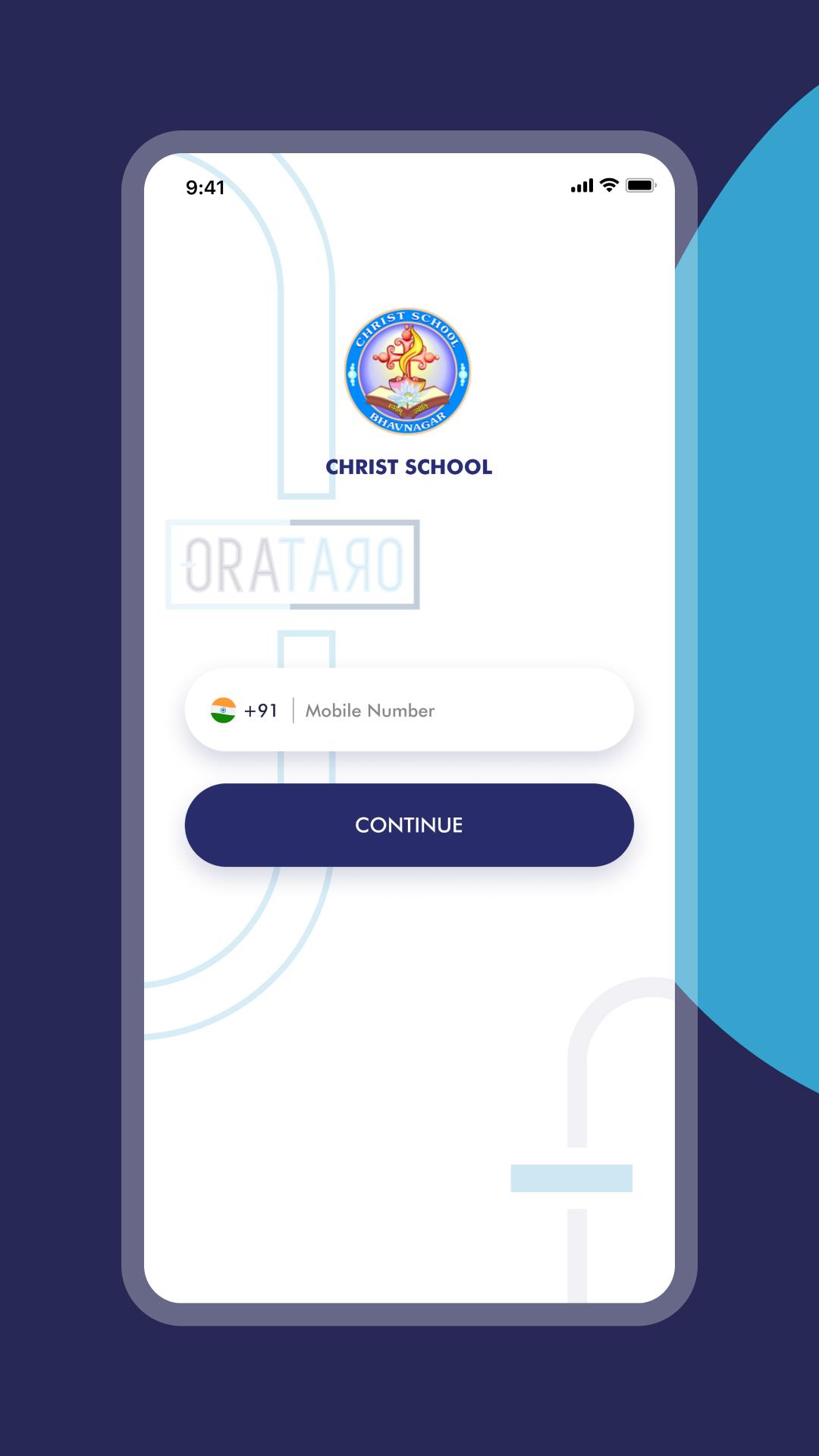
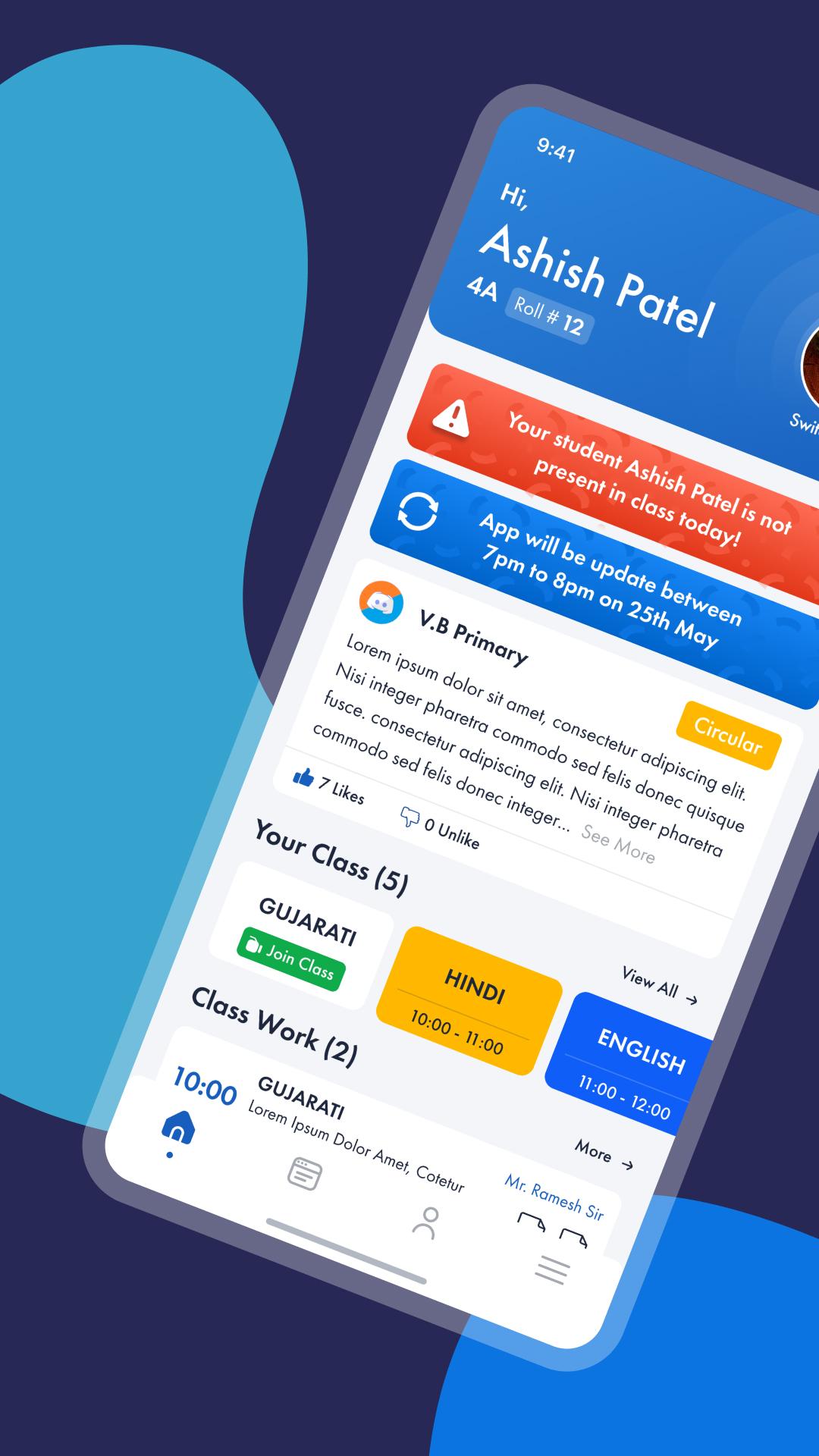
Christ School is a smart communication Platform for school, parents and teachers with a real time updates on Class activities, Homework, Circulars, Academic calendars, Progress updates and group discussion for brainstorming and other project work within a class or at a school level. Super smart features of Christ School will reinforce the scale of teacher and parent interaction and will influence more involvement of parents and teachers in advancements of the child education.
Here are some silent features of Christ School.
• Real time Homework / Class work updates to parents Mobile.
• Test and Exam schedule calendar or academic calendar alerts via push notification.
• Student can update status with course work, and other things on personal wall and share within his group, friends or publicly
• Share pictures or albums and other important materials among the group, projects or within friends
• Student can Download test exam papers to practice at Home.
معاينة
العلامات
تعليممعلومة
مطور
Sunsoft Eduware Solutions LLP
احدث اصدار
7.1
آخر تحديث
2024-05-14
فئة
تعليم
متاح على
Google Play
أظهر المزيد
كيف تلعب Christ School مع GameLoop على جهاز الكمبيوتر
1. قم بتنزيل GameLoop من الموقع الرسمي ، ثم قم بتشغيل ملف exe لتثبيت GameLoop.
2. افتح GameLoop وابحث عن "Christ School" ، وابحث عن Christ School في نتائج البحث وانقر على "تثبيت".
3. استمتع بلعب Christ School على GameLoop.
Minimum requirements
OS
Windows 8.1 64-bit or Windows 10 64-bit
GPU
GTX 1050
CPU
i3-8300
Memory
8GB RAM
Storage
1GB available space
Recommended requirements
OS
Windows 8.1 64-bit or Windows 10 64-bit
GPU
GTX 1050
CPU
i3-9320
Memory
16GB RAM
Storage
1GB available space