C++ STL Libraries from Github PC
Yashasvi.dev
قم بتنزيل C++ STL Libraries from Github على جهاز الكمبيوتر باستخدام GameLoop Emulator
C++ STL Libraries from Github على الكمبيوتر الشخصي
C++ STL Libraries from Github ، القادم من المطور Yashasvi.dev ، يعمل على نظام Android في الماضي.
الآن ، يمكنك لعب C++ STL Libraries from Github على جهاز الكمبيوتر باستخدام GameLoop بسلاسة.
قم بتنزيله في مكتبة GameLoop أو في نتائج البحث. لا مزيد من الانتباه إلى البطارية أو المكالمات المحبطة في الوقت الخطأ بعد الآن.
ما عليك سوى الاستمتاع بجهاز C++ STL Libraries from Github على الشاشة الكبيرة مجانًا!
C++ STL Libraries from Github مقدمة
"Master C++ STL Libraries, Conquer Programming Challenges!"
🚀 Discover the ultimate companion for competitive programmers and C++ developers! C++ STL Libraries App is here to revolutionize your coding journey with its incredible features:
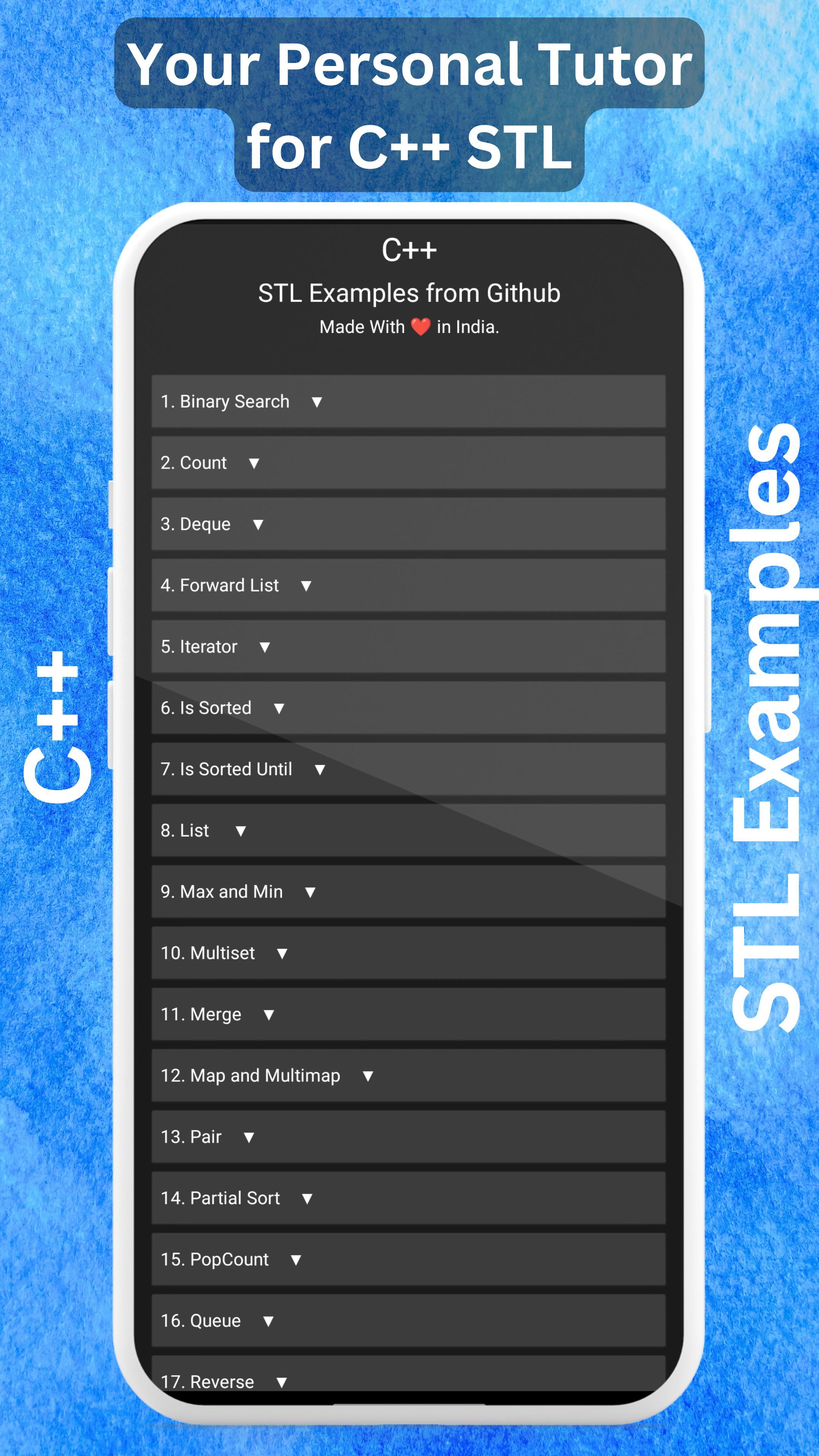
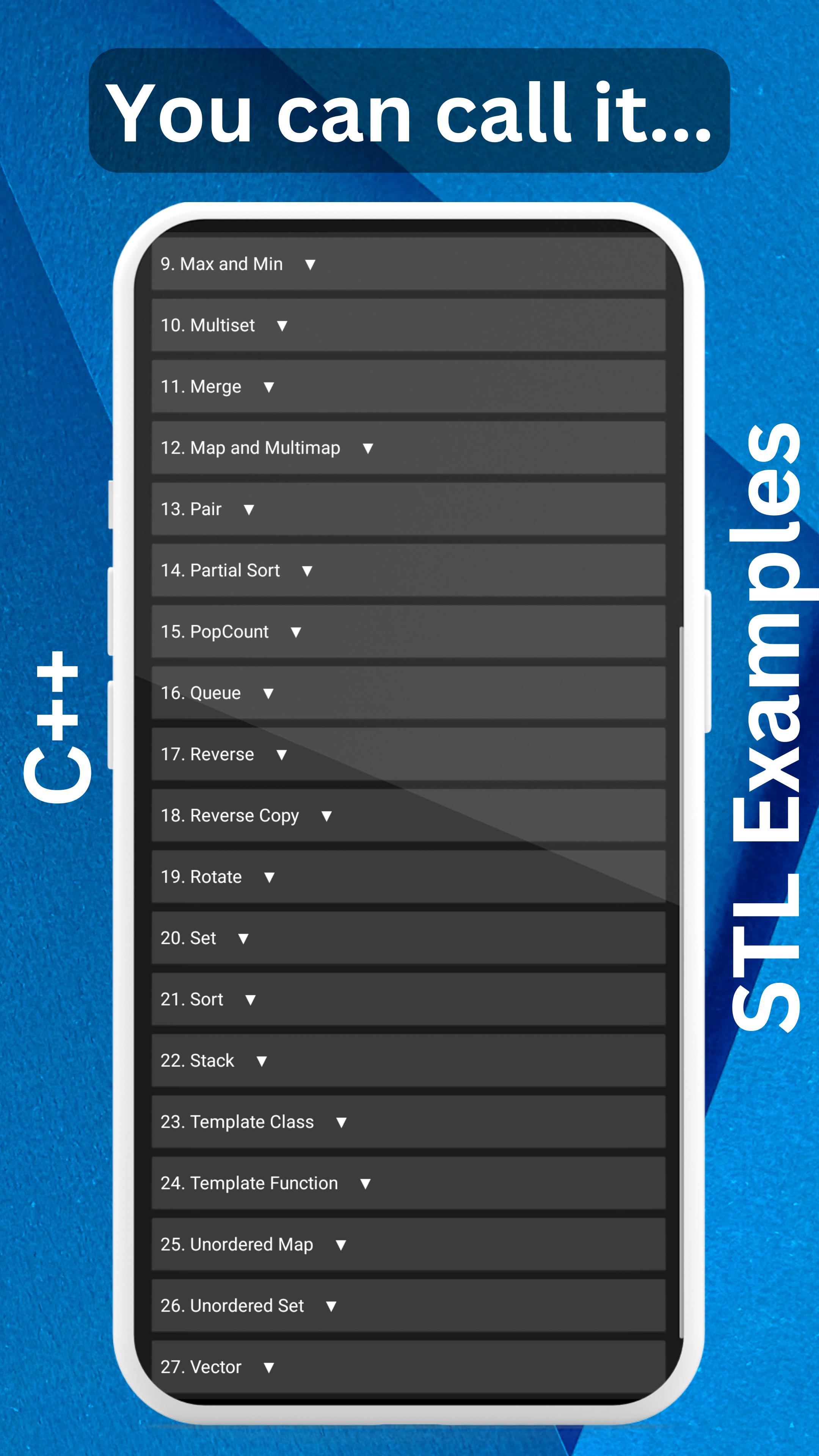
📚 Keep the Commonly Used STL Libraries: Access a comprehensive collection of essential STL libraries in C++ at your fingertips.
🔒 Ad-Free Experience: Enjoy uninterrupted learning and coding sessions without any pesky ads popping up.
🌐 Offline Capability: No internet? No problem! Benefit from offline access, with the internet only required for code indentation and highlighting.
🔒 Privacy and Data Protection: Rest easy knowing that your data is never collected or shared anywhere. Your privacy is our top priority.
💡 Lightweight and Storage-Friendly: We understand your storage concerns, so we've crafted a super-lightweight app under 5 MB.
🔧 Constant Upgrades and Enhancements: Our dedicated team is committed to improving performance and adding new features regularly.
👀 We Value Your Feedback: We genuinely care about your experience. We actively monitor user reviews to address any issues you encounter.
💡 User-Requested Features: Your voice matters! We prioritize adding features based on user requests and suggestions.
🚀 Reliable and Crash-Free: Count on C++ STL Libraries App as your trustworthy companion—no reported crashes so far. It's a reliable friend you can rely on.
🌙 Eye-Friendly Dark Theme: Say goodbye to strained eyes! Our app offers a soothing dark theme to prioritize your health and comfort.
💻 Proper Code Indentation and Highlighting: Enjoy clean and organized code with proper indentation and highlighting for enhanced readability.
🗒️ Comprehensive Code Comments: We've gone the extra mile to explain each code example with detailed comments. Request further explanations, and we'll gladly assist you.
Ready to level up your C++ skills? Install C++ STL Libraries App now and explore the world of STL libraries, backed by real-world examples from our GitHub repository.
⭐️ NEW in Prime Version: Online C++ Compiler ⭐️
Access the power of an online C++ compiler directly within C++ STL Prime. Write, compile, and run your C++ code seamlessly, all from within the app. No need for separate compiler installations or switching between apps.
It has a better explanation of the codes also.
Get the C++ STL Prime App from: https://play.google.com/store/apps/details?id=appinventor.ai_kmryashasvi.stlcpp_premium_app
🔗 Visit our GitHub repository for more: https://github.com/stlyash/Cpp-STL-Examples
معاينة
العلامات
تعليممعلومة
مطور
Yashasvi.dev
احدث اصدار
Target API Increase
آخر تحديث
2025-07-22
فئة
تعليم
متاح على
Google Play
أظهر المزيد
كيف تلعب C++ STL Libraries from Github مع GameLoop على جهاز الكمبيوتر
1. قم بتنزيل GameLoop من الموقع الرسمي ، ثم قم بتشغيل ملف exe لتثبيت GameLoop.
2. افتح GameLoop وابحث عن "C++ STL Libraries from Github" ، وابحث عن C++ STL Libraries from Github في نتائج البحث وانقر على "تثبيت".
3. استمتع بلعب C++ STL Libraries from Github على GameLoop.
Minimum requirements
OS
Windows 8.1 64-bit or Windows 10 64-bit
GPU
GTX 1050
CPU
i3-8300
Memory
8GB RAM
Storage
1GB available space
Recommended requirements
OS
Windows 8.1 64-bit or Windows 10 64-bit
GPU
GTX 1050
CPU
i3-9320
Memory
16GB RAM
Storage
1GB available space