
ЕГЭ Информатика 23 задание PC
Goose Pro+
قم بتنزيل ЕГЭ Информатика 23 задание على جهاز الكمبيوتر باستخدام GameLoop Emulator
ЕГЭ Информатика 23 задание على الكمبيوتر الشخصي
ЕГЭ Информатика 23 задание ، القادم من المطور Goose Pro+ ، يعمل على نظام Android في الماضي.
الآن ، يمكنك لعب ЕГЭ Информатика 23 задание على جهاز الكمبيوتر باستخدام GameLoop بسلاسة.
قم بتنزيله في مكتبة GameLoop أو في نتائج البحث. لا مزيد من الانتباه إلى البطارية أو المكالمات المحبطة في الوقت الخطأ بعد الآن.
ما عليك سوى الاستمتاع بجهاز ЕГЭ Информатика 23 задание على الشاشة الكبيرة مجانًا!
ЕГЭ Информатика 23 задание مقدمة
The task for the solution of logical equations is one of the most difficult in the exam on computer. The solution of such systems checks not only the knowledge of logical operations and numeracy, but also the ability to reason, to build a logical chain. It is for the latter skills training and the application was created.
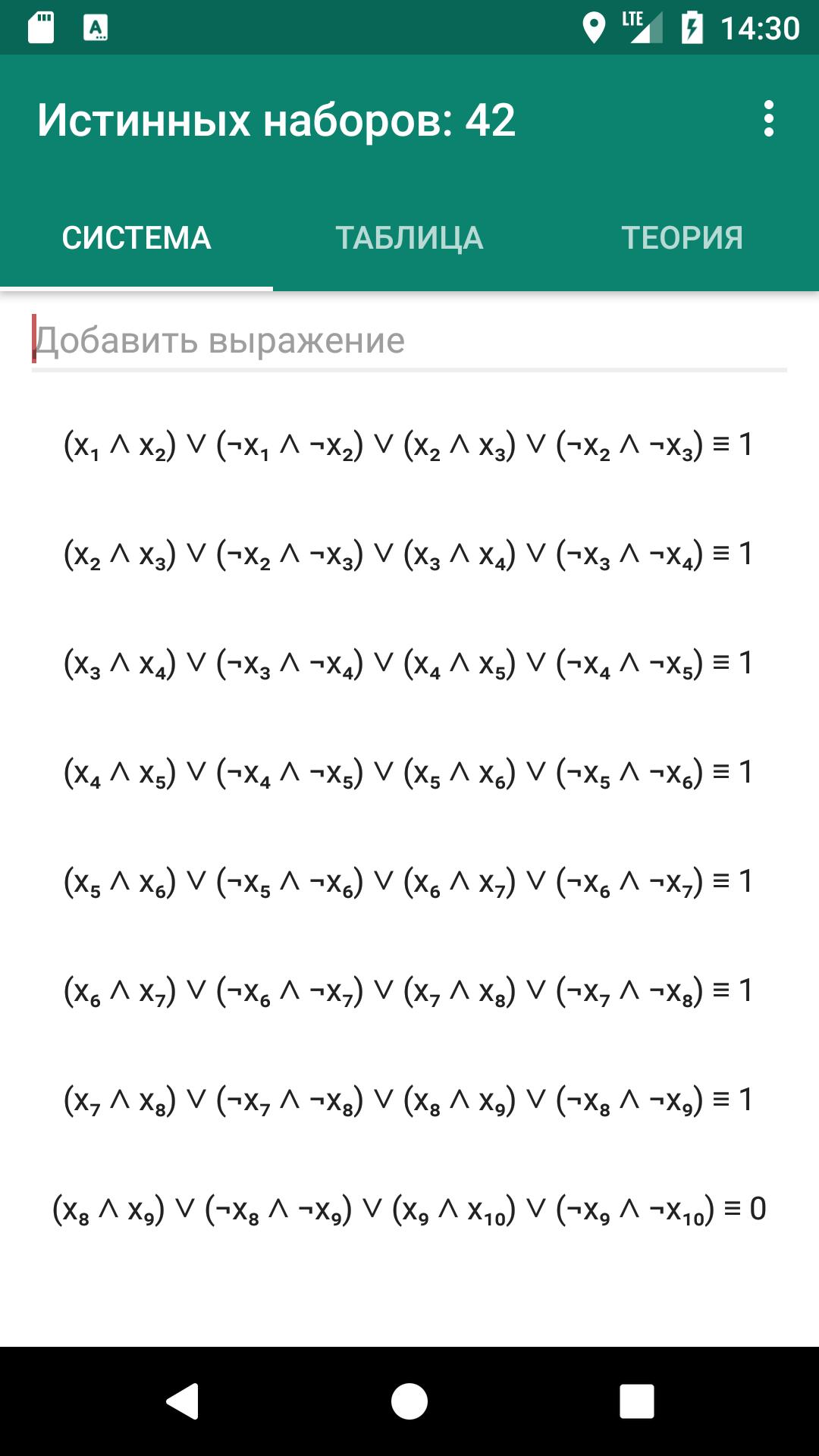
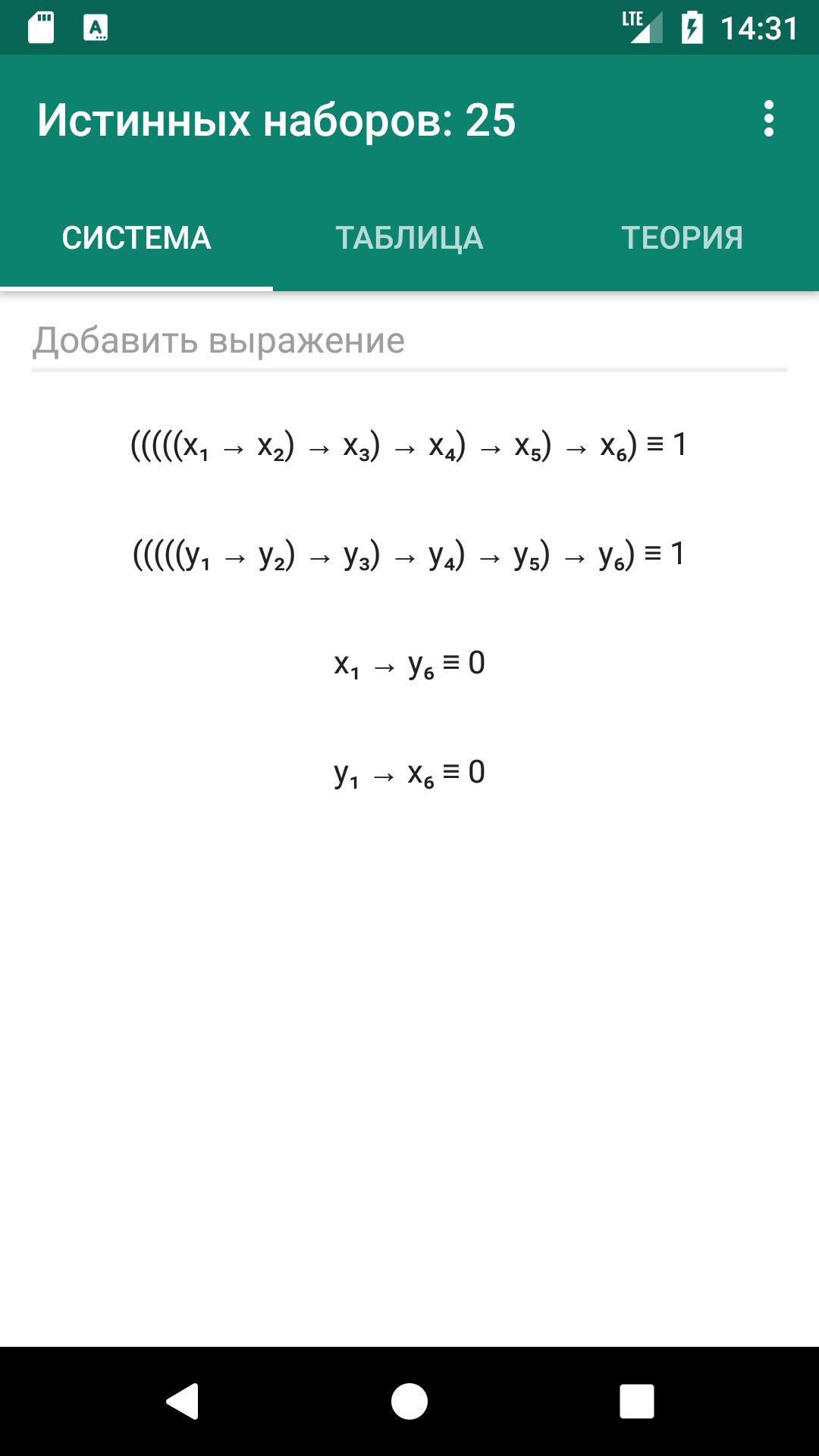
The most popular method is a display method of solutions, requires construction of a truth table for 2-yi, 3-and 4-dx dx logical variables.
Automatic generation of a truth table allows you to skip the boring routine of stage and focus on connecting the last equations method of reasoning.
You can copy the system of logical equations in the site or document and paste into the program. There is support for a large number of Unicode characters for logical operations: ∧, ∨, ≡, ¬, →, ⊕, and more. et al.
In the appendix there is the problem book. For each system listed complexity. You can sort your tasks by easy to difficult and are checked resolved. Also there is the ability to save in the problem book their own systems.
There are no restrictions on the number of variables and nested parentheses. There are clues about the mistakes made in the expression, whether it be missed brace or a logical operator.
معاينة
العلامات
تعليممعلومة
مطور
Goose Pro+
احدث اصدار
1.8
آخر تحديث
2018-02-08
فئة
تعليم
متاح على
Google Play
أظهر المزيد
كيف تلعب ЕГЭ Информатика 23 задание مع GameLoop على جهاز الكمبيوتر
1. قم بتنزيل GameLoop من الموقع الرسمي ، ثم قم بتشغيل ملف exe لتثبيت GameLoop.
2. افتح GameLoop وابحث عن "ЕГЭ Информатика 23 задание" ، وابحث عن ЕГЭ Информатика 23 задание في نتائج البحث وانقر على "تثبيت".
3. استمتع بلعب ЕГЭ Информатика 23 задание على GameLoop.
Minimum requirements
OS
Windows 8.1 64-bit or Windows 10 64-bit
GPU
GTX 1050
CPU
i3-8300
Memory
8GB RAM
Storage
1GB available space
Recommended requirements
OS
Windows 8.1 64-bit or Windows 10 64-bit
GPU
GTX 1050
CPU
i3-9320
Memory
16GB RAM
Storage
1GB available space