
My Inbox - email app for Gmail PC
PlayStudio Apps
قم بتنزيل My Inbox - email app for Gmail على جهاز الكمبيوتر باستخدام GameLoop Emulator
My Inbox - email app for Gmail على الكمبيوتر الشخصي
My Inbox - email app for Gmail ، القادم من المطور PlayStudio Apps ، يعمل على نظام Android في الماضي.
الآن ، يمكنك لعب My Inbox - email app for Gmail على جهاز الكمبيوتر باستخدام GameLoop بسلاسة.
قم بتنزيله في مكتبة GameLoop أو في نتائج البحث. لا مزيد من الانتباه إلى البطارية أو المكالمات المحبطة في الوقت الخطأ بعد الآن.
ما عليك سوى الاستمتاع بجهاز My Inbox - email app for Gmail على الشاشة الكبيرة مجانًا!
My Inbox - email app for Gmail مقدمة
My Inbox is the best Android email client for Gmail. With My Inbox you will never lose track of your emails and attachments by simply organizing them into folders either by file type or your own folders. For the night owls between us we have added the dark mode feature.
Features:
- organize attachments and messages into folders
- dark mode for the night owls
- custom swipe options
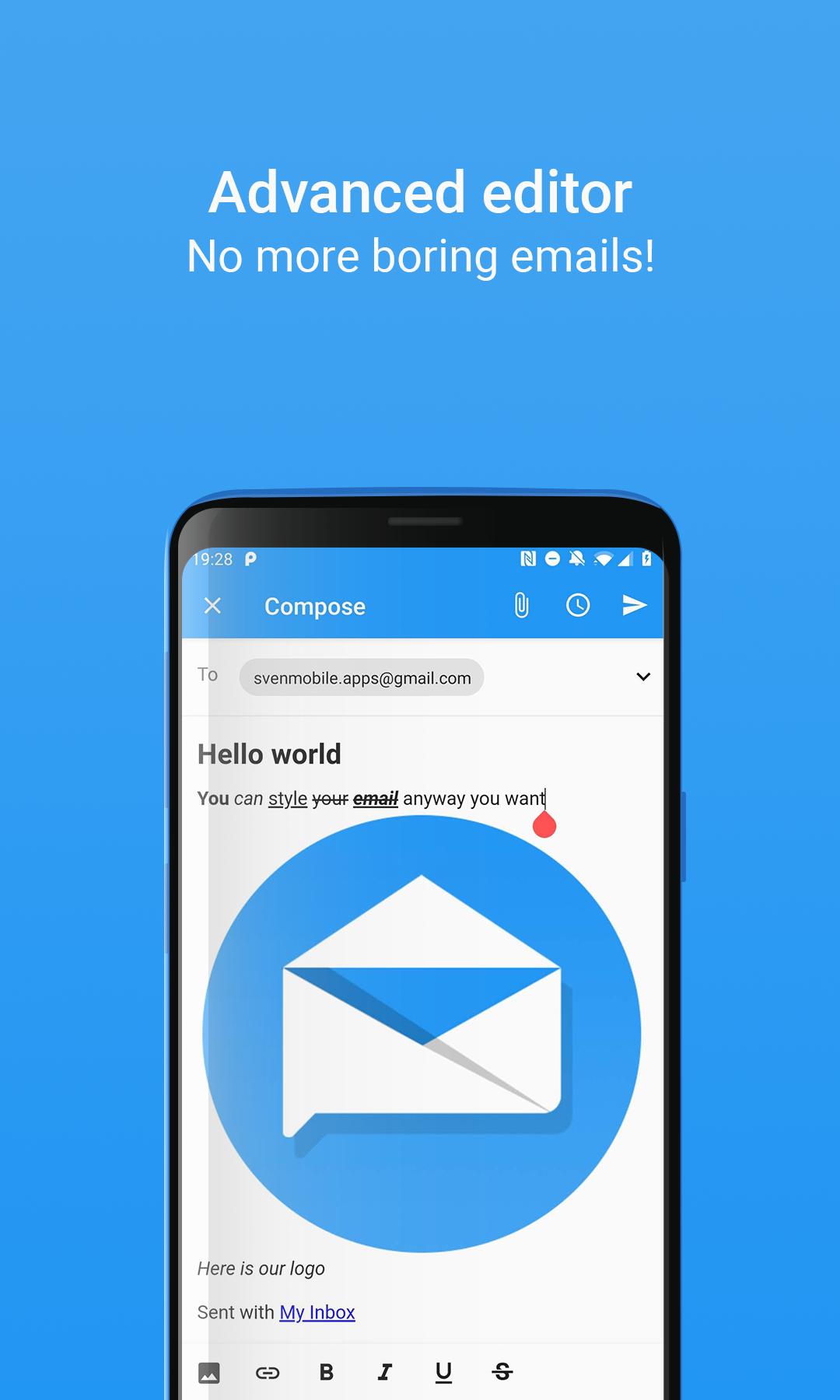
- advanced email editor
- add multiple email accounts
- schedule emails to be sent at a specific date and time
Please keep in mind that this app is under construction, so please report every bug you encounter to improve this app.
Contact: svenmobile.apps@gmail.com
معاينة

معلومة
مطور
PlayStudio Apps
احدث اصدار
1.3
آخر تحديث
2019-07-03
فئة
مجال الاتصالات
متاح على
Google Play
أظهر المزيد
كيف تلعب My Inbox - email app for Gmail مع GameLoop على جهاز الكمبيوتر
1. قم بتنزيل GameLoop من الموقع الرسمي ، ثم قم بتشغيل ملف exe لتثبيت GameLoop.
2. افتح GameLoop وابحث عن "My Inbox - email app for Gmail" ، وابحث عن My Inbox - email app for Gmail في نتائج البحث وانقر على "تثبيت".
3. استمتع بلعب My Inbox - email app for Gmail على GameLoop.
Minimum requirements
OS
Windows 8.1 64-bit or Windows 10 64-bit
GPU
GTX 1050
CPU
i3-8300
Memory
8GB RAM
Storage
1GB available space
Recommended requirements
OS
Windows 8.1 64-bit or Windows 10 64-bit
GPU
GTX 1050
CPU
i3-9320
Memory
16GB RAM
Storage
1GB available space