ChatCraft for Minecraft PC
Carra
قم بتنزيل ChatCraft for Minecraft على جهاز الكمبيوتر باستخدام GameLoop Emulator
ChatCraft for Minecraft على الكمبيوتر الشخصي
ChatCraft for Minecraft ، القادم من المطور Carra ، يعمل على نظام Android في الماضي.
الآن ، يمكنك لعب ChatCraft for Minecraft على جهاز الكمبيوتر باستخدام GameLoop بسلاسة.
قم بتنزيله في مكتبة GameLoop أو في نتائج البحث. لا مزيد من الانتباه إلى البطارية أو المكالمات المحبطة في الوقت الخطأ بعد الآن.
ما عليك سوى الاستمتاع بجهاز ChatCraft for Minecraft على الشاشة الكبيرة مجانًا!
ChatCraft for Minecraft مقدمة
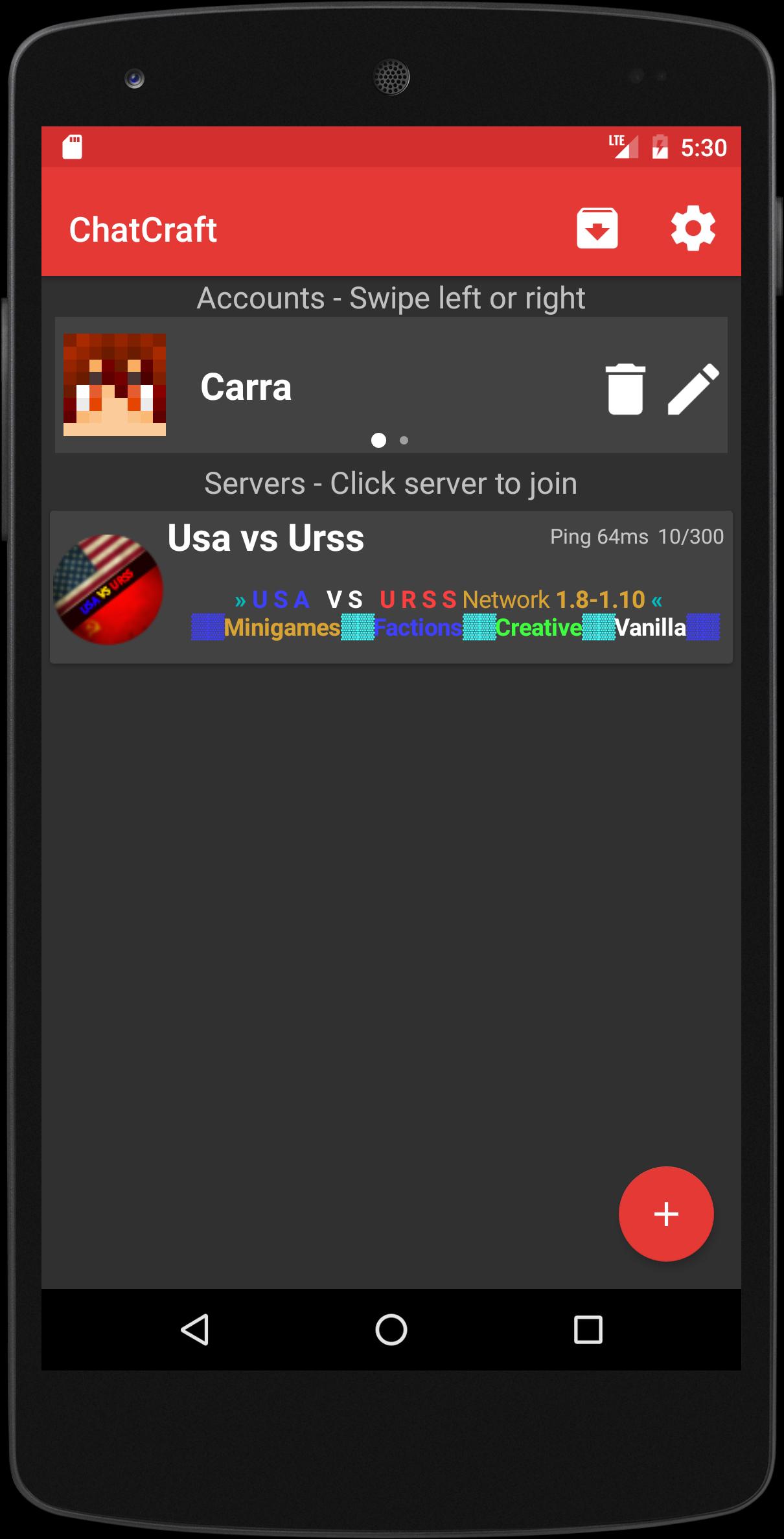
ChatCraft for Minecraft allows you to connect to every Minecraft Vanilla, Bukkit, Spigot, Sponge server!
This app supports minecraft 1.5.2 to 1.13.2!
Features:
• Connect to 1.5.2, 1.6.4, 1.7.2, 1.7.4, 1.7.10, 1.8.1, 1.8.8, 1.9.2, 1.9.4, 1.10, 1.11, 1.12, 1.2.1, 1.12.2, 1.13, 1.13.1, 1.13.2 servers
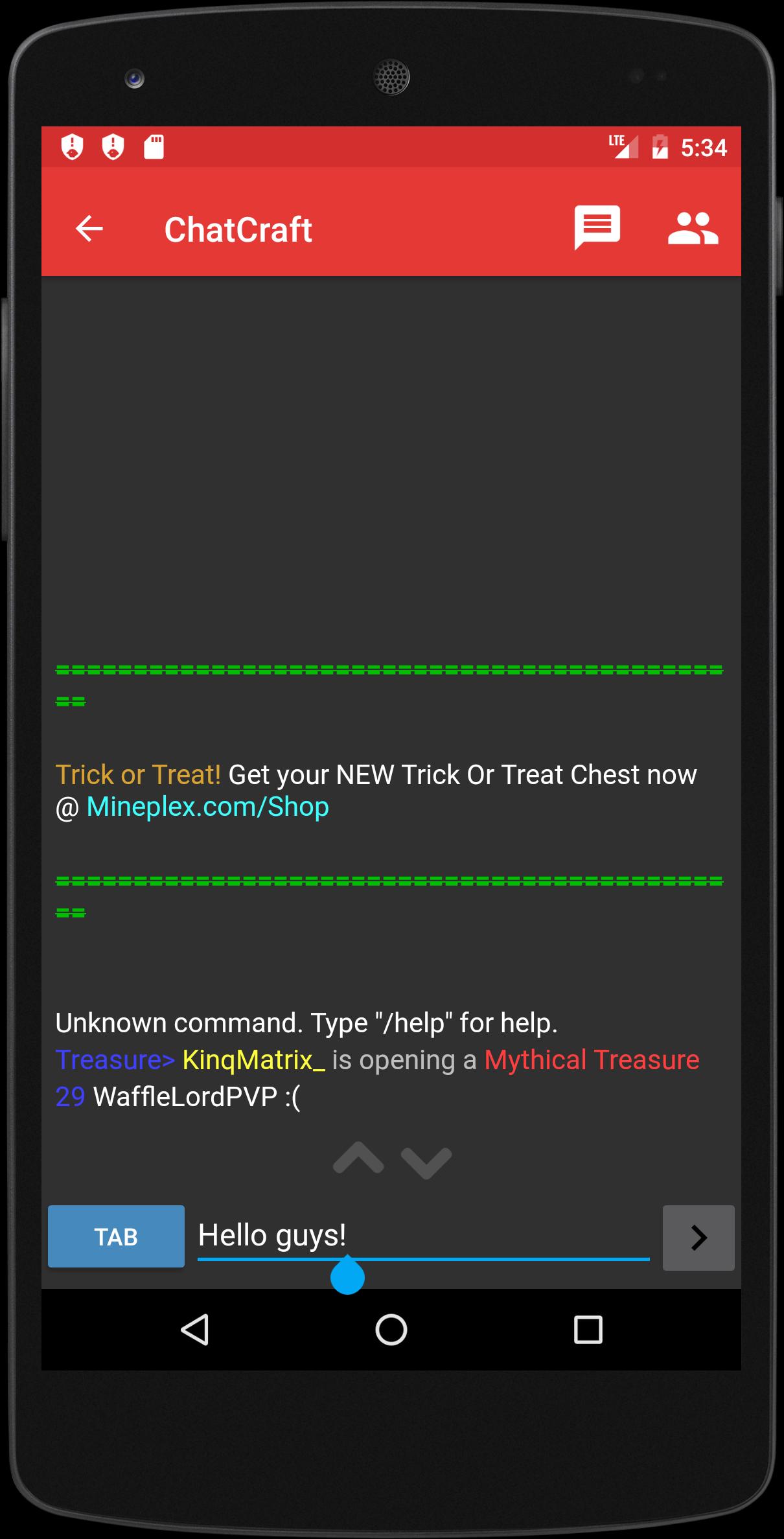
• Full support for colors!
• Material Design dark red
• Fast and optimized
• Player list with skins
• Supports multi-account
• Auto teleport in a safe place after login
• Auto login or register in Authme servers
• Supports only offline mode
• Highperformance function for old devices
• Message history
• Tab complete
• Premium server support
• Logs where you will find chats of your minecraft sessions
• You can move (Very useful in some servers that require you to move before chat)
Email: usavsurss@gmail.com
Watch our twitter page for news and updates: https://twitter.com/ChatCraft_App
FAQ:
Q: I have to pay 1$ to access premium servers! Why?!?
A: I spent a lot of time on this app. Originally it was only a chat for Usa vs Urss. Then I decided to extend support to any minecraft server.
Q: There are a lot of bugs! How do I report it?
A: I'm really happy to receive bug reports. Send me an email on usavsurss@gmail.com or click "Contact us" on menu drawer!
Q: Why is there not my language?
A: Help us translating ChatCraft in your language! Contact me on usavsurss@gmail.com
Disclaimers:
NOT AN OFFICIAL MINECRAFT PRODUCT.
We are not affiliated or associated with Mojang.
معاينة
معلومة
مطور
Carra
احدث اصدار
5.1.2
آخر تحديث
2018-12-02
فئة
مجال الاتصالات
متاح على
Google Play
أظهر المزيد
كيف تلعب ChatCraft for Minecraft مع GameLoop على جهاز الكمبيوتر
1. قم بتنزيل GameLoop من الموقع الرسمي ، ثم قم بتشغيل ملف exe لتثبيت GameLoop.
2. افتح GameLoop وابحث عن "ChatCraft for Minecraft" ، وابحث عن ChatCraft for Minecraft في نتائج البحث وانقر على "تثبيت".
3. استمتع بلعب ChatCraft for Minecraft على GameLoop.
Minimum requirements
OS
Windows 8.1 64-bit or Windows 10 64-bit
GPU
GTX 1050
CPU
i3-8300
Memory
8GB RAM
Storage
1GB available space
Recommended requirements
OS
Windows 8.1 64-bit or Windows 10 64-bit
GPU
GTX 1050
CPU
i3-9320
Memory
16GB RAM
Storage
1GB available space