
Leap Work for Intune PC
LeapXpert
قم بتنزيل Leap Work for Intune على جهاز الكمبيوتر باستخدام GameLoop Emulator
Leap Work for Intune على الكمبيوتر الشخصي
Leap Work for Intune ، القادم من المطور LeapXpert ، يعمل على نظام Android في الماضي.
الآن ، يمكنك لعب Leap Work for Intune على جهاز الكمبيوتر باستخدام GameLoop بسلاسة.
قم بتنزيله في مكتبة GameLoop أو في نتائج البحث. لا مزيد من الانتباه إلى البطارية أو المكالمات المحبطة في الوقت الخطأ بعد الآن.
ما عليك سوى الاستمتاع بجهاز Leap Work for Intune على الشاشة الكبيرة مجانًا!
Leap Work for Intune مقدمة
Only download this app if you are a Microsoft Intune customer. Specifically designed for the Microsoft Intune secure mobility platform, this app allows both Leap Work and Microsoft Intune customers to take advantage of Leap Work features in a secure Microsoft Endpoint Manager.
If you are not a Microsoft Intune customer, you can download the main Leap Work Android application from the Play store here https://play.google.com/store/apps/details?id=com.leapxpert.public.manager
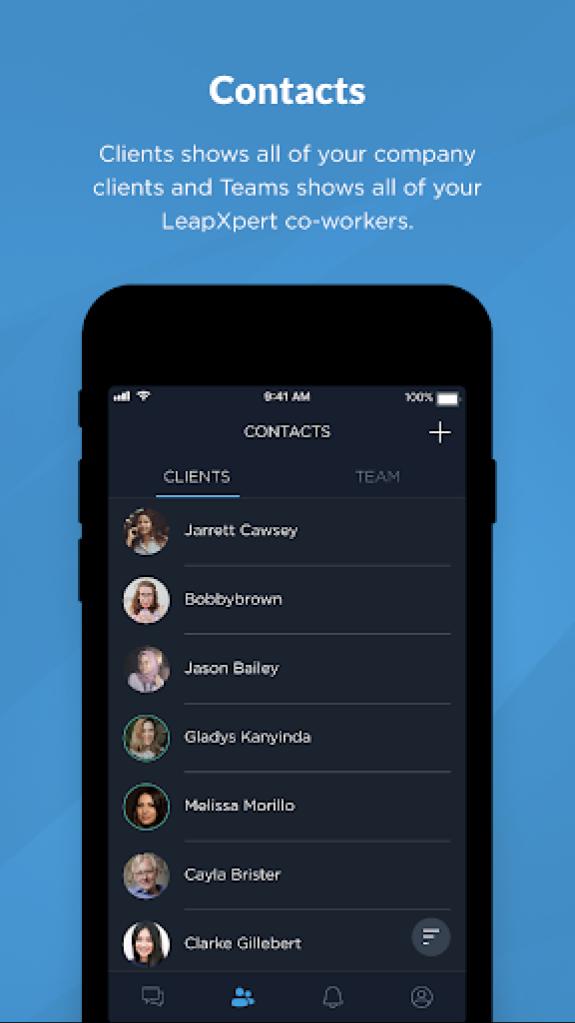
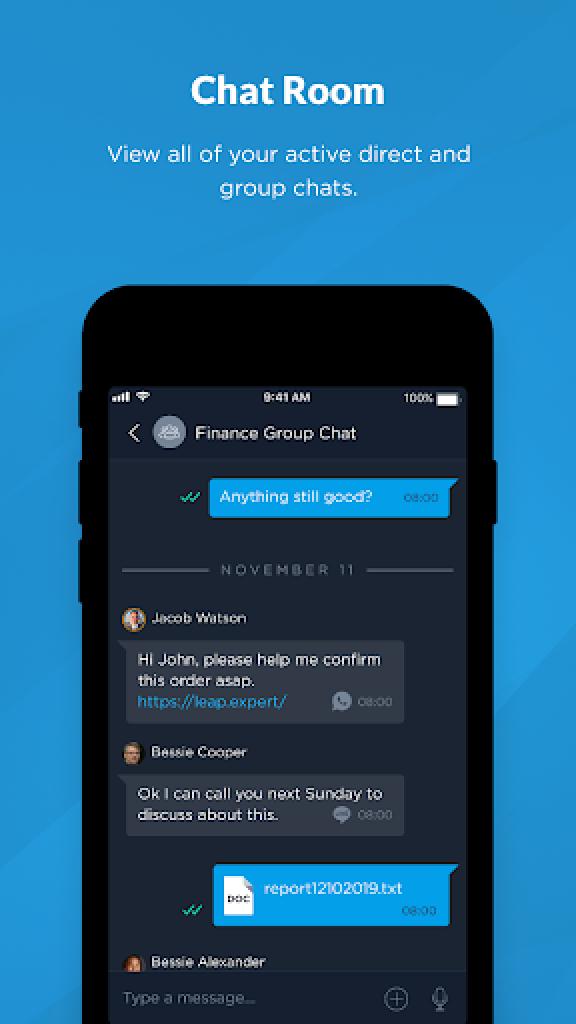
Leap Work is a B2C communication app. Employees can call or send text, voice and file messages to client's messengers of their choice: WhatsApp ™, WeChat ™ , Telegram ™ , Line ™, SMS and others. Leap Work is a part of LeapXpert's Federated Messaging Orchestration Platform (FMOP). FMOP concept allows the promotion of messaging to a formal business communication channel, similar to calling or emailing. Use Leap Work to:
- Reach clients on their messengers
- Own and control all company's communication data
- Gather employees and clients communication on one platform
- Allow group chats between employees and clients
- Keep company communication history always available for monitoring and compliance purposes
LeapXpert - Federated Messaging Orchestration
Contact us: info@leap.expert (edited)
معاينة
العلامات
مجال الاتصالاتمعلومة
مطور
LeapXpert
احدث اصدار
2.7.1
آخر تحديث
2025-08-17
فئة
مجال الاتصالات
متاح على
Google Play
أظهر المزيد
كيف تلعب Leap Work for Intune مع GameLoop على جهاز الكمبيوتر
1. قم بتنزيل GameLoop من الموقع الرسمي ، ثم قم بتشغيل ملف exe لتثبيت GameLoop.
2. افتح GameLoop وابحث عن "Leap Work for Intune" ، وابحث عن Leap Work for Intune في نتائج البحث وانقر على "تثبيت".
3. استمتع بلعب Leap Work for Intune على GameLoop.
Minimum requirements
OS
Windows 8.1 64-bit or Windows 10 64-bit
GPU
GTX 1050
CPU
i3-8300
Memory
8GB RAM
Storage
1GB available space
Recommended requirements
OS
Windows 8.1 64-bit or Windows 10 64-bit
GPU
GTX 1050
CPU
i3-9320
Memory
16GB RAM
Storage
1GB available space