
iPECS ONE PC
Ericsson-LG Enterprise Co., Ltd.
قم بتنزيل iPECS ONE على جهاز الكمبيوتر باستخدام GameLoop Emulator
iPECS ONE على الكمبيوتر الشخصي
iPECS ONE ، القادم من المطور Ericsson-LG Enterprise Co., Ltd. ، يعمل على نظام Android في الماضي.
الآن ، يمكنك لعب iPECS ONE على جهاز الكمبيوتر باستخدام GameLoop بسلاسة.
قم بتنزيله في مكتبة GameLoop أو في نتائج البحث. لا مزيد من الانتباه إلى البطارية أو المكالمات المحبطة في الوقت الخطأ بعد الآن.
ما عليك سوى الاستمتاع بجهاز iPECS ONE على الشاشة الكبيرة مجانًا!
iPECS ONE مقدمة
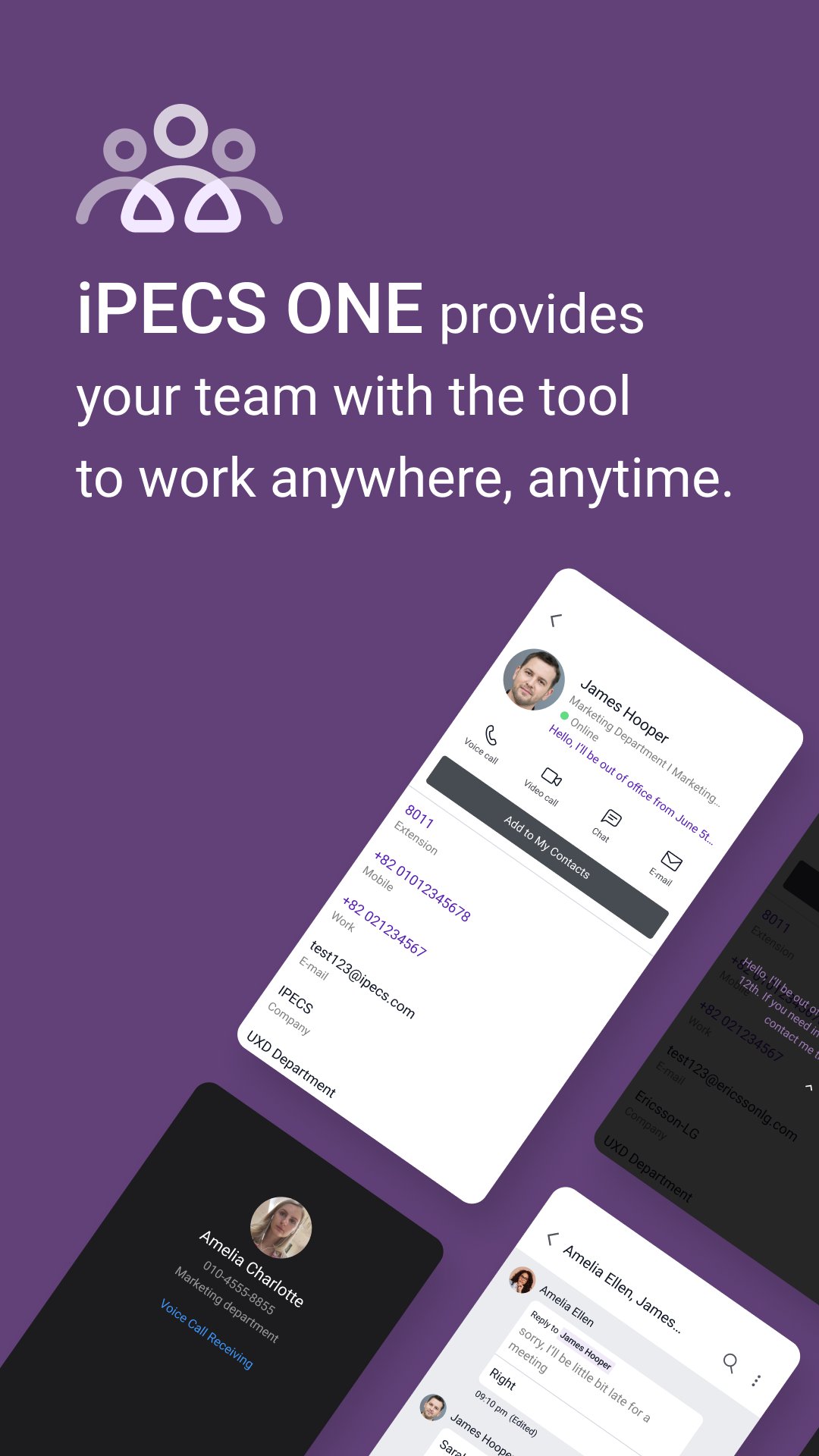
iPECS Cloud Unified Communication & Collaboration will be enabled by iPECS ONE mobile app as well as Chrome browser for desktop PC – Windows, Mac.
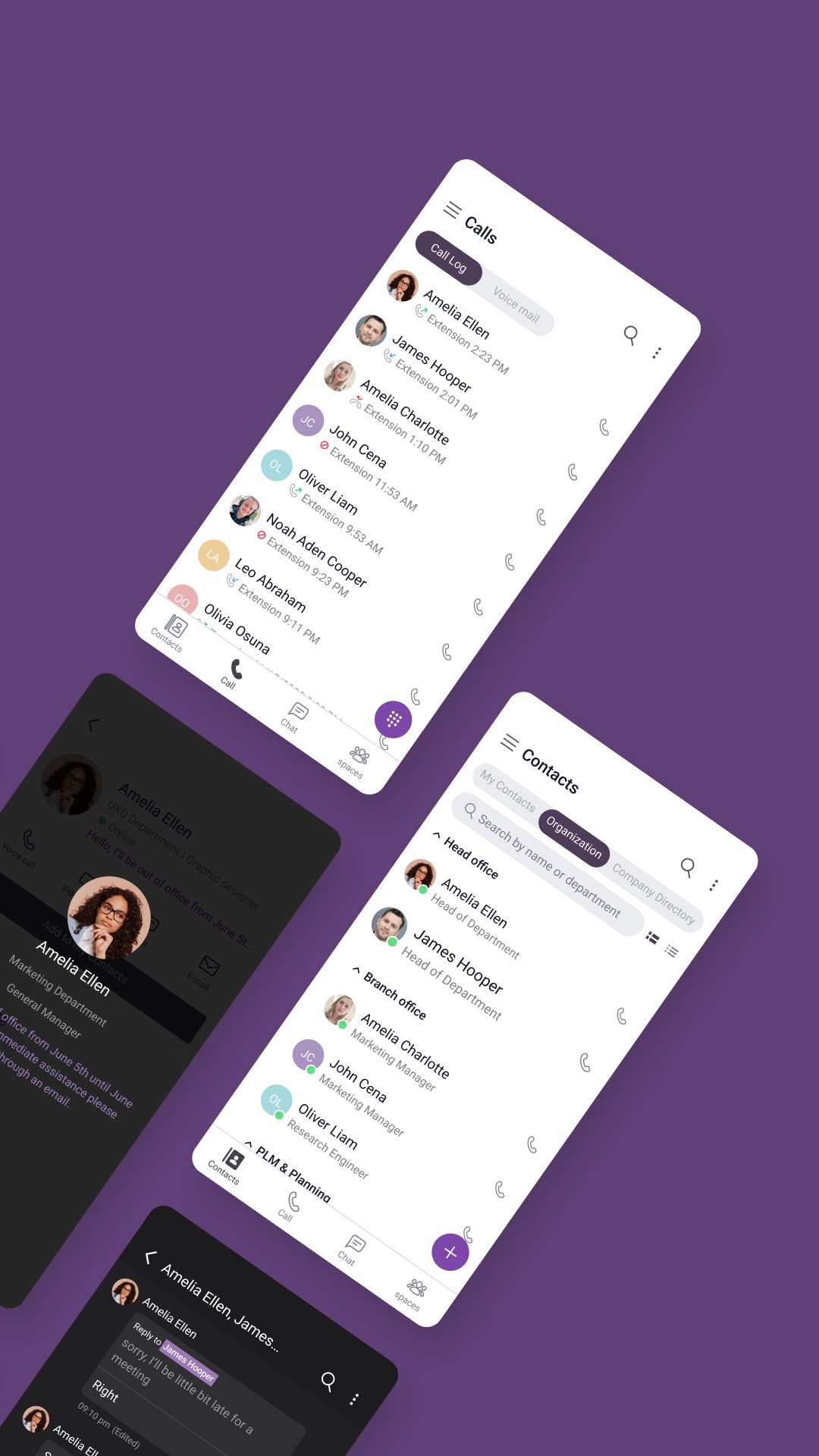
The key features will be given thru 3 menus consisting of contacts, calls, and chats.
- Contacts – shows a buddy list/favorites for users’ own setting and company’s organization
- Calls – provides call logs, telephony voice/video call features including server based call recording
- Chats – gives 1:1 or group chat, group call and file attachment status.
A user can log-in thru multiple platforms of Chrome, Android, iPhone simultaneously with following capabilities
- A single telephone number (+ a desktop phone)
- Simultaneous incoming call ringing
- Representative Presence (On-line/ Off-line/ Busy / DND)
- Call log/history
- Voice Mail Link
- On-going chat messages shown in all logged-in clients
- Synchronized contacts
For premium license users, Spaces features such as team collaboration and video conference are supported.
معاينة
العلامات
مجال الاتصالاتمعلومة
مطور
Ericsson-LG Enterprise Co., Ltd.
احدث اصدار
6.0.6
آخر تحديث
2025-12-10
فئة
مجال الاتصالات
متاح على
Google Play
أظهر المزيد
كيف تلعب iPECS ONE مع GameLoop على جهاز الكمبيوتر
1. قم بتنزيل GameLoop من الموقع الرسمي ، ثم قم بتشغيل ملف exe لتثبيت GameLoop.
2. افتح GameLoop وابحث عن "iPECS ONE" ، وابحث عن iPECS ONE في نتائج البحث وانقر على "تثبيت".
3. استمتع بلعب iPECS ONE على GameLoop.
Minimum requirements
OS
Windows 8.1 64-bit or Windows 10 64-bit
GPU
GTX 1050
CPU
i3-8300
Memory
8GB RAM
Storage
1GB available space
Recommended requirements
OS
Windows 8.1 64-bit or Windows 10 64-bit
GPU
GTX 1050
CPU
i3-9320
Memory
16GB RAM
Storage
1GB available space