Garmin Messenger™ PC
Garmin
قم بتنزيل Garmin Messenger™ على جهاز الكمبيوتر باستخدام GameLoop Emulator
Garmin Messenger™ على الكمبيوتر الشخصي
Garmin Messenger™ ، القادم من المطور Garmin ، يعمل على نظام Android في الماضي.
الآن ، يمكنك لعب Garmin Messenger™ على جهاز الكمبيوتر باستخدام GameLoop بسلاسة.
قم بتنزيله في مكتبة GameLoop أو في نتائج البحث. لا مزيد من الانتباه إلى البطارية أو المكالمات المحبطة في الوقت الخطأ بعد الآن.
ما عليك سوى الاستمتاع بجهاز Garmin Messenger™ على الشاشة الكبيرة مجانًا!
Garmin Messenger™ مقدمة
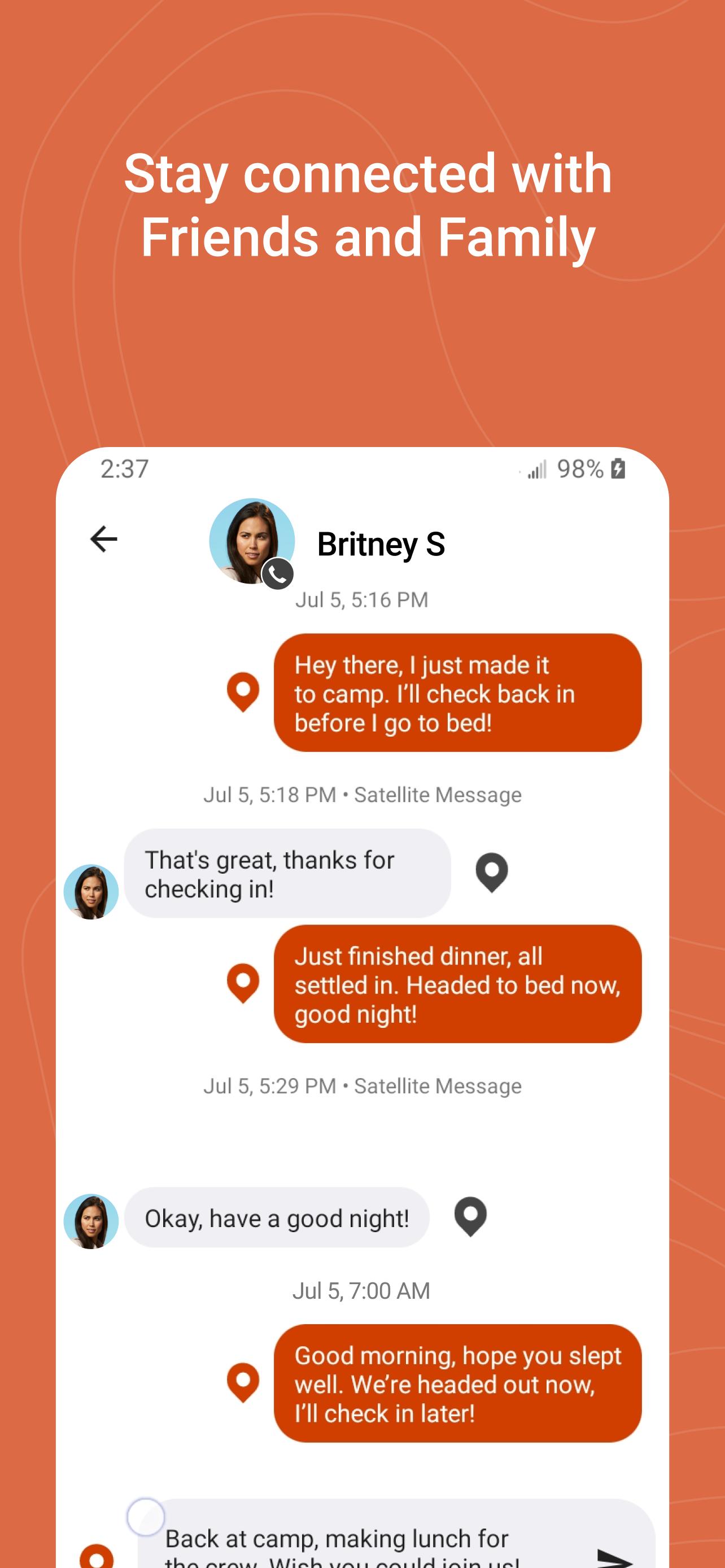
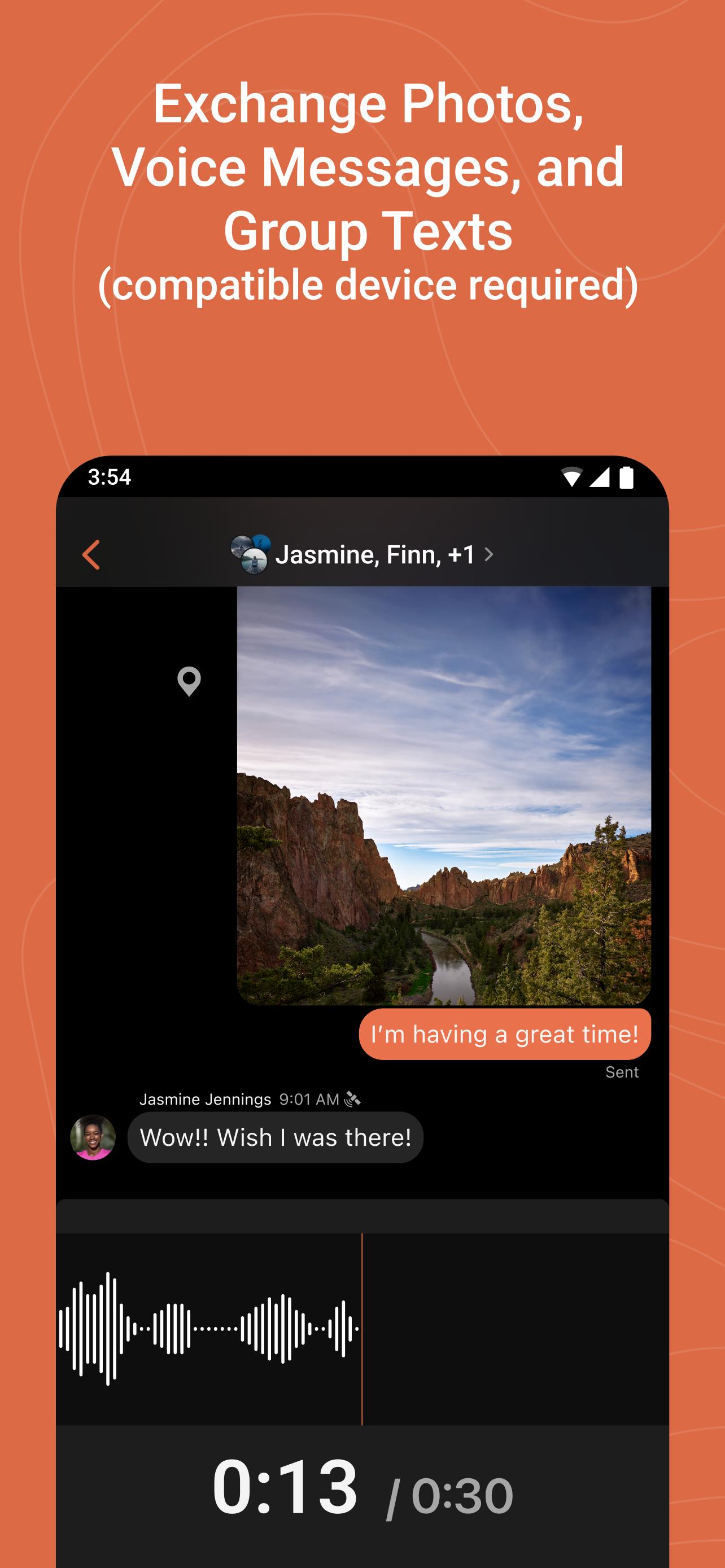
Stay in touch with friends and family. Enjoy the security and connectivity of global messaging with the Garmin Messenger™ app. Pair with your compatible inReach® satellite communicator for fast, easy direct messaging and interactive SOS that's not limited to cellphone coverage areas (active satellite subscription required). The app supports group messaging as well as photo and voice messaging when paired with a compatible Garmin device (1). Automatic switching between internet, cellular, and satellite networks gives you the best connectivity and efficiency for all your messaging. When you have connectivity, the app will work seamlessly even if your inReach device is turned off. Invite your friends and family to download the app to stay connected and keep the conversation going on and off the trail. With the use of the LiveTrack™ feature, loved ones can follow your location in real time (2) and see data such as distance, time, and elevation.
(1) See compatible devices here: garmin.com/p/893837#devices
(2) When used with your compatible smartphone and the Garmin Earthmate® app or when used with your compatible inReach® technology-enabled Garmin device.
Note: Some jurisdictions regulate or prohibit the use of satellite communication devices. It is the responsibility of the user to know and follow all applicable laws in the jurisdictions where the device is intended to be used.
معاينة
العلامات
مجال الاتصالاتمعلومة
مطور
Garmin
احدث اصدار
2.4.3
آخر تحديث
2025-09-19
فئة
مجال الاتصالات
متاح على
Google Play
أظهر المزيد
كيف تلعب Garmin Messenger™ مع GameLoop على جهاز الكمبيوتر
1. قم بتنزيل GameLoop من الموقع الرسمي ، ثم قم بتشغيل ملف exe لتثبيت GameLoop.
2. افتح GameLoop وابحث عن "Garmin Messenger™" ، وابحث عن Garmin Messenger™ في نتائج البحث وانقر على "تثبيت".
3. استمتع بلعب Garmin Messenger™ على GameLoop.
Minimum requirements
OS
Windows 8.1 64-bit or Windows 10 64-bit
GPU
GTX 1050
CPU
i3-8300
Memory
8GB RAM
Storage
1GB available space
Recommended requirements
OS
Windows 8.1 64-bit or Windows 10 64-bit
GPU
GTX 1050
CPU
i3-9320
Memory
16GB RAM
Storage
1GB available space