
21 Oko bere PC
SdC
قم بتنزيل 21 Oko bere على جهاز الكمبيوتر باستخدام GameLoop Emulator
21 Oko bere على الكمبيوتر الشخصي
21 Oko bere ، القادم من المطور SdC ، يعمل على نظام Android في الماضي.
الآن ، يمكنك لعب 21 Oko bere على جهاز الكمبيوتر باستخدام GameLoop بسلاسة.
قم بتنزيله في مكتبة GameLoop أو في نتائج البحث. لا مزيد من الانتباه إلى البطارية أو المكالمات المحبطة في الوقت الخطأ بعد الآن.
ما عليك سوى الاستمتاع بجهاز 21 Oko bere على الشاشة الكبيرة مجانًا!
21 Oko bere مقدمة
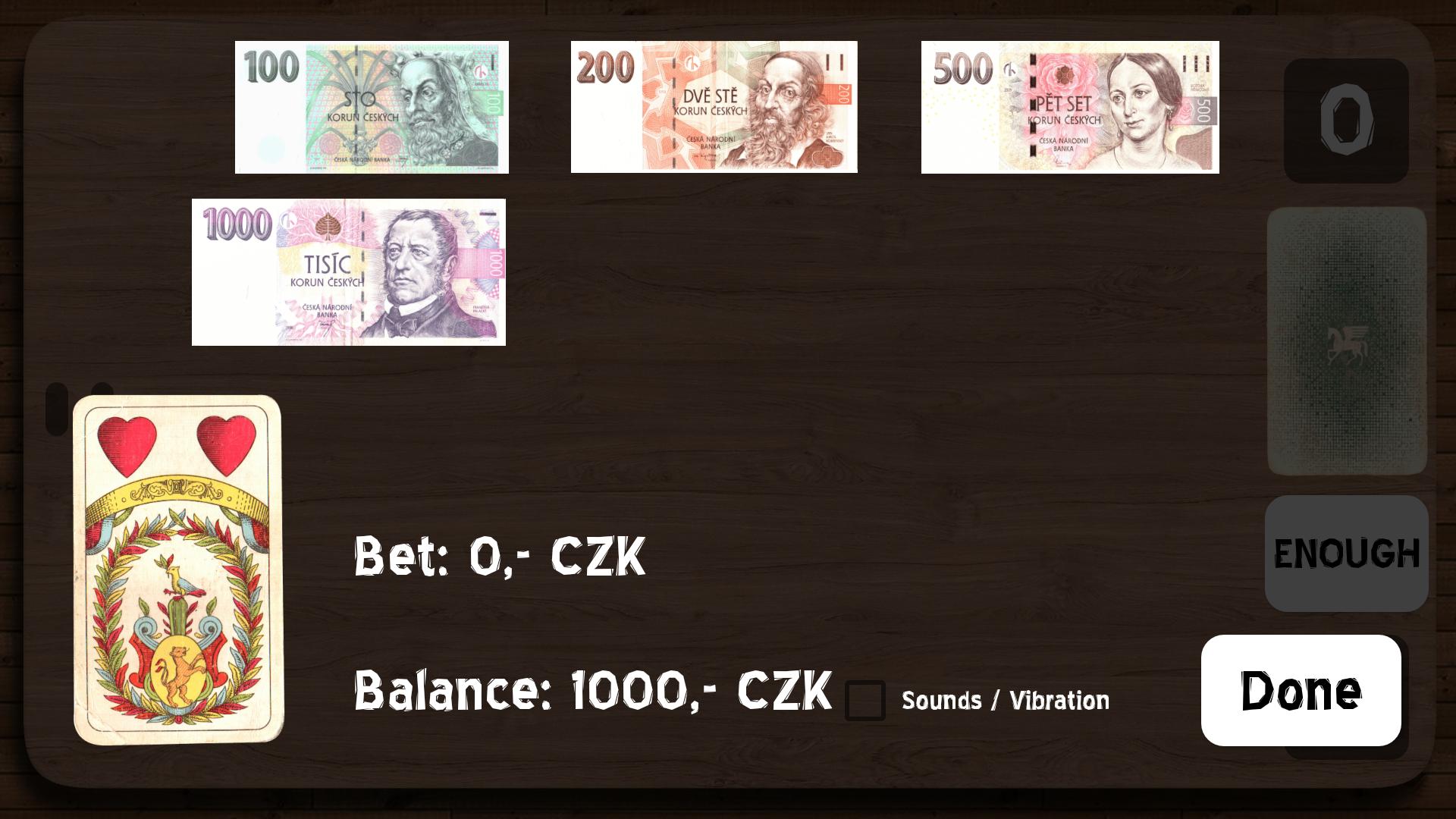
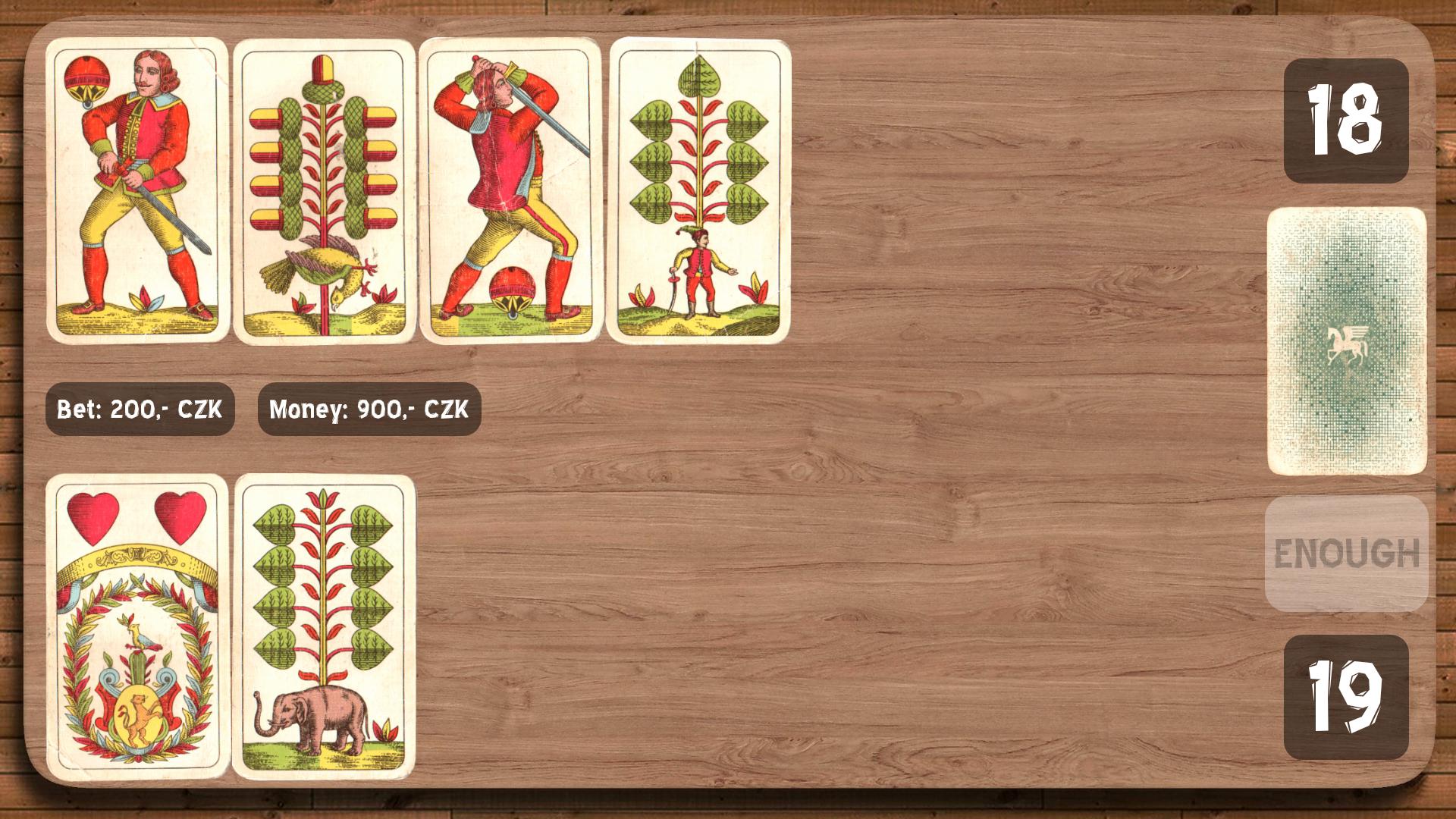
You play against Android. At the beginning of each round you will receive one card and then you have to bet something on. Android bets the same amount. After bet you continue by taking next cards from the deck until you reach the sum of 21 or at least
similar. Exceeding sum 21 means an automatic loss.
If you receive the seven-value card as a first card, you can return it before you start betting. For the Seven of Hearts card, its value can be changed between 7, 10 and 11 during the game play. If you get an eight-card and seven-card consecutively, or 5 low cards (J, Q, K), you can return them and start a new bet with a new card.
The highest figure and automatic win are two aces (the so-called "royal win") and then 21.
The winner has the highest figure or the most will approach 21.
معاينة
العلامات
بطاقةمعلومة
مطور
SdC
احدث اصدار
3.2
آخر تحديث
2020-11-24
فئة
بطاقة
متاح على
Google Play
أظهر المزيد
كيف تلعب 21 Oko bere مع GameLoop على جهاز الكمبيوتر
1. قم بتنزيل GameLoop من الموقع الرسمي ، ثم قم بتشغيل ملف exe لتثبيت GameLoop.
2. افتح GameLoop وابحث عن "21 Oko bere" ، وابحث عن 21 Oko bere في نتائج البحث وانقر على "تثبيت".
3. استمتع بلعب 21 Oko bere على GameLoop.
Minimum requirements
OS
Windows 8.1 64-bit or Windows 10 64-bit
GPU
GTX 1050
CPU
i3-8300
Memory
8GB RAM
Storage
1GB available space
Recommended requirements
OS
Windows 8.1 64-bit or Windows 10 64-bit
GPU
GTX 1050
CPU
i3-9320
Memory
16GB RAM
Storage
1GB available space