TabShop POS PC
SmartLab
قم بتنزيل TabShop POS على جهاز الكمبيوتر باستخدام GameLoop Emulator
TabShop POS على الكمبيوتر الشخصي
TabShop POS ، القادم من المطور SmartLab ، يعمل على نظام Android في الماضي.
الآن ، يمكنك لعب TabShop POS على جهاز الكمبيوتر باستخدام GameLoop بسلاسة.
قم بتنزيله في مكتبة GameLoop أو في نتائج البحث. لا مزيد من الانتباه إلى البطارية أو المكالمات المحبطة في الوقت الخطأ بعد الآن.
ما عليك سوى الاستمتاع بجهاز TabShop POS على الشاشة الكبيرة مجانًا!
TabShop POS مقدمة
TabShop eBook for Small Business Success
https://www.amazon.com/dp/B0F6TJG67C
Looking for a versatile POS (Point of Sale) cashier app for small businesses, restaurants, or retail stores? TabShop is the ultimate solution to streamline sales, manage products, generate invoices, and enhance customer relationships. Simplify payment processing with a user-friendly interface, supporting cash, credit card, and custom payment options.
TabShop’s customizable Point of Sale (POS) system allows you to personalize invoices with logos, contact details, taxes, and discounts, ensuring seamless business and cash register operations. Optimize inventory, stock and sales processes with features tailored for efficient Point of Sale (POS) management.
Empower your business with TabShop’s customer account tracking and special deal and discount offerings based on purchase history. Effortlessly integrate external devices like card readers, receipt printers, and barcode scanners. TabShop also connects with cloud services such as Google Drive and Dropbox, ensuring secure and accessible invoice and inventory management.
For businesses seeking an easy-to-use and reliable POS and cash register system, TabShop is the perfect cashier system. Boost your efficiency, simplify sales, and revolutionize your Point of Sale (POS) experience today!
Mobile POS cashier app
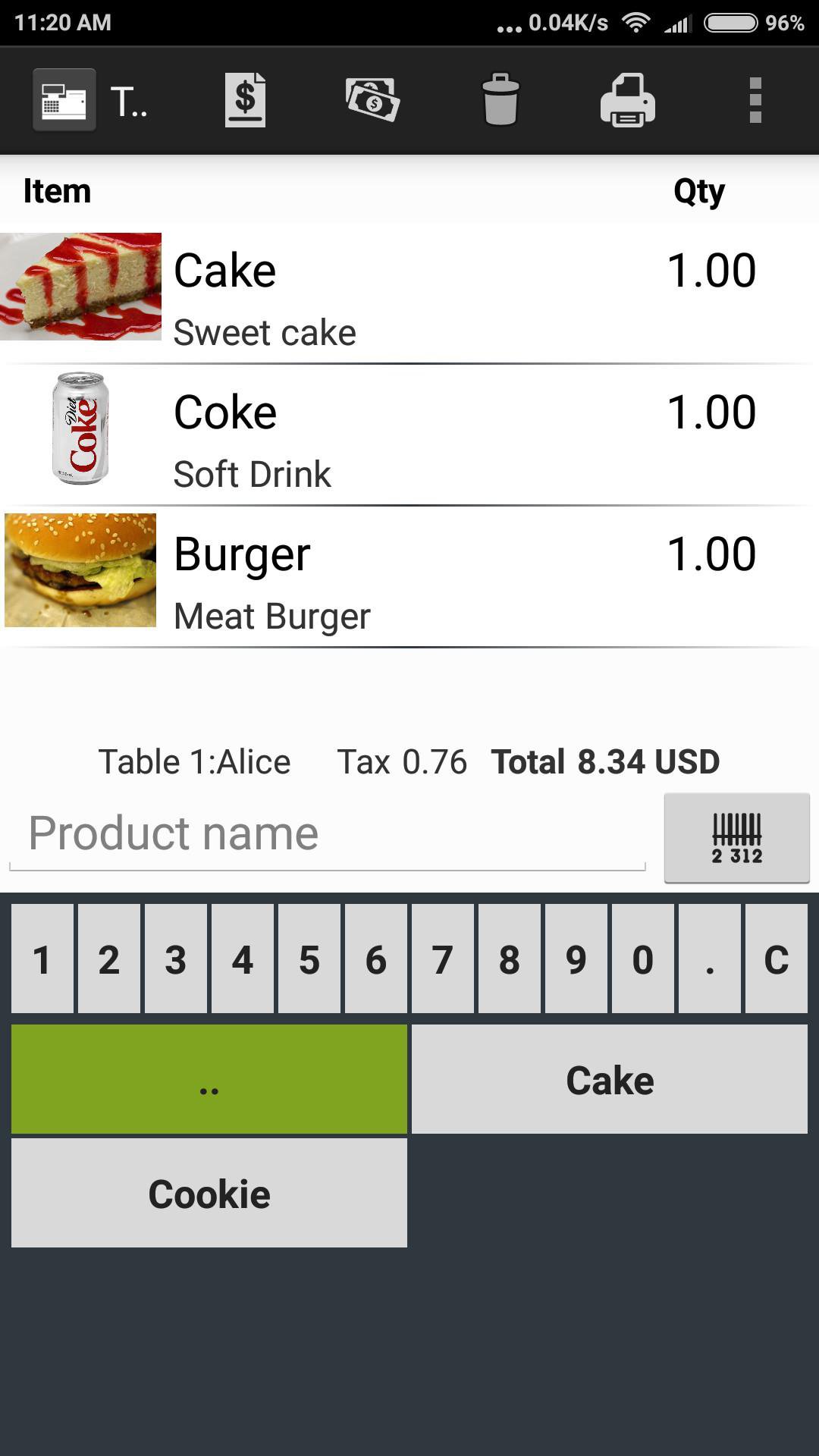
- Take table orders directly on your smartphone
- Print thermo printed invoices on ESC/P thermal printers
- Accept various payment methods, stripe, alipay, paypal
- Swipe credit cards
- Track revenue and product sales
- Track product stock and inventory
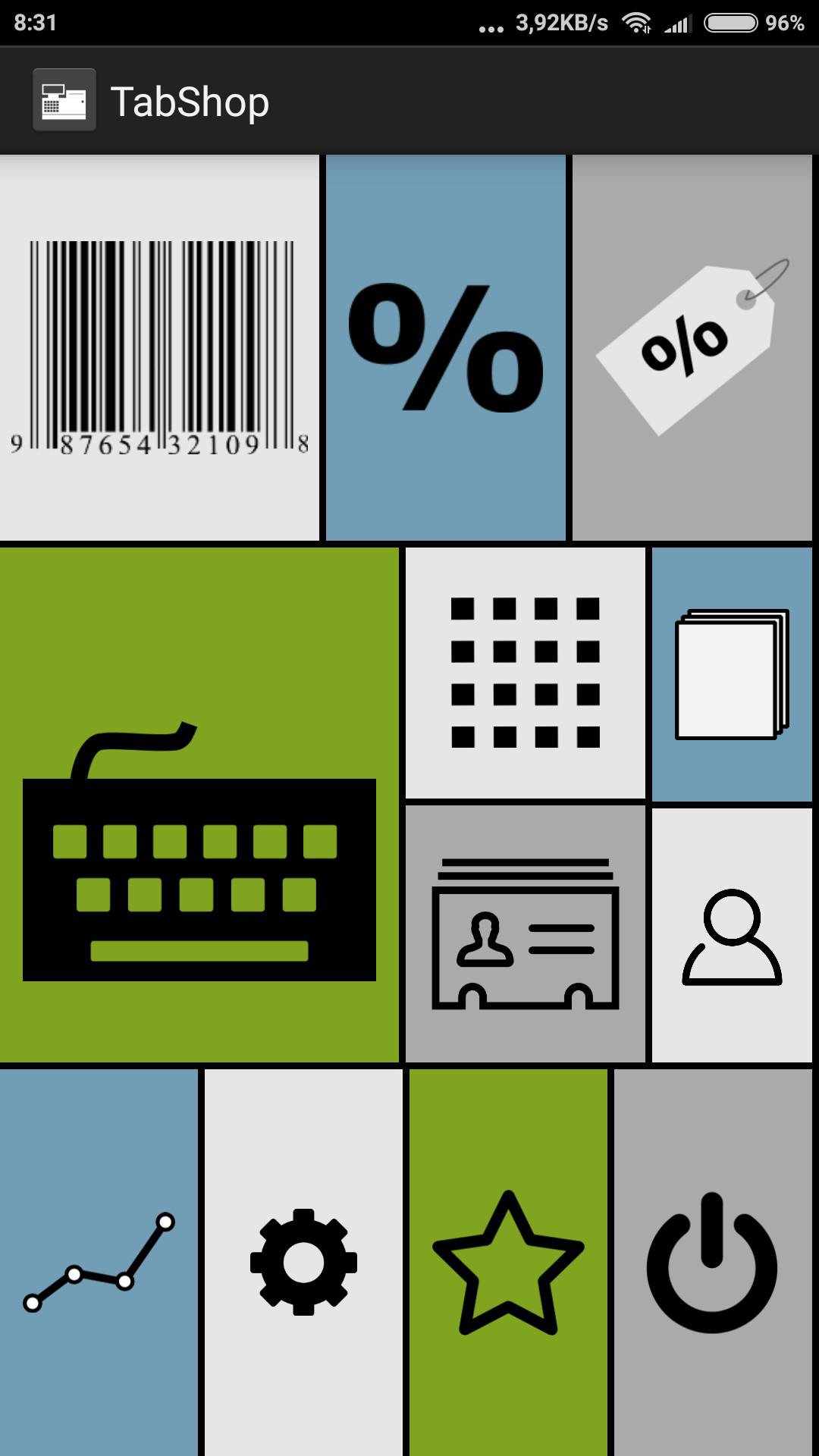
- Scan barcodes, such as EAN or QR codes
- Connect a ESC/P thermal printer, barcode scanner and mechanic cash drawer
- Create users and accounts
- Manage customer accounts and debit
Inventory Management
TabShop the free point of sale POS, shop keeping and cashier app is the perfect match for managing your own individual business. TabShop organizes your restaurant, food truck or TukTuk, retail store, bakery, coffee shop, beauty salon, car wash and more.
Organize your inventory stock of products, keep track of your sale volume, turnover and print invoices for your customers.
Invoice Print
Use your thermal ESC/P or network printer to directly print invoices and receipts from your cash register app for your customers. Customize your shop name and address as well as your logo. Conveniently print and manage all your receipts directly on your phone.
Print loyalty QR codes on your invoices.
Restaurant and Bar Features
Manage and define multiple restaurant and bar tables. Organize individual table orders and use callout numbering for organizing takeaway numbering.
Directly print kitchen orders or use the free companion kitchen order app.
Generate gift cards, checkout with credit card, and to directly scan product codes with the built in camera. Altogether, the TabShop cashier point, cash register and shop keeping app is the perfect software for your own flexible business, bar, kiosk, restaurant, bakery or store.
WooCommerce integration
Sync products and inventory with your WooCommerce ecommerce instance and automatically create orders with your POS devices within WooCommerce server. WooCommerce runs more than 4 millions of ecommerce instances which you can now attach to TabShop.
Scan Product EAN Barcodes
TabShop supports scanning EAN barcode and QR code marked products by using the integrated cam of your tablet.
Sales Analytics and Business Intelligence
- Built in charting and graphing of revenue, stock and sales
- Report of top-selling stock and inventory products
- Timeline sale reports
- Export of CSV data into Excel spreadsheets
DISCLAIMER: By installing and using TabShop Point of Sale POS you agree that the author is not responsible for any financial losses that could occur through miscalculations or not fulfilling local tax regulations!
معاينة
العلامات
اعمالمعلومة
مطور
SmartLab
احدث اصدار
246
آخر تحديث
2025-12-19
فئة
اعمال
متاح على
Google Play
أظهر المزيد
كيف تلعب TabShop POS مع GameLoop على جهاز الكمبيوتر
1. قم بتنزيل GameLoop من الموقع الرسمي ، ثم قم بتشغيل ملف exe لتثبيت GameLoop.
2. افتح GameLoop وابحث عن "TabShop POS" ، وابحث عن TabShop POS في نتائج البحث وانقر على "تثبيت".
3. استمتع بلعب TabShop POS على GameLoop.
Minimum requirements
OS
Windows 8.1 64-bit or Windows 10 64-bit
GPU
GTX 1050
CPU
i3-8300
Memory
8GB RAM
Storage
1GB available space
Recommended requirements
OS
Windows 8.1 64-bit or Windows 10 64-bit
GPU
GTX 1050
CPU
i3-9320
Memory
16GB RAM
Storage
1GB available space