
SubVentory PC
ZippyYum
قم بتنزيل SubVentory على جهاز الكمبيوتر باستخدام GameLoop Emulator
SubVentory على الكمبيوتر الشخصي
SubVentory ، القادم من المطور ZippyYum ، يعمل على نظام Android في الماضي.
الآن ، يمكنك لعب SubVentory على جهاز الكمبيوتر باستخدام GameLoop بسلاسة.
قم بتنزيله في مكتبة GameLoop أو في نتائج البحث. لا مزيد من الانتباه إلى البطارية أو المكالمات المحبطة في الوقت الخطأ بعد الآن.
ما عليك سوى الاستمتاع بجهاز SubVentory على الشاشة الكبيرة مجانًا!
SubVentory مقدمة
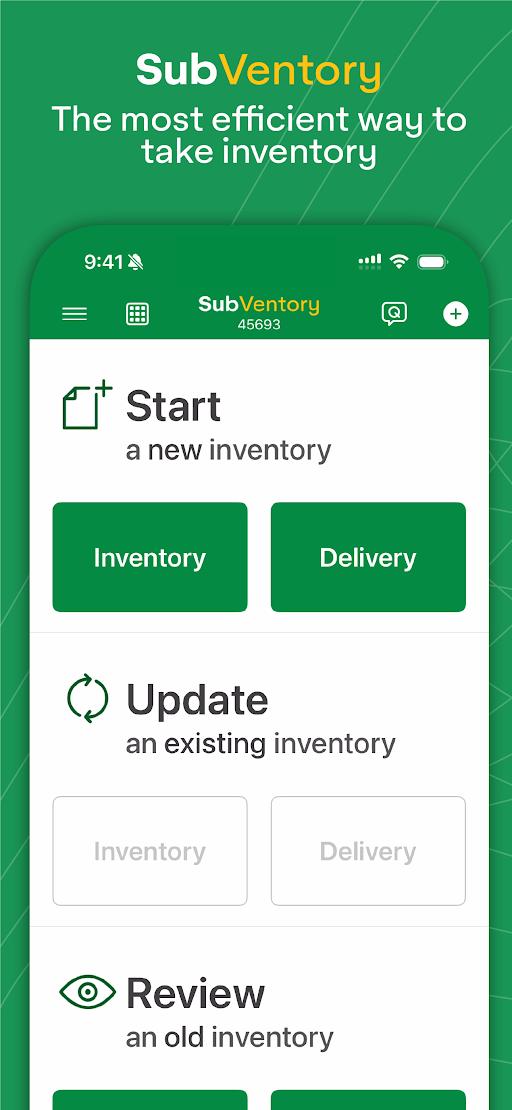
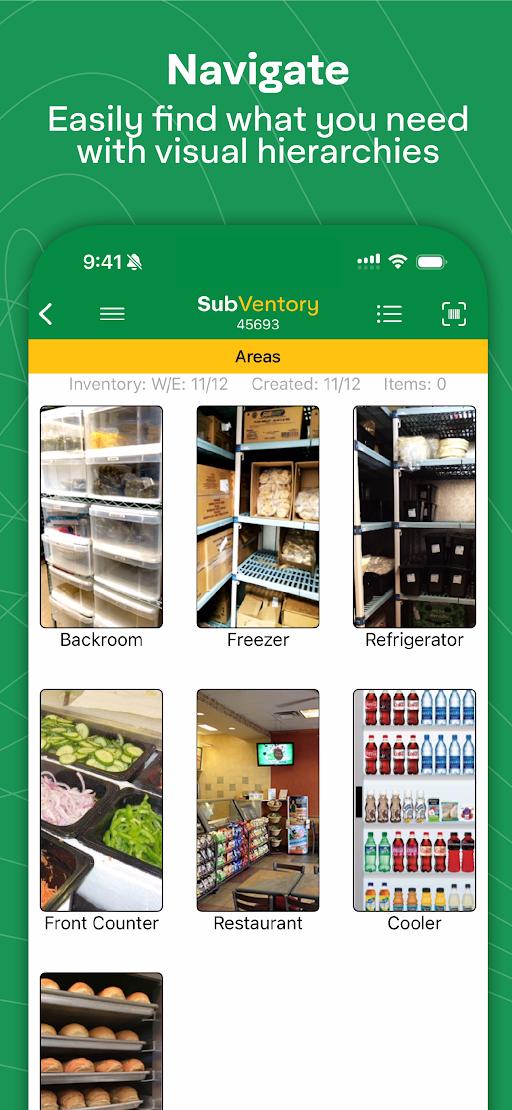
SubVentory is the fastest and most accurate way for any restaurant operator to capture their week-ending inventory, deliveries, file QualityNet Pro complaints, place new distributor orders, and manage withdrawals and recalls. The app helps eliminate errors before they happen and saves hours in labor each week.
• Built-in error prevention algorithms catch mistakes
• Voice recognition allows you to speak your inventory
• Tap or scan barcodes to manually add them
• Multiple users can work at once on multiple devices
• DC Invoices are linked in the App for quick deliveries
• Suggestive ordering automatically creates re-orders
• Manually edit and submit DC re-orders
• Withdrawals and recalls are integrated with alerts
• Standardize prepping with our customizable conversions
• Submit QualityNet Pro complaints in just a couple minutes
• POS Integration uploads inventories at the press of a key
• Eliminates all manual data entry
• Supports over 15 languages
• 24/7/365 free live support from our team
• Learn more at www.zippyyum.com
معاينة
العلامات
اعمالمجلسمعلومة
مطور
ZippyYum
احدث اصدار
11.13.002509
آخر تحديث
2025-09-14
فئة
اعمال
متاح على
Google Play
أظهر المزيد
كيف تلعب SubVentory مع GameLoop على جهاز الكمبيوتر
1. قم بتنزيل GameLoop من الموقع الرسمي ، ثم قم بتشغيل ملف exe لتثبيت GameLoop.
2. افتح GameLoop وابحث عن "SubVentory" ، وابحث عن SubVentory في نتائج البحث وانقر على "تثبيت".
3. استمتع بلعب SubVentory على GameLoop.
Minimum requirements
OS
Windows 8.1 64-bit or Windows 10 64-bit
GPU
GTX 1050
CPU
i3-8300
Memory
8GB RAM
Storage
1GB available space
Recommended requirements
OS
Windows 8.1 64-bit or Windows 10 64-bit
GPU
GTX 1050
CPU
i3-9320
Memory
16GB RAM
Storage
1GB available space