
NYS Excelsior Pass Scanner PC
NYS Office of Information Technology Services
قم بتنزيل NYS Excelsior Pass Scanner على جهاز الكمبيوتر باستخدام GameLoop Emulator
NYS Excelsior Pass Scanner على الكمبيوتر الشخصي
NYS Excelsior Pass Scanner ، القادم من المطور NYS Office of Information Technology Services ، يعمل على نظام Android في الماضي.
الآن ، يمكنك لعب NYS Excelsior Pass Scanner على جهاز الكمبيوتر باستخدام GameLoop بسلاسة.
قم بتنزيله في مكتبة GameLoop أو في نتائج البحث. لا مزيد من الانتباه إلى البطارية أو المكالمات المحبطة في الوقت الخطأ بعد الآن.
ما عليك سوى الاستمتاع بجهاز NYS Excelsior Pass Scanner على الشاشة الكبيرة مجانًا!
NYS Excelsior Pass Scanner مقدمة
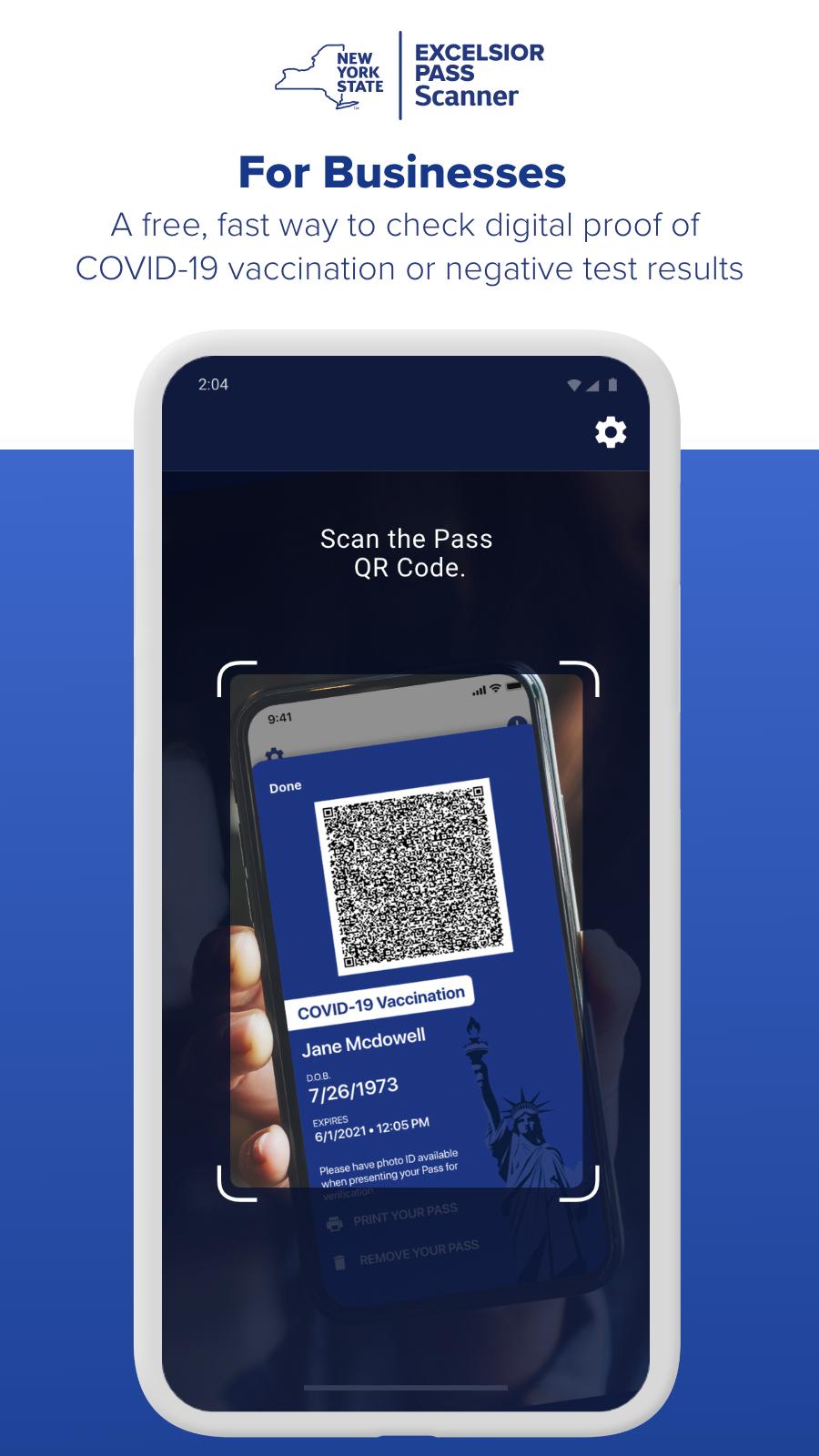
• A free, fast way to check digital proof of COVID-19 vaccination or negative test results.
• Become part of New York's Safe Reopening. For New York businesses, Excelsior Pass is the fastest and easiest way to accept proof of COVID-19 vaccination or negative test results to ensure compliance with State reopening guidelines.
• Sponsored by the State of New York, Excelsior Pass provides secure, digital proof of COVID-19 vaccination or negative test results.
• Excelsior pass is free to download and use.
• Similar to a mobile airline boarding pass, New Yorkers can store Passes digitally on their smartphones to present at participating businesses and venues.
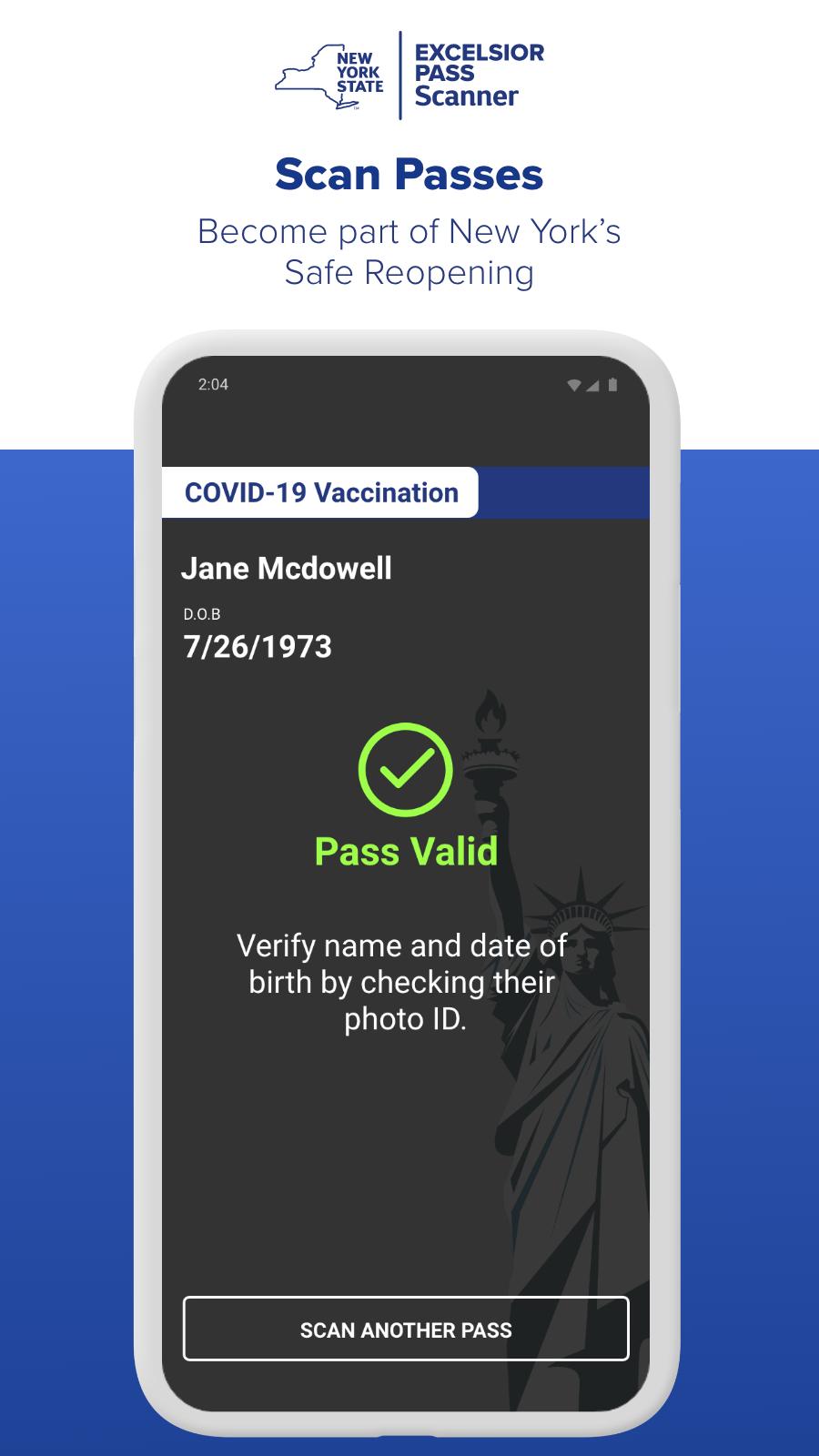
• As a business, you can use the Excelsior Pass Scanner app to validate that your employees or customers have valid Passes and are safe to enter your establishment.
• You are required to verify identification by matching the name and birth date on the Pass to a photo ID.
• In accordance with State reopening guidelines for your industry, you may also accept alternate forms of proof of vaccination or negative test results, like a CDC card or lab report.
• Download Excelsior Pass Scanner and be part of the safe reopening of New York State.
معاينة
العلامات
اعمالمعلومة
مطور
NYS Office of Information Technology Services
احدث اصدار
2.7.0
آخر تحديث
2022-09-29
فئة
اعمال
متاح على
Google Play
أظهر المزيد
كيف تلعب NYS Excelsior Pass Scanner مع GameLoop على جهاز الكمبيوتر
1. قم بتنزيل GameLoop من الموقع الرسمي ، ثم قم بتشغيل ملف exe لتثبيت GameLoop.
2. افتح GameLoop وابحث عن "NYS Excelsior Pass Scanner" ، وابحث عن NYS Excelsior Pass Scanner في نتائج البحث وانقر على "تثبيت".
3. استمتع بلعب NYS Excelsior Pass Scanner على GameLoop.
Minimum requirements
OS
Windows 8.1 64-bit or Windows 10 64-bit
GPU
GTX 1050
CPU
i3-8300
Memory
8GB RAM
Storage
1GB available space
Recommended requirements
OS
Windows 8.1 64-bit or Windows 10 64-bit
GPU
GTX 1050
CPU
i3-9320
Memory
16GB RAM
Storage
1GB available space