OpenText iPrint PC
Micro Focus Software Inc.
قم بتنزيل OpenText iPrint على جهاز الكمبيوتر باستخدام GameLoop Emulator
OpenText iPrint على الكمبيوتر الشخصي
OpenText iPrint ، القادم من المطور Micro Focus Software Inc. ، يعمل على نظام Android في الماضي.
الآن ، يمكنك لعب OpenText iPrint على جهاز الكمبيوتر باستخدام GameLoop بسلاسة.
قم بتنزيله في مكتبة GameLoop أو في نتائج البحث. لا مزيد من الانتباه إلى البطارية أو المكالمات المحبطة في الوقت الخطأ بعد الآن.
ما عليك سوى الاستمتاع بجهاز OpenText iPrint على الشاشة الكبيرة مجانًا!
OpenText iPrint مقدمة
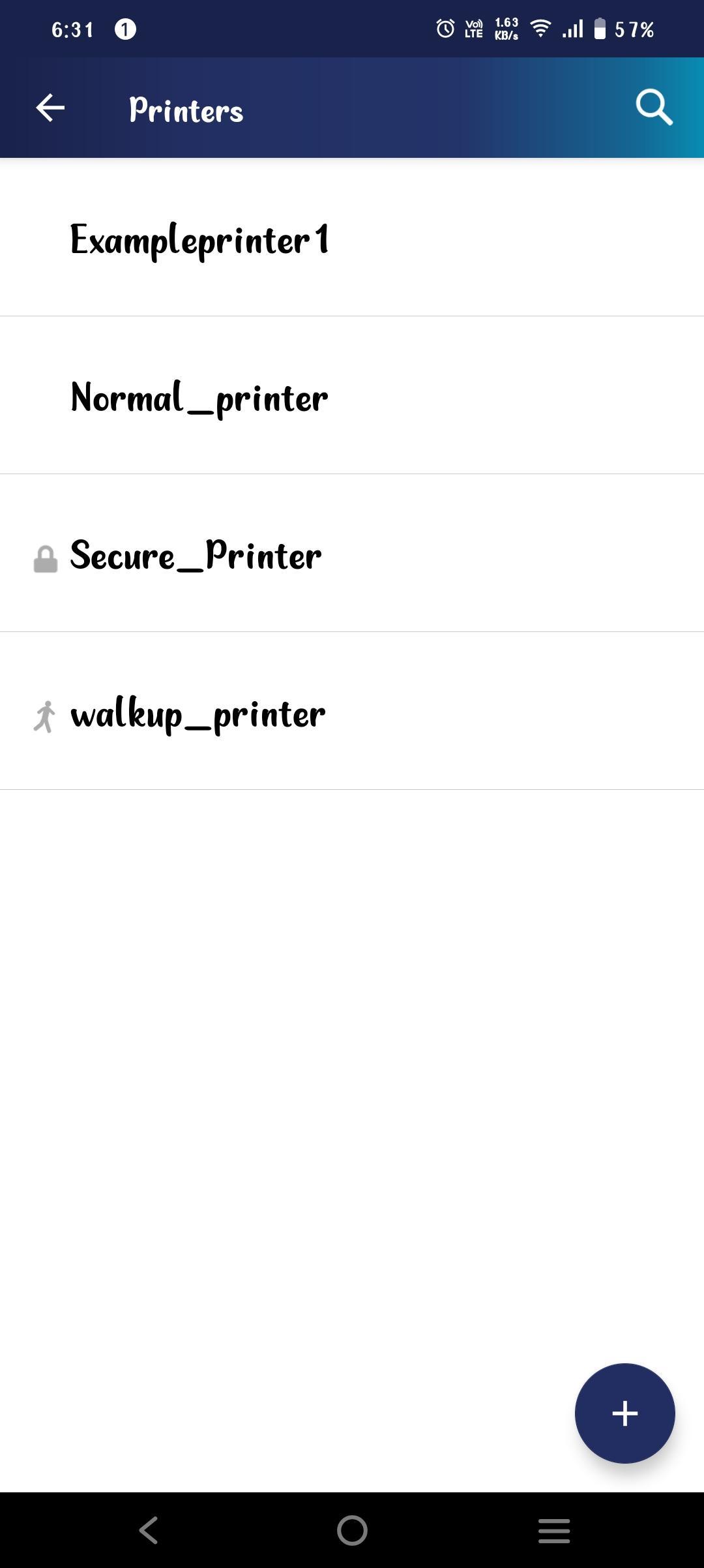
OpenText iPrint provides secure enterprise print services for your Android phone and tablet devices. iPrint integrates with any of your existing corporate printers allowing you to deliver self-service printer provisioning to your mobile device users. Users can seamlessly print Office documents, PDFs, and images directly from their device, anywhere and anytime.
The iPrint app enables you to:
- Print documents on any iPrint enabled corporate printer and print infrastructure
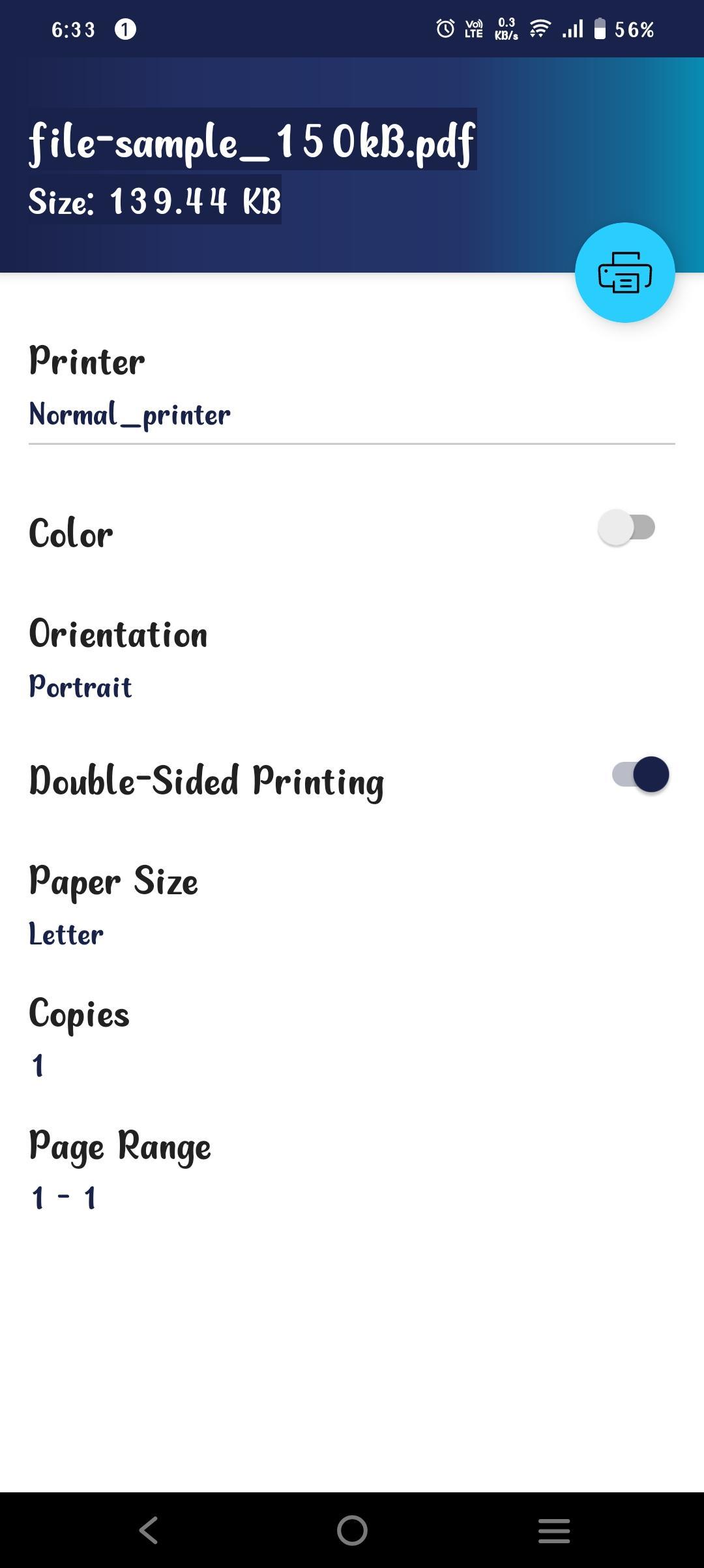
- Choose the Color, Orientation, Number of Copies, and Page Size through the OpenText iPrint app
- Print securely using access restrictions
- List all available corporate printers
- Scan a QR code to quickly connect your mobile device to a specific printer
- Flexibility to print WalkUp jobs when you are near the printer
To use this app, your organization must deploy the OpenText iPrint Appliance. For more information, see https://www.opentext.com/products/enterprise-server
معاينة
العلامات
اعمالمعلومة
مطور
Micro Focus Software Inc.
احدث اصدار
24.3
آخر تحديث
2024-08-30
فئة
اعمال
متاح على
Google Play
أظهر المزيد
كيف تلعب OpenText iPrint مع GameLoop على جهاز الكمبيوتر
1. قم بتنزيل GameLoop من الموقع الرسمي ، ثم قم بتشغيل ملف exe لتثبيت GameLoop.
2. افتح GameLoop وابحث عن "OpenText iPrint" ، وابحث عن OpenText iPrint في نتائج البحث وانقر على "تثبيت".
3. استمتع بلعب OpenText iPrint على GameLoop.
Minimum requirements
OS
Windows 8.1 64-bit or Windows 10 64-bit
GPU
GTX 1050
CPU
i3-8300
Memory
8GB RAM
Storage
1GB available space
Recommended requirements
OS
Windows 8.1 64-bit or Windows 10 64-bit
GPU
GTX 1050
CPU
i3-9320
Memory
16GB RAM
Storage
1GB available space