
Indeed Key PC
UAB Indeed Identity
قم بتنزيل Indeed Key على جهاز الكمبيوتر باستخدام GameLoop Emulator
Indeed Key على الكمبيوتر الشخصي
Indeed Key ، القادم من المطور UAB Indeed Identity ، يعمل على نظام Android في الماضي.
الآن ، يمكنك لعب Indeed Key على جهاز الكمبيوتر باستخدام GameLoop بسلاسة.
قم بتنزيله في مكتبة GameLoop أو في نتائج البحث. لا مزيد من الانتباه إلى البطارية أو المكالمات المحبطة في الوقت الخطأ بعد الآن.
ما عليك سوى الاستمتاع بجهاز Indeed Key على الشاشة الكبيرة مجانًا!
Indeed Key مقدمة
Stay secure and protect your accounts and personal information with Indeed Key Authenticator.
Indeed Key Authenticator offers top-level security for your sign-ins using multifactor authentication. Multifactor authentication adds an extra layer of security to your accounts, personal computer, email, VPN services, web applications, and other systems.
Key features:
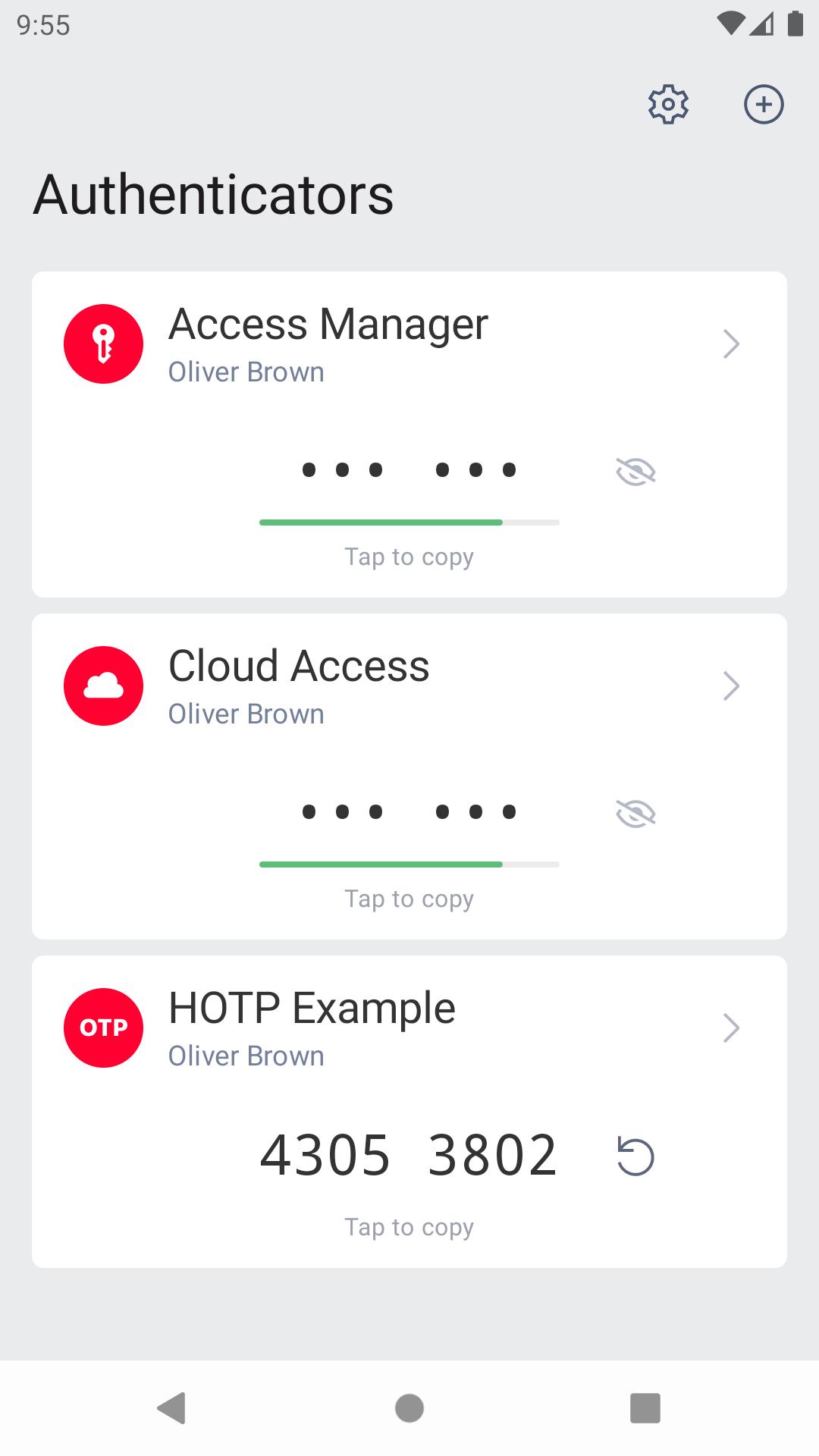
• Generate time-based one-time passwords (TOTP). The TOTP codes are securely stored on your mobile device. You can hide and copy codes without displaying them on the screen.
• Use push authentication. Indeed Key Authenticator offers secure logins with push authentication. Additionally, you can provide extra security for push authentication by adding biometric data requests or any other method available on your device.
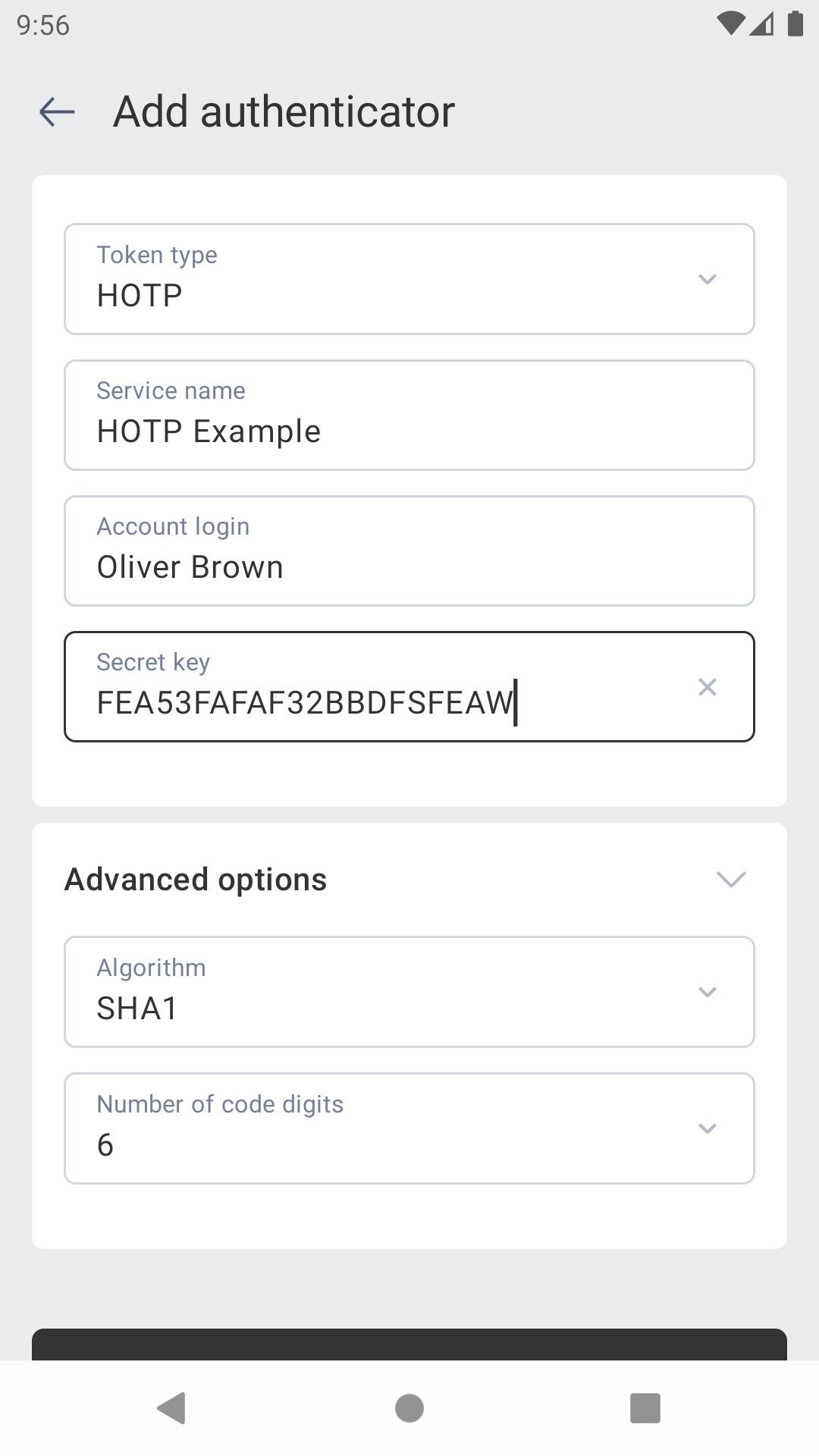
• Scan QR codes. Effortlessly register authenticators by scanning a QR code in the application.
معاينة
العلامات
اعمالمعلومة
مطور
UAB Indeed Identity
احدث اصدار
3.1.0.25
آخر تحديث
2025-07-23
فئة
اعمال
متاح على
Google Play
أظهر المزيد
كيف تلعب Indeed Key مع GameLoop على جهاز الكمبيوتر
1. قم بتنزيل GameLoop من الموقع الرسمي ، ثم قم بتشغيل ملف exe لتثبيت GameLoop.
2. افتح GameLoop وابحث عن "Indeed Key" ، وابحث عن Indeed Key في نتائج البحث وانقر على "تثبيت".
3. استمتع بلعب Indeed Key على GameLoop.
Minimum requirements
OS
Windows 8.1 64-bit or Windows 10 64-bit
GPU
GTX 1050
CPU
i3-8300
Memory
8GB RAM
Storage
1GB available space
Recommended requirements
OS
Windows 8.1 64-bit or Windows 10 64-bit
GPU
GTX 1050
CPU
i3-9320
Memory
16GB RAM
Storage
1GB available space