GeoMedia® WebMap Mobile PC
Intergraph Corporation
قم بتنزيل GeoMedia® WebMap Mobile على جهاز الكمبيوتر باستخدام GameLoop Emulator
GeoMedia® WebMap Mobile على الكمبيوتر الشخصي
GeoMedia® WebMap Mobile ، القادم من المطور Intergraph Corporation ، يعمل على نظام Android في الماضي.
الآن ، يمكنك لعب GeoMedia® WebMap Mobile على جهاز الكمبيوتر باستخدام GameLoop بسلاسة.
قم بتنزيله في مكتبة GameLoop أو في نتائج البحث. لا مزيد من الانتباه إلى البطارية أو المكالمات المحبطة في الوقت الخطأ بعد الآن.
ما عليك سوى الاستمتاع بجهاز GeoMedia® WebMap Mobile على الشاشة الكبيرة مجانًا!
GeoMedia® WebMap Mobile مقدمة
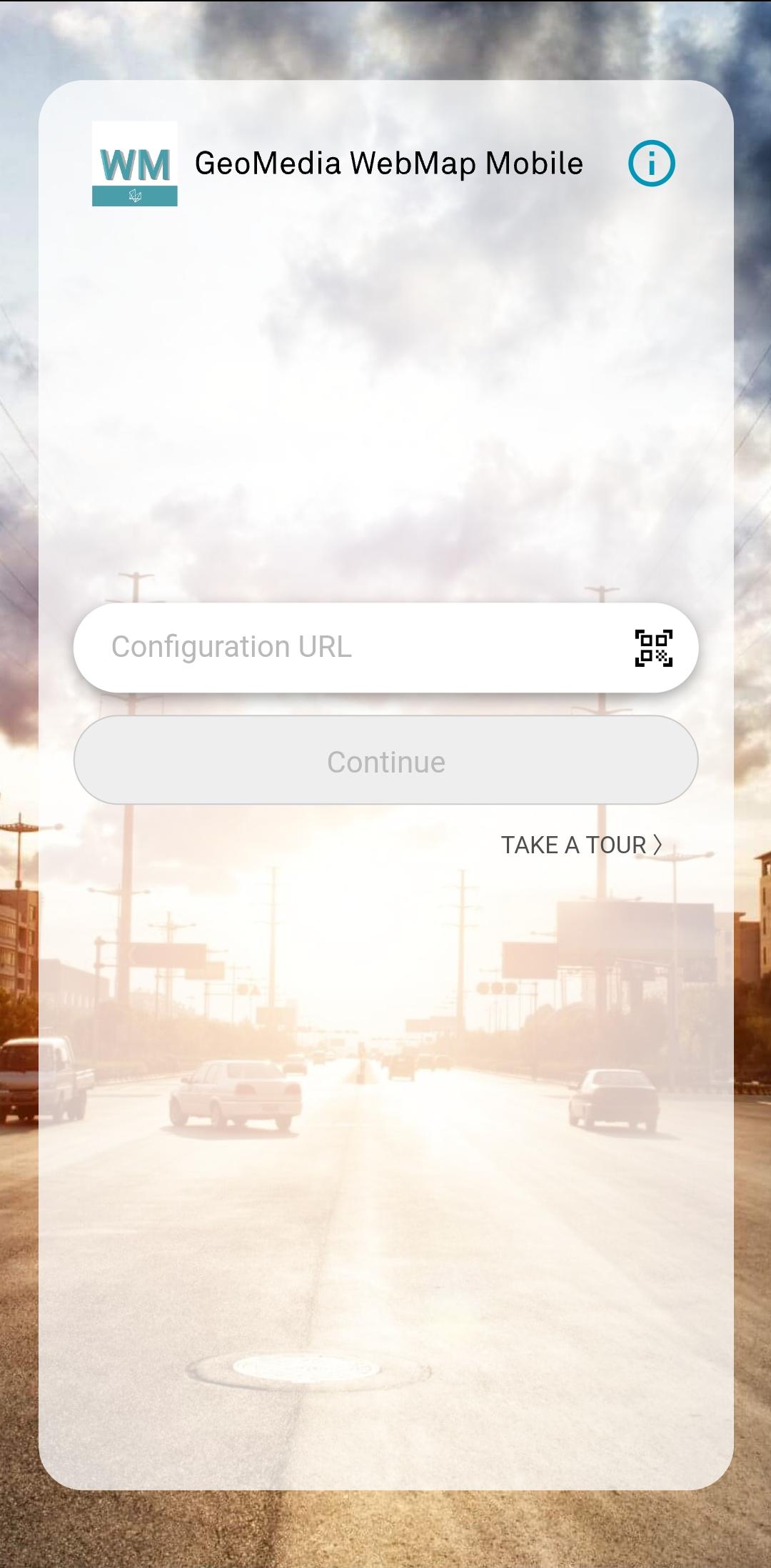
GeoMedia® WebMap Mobile is a phone/tablet-based application for accessing, updating and editing geospatial (GIS) data. The application is used for field and off-site assessment activities, such as pole or vegetation inspection for utilities or public works, traffic light and bridge inspection for transportation authorities, and cell or mobile tower site inspection for communications companies.
GeoMedia WebMap Mobile provides quick navigation and map display including precise GPS location. With this application, you can view, edit, and update enterprise data from the field, in real time. Feature attributes and geometries modified on the mobile device are available instantly on the GIS platform used by your organization.
GeoMedia WebMap Mobile uses WMS and WFS OGC services for GIS data viewing, and WFS-T OGC service for updating GIS data.
The application can be configured to serve selected data to individual users within a pre-defined area and configured to run in offline mode to support field work with weak or no internet access. The server side of the GeoMedia WebMap Mobile is responsible for serving data. The user configurations is offered as part of GeoMedia WebMap Advantage and Professional.
معاينة
العلامات
اعمالمعلومة
مطور
Intergraph Corporation
احدث اصدار
16.8(2423)
آخر تحديث
2023-11-03
فئة
اعمال
متاح على
Google Play
أظهر المزيد
كيف تلعب GeoMedia® WebMap Mobile مع GameLoop على جهاز الكمبيوتر
1. قم بتنزيل GameLoop من الموقع الرسمي ، ثم قم بتشغيل ملف exe لتثبيت GameLoop.
2. افتح GameLoop وابحث عن "GeoMedia® WebMap Mobile" ، وابحث عن GeoMedia® WebMap Mobile في نتائج البحث وانقر على "تثبيت".
3. استمتع بلعب GeoMedia® WebMap Mobile على GameLoop.
Minimum requirements
OS
Windows 8.1 64-bit or Windows 10 64-bit
GPU
GTX 1050
CPU
i3-8300
Memory
8GB RAM
Storage
1GB available space
Recommended requirements
OS
Windows 8.1 64-bit or Windows 10 64-bit
GPU
GTX 1050
CPU
i3-9320
Memory
16GB RAM
Storage
1GB available space