Organizer App by EventsAir PC
Centium Software Pty Ltd
قم بتنزيل Organizer App by EventsAir على جهاز الكمبيوتر باستخدام GameLoop Emulator
Organizer App by EventsAir على الكمبيوتر الشخصي
Organizer App by EventsAir ، القادم من المطور Centium Software Pty Ltd ، يعمل على نظام Android في الماضي.
الآن ، يمكنك لعب Organizer App by EventsAir على جهاز الكمبيوتر باستخدام GameLoop بسلاسة.
قم بتنزيله في مكتبة GameLoop أو في نتائج البحث. لا مزيد من الانتباه إلى البطارية أو المكالمات المحبطة في الوقت الخطأ بعد الآن.
ما عليك سوى الاستمتاع بجهاز Organizer App by EventsAir على الشاشة الكبيرة مجانًا!
Organizer App by EventsAir مقدمة
The EventsAir Organizer App gives you the power to manage your event effortlessly – whether you’re on the event floor or working remotely. This streamlined version of EventsAir provides quick access to key event management tools, ensuring everything runs smoothly.
Key features:
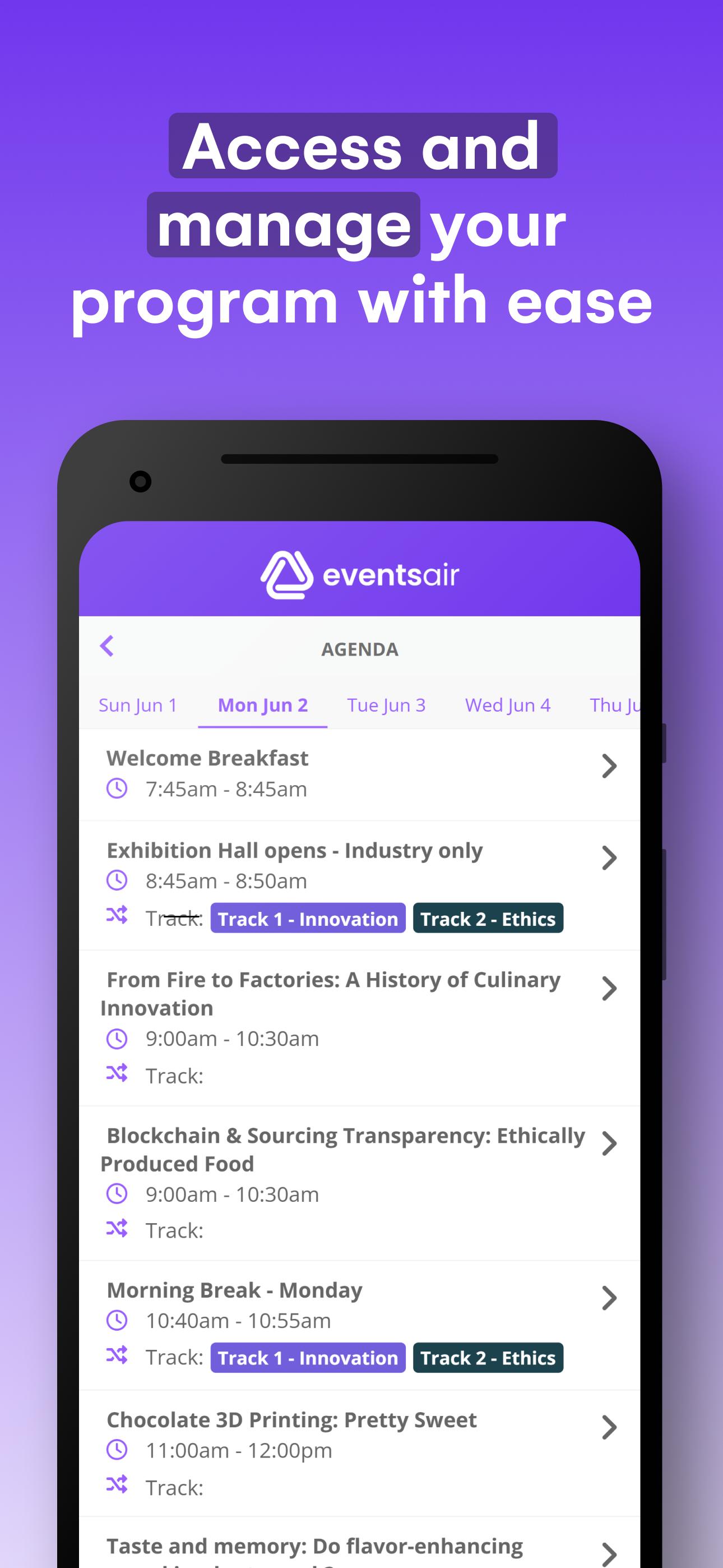
– Everything at your fingertips: Instantly access agendas, sessions, functions, run sheets, staff comms, social media streaming, and more.
– Seamless check-ins & payments: Check attendees in and out of sessions, manage walk-ins, and collect payments with ease.
– Real-time event control: Send notifications, manage tasks, and keep everything on track with instant updates.
– Stay connected: Communicate with staff and ensure smooth coordination throughout your event.
Getting started:
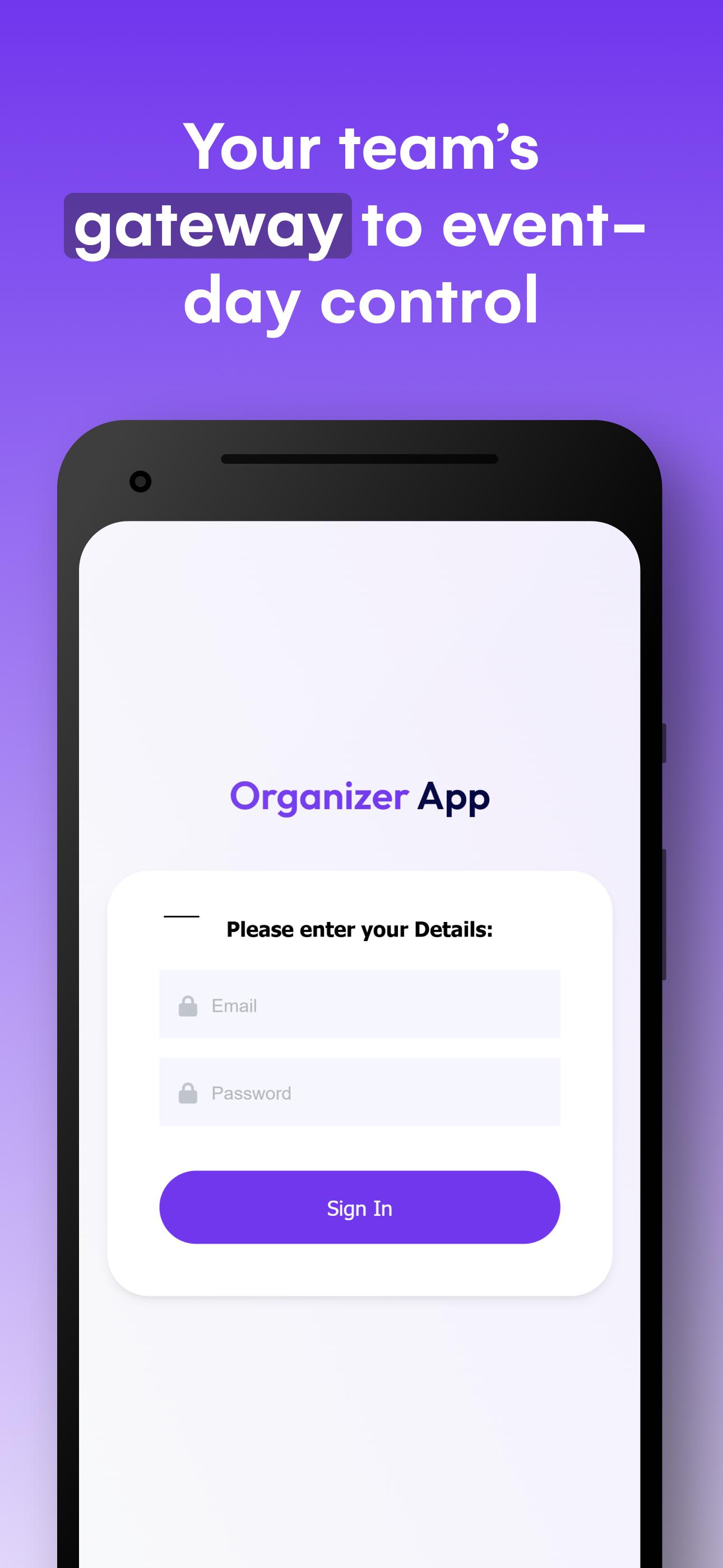
Simply install the app and enter your authorized email address and password provided to you. A licensed copy of EventsAir is required to use the Organizer App. Once installed, your Event Organizer App is ready to use onsite at your event.
معاينة
العلامات
اعمالمعلومة
مطور
Centium Software Pty Ltd
احدث اصدار
4.2.1
آخر تحديث
2025-09-05
فئة
اعمال
متاح على
Google Play
أظهر المزيد
كيف تلعب Organizer App by EventsAir مع GameLoop على جهاز الكمبيوتر
1. قم بتنزيل GameLoop من الموقع الرسمي ، ثم قم بتشغيل ملف exe لتثبيت GameLoop.
2. افتح GameLoop وابحث عن "Organizer App by EventsAir" ، وابحث عن Organizer App by EventsAir في نتائج البحث وانقر على "تثبيت".
3. استمتع بلعب Organizer App by EventsAir على GameLoop.
Minimum requirements
OS
Windows 8.1 64-bit or Windows 10 64-bit
GPU
GTX 1050
CPU
i3-8300
Memory
8GB RAM
Storage
1GB available space
Recommended requirements
OS
Windows 8.1 64-bit or Windows 10 64-bit
GPU
GTX 1050
CPU
i3-9320
Memory
16GB RAM
Storage
1GB available space