
CEMOS Advisor PC
CLAAS KGaA mbH
قم بتنزيل CEMOS Advisor على جهاز الكمبيوتر باستخدام GameLoop Emulator
CEMOS Advisor على الكمبيوتر الشخصي
CEMOS Advisor ، القادم من المطور CLAAS KGaA mbH ، يعمل على نظام Android في الماضي.
الآن ، يمكنك لعب CEMOS Advisor على جهاز الكمبيوتر باستخدام GameLoop بسلاسة.
قم بتنزيله في مكتبة GameLoop أو في نتائج البحث. لا مزيد من الانتباه إلى البطارية أو المكالمات المحبطة في الوقت الخطأ بعد الآن.
ما عليك سوى الاستمتاع بجهاز CEMOS Advisor على الشاشة الكبيرة مجانًا!
CEMOS Advisor مقدمة
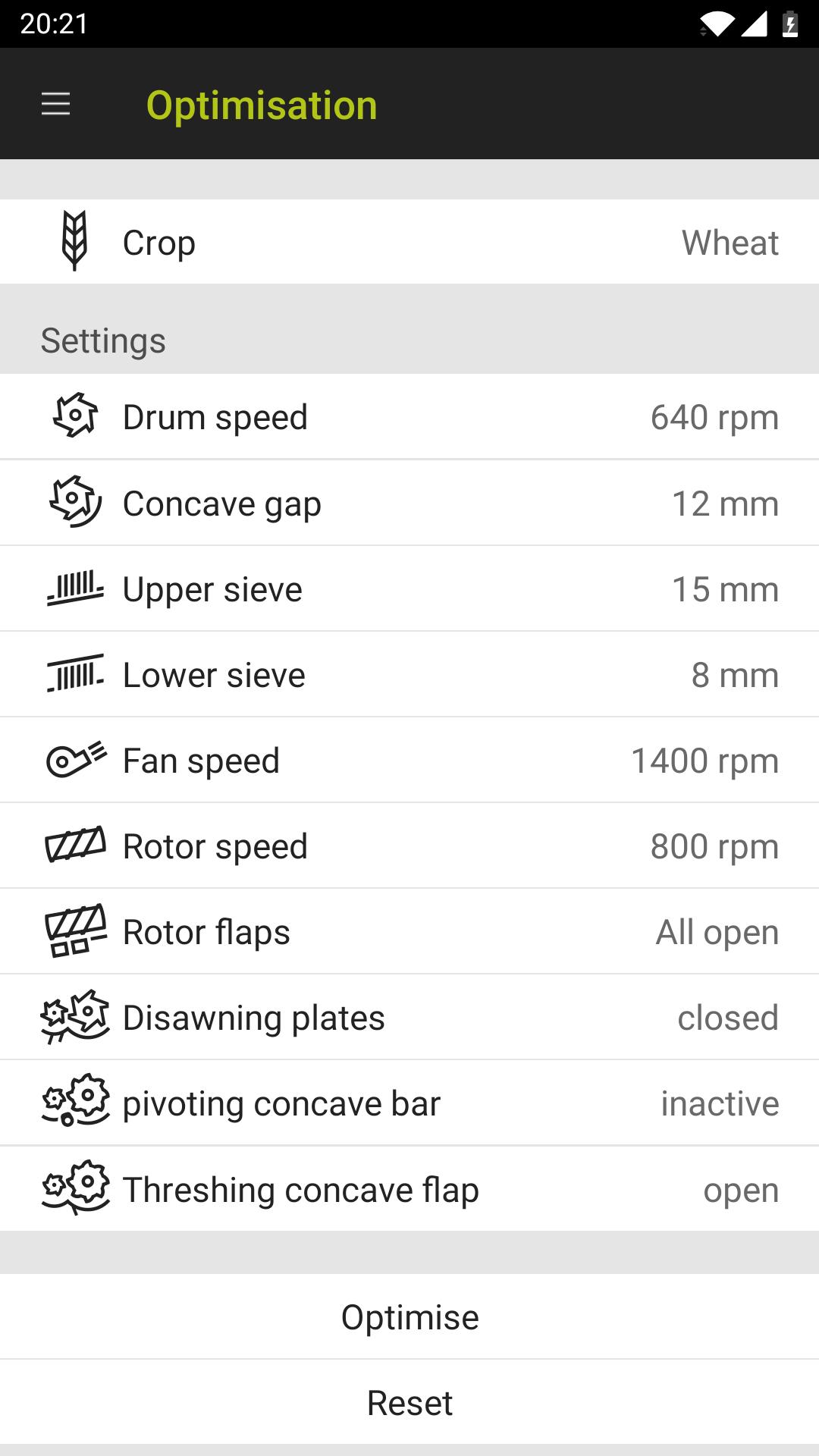
CEMOS Advisor is making good drivers even better. This optimisation aid for the smartphone helps the driver to configure his combine harvester even more efficiently.
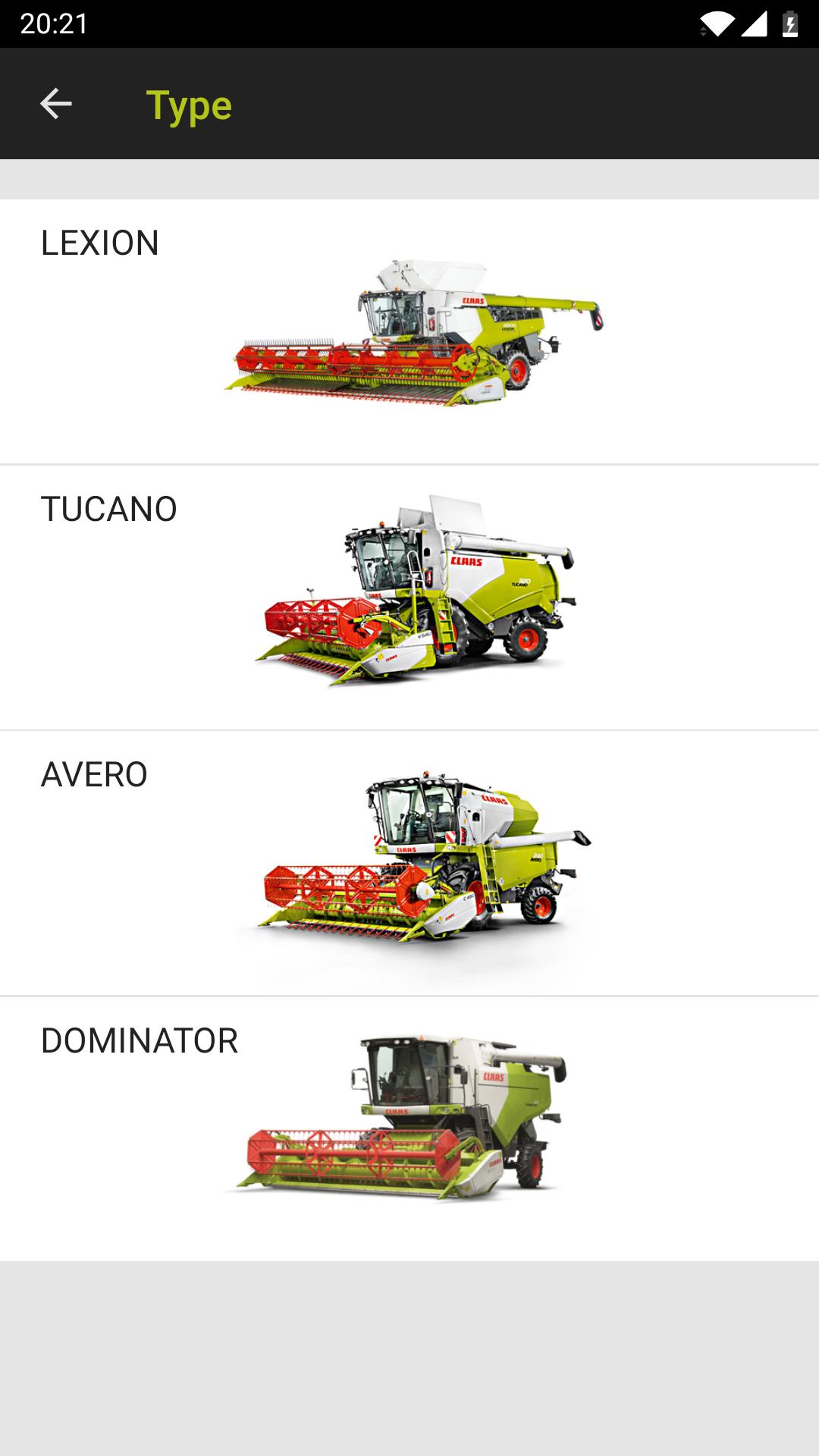
The default values in the crop log for your CLAAS combine harvester provide a useful average for almost all harvesting conditions, although they generally also offer some scope for optimisation. The CEMOS Advisor app gives the driver recommendations for optimising the machine settings during the harvest and can be used with the LEXION, TUCANO and AVERO model series. The app guides the driver through the configuration process and therefore improves as a result of continuous learning.
The optimisation takes place in three stages:
- A problem is detected during the harvest, e.g. high losses
- CEMOS Advisor makes a logical suggestion in terms of settings
- The driver adjusts the settings on the machine, checks the results and, if necessary, asks for another suggestion.
As soon as your machine is optimised, you can save your machine settings in the app and call them up again if required.
CEMOS Advisor also includes a calculation tool for loss analysis.
معاينة
العلامات
اعمالمعلومة
مطور
CLAAS KGaA mbH
احدث اصدار
1.2.42
آخر تحديث
2020-07-20
فئة
اعمال
متاح على
Google Play
أظهر المزيد
كيف تلعب CEMOS Advisor مع GameLoop على جهاز الكمبيوتر
1. قم بتنزيل GameLoop من الموقع الرسمي ، ثم قم بتشغيل ملف exe لتثبيت GameLoop.
2. افتح GameLoop وابحث عن "CEMOS Advisor" ، وابحث عن CEMOS Advisor في نتائج البحث وانقر على "تثبيت".
3. استمتع بلعب CEMOS Advisor على GameLoop.
Minimum requirements
OS
Windows 8.1 64-bit or Windows 10 64-bit
GPU
GTX 1050
CPU
i3-8300
Memory
8GB RAM
Storage
1GB available space
Recommended requirements
OS
Windows 8.1 64-bit or Windows 10 64-bit
GPU
GTX 1050
CPU
i3-9320
Memory
16GB RAM
Storage
1GB available space