
Blowhorn WMS PC
Blowhorn
قم بتنزيل Blowhorn WMS على جهاز الكمبيوتر باستخدام GameLoop Emulator
Blowhorn WMS على الكمبيوتر الشخصي
Blowhorn WMS ، القادم من المطور Blowhorn ، يعمل على نظام Android في الماضي.
الآن ، يمكنك لعب Blowhorn WMS على جهاز الكمبيوتر باستخدام GameLoop بسلاسة.
قم بتنزيله في مكتبة GameLoop أو في نتائج البحث. لا مزيد من الانتباه إلى البطارية أو المكالمات المحبطة في الوقت الخطأ بعد الآن.
ما عليك سوى الاستمتاع بجهاز Blowhorn WMS على الشاشة الكبيرة مجانًا!
Blowhorn WMS مقدمة
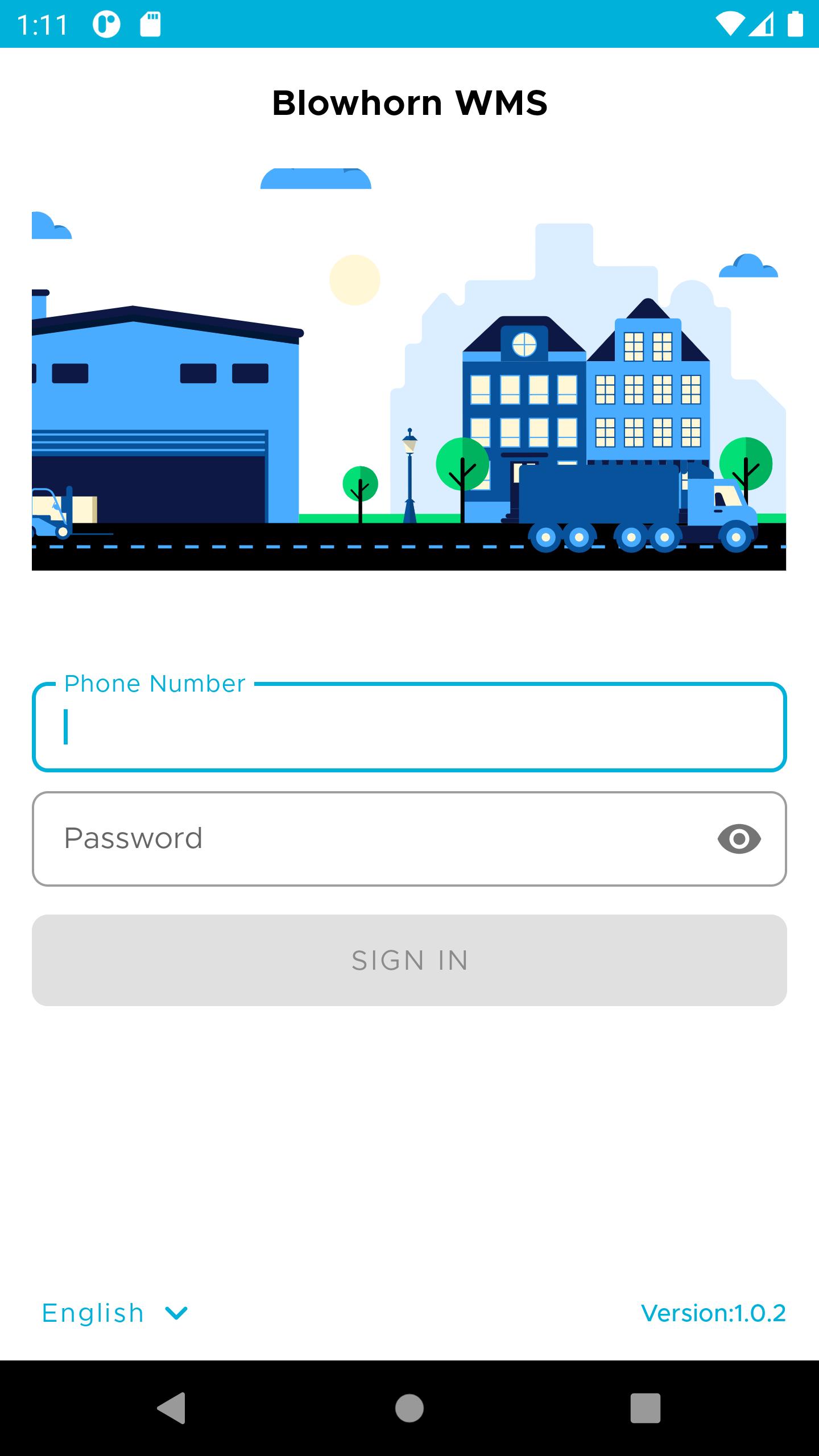
Blowhorn WMS is a fully-featured Warehouse Management System (WMS) to help Independent warehouse operators control the movement and storage of materials. It provides users the ability to perform multiple tasks remotely by just connecting from any smartphone or device.
Covering all warehouse activities like shipping, receiving, putaway, picking and packing items. The wide range of supported barcode scanning hardware allows you to book warehouse transactions with optimal speed, efficiency, and accuracy.
Warehouse managers like you no more need to stick to paper or spreadsheets because Blowhorn WMS app is devised to make your work mobile, from anywhere, at any time.
HIGHLIGHTS:
Simple Mobile user Interface.
Real-Time Data Synchronization across multiple users and Devices.
Manage your multiple warehouse locations.
Barcode Scanning with Device Camera.
Quick stock Add, Adjust, Transfer from Device.
To the point home screen dashboard for key app users.
It only takes a few clicks to perform all the operations.
Its connected to the Blowhorn WMS software.
KEY FEATURES
Receiving:
The Blowhorn WMS provides a simple receiving process that is to be followed when handling a shipment that has arrived at the warehouse.
It provides an option to receive using a PO or Blind and also includes inspecting the quality, condition, and quantity of any incoming goods, and allocating them to a specific space in the warehouse.
Putaway:
It also caters to the putaway system by simplifies the process of moving incoming inventory from the receiving zone to an optimal location for storage.
The putaway algorithm utilizes criteria that include SKU, packaging type, capacity constraints, and expiry of SKUs. The algorithm goes through all locations in a warehouse and applies or verifies constraints to arrive at the optimal location.
Picking:
Order picking is being handled ensuring that the right product finding and extracting products from a warehouse to fulfill customer orders. A picklist is being generated by the admin and post allocation the WH operators can see those tasks in their app. While picking items from the warehouse, operators can use the barcode scanner to verify that items are correct.
Since the order picking process involves significant costs and can affect customer satisfaction levels, there has been a Picking configuration that helps in ensuring the right clustering of the orders has been done while picking.
Notifications:
When the order is assigned to the warehouse agents, they will receive the notification. The notification shows the new order is assigned to the agent. The WMS app will keep the warehouse agents aware of the orders which are assigned to them. This will help to no further delay in starting the order processing and also decreases the time consumption involved in the delivery of the product.
Label Printing:
It provides with an on the go ability to print shipping or packing slip labels directly to a printer
معاينة

العلامات
اعمالمعلومة
مطور
Blowhorn
احدث اصدار
1.2.6
آخر تحديث
2023-02-10
فئة
اعمال
متاح على
Google Play
أظهر المزيد
كيف تلعب Blowhorn WMS مع GameLoop على جهاز الكمبيوتر
1. قم بتنزيل GameLoop من الموقع الرسمي ، ثم قم بتشغيل ملف exe لتثبيت GameLoop.
2. افتح GameLoop وابحث عن "Blowhorn WMS" ، وابحث عن Blowhorn WMS في نتائج البحث وانقر على "تثبيت".
3. استمتع بلعب Blowhorn WMS على GameLoop.
Minimum requirements
OS
Windows 8.1 64-bit or Windows 10 64-bit
GPU
GTX 1050
CPU
i3-8300
Memory
8GB RAM
Storage
1GB available space
Recommended requirements
OS
Windows 8.1 64-bit or Windows 10 64-bit
GPU
GTX 1050
CPU
i3-9320
Memory
16GB RAM
Storage
1GB available space