1С:Мобильная бухгалтерия PC
1C-SOFT LLC
قم بتنزيل 1С:Мобильная бухгалтерия على جهاز الكمبيوتر باستخدام GameLoop Emulator
1С:Мобильная бухгалтерия على الكمبيوتر الشخصي
1С:Мобильная бухгалтерия ، القادم من المطور 1C-SOFT LLC ، يعمل على نظام Android في الماضي.
الآن ، يمكنك لعب 1С:Мобильная бухгалтерия على جهاز الكمبيوتر باستخدام GameLoop بسلاسة.
قم بتنزيله في مكتبة GameLoop أو في نتائج البحث. لا مزيد من الانتباه إلى البطارية أو المكالمات المحبطة في الوقت الخطأ بعد الآن.
ما عليك سوى الاستمتاع بجهاز 1С:Мобильная бухгалтерия على الشاشة الكبيرة مجانًا!
1С:Мобильная бухгалтерия مقدمة
Mobile accounting for entrepreneurs, sole proprietors, and the self-employed.
Mobile accounting is completely FREE:
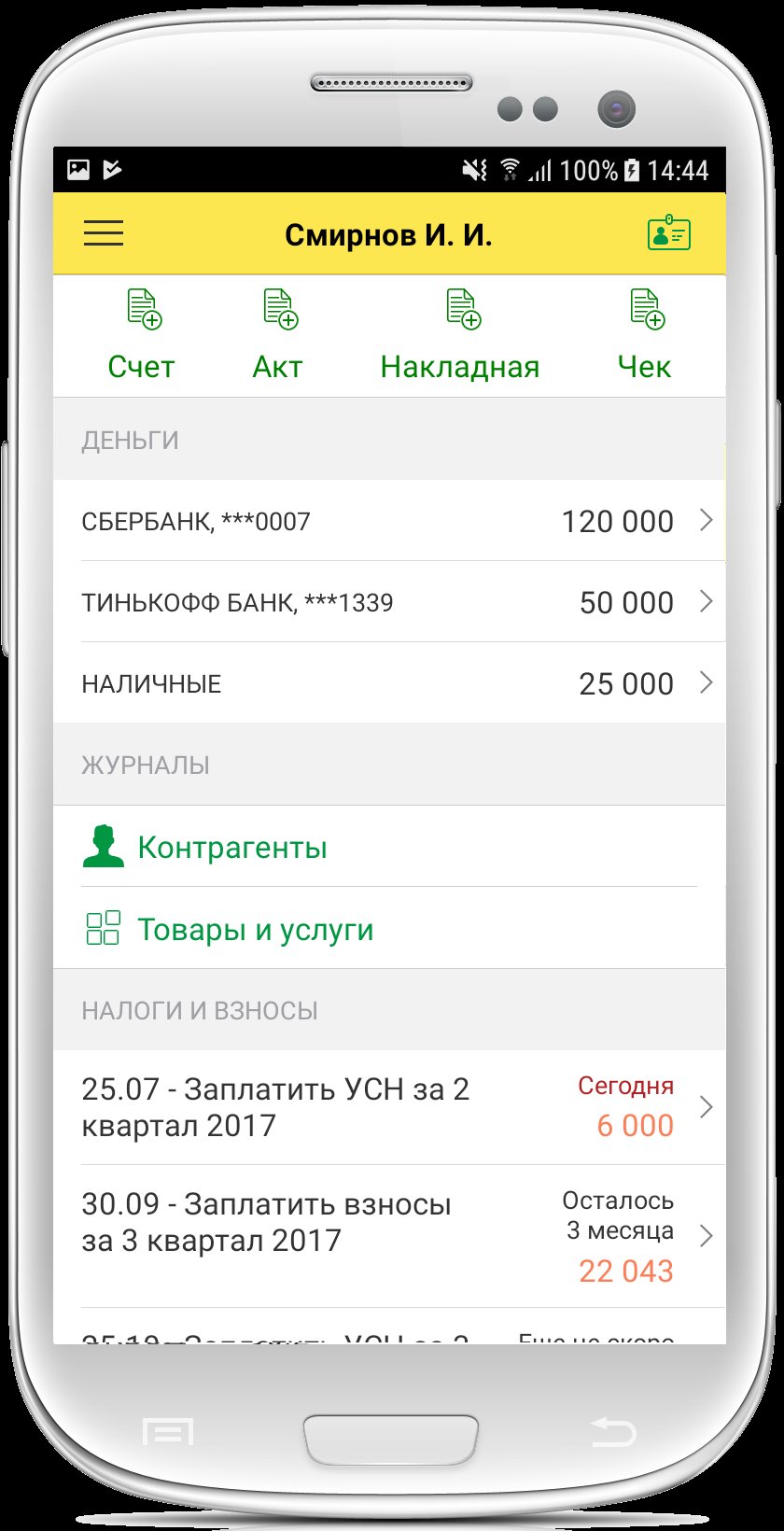
- Calculates and reminds you about taxes: simplified tax system, insurance contributions, patents, and self-employed tax
- Prepares payments under the Unified Tax Payment (UTP) to replenish the Unified Tax Account
- Prepares and sends payments directly to the bank
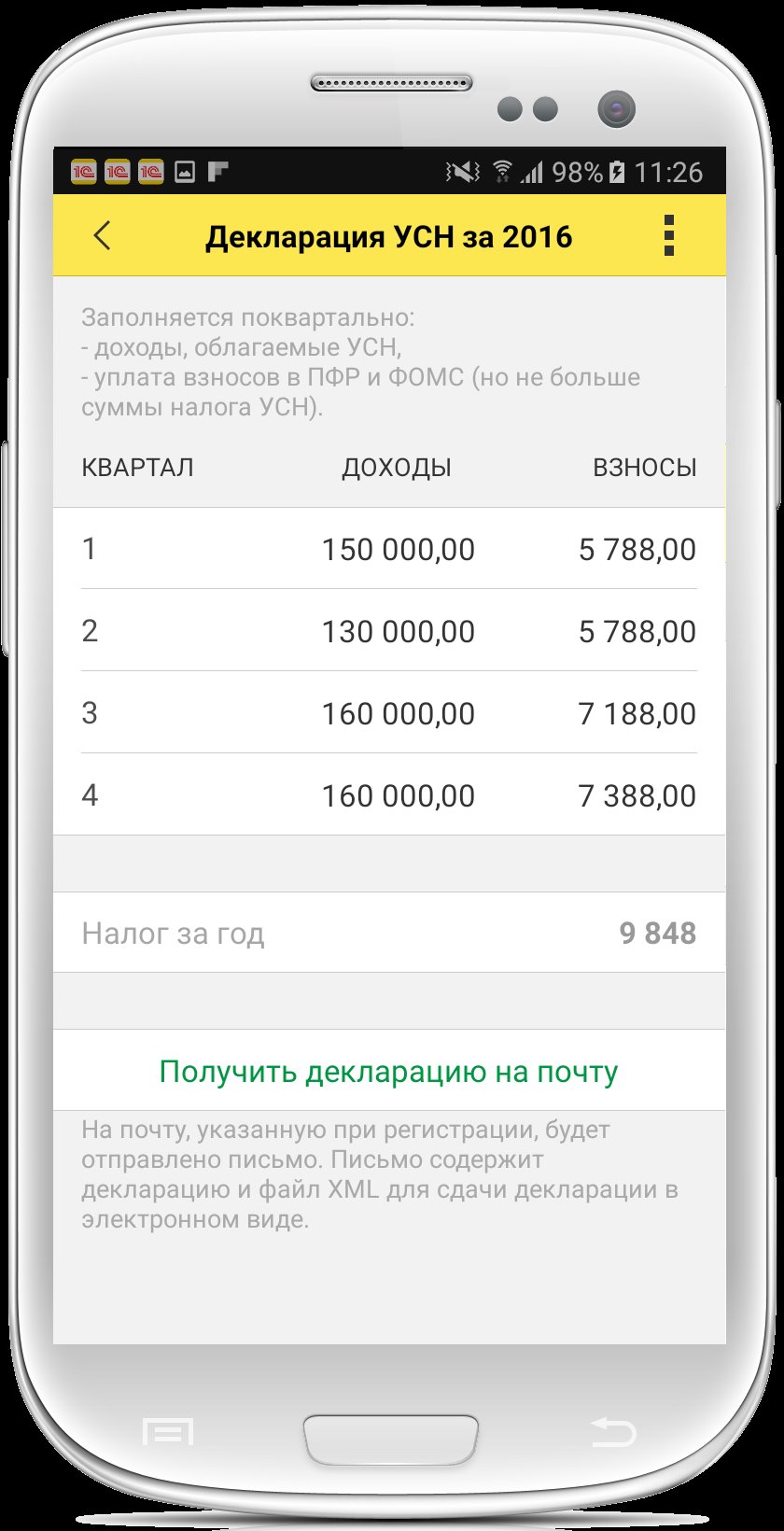
- Reminds you to file and complete simplified tax system declarations for 2025 and 2026
- Reminds you to file and complete notifications under the simplified tax system
- Prepares notifications to reduce the patent amount
- Sends the client an invoice, certificate or waybill, UPD, reconciliation report, and power of attorney
- Generates and sends receipts to the client for self-employed individuals or individual entrepreneurs on the professional income tax (TIT)
Mobile accounting is suitable for:
• Entrepreneurs on the simplified tax system with any rate: 0%, 4%, 6%, and tax holidays, and Patents
• Self-employed individuals (professional income tax payers) Income registered in the "My Tax" service
For LLCs and sole proprietors with VAT, we have a more functional 1C:BusinessStart application.
Install 1C:BusinessStart now:
https://play.google.com/store/apps/details?id=com.e1c.mcstartbusiness
For entrepreneurs:
• Calculate fixed insurance premium amounts for 2025 and 2026
• Calculate taxes and advance payments due under the simplified taxation system (STS) for 2025 and 2026
• Pay taxes and contributions for 2025 and 2026
• Prepare an income and expense ledger
• Prepare and submit STS tax returns for 2025 and 2026
• Submit a zero STS tax return for 2025 and 2026
• Reminders of upcoming tax payment deadlines, salary payments, or report submissions.
For the self-employed - integration with the "My Tax" service:
• Income registration and receipt of electronic receipts
• Receipt of certificates
• Receipt of tax payment receipts
For everyone:
• Invoices with the option to insert your logo, signature, and seal;
• Acts, TORG-12 invoices, UPDs, and sales receipts
• Counterparty reconciliation statements
• Power of attorney
• Cash accounting, incoming and outgoing payments
• Accounting for settlements with customers and suppliers
• Accounting for inventory balances
• Receive customer payments by card through Yukassa
Integration with 1C:
• 1C:Kassa service
• Online reporting (1C-Reporting)*
• Access to the application from a computer via 1C:BusinessStart*
Integration with banks:
• Currently, exchange is supported with Avangard, Tochka, T-Bank, Modulbank, Uralsib, UBRIR, Bank "SAINT PETERSBURG", and Blank Bank
• Uploading bank statements via Share allows you to upload information about current account receipts and send payments through the SberBusiness, T-Business, and other mobile apps.
Always Current information:
• Checking changes to tax details
• Filling in counterparty information using the Taxpayer Identification Number (TIN)*
• Entering addresses using the same classifier used by the tax office
• Current classifiers for tax authorities and banks
Online cash registers:
• Uploading sales data from the 1C:Cashier suite (online cash register)
Backup:
• Mobile app data is saved in cloud storage, from where it can be restored if you change your phone number (available after registration)
* A 1C:BusinessStart subscription is required.
The app is built on the 1C:Enterprise 8.3 mobile platform.
معاينة
العلامات
اعمالمعلومة
مطور
1C-SOFT LLC
احدث اصدار
1.0.142
آخر تحديث
2026-05-29
فئة
اعمال
متاح على
Google Play
أظهر المزيد
كيف تلعب 1С:Мобильная бухгалтерия مع GameLoop على جهاز الكمبيوتر
1. قم بتنزيل GameLoop من الموقع الرسمي ، ثم قم بتشغيل ملف exe لتثبيت GameLoop.
2. افتح GameLoop وابحث عن "1С:Мобильная бухгалтерия" ، وابحث عن 1С:Мобильная бухгалтерия في نتائج البحث وانقر على "تثبيت".
3. استمتع بلعب 1С:Мобильная бухгалтерия على GameLoop.
Minimum requirements
OS
Windows 8.1 64-bit or Windows 10 64-bit
GPU
GTX 1050
CPU
i3-8300
Memory
8GB RAM
Storage
1GB available space
Recommended requirements
OS
Windows 8.1 64-bit or Windows 10 64-bit
GPU
GTX 1050
CPU
i3-9320
Memory
16GB RAM
Storage
1GB available space