
Stotramaala PC
Mithun Guddethota
قم بتنزيل Stotramaala على جهاز الكمبيوتر باستخدام GameLoop Emulator
Stotramaala على الكمبيوتر الشخصي
Stotramaala ، القادم من المطور Mithun Guddethota ، يعمل على نظام Android في الماضي.
الآن ، يمكنك لعب Stotramaala على جهاز الكمبيوتر باستخدام GameLoop بسلاسة.
قم بتنزيله في مكتبة GameLoop أو في نتائج البحث. لا مزيد من الانتباه إلى البطارية أو المكالمات المحبطة في الوقت الخطأ بعد الآن.
ما عليك سوى الاستمتاع بجهاز Stotramaala على الشاشة الكبيرة مجانًا!
Stotramaala مقدمة
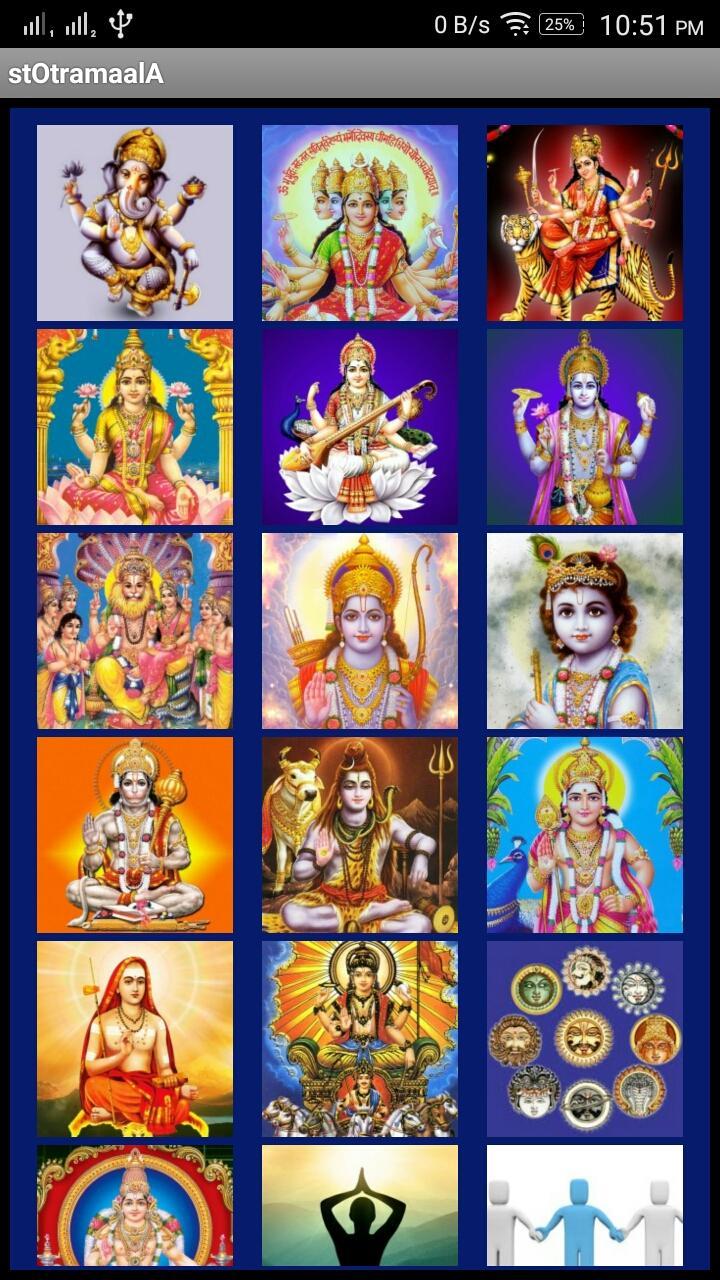
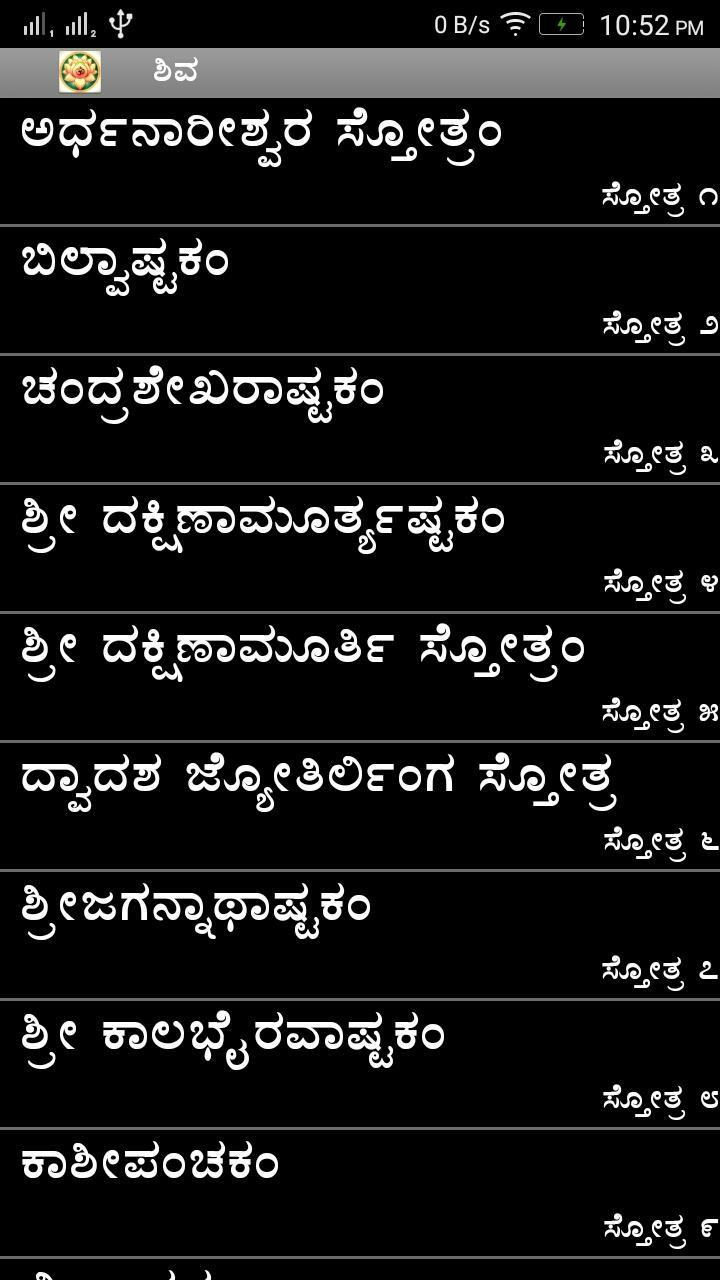
Bringing you >1000 popular stotras, ashtottaras, vedamantras, vratas, etc
Features
* Search option, Option to save "favorite"
- Search for required stotra, long press on it, that will reach the top of the huduku list. This way build your own "favorite" list & will always be available in huduku section at the top!
* zoom option with slider
* White text on Black background to save battery & less stress to read
* Black text on White background option available (Settings button)
* Readable in both landscape & portrait mode
* Offline usable, light, free & no popups
* Saves last opened stotra (if home button used to exit)
Some stotras are made into audio/video for easier learning:
https://www.youtube.com/c/mithungn
NOTE:
if you face issues in search section, please do the following
Phone Settings > Apps > Stotramaala > Clear Data, Clear Cache, Open the app
* If fonts are not in kannada: Go to - Phone Settings > Display > Text Style > Click Default
iOS App link: https://apps.apple.com/app/id1523220364
معاينة
العلامات
Books-&معلومة
مطور
Mithun Guddethota
احدث اصدار
5.252
آخر تحديث
2025-09-21
فئة
Books-reference
متاح على
Google Play
أظهر المزيد
كيف تلعب Stotramaala مع GameLoop على جهاز الكمبيوتر
1. قم بتنزيل GameLoop من الموقع الرسمي ، ثم قم بتشغيل ملف exe لتثبيت GameLoop.
2. افتح GameLoop وابحث عن "Stotramaala" ، وابحث عن Stotramaala في نتائج البحث وانقر على "تثبيت".
3. استمتع بلعب Stotramaala على GameLoop.
Minimum requirements
OS
Windows 8.1 64-bit or Windows 10 64-bit
GPU
GTX 1050
CPU
i3-8300
Memory
8GB RAM
Storage
1GB available space
Recommended requirements
OS
Windows 8.1 64-bit or Windows 10 64-bit
GPU
GTX 1050
CPU
i3-9320
Memory
16GB RAM
Storage
1GB available space