inCarDoc - OBD2 ELM327 Scanner PC
inCarDoc
قم بتنزيل inCarDoc - OBD2 ELM327 Scanner على جهاز الكمبيوتر باستخدام GameLoop Emulator
inCarDoc - OBD2 ELM327 Scanner على الكمبيوتر الشخصي
inCarDoc - OBD2 ELM327 Scanner ، القادم من المطور inCarDoc ، يعمل على نظام Android في الماضي.
الآن ، يمكنك لعب inCarDoc - OBD2 ELM327 Scanner على جهاز الكمبيوتر باستخدام GameLoop بسلاسة.
قم بتنزيله في مكتبة GameLoop أو في نتائج البحث. لا مزيد من الانتباه إلى البطارية أو المكالمات المحبطة في الوقت الخطأ بعد الآن.
ما عليك سوى الاستمتاع بجهاز inCarDoc - OBD2 ELM327 Scanner على الشاشة الكبيرة مجانًا!
inCarDoc - OBD2 ELM327 Scanner مقدمة
🔌Your connected car 🚘
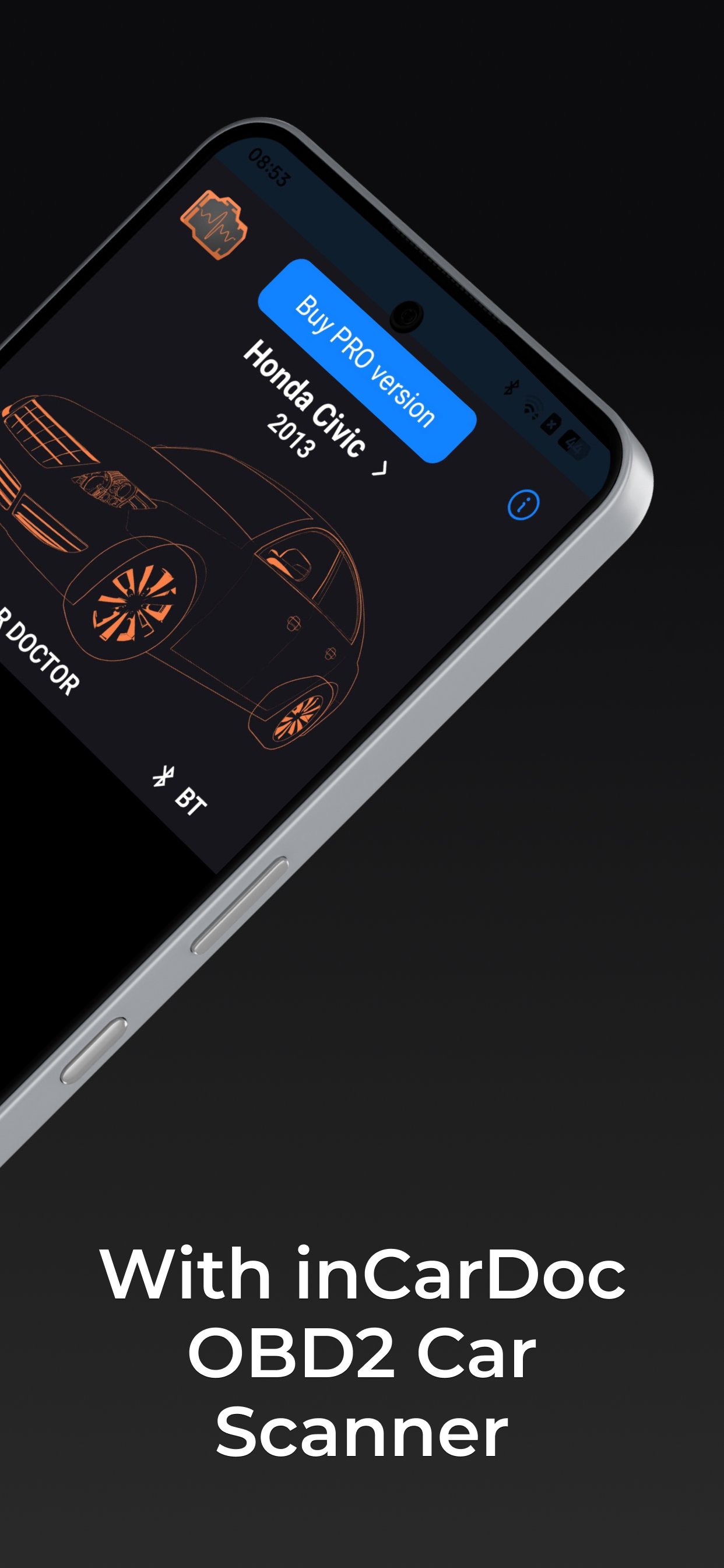
Is your Check Engine light on? inCarDoc turns your phone into a professional OBD2 scanner — read fault codes, monitor real-time engine data, track fuel economy and keep your car's full history in one place. Works with ELM327 OBD2 scanners via Bluetooth or WiFi.
Requires ELM327 or compatible OBD2 adapter. Demo modes available without adapter.
🛠 Car diagnostics
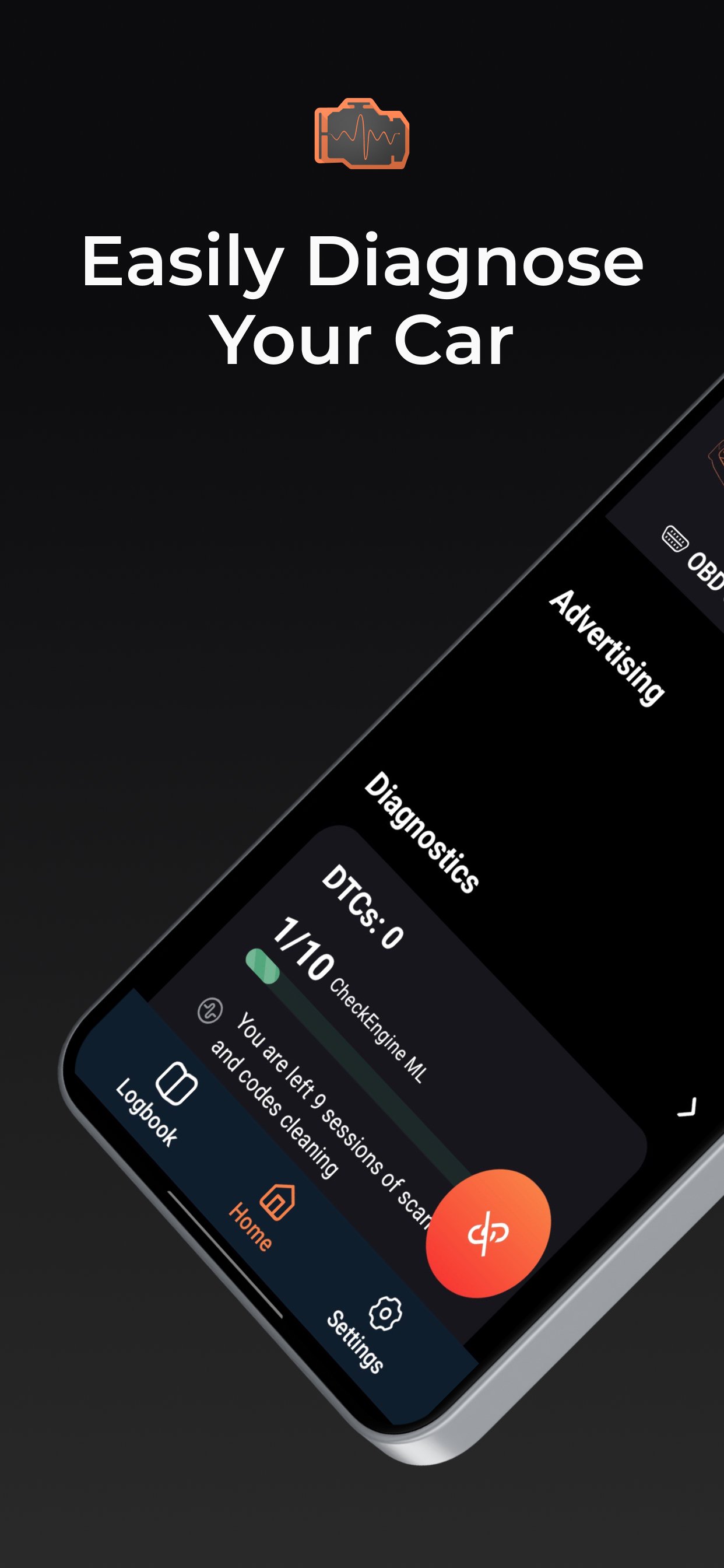
Read and clear Check Engine codes (DTC) instantly. inCarDoc shows you the fault code, its full description, and related freeze frame data — everything you need to understand what's wrong and decide if it's serious. Save and share diagnostic reports when visiting a repair shop.
Supports Engine and Emission systems as defined by the OBD2 standard.
⏲ Real-time parameters
Monitor live engine data straight from your car's sensors: speed, RPM, coolant temperature, pressure, O2 oxygen sensors and many more PIDs. View data as charts or analog/digital widgets. The exact list of available parameters depends on your car's make, model and year.
⛽ Fuel economy 'Economizer'
Economizer tracks your gas consumption in real time — instant and average MPG, per-trip and per-day statistics. For accurate results, enter your engine displacement and volumetric efficiency (default: 80%). Requires MAF or MAP+IAT+RPM parameters to be supported by your car.
♾ More features
• Logbook: fuel records, service history, maintenance notes
• Console mode: direct OBD2 and ELM327 commands for advanced users
• Custom configurations for non-standard parameters and protocol
• Upload and sync data to web
🔌 Supported adapters
OBD-II via Bluetooth, WiFi · Kiwi 3 (BLE) · V-Gate iCar 3 (BLE) · Veepeak (BLE) · Carista · Vinli
⭐ Want more?
Unlock advanced features, extended PID support and an ad-free experience with inCarDoc Pro.
🔐 Why we need permissions
Every permission inCarDoc requests is essential for the app to work properly:
• Device & app history. Keeps the app running reliably in the background;
• Location. Enables GPS speed, altitude, and location-based service search;
• Photos / Media / Files. Saves your Logbook entries and diagnostic data locally;
• Bluetooth & WiFi. Connects to your OBD2 scanner and syncs Logbook to the web.
⚠️ Important: adapter compatibility
Some cheap ELM327 clones (often labeled v2.1) may cause connection issues. If you experience problems, please contact us by email with your adapter name, MAC address, ELM327 firmware version and a connection log — this helps us build a public list of problematic adapters and protect other users.
To help improve OBD2 coverage for your car, go to the configuration screen, fill in your car details and tap Send in the 'General information' section.
For questions and support, please contact us by email support@incardoc.com — we have limited ability to respond to Play Store comments.
📲 Download inCarDoc now and take control of your car's health — before your next repair bill does.
معاينة
العلامات
Auto-&معلومة
مطور
inCarDoc
احدث اصدار
8.0.9
آخر تحديث
2026-08-25
فئة
Auto-vehicles
متاح على
Google Play
أظهر المزيد
كيف تلعب inCarDoc - OBD2 ELM327 Scanner مع GameLoop على جهاز الكمبيوتر
1. قم بتنزيل GameLoop من الموقع الرسمي ، ثم قم بتشغيل ملف exe لتثبيت GameLoop.
2. افتح GameLoop وابحث عن "inCarDoc - OBD2 ELM327 Scanner" ، وابحث عن inCarDoc - OBD2 ELM327 Scanner في نتائج البحث وانقر على "تثبيت".
3. استمتع بلعب inCarDoc - OBD2 ELM327 Scanner على GameLoop.
Minimum requirements
OS
Windows 8.1 64-bit or Windows 10 64-bit
GPU
GTX 1050
CPU
i3-8300
Memory
8GB RAM
Storage
1GB available space
Recommended requirements
OS
Windows 8.1 64-bit or Windows 10 64-bit
GPU
GTX 1050
CPU
i3-9320
Memory
16GB RAM
Storage
1GB available space