
Advanced Car Eye 3 PC
BMW
قم بتنزيل Advanced Car Eye 3 على جهاز الكمبيوتر باستخدام GameLoop Emulator
Advanced Car Eye 3 على الكمبيوتر الشخصي
Advanced Car Eye 3 ، القادم من المطور BMW ، يعمل على نظام Android في الماضي.
الآن ، يمكنك لعب Advanced Car Eye 3 على جهاز الكمبيوتر باستخدام GameLoop بسلاسة.
قم بتنزيله في مكتبة GameLoop أو في نتائج البحث. لا مزيد من الانتباه إلى البطارية أو المكالمات المحبطة في الوقت الخطأ بعد الآن.
ما عليك سوى الاستمتاع بجهاز Advanced Car Eye 3 على الشاشة الكبيرة مجانًا!
Advanced Car Eye 3 مقدمة
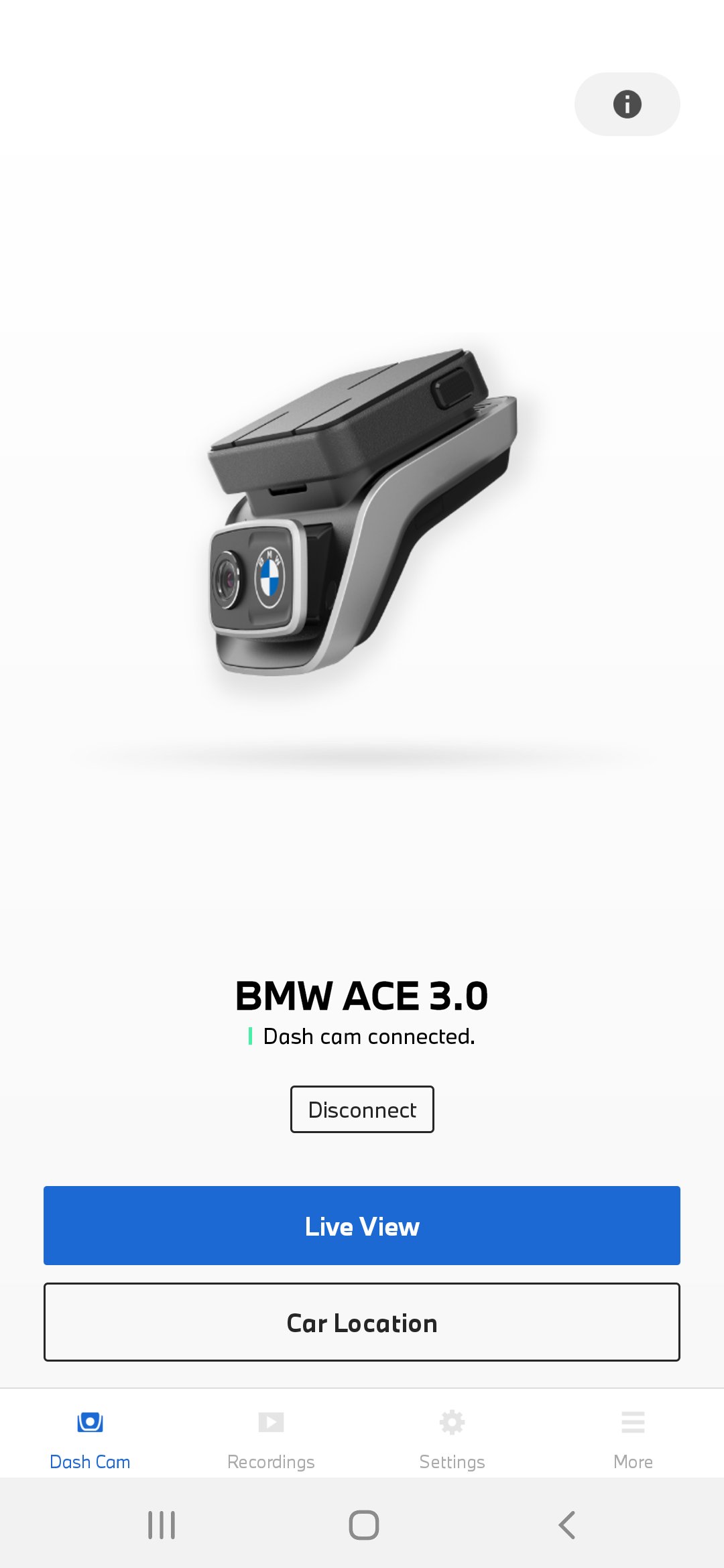
Advanced Car Eye 3.0 (Pro) Dash Cam comprise two premium wide-angle cameras (QHD for front and FHD for rear) for your vehicle. Using proximity (Radar, Only for ACE 3.0 Pro) and vibration sensors (G sensors), it captures and records critical situations while driving and parking to use as evidence if necessary.
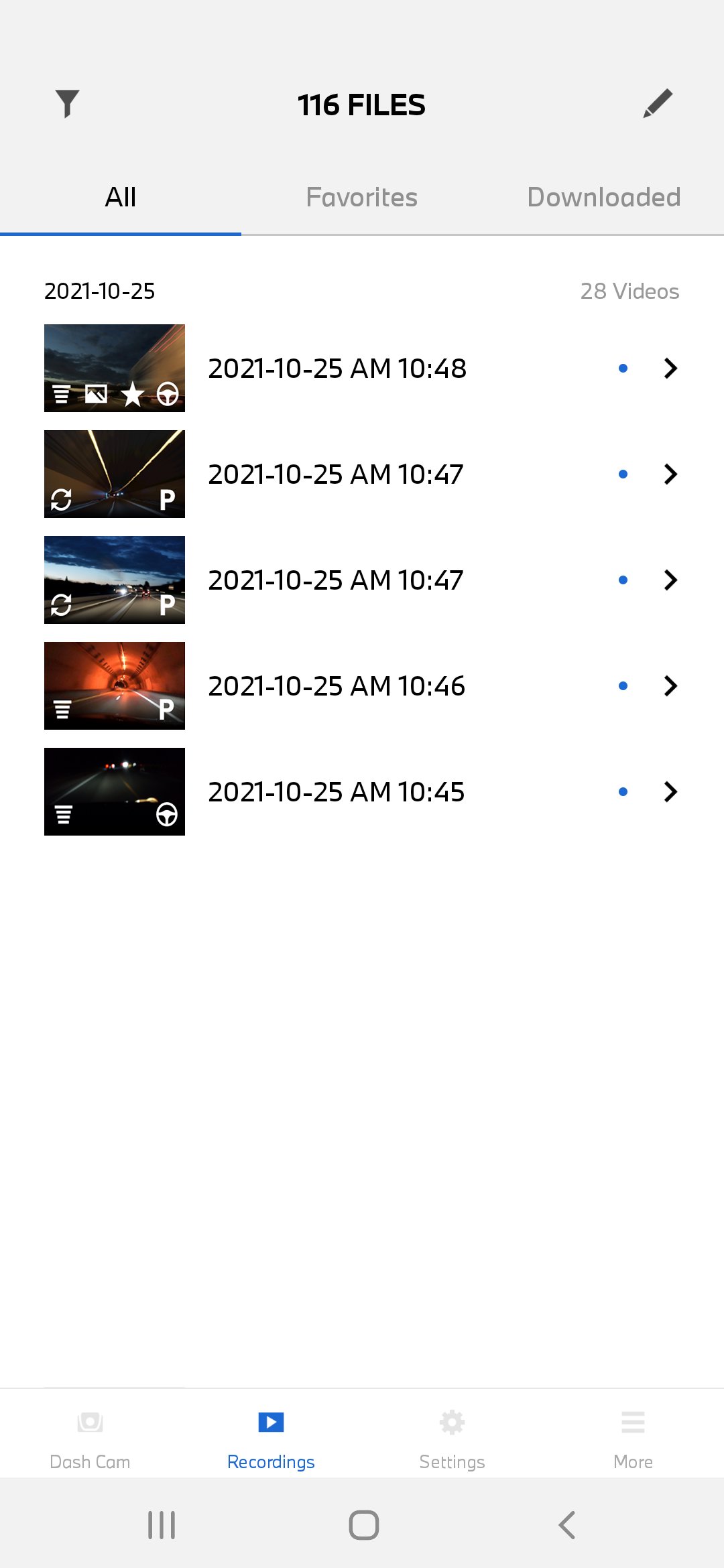
Advanced Car Eye 3.0 (Pro) is the monitor and control panel for your cameras. You can watch and download recorded videos and images and make manual recordings.
All settings can also be adjusted using the ACE 3.0 app:
- Operating modes
- Recording criteria
- Video / image data
and so on.
معاينة
العلامات
Auto-&معلومة
مطور
BMW
احدث اصدار
1.1.1
آخر تحديث
2026-06-03
فئة
Auto-vehicles
متاح على
Google Play
أظهر المزيد
كيف تلعب Advanced Car Eye 3 مع GameLoop على جهاز الكمبيوتر
1. قم بتنزيل GameLoop من الموقع الرسمي ، ثم قم بتشغيل ملف exe لتثبيت GameLoop.
2. افتح GameLoop وابحث عن "Advanced Car Eye 3" ، وابحث عن Advanced Car Eye 3 في نتائج البحث وانقر على "تثبيت".
3. استمتع بلعب Advanced Car Eye 3 على GameLoop.
Minimum requirements
OS
Windows 8.1 64-bit or Windows 10 64-bit
GPU
GTX 1050
CPU
i3-8300
Memory
8GB RAM
Storage
1GB available space
Recommended requirements
OS
Windows 8.1 64-bit or Windows 10 64-bit
GPU
GTX 1050
CPU
i3-9320
Memory
16GB RAM
Storage
1GB available space