Draw Gravity Falls lessons PC
Anapel
قم بتنزيل Draw Gravity Falls lessons على جهاز الكمبيوتر باستخدام GameLoop Emulator
Draw Gravity Falls lessons على الكمبيوتر الشخصي
Draw Gravity Falls lessons ، القادم من المطور Anapel ، يعمل على نظام Android في الماضي.
الآن ، يمكنك لعب Draw Gravity Falls lessons على جهاز الكمبيوتر باستخدام GameLoop بسلاسة.
قم بتنزيله في مكتبة GameLoop أو في نتائج البحث. لا مزيد من الانتباه إلى البطارية أو المكالمات المحبطة في الوقت الخطأ بعد الآن.
ما عليك سوى الاستمتاع بجهاز Draw Gravity Falls lessons على الشاشة الكبيرة مجانًا!
Draw Gravity Falls lessons مقدمة
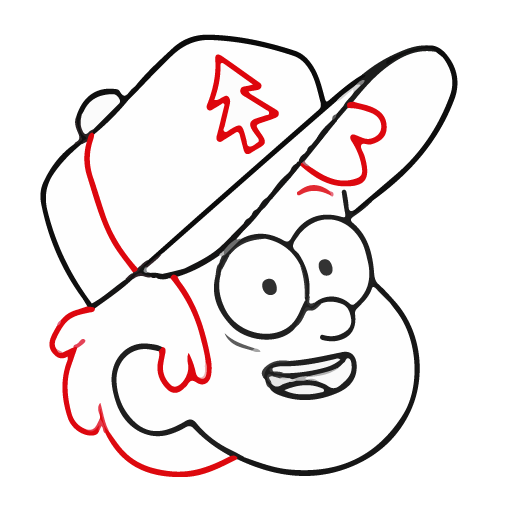
Many people fell in love with Gravity Falls. The creators tell about the adventures of the twins Mabel and Dipper Pines, as well as other characters, which we will now draw step by step.
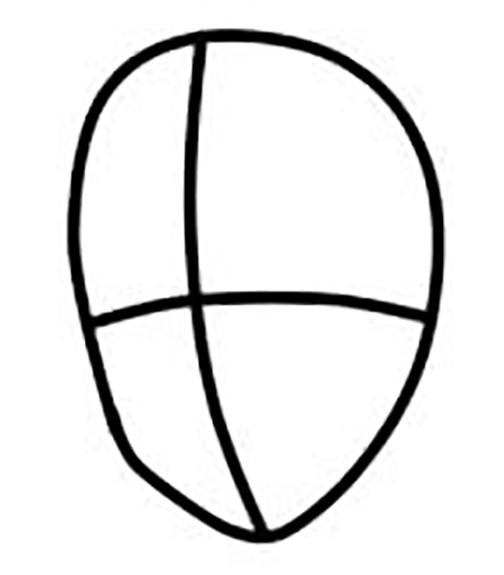
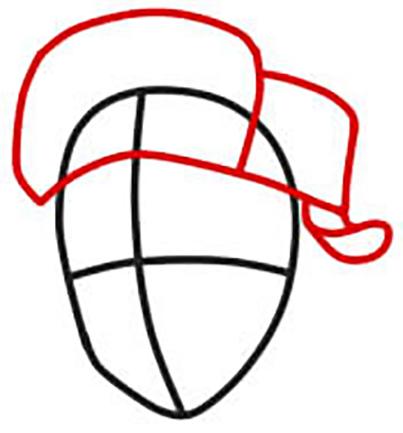
All the characters are very cute. You can easily draw according to everyone's template. Our application contains detailed, simple lessons. To draw yourself, you need a simple pencil and a piece of paper. By downloading our application, you can draw step by step without the Internet. After all, many people ask the question of how to draw without the Internet? It's very easy with our app!
We invite you to decorate boring everyday life with these bright pictures. To understand how to learn how to draw from scratch, you need to put in a little effort. Very soon, you will be drawing these characters in a minute. You can also tell your friends how to learn how to draw gravity falls. We think they will also have a question, how to learn to draw without the Internet? And you already know with our application. Everything is very simple. I wish you success!
معاينة
العلامات
Art-&معلومة
مطور
Anapel
احدث اصدار
1.2
آخر تحديث
2022-11-10
فئة
Art-design
متاح على
Google Play
أظهر المزيد
كيف تلعب Draw Gravity Falls lessons مع GameLoop على جهاز الكمبيوتر
1. قم بتنزيل GameLoop من الموقع الرسمي ، ثم قم بتشغيل ملف exe لتثبيت GameLoop.
2. افتح GameLoop وابحث عن "Draw Gravity Falls lessons" ، وابحث عن Draw Gravity Falls lessons في نتائج البحث وانقر على "تثبيت".
3. استمتع بلعب Draw Gravity Falls lessons على GameLoop.
Minimum requirements
OS
Windows 8.1 64-bit or Windows 10 64-bit
GPU
GTX 1050
CPU
i3-8300
Memory
8GB RAM
Storage
1GB available space
Recommended requirements
OS
Windows 8.1 64-bit or Windows 10 64-bit
GPU
GTX 1050
CPU
i3-9320
Memory
16GB RAM
Storage
1GB available space