Learn To Draw : Trace & Sketch PC
WORLD GLOBLE APPS
قم بتنزيل Learn To Draw : Trace & Sketch على جهاز الكمبيوتر باستخدام GameLoop Emulator
Learn To Draw : Trace & Sketch على الكمبيوتر الشخصي
Learn To Draw : Trace & Sketch ، القادم من المطور WORLD GLOBLE APPS ، يعمل على نظام Android في الماضي.
الآن ، يمكنك لعب Learn To Draw : Trace & Sketch على جهاز الكمبيوتر باستخدام GameLoop بسلاسة.
قم بتنزيله في مكتبة GameLoop أو في نتائج البحث. لا مزيد من الانتباه إلى البطارية أو المكالمات المحبطة في الوقت الخطأ بعد الآن.
ما عليك سوى الاستمتاع بجهاز Learn To Draw : Trace & Sketch على الشاشة الكبيرة مجانًا!
Learn To Draw : Trace & Sketch مقدمة
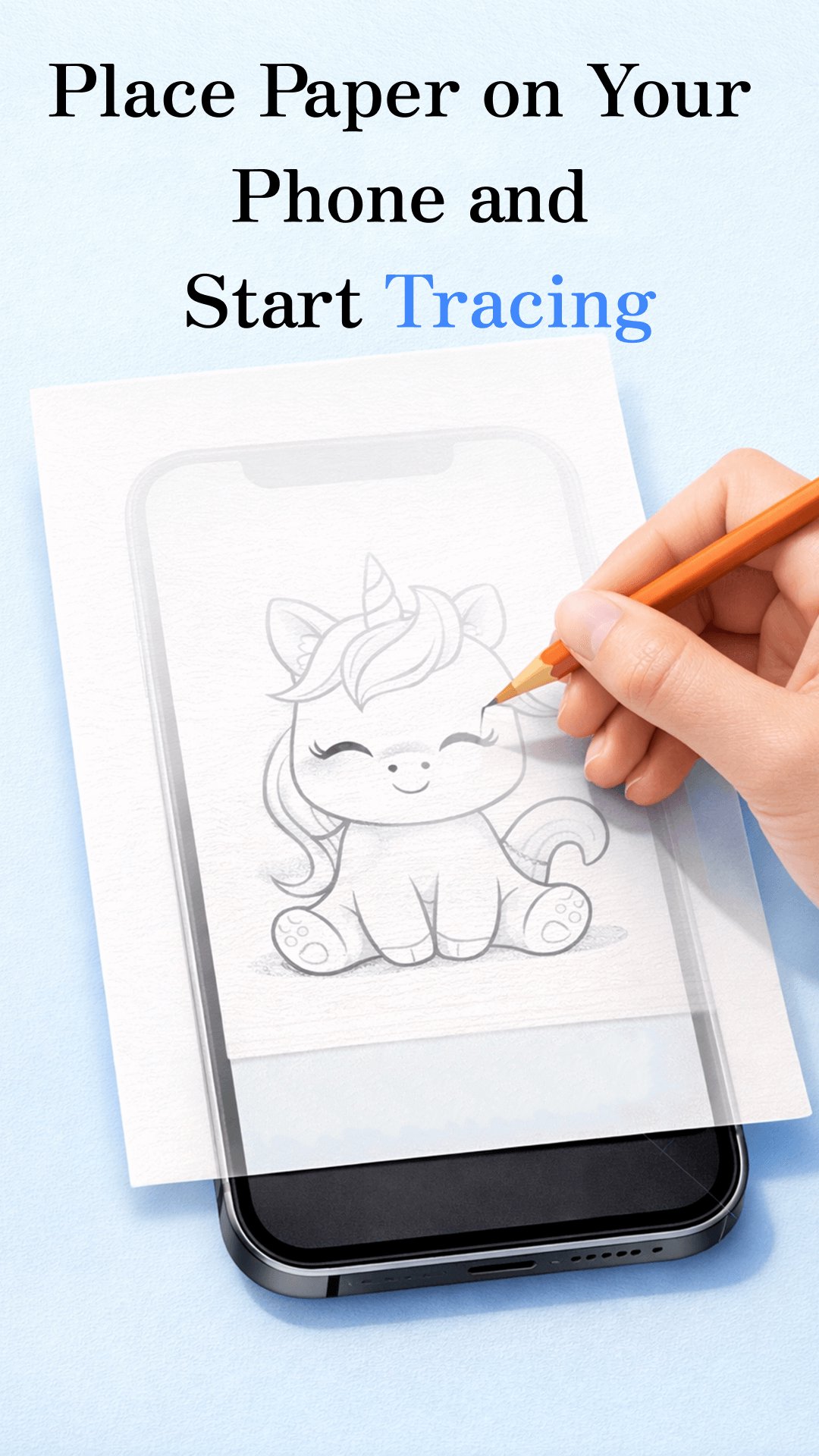
Draw: Trace & Sketch is the ultimate drawing assistant app that helps you trace any image onto real paper using your phone’s camera & screen. Whether you're learning to draw, practicing art or creating detailed sketches, this app makes the process simple & precise. With just your phone & a sheet of paper, you can turn any photo or illustration into a traceable reference & sketch it easily.
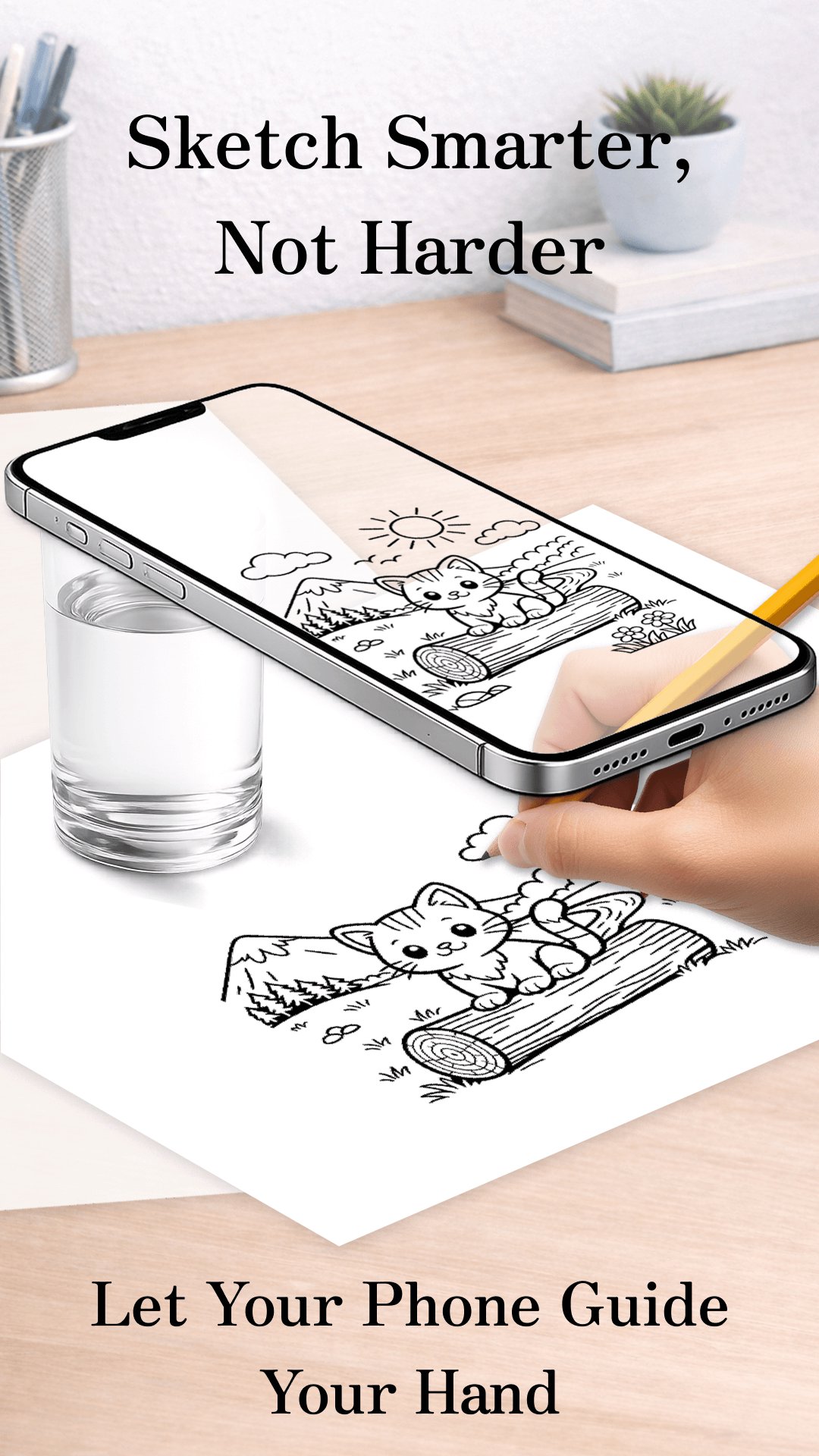
This innovative app allows you to overlay a semi-transparent image on phone screen while keeping the camera open in real-time. Place your phone above sketchbook or paper, look at the image on the screen & trace it directly by hand. It’s just like having a digital lightbox or projector in your pocket.
Perfect for beginners, artists, designers, hobbyists, tattoo artists & students, this app is a powerful tool to enhance your drawing skills and accuracy.
🔍 How It Works:
> Choose an Image: Select from built-in sample images or choose any photo from your device gallery.
> Apply a Tracing Filter: Convert the image into a sketch or line art style using edge detection or transparency tools. You can also adjust opacity to make it easy for tracing.
> Position the Phone: Hold or place your phone about 1 foot (30 cm) above your paper. The camera stays on while the processed image overlays the live view.
> Start Drawing: Look at the phone screen while drawing with your hand on the paper below. Follow the outlines, proportions & details precisely as shown.
✨ Main Features:
🎯 Trace Any Image on Paper: Overlay any image on the camera view for precise hand-drawn sketches.
📱 Real-Time Transparent View: Phone screen shows a live camera feed with chosen image on top, making tracing seamless.
🖼️ Import from Gallery or Use Built-in Sketches: Practice with curated drawing samples or load your own photos.
🎨 Apply Drawing Filters: Convert photos to line drawings, edge outlines, or control transparency for easy sketching.
📐 Resize and Adjust Image Placement: Move, zoom or rotate the image to perfectly fit your paper layout.
🖌️ Ideal for Beginners & Professionals: Practice proportions, anatomy or detailed artwork with high accuracy.
✏️ No Special Tools Required: Just use your phone & regular paper — no projector or tracing pad needed.
📷 Lightweight & Easy to Use UI: Minimal & intuitive interface focused on drawing.
❤️ Extra Features
• Save your favorite drawings. Quick access to shortlisted sketch.
• Create your own sketch collection
• Step-by-step lessons (Easy → Medium → Hard)
• Great for kids and beginners
🎨 Why Use Draw: Trace & Sketch?
* Helps learn to draw by practice
* Improves hand-eye coordination
* Great tool for art classes, kids’ drawing & DIY crafts
* Use for tattoo design tracing & custom stencils
* Turn any picture into a step-by-step sketching reference
* Save money by avoiding expensive tracing equipment
🚀 Start Drawing Today.
Download Draw: Trace & Sketch & turn any image into an easy-to-trace masterpiece. Just open the app, select your image & trace your way to better drawing skills — it’s that simple!
معاينة
العلامات
Art-&معلومة
مطور
WORLD GLOBLE APPS
احدث اصدار
1.26
آخر تحديث
2026-08-04
فئة
Art-design
متاح على
Google Play
أظهر المزيد
كيف تلعب Learn To Draw : Trace & Sketch مع GameLoop على جهاز الكمبيوتر
1. قم بتنزيل GameLoop من الموقع الرسمي ، ثم قم بتشغيل ملف exe لتثبيت GameLoop.
2. افتح GameLoop وابحث عن "Learn To Draw : Trace & Sketch" ، وابحث عن Learn To Draw : Trace & Sketch في نتائج البحث وانقر على "تثبيت".
3. استمتع بلعب Learn To Draw : Trace & Sketch على GameLoop.
Minimum requirements
OS
Windows 8.1 64-bit or Windows 10 64-bit
GPU
GTX 1050
CPU
i3-8300
Memory
8GB RAM
Storage
1GB available space
Recommended requirements
OS
Windows 8.1 64-bit or Windows 10 64-bit
GPU
GTX 1050
CPU
i3-9320
Memory
16GB RAM
Storage
1GB available space