
Camera RGB Color Picker PC
keuwlsoft
قم بتنزيل Camera RGB Color Picker على جهاز الكمبيوتر باستخدام GameLoop Emulator
Camera RGB Color Picker على الكمبيوتر الشخصي
Camera RGB Color Picker ، القادم من المطور keuwlsoft ، يعمل على نظام Android في الماضي.
الآن ، يمكنك لعب Camera RGB Color Picker على جهاز الكمبيوتر باستخدام GameLoop بسلاسة.
قم بتنزيله في مكتبة GameLoop أو في نتائج البحث. لا مزيد من الانتباه إلى البطارية أو المكالمات المحبطة في الوقت الخطأ بعد الآن.
ما عليك سوى الاستمتاع بجهاز Camera RGB Color Picker على الشاشة الكبيرة مجانًا!
Camera RGB Color Picker مقدمة
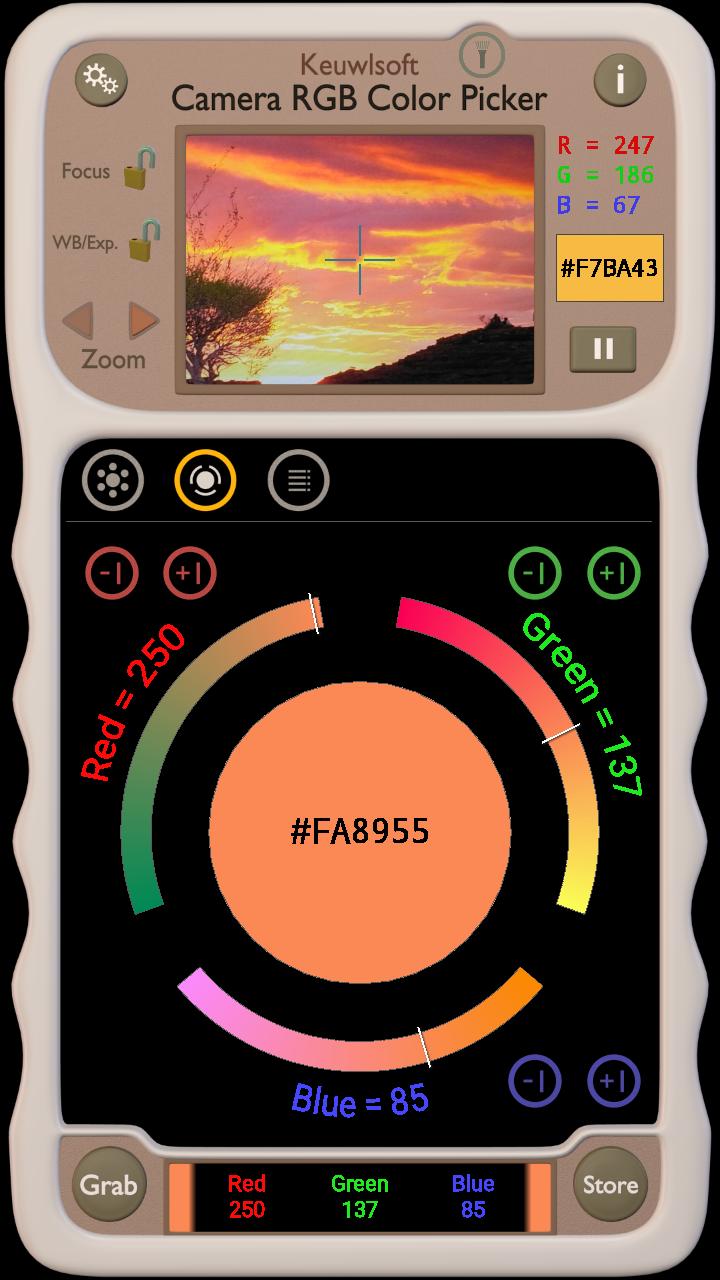
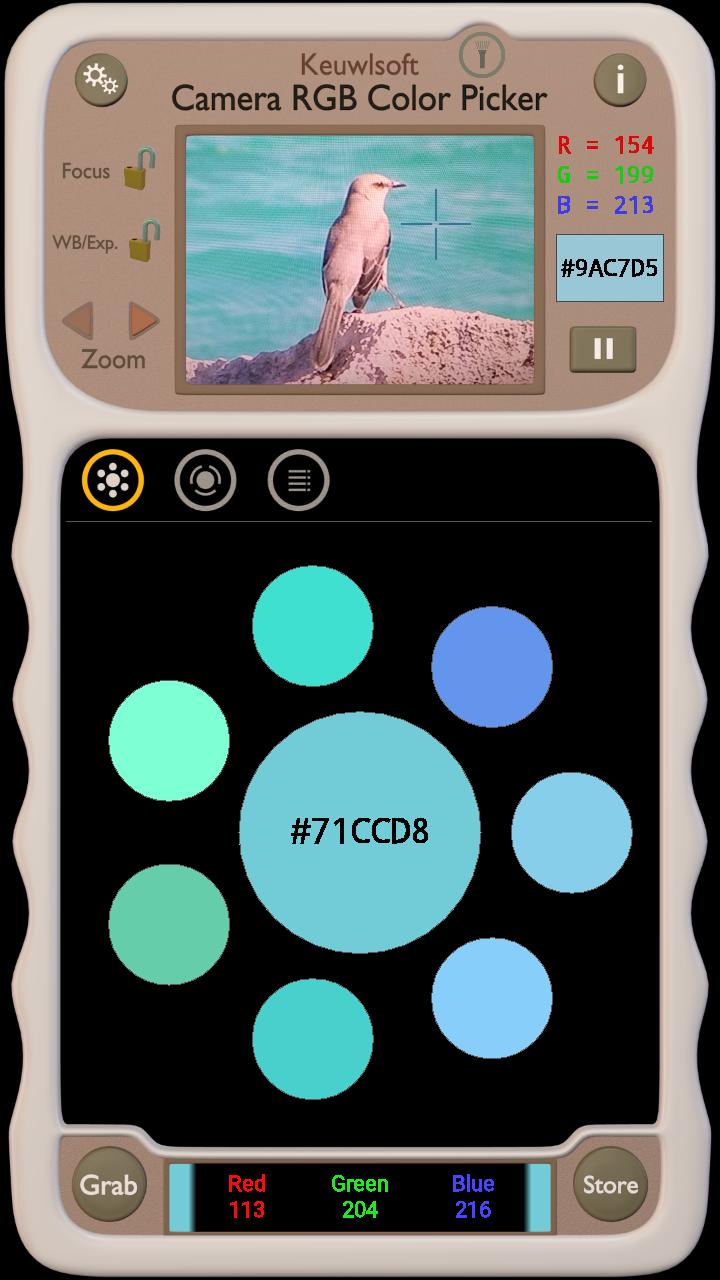
Pick, tweak and store RGB colors grabbed from the camera preview.
• Hexadecimal RGB color code.
• Store up to 250 colors.
• Suggests nearest of 138 html named colors.
• Copy color values to clipboard.
• Pause image and move target cursor.
• Setting for using volume buttons to grab and store colors.
• Turn camera flashlight on or off. Zoom camera in/out.
Note that the camera and screen of your device might not measure or represent color accurately, therefore for Indication Only.
معاينة
العلامات
Art-&معلومة
مطور
keuwlsoft
احدث اصدار
1.30
آخر تحديث
2024-02-01
فئة
Art-design
متاح على
Google Play
أظهر المزيد
كيف تلعب Camera RGB Color Picker مع GameLoop على جهاز الكمبيوتر
1. قم بتنزيل GameLoop من الموقع الرسمي ، ثم قم بتشغيل ملف exe لتثبيت GameLoop.
2. افتح GameLoop وابحث عن "Camera RGB Color Picker" ، وابحث عن Camera RGB Color Picker في نتائج البحث وانقر على "تثبيت".
3. استمتع بلعب Camera RGB Color Picker على GameLoop.
Minimum requirements
OS
Windows 8.1 64-bit or Windows 10 64-bit
GPU
GTX 1050
CPU
i3-8300
Memory
8GB RAM
Storage
1GB available space
Recommended requirements
OS
Windows 8.1 64-bit or Windows 10 64-bit
GPU
GTX 1050
CPU
i3-9320
Memory
16GB RAM
Storage
1GB available space