
Canoniac Launcher: Arcade Game PC
Icestone
قم بتنزيل Canoniac Launcher: Arcade Game على جهاز الكمبيوتر باستخدام GameLoop Emulator
Canoniac Launcher: Arcade Game على الكمبيوتر الشخصي
Canoniac Launcher: Arcade Game ، القادم من المطور Icestone ، يعمل على نظام Android في الماضي.
الآن ، يمكنك لعب Canoniac Launcher: Arcade Game على جهاز الكمبيوتر باستخدام GameLoop بسلاسة.
قم بتنزيله في مكتبة GameLoop أو في نتائج البحث. لا مزيد من الانتباه إلى البطارية أو المكالمات المحبطة في الوقت الخطأ بعد الآن.
ما عليك سوى الاستمتاع بجهاز Canoniac Launcher: Arcade Game على الشاشة الكبيرة مجانًا!
Canoniac Launcher: Arcade Game مقدمة
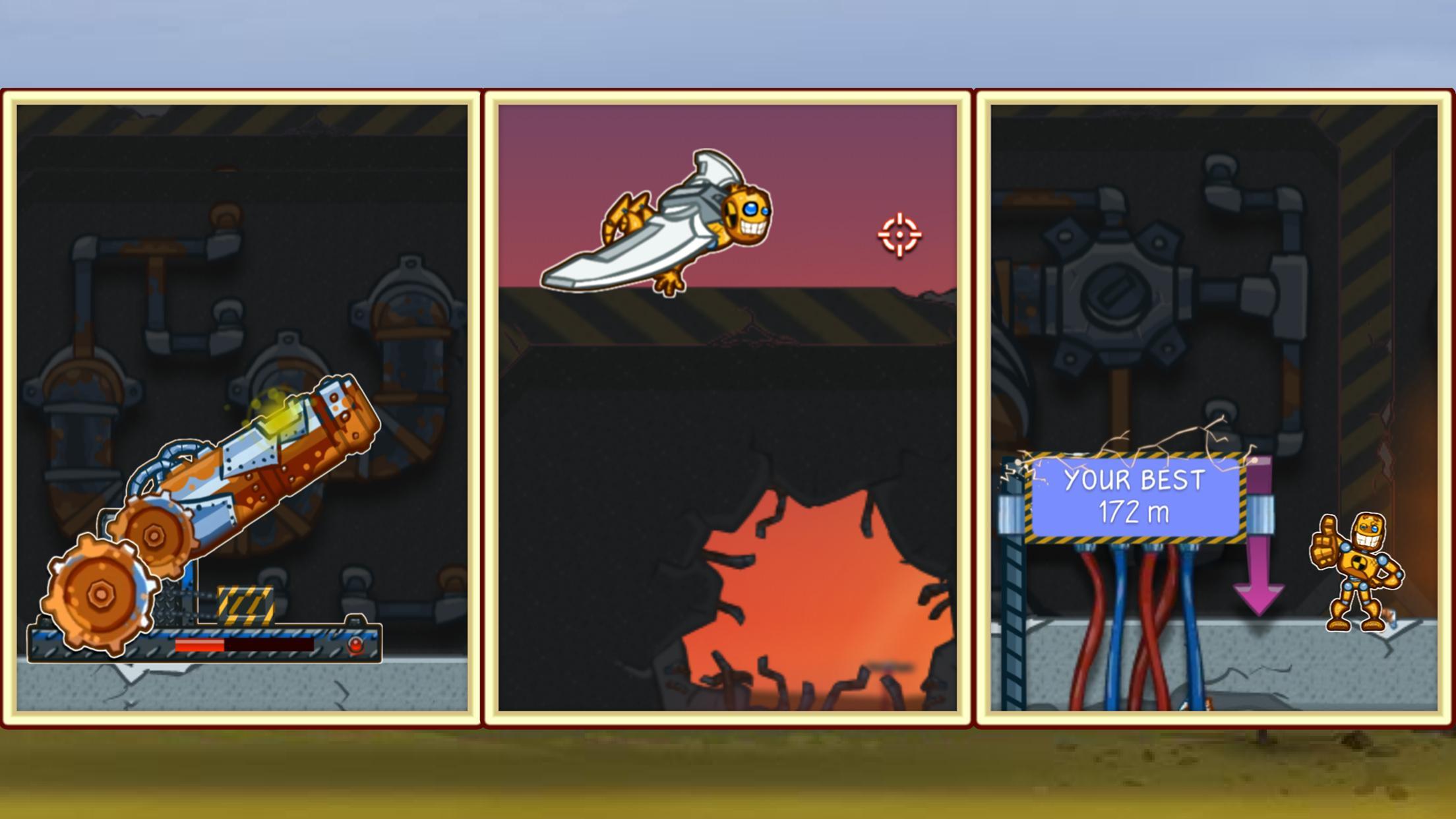
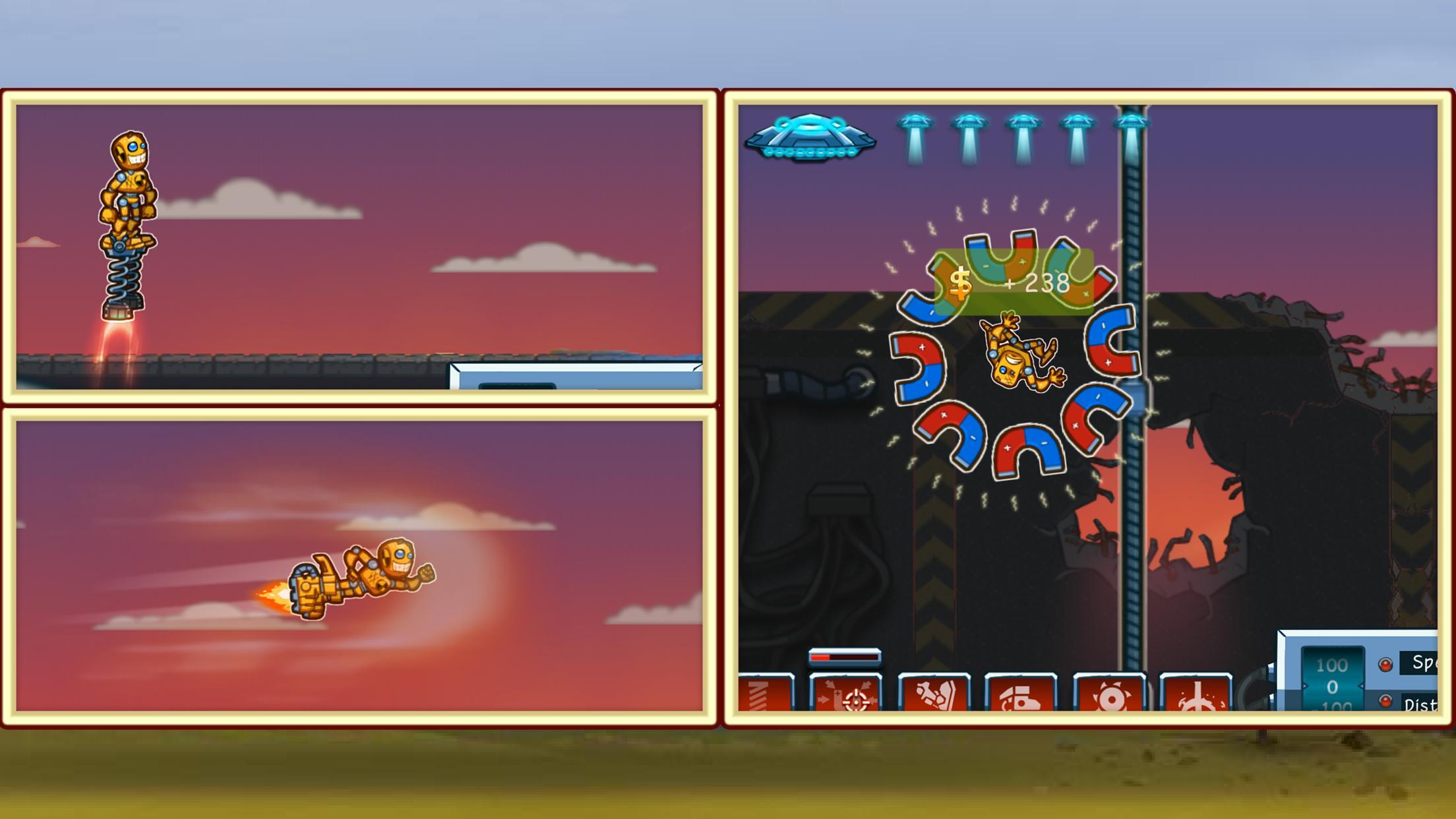
Help a little robot escape and find freedom in the real world! Throw him as far as you can and watch him fly to the finish! Enjoy a relaxing timekiller game now!
Jimmy the robot is tired of his daily routine and chooses the only way out of it! This time killer is just a perfect arcade for those who want to chill and train tapping skills at the same time.
Get on a wonderful adventure with Jim and find a better life for a ragdoll robot!
What’s Inside:
- A full version of the game for free
- A classic launcher timekiller game
- Colorful game arts
- No internet connection required
The rules are pretty simple - try to launch ragdoll Jim as far as you can, so he can escape and find freedom! Different upgrades are available, so you won't waste any effort! Earn points while flying to buy upgrades in the in-game shop.
This game will help you relax and have fun in your free time. Good luck, have fun!
Questions? Contact our tech support at icestonesup@gmail.com
معاينة
العلامات
أركيدمعلومة
مطور
Icestone
احدث اصدار
1.0.8
آخر تحديث
2023-10-13
فئة
أركيد
متاح على
Google Play
أظهر المزيد
كيف تلعب Canoniac Launcher: Arcade Game مع GameLoop على جهاز الكمبيوتر
1. قم بتنزيل GameLoop من الموقع الرسمي ، ثم قم بتشغيل ملف exe لتثبيت GameLoop.
2. افتح GameLoop وابحث عن "Canoniac Launcher: Arcade Game" ، وابحث عن Canoniac Launcher: Arcade Game في نتائج البحث وانقر على "تثبيت".
3. استمتع بلعب Canoniac Launcher: Arcade Game على GameLoop.
Minimum requirements
OS
Windows 8.1 64-bit or Windows 10 64-bit
GPU
GTX 1050
CPU
i3-8300
Memory
8GB RAM
Storage
1GB available space
Recommended requirements
OS
Windows 8.1 64-bit or Windows 10 64-bit
GPU
GTX 1050
CPU
i3-9320
Memory
16GB RAM
Storage
1GB available space