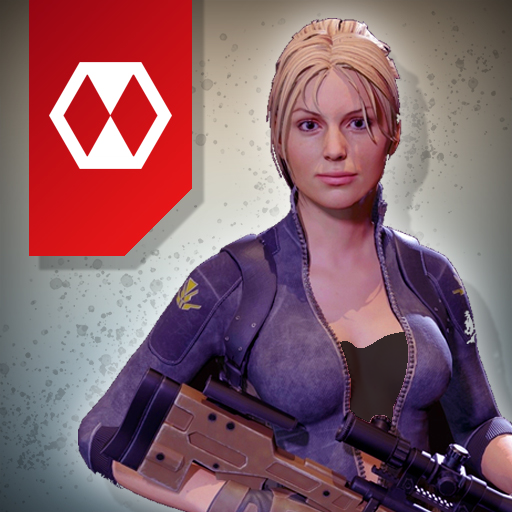
Legends Royale PC
Ludos Game
قم بتنزيل Legends Royale على جهاز الكمبيوتر باستخدام GameLoop Emulator
Legends Royale على الكمبيوتر الشخصي
Legends Royale ، القادم من المطور Ludos Game ، يعمل على نظام Android في الماضي.
الآن ، يمكنك لعب Legends Royale على جهاز الكمبيوتر باستخدام GameLoop بسلاسة.
قم بتنزيله في مكتبة GameLoop أو في نتائج البحث. لا مزيد من الانتباه إلى البطارية أو المكالمات المحبطة في الوقت الخطأ بعد الآن.
ما عليك سوى الاستمتاع بجهاز Legends Royale على الشاشة الكبيرة مجانًا!
Legends Royale مقدمة
Welcome to the Legends Royale game!
Multiplayer first-person shooter game.
Fast gameplay, a lot of action, a lot of prizes and unlimited fun!
Load up your loadout and start fighting with other players.
You can fight with your team on Warline, play deathmatch mode, enjoy defend mode or join unlimited jump to die mode.
Your weapon is designed by real weapon references and the bullet physic is calculated from a real-world bullet mechanics.
You can discover 5 different battle zone, 3 different modes and unlimited customizations. You can create your own loadout or you can join weapon rush mode.
Come to the battleground, and dominate your opponents now!
Battlezone waiting for you!
معاينة


العلامات
الإجراءمعلومة
مطور
Ludos Game
احدث اصدار
0.1212202001
آخر تحديث
2020-12-19
فئة
الإجراء
متاح على
Google Play
أظهر المزيد
كيف تلعب Legends Royale مع GameLoop على جهاز الكمبيوتر
1. قم بتنزيل GameLoop من الموقع الرسمي ، ثم قم بتشغيل ملف exe لتثبيت GameLoop.
2. افتح GameLoop وابحث عن "Legends Royale" ، وابحث عن Legends Royale في نتائج البحث وانقر على "تثبيت".
3. استمتع بلعب Legends Royale على GameLoop.
Minimum requirements
OS
Windows 8.1 64-bit or Windows 10 64-bit
GPU
GTX 1050
CPU
i3-8300
Memory
8GB RAM
Storage
1GB available space
Recommended requirements
OS
Windows 8.1 64-bit or Windows 10 64-bit
GPU
GTX 1050
CPU
i3-9320
Memory
16GB RAM
Storage
1GB available space