
ПОППИ ПЛЕЙТАЙМ Проджект совет PC
Handigital Dev
قم بتنزيل ПОППИ ПЛЕЙТАЙМ Проджект совет على جهاز الكمبيوتر باستخدام GameLoop Emulator
ПОППИ ПЛЕЙТАЙМ Проджект совет على الكمبيوتر الشخصي
ПОППИ ПЛЕЙТАЙМ Проджект совет ، القادم من المطور Handigital Dev ، يعمل على نظام Android في الماضي.
الآن ، يمكنك لعب ПОППИ ПЛЕЙТАЙМ Проджект совет على جهاز الكمبيوتر باستخدام GameLoop بسلاسة.
قم بتنزيله في مكتبة GameLoop أو في نتائج البحث. لا مزيد من الانتباه إلى البطارية أو المكالمات المحبطة في الوقت الخطأ بعد الآن.
ما عليك سوى الاستمتاع بجهاز ПОППИ ПЛЕЙТАЙМ Проджект совет على الشاشة الكبيرة مجانًا!
ПОППИ ПЛЕЙТАЙМ Проджект совет مقدمة
Project Playtime Hints is all what every fan of Project Playtime should get to improve their skills in online journey mode.
If you always want to become one of the best players in Project Playtime world, then you should check our Hints application, because you will find full information on how to reach it, from the beginning to the throne!
Project Playtime is not an application like others, which will show you only some simple Hints for the game, our Project Playtime will help you to win every single match by hidden areas, secret skills for each character and of course by properly key config which will make your journey against other players much easier, everything in this simple Hints app for Project Playtime !
Of course we also implemented the full step by step Hints for all custom clothes for your character and how to unlock them.
معاينة
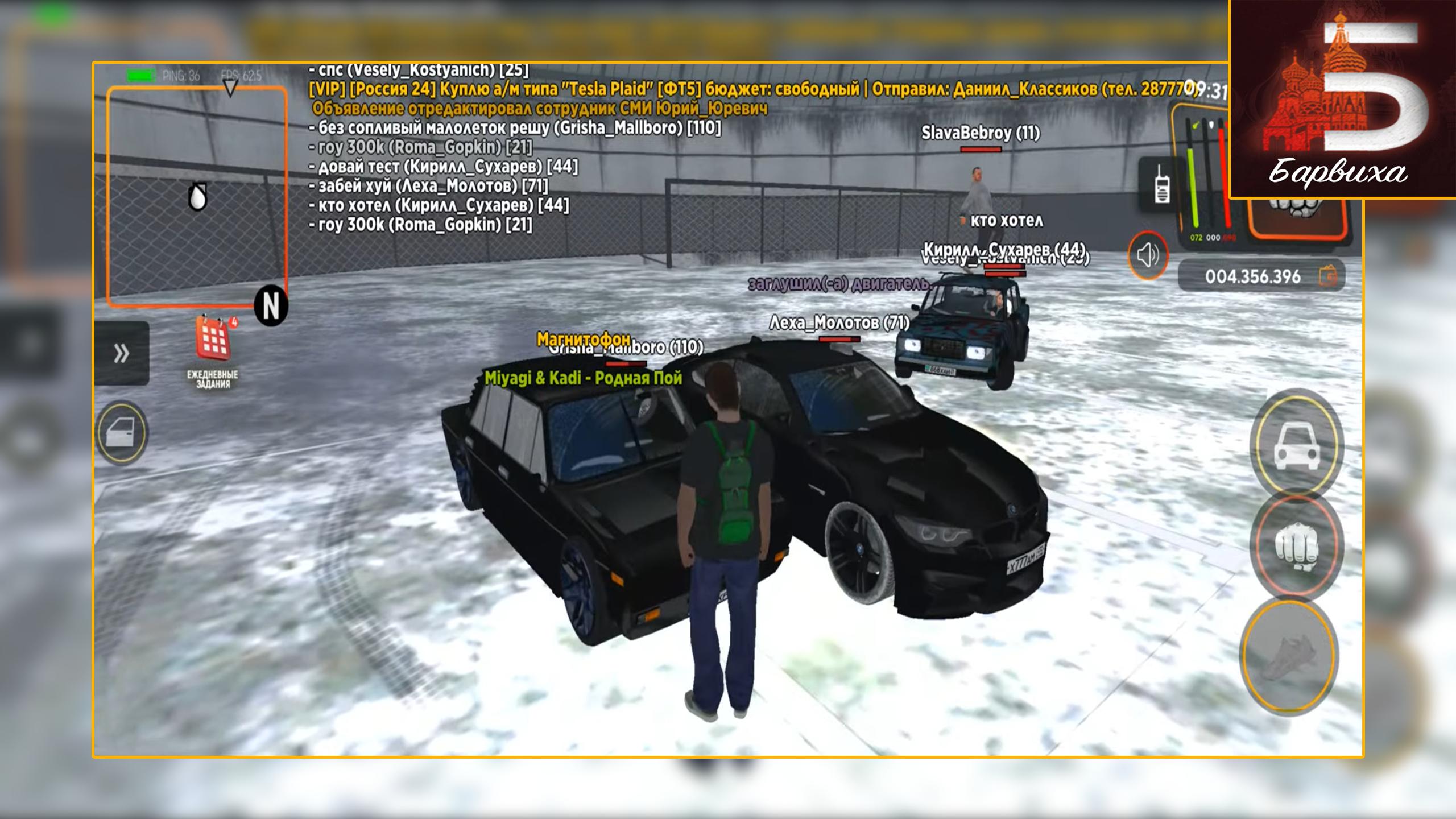
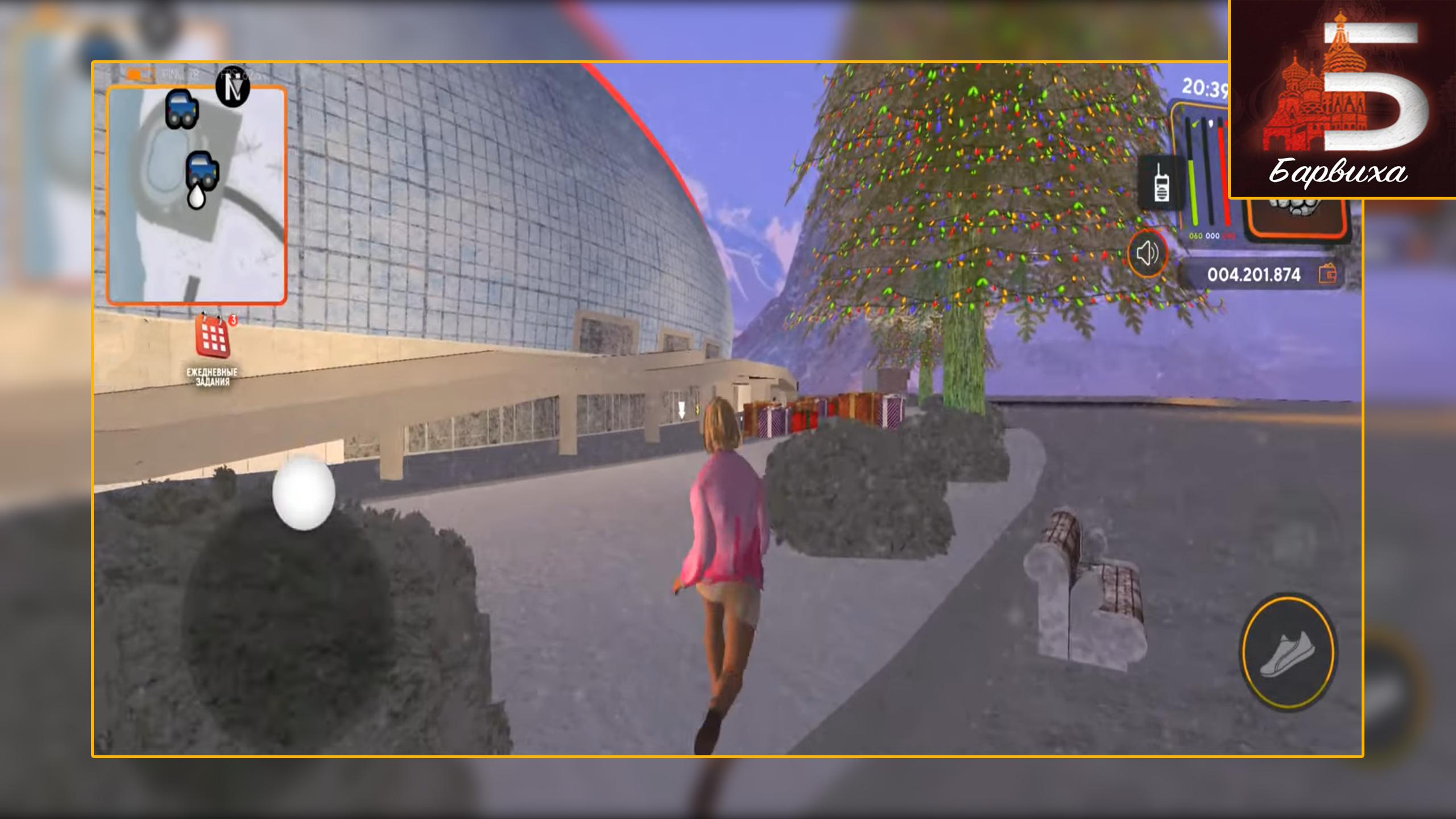
معلومة
مطور
Handigital Dev
احدث اصدار
1.0
آخر تحديث
2023-01-14
فئة
الإجراء
متاح على
Google Play
أظهر المزيد
كيف تلعب ПОППИ ПЛЕЙТАЙМ Проджект совет مع GameLoop على جهاز الكمبيوتر
1. قم بتنزيل GameLoop من الموقع الرسمي ، ثم قم بتشغيل ملف exe لتثبيت GameLoop.
2. افتح GameLoop وابحث عن "ПОППИ ПЛЕЙТАЙМ Проджект совет" ، وابحث عن ПОППИ ПЛЕЙТАЙМ Проджект совет في نتائج البحث وانقر على "تثبيت".
3. استمتع بلعب ПОППИ ПЛЕЙТАЙМ Проджект совет على GameLoop.
Minimum requirements
OS
Windows 8.1 64-bit or Windows 10 64-bit
GPU
GTX 1050
CPU
i3-8300
Memory
8GB RAM
Storage
1GB available space
Recommended requirements
OS
Windows 8.1 64-bit or Windows 10 64-bit
GPU
GTX 1050
CPU
i3-9320
Memory
16GB RAM
Storage
1GB available space