
VEXUS CAM на пк
VEXUS BRASIL
Скачать VEXUS CAM на ПК с помощью эмулятора GameLoop
VEXUS CAM на ПК
VEXUS CAM, исходящий от разработчика VEXUS BRASIL, в прошлом работал на системе Android.
Теперь вы можете без проблем играть в VEXUS CAM на ПК с помощью GameLoop.
Загрузите его в библиотеке GameLoop или результатах поиска. Больше не нужно смотреть на аккумулятор или разочаровывать звонки в неподходящее время.
Просто наслаждайтесь VEXUS CAM на ПК на большом экране бесплатно!
VEXUS CAM Введение
Support multiplayer online browsing. Just add the cameras to you phone with this App
· Easily direct connect to your cameras through VEXUS CAM secure live connection service (Free).
· Simple setup process, does not need setup dynamic DNS or port forwarding on your home router.
· Supports VEXUS CAM camera edge recording, record and play back from on camera SD card
· Save snapshots and record video clips to your photos folder Pan, tilt and zoom control for VEXUS CAM Pan Tilt cameras
· Listen and talk through your audio enabled cameras
· Control IR lights by switching between day and night modes
· Turn on or turn off real time notification from your VEXUS CAM cameras
Support VEXUS CAM cameras only, functions base on camera’s available features
Предварительный просмотр
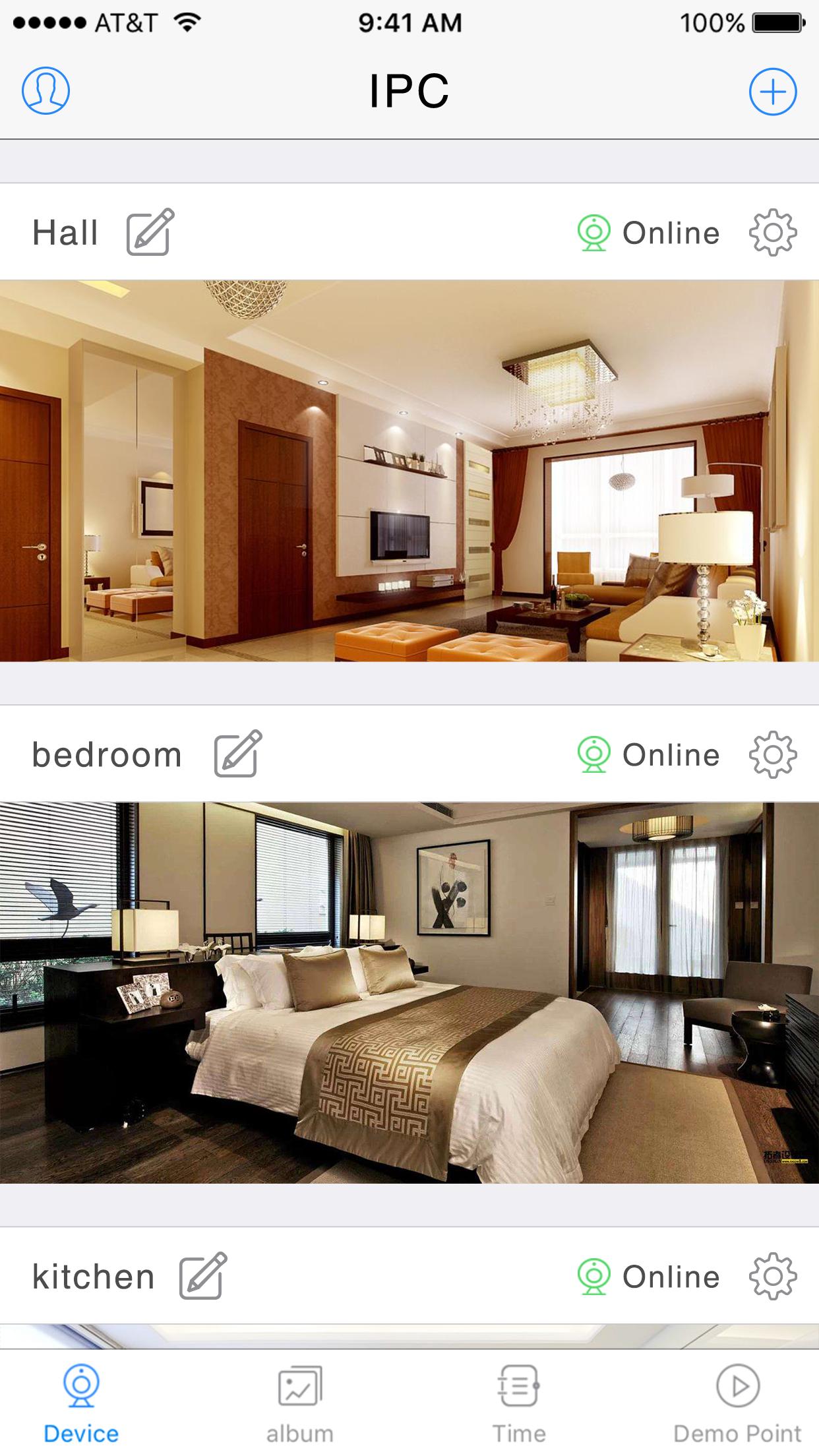
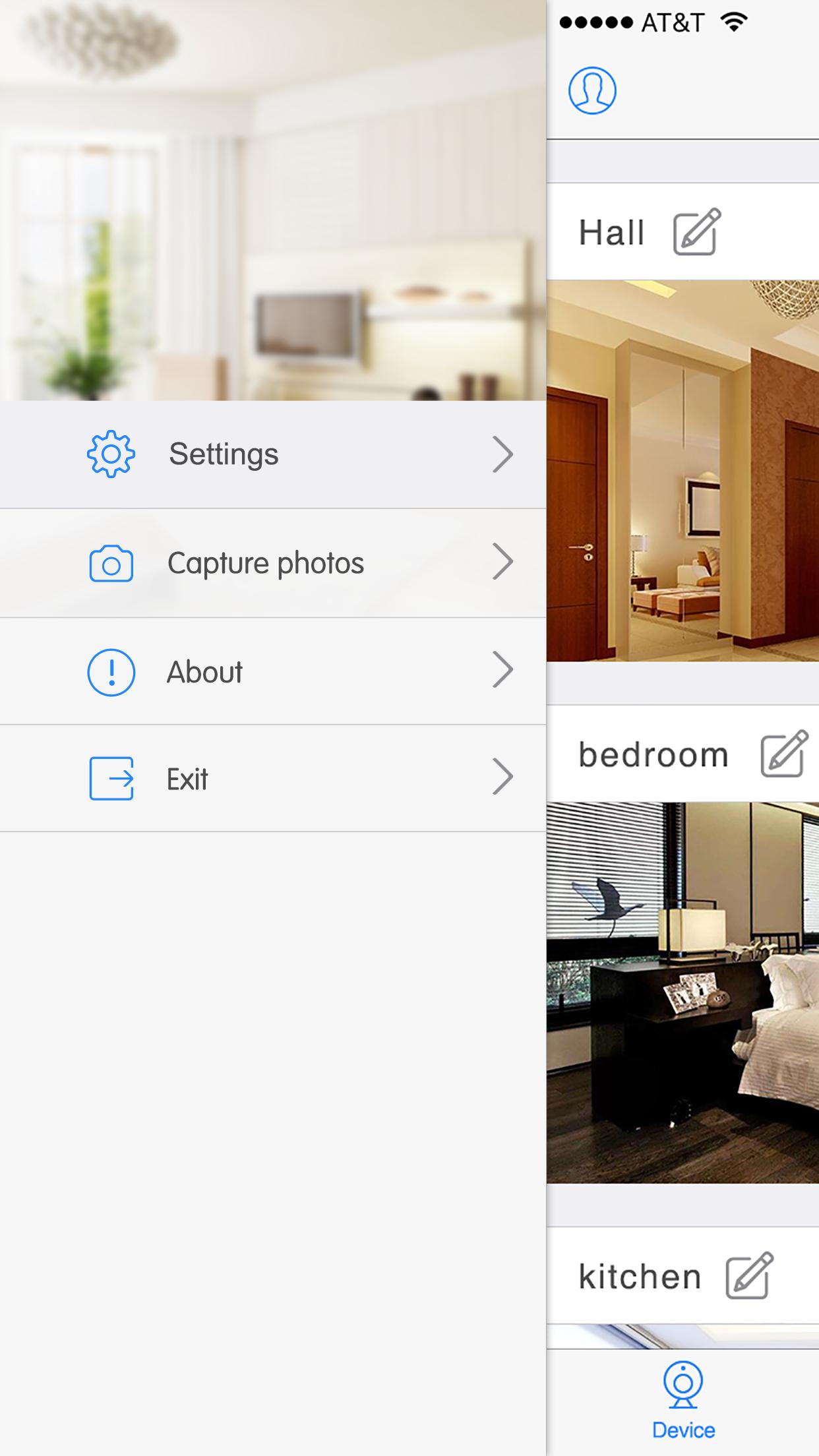
Информация
Разработчик
VEXUS BRASIL
Последняя версия
V6.38.02.09
Последнее обновление
2019-09-11
Категория
Погода
Доступно на
Google Play
Показать больше
Как играть в VEXUS CAM с GameLoop на ПК
1. Загрузите GameLoop с официального сайта, затем запустите исполняемый файл для установки GameLoop.
2. Откройте GameLoop и выполните поиск VEXUS CAM, найдите VEXUS CAM в результатах поиска и нажмите Установить.
3. Наслаждайтесь игрой в VEXUS CAM на GameLoop.
Minimum requirements
OS
Windows 8.1 64-bit or Windows 10 64-bit
GPU
GTX 1050
CPU
i3-8300
Memory
8GB RAM
Storage
1GB available space
Recommended requirements
OS
Windows 8.1 64-bit or Windows 10 64-bit
GPU
GTX 1050
CPU
i3-9320
Memory
16GB RAM
Storage
1GB available space