
Slow Motion & Speed Up Video - Adjust Video Speed на пк
FAVAS Group
Скачать Slow Motion & Speed Up Video - Adjust Video Speed на ПК с помощью эмулятора GameLoop
Slow Motion & Speed Up Video - Adjust Video Speed на ПК
Slow Motion & Speed Up Video - Adjust Video Speed, исходящий от разработчика FAVAS Group, в прошлом работал на системе Android.
Теперь вы можете без проблем играть в Slow Motion & Speed Up Video - Adjust Video Speed на ПК с помощью GameLoop.
Загрузите его в библиотеке GameLoop или результатах поиска. Больше не нужно смотреть на аккумулятор или разочаровывать звонки в неподходящее время.
Просто наслаждайтесь Slow Motion & Speed Up Video - Adjust Video Speed на ПК на большом экране бесплатно!
Slow Motion & Speed Up Video - Adjust Video Speed Введение
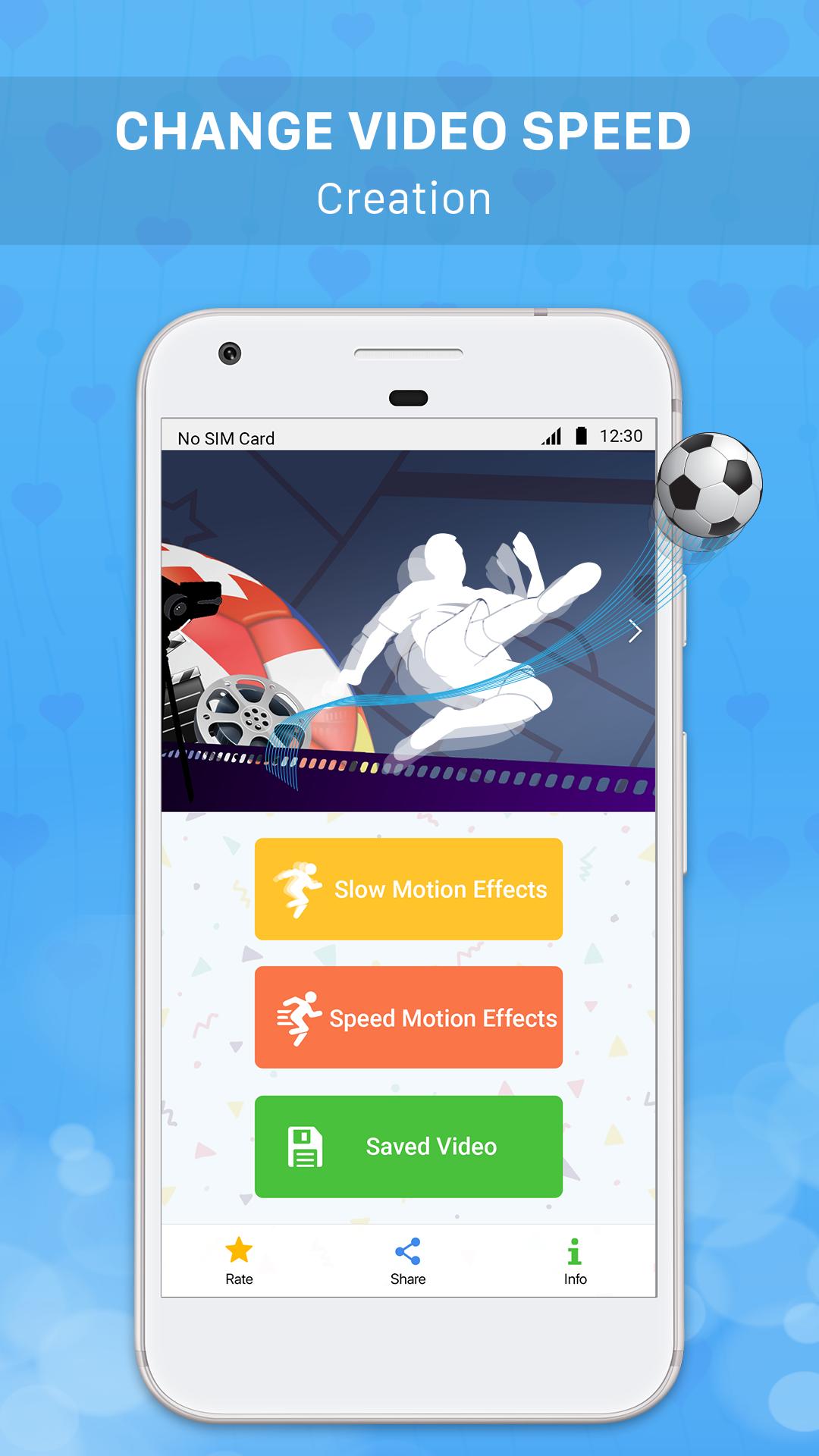
Slow motion & Speed up Video - The application allows you to create slow motion videos / fast motion videos easily by recording videos with your device camera or selecting any video from the device to slow down video / speed up video / adjust video speed and share interesting videos you've just created on social networking sites like Youtube, Facebook, Instagram, Tiktok, Twitter etc.
Let Slow motion & Speed up Video help you create interesting, million-view videos on video sharing social networks.
Main functions:
+ Slow down Video / Create slow motion video easily by recording video / selecting video in your device and then clicking "Slow Video" button to make slow motion effect for that video.
+ Speed up Video / Create fast-moving video easily by recording video / selecting video in the device and then clicking "Quick Video" button to perform fast motion effects for that video.
+ Slow motion video creation feature / Create fast motion video feature is often used in the following cases to create an interesting video:
. Slow down the video of throwing objects and jumping.
. Slow down videos of sports activities.
. Slow down the video of falling objects.
. Speed up the videos of natural and panoramic scenes.
. Speed up the video scenes showing emotions, running hilariously.
+ Slow motion videos / fast motion videos created by this application with low capacity and high resolution.
+ Manage created videos: add, edit, delete shared videos you have created in the application.
+ Share interesting videos that you have created on social media sharing sites like Youtube, Facebook, Tiktok, Instagram, Twitter etc.
Download the application Slow Video & Speed Up Video to create interesting, million-view videos right now!
Предварительный просмотр

Информация
Разработчик
FAVAS Group
Последняя версия
1.2
Последнее обновление
2020-01-02
Категория
Video-players-editors
Доступно на
Google Play
Показать больше
Как играть в Slow Motion & Speed Up Video - Adjust Video Speed с GameLoop на ПК
1. Загрузите GameLoop с официального сайта, затем запустите исполняемый файл для установки GameLoop.
2. Откройте GameLoop и выполните поиск Slow Motion & Speed Up Video - Adjust Video Speed, найдите Slow Motion & Speed Up Video - Adjust Video Speed в результатах поиска и нажмите Установить.
3. Наслаждайтесь игрой в Slow Motion & Speed Up Video - Adjust Video Speed на GameLoop.
Minimum requirements
OS
Windows 8.1 64-bit or Windows 10 64-bit
GPU
GTX 1050
CPU
i3-8300
Memory
8GB RAM
Storage
1GB available space
Recommended requirements
OS
Windows 8.1 64-bit or Windows 10 64-bit
GPU
GTX 1050
CPU
i3-9320
Memory
16GB RAM
Storage
1GB available space