Prism TV на пк
CenturyLink, Inc
Скачать Prism TV на ПК с помощью эмулятора GameLoop
Prism TV на ПК
Prism TV, исходящий от разработчика CenturyLink, Inc, в прошлом работал на системе Android.
Теперь вы можете без проблем играть в Prism TV на ПК с помощью GameLoop.
Загрузите его в библиотеке GameLoop или результатах поиска. Больше не нужно смотреть на аккумулятор или разочаровывать звонки в неподходящее время.
Просто наслаждайтесь Prism TV на ПК на большом экране бесплатно!
Prism TV Введение
Watch and manage CenturyLink Prism® TV on your favorite mobile device.
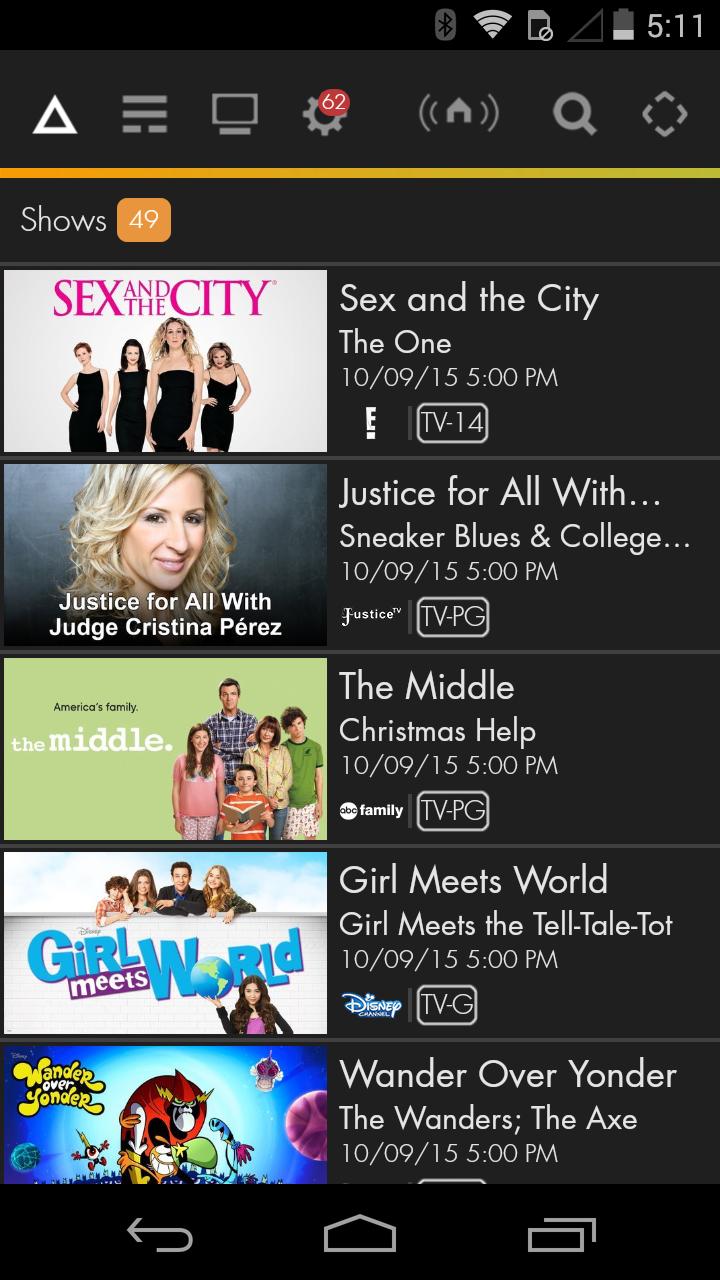
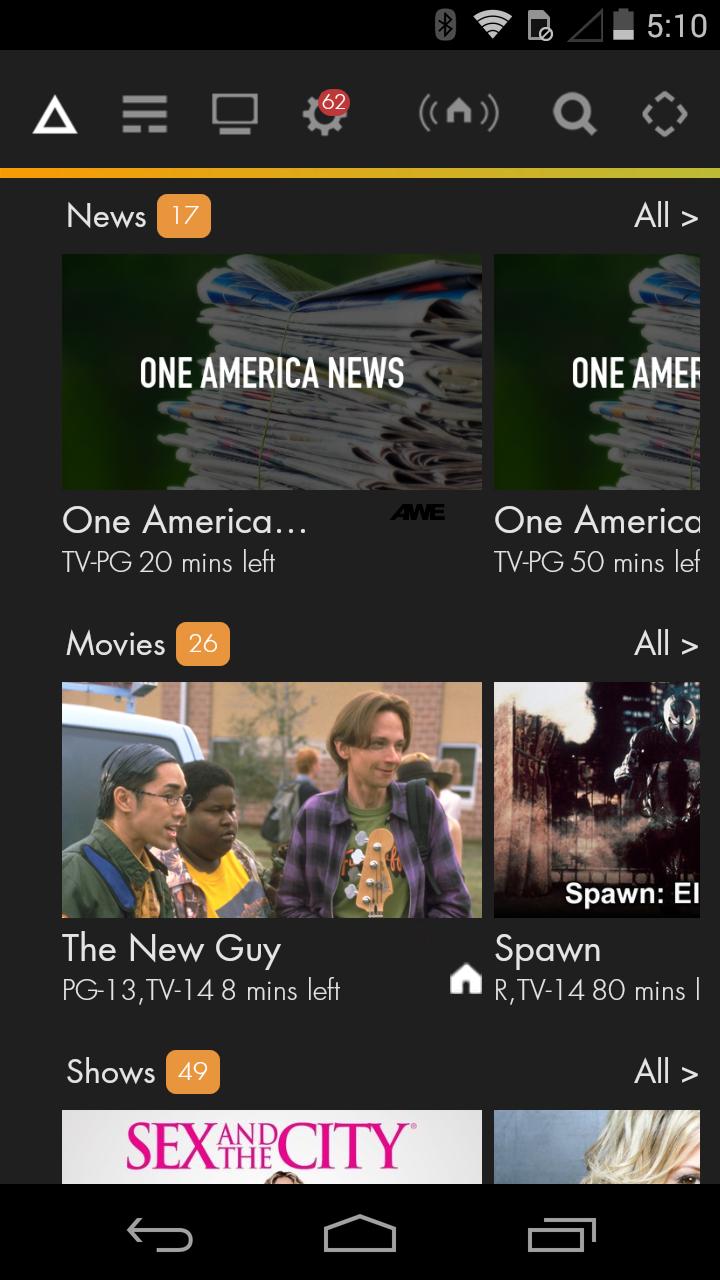
• The Prism TV app allows you to watch live TV on your mobile device, in and out of your home.
• Stream popular shows from the Prism TV On Demand library.
• Control your settop box from your mobile app when in the home
• Easily View and Search TV Listings for All Channels.
• Manage and schedule recordings on your DVR (Whole Home DVR subscription required).
• Manage the content your kids can watch with parental controls.
• Post to Facebook, access Twitter or send an email to let your friends know what you’re watching.
• Helpful FAQs and troubleshooting steps.
• Prism TV app is included in Prism TV subscriptions.
• Requirements:
• Android phone or tablet with Android 2.3 or higher and minimum resources of a 1 GHz processor and 512 MB of memory.
• Prism video service and a subscription to one or more eligible channels.
• CenturyLink.net email address and password.
Support Resources:
• Create or retrieve CenturyLink user credentials at www.centurylink.net
• Technical Support Resources: Prism help at www.centurylink.net
NOTE: Currently CenturyLink does not have rights to all shows available on mobile devices. CenturyLink is adding shows routinely as access becomes available from our content providers.
CenturyLink Prism service may not be available everywhere. Prism TV app may not be available with all mobile operating systems. Terms and conditions apply. Contact CenturyLink for details.
Предварительный просмотр
Информация
Разработчик
CenturyLink, Inc
Последняя версия
4.1.2
Последнее обновление
2018-01-19
Категория
Video-players-editors
Доступно на
Google Play
Показать больше
Как играть в Prism TV с GameLoop на ПК
1. Загрузите GameLoop с официального сайта, затем запустите исполняемый файл для установки GameLoop.
2. Откройте GameLoop и выполните поиск Prism TV, найдите Prism TV в результатах поиска и нажмите Установить.
3. Наслаждайтесь игрой в Prism TV на GameLoop.
Minimum requirements
OS
Windows 8.1 64-bit or Windows 10 64-bit
GPU
GTX 1050
CPU
i3-8300
Memory
8GB RAM
Storage
1GB available space
Recommended requirements
OS
Windows 8.1 64-bit or Windows 10 64-bit
GPU
GTX 1050
CPU
i3-9320
Memory
16GB RAM
Storage
1GB available space