
Jamong Player на пк
duongame
Скачать Jamong Player на ПК с помощью эмулятора GameLoop
Jamong Player на ПК
Jamong Player, исходящий от разработчика duongame, в прошлом работал на системе Android.
Теперь вы можете без проблем играть в Jamong Player на ПК с помощью GameLoop.
Загрузите его в библиотеке GameLoop или результатах поиска. Больше не нужно смотреть на аккумулятор или разочаровывать звонки в неподходящее время.
Просто наслаждайтесь Jamong Player на ПК на большом экране бесплатно!
Jamong Player Введение
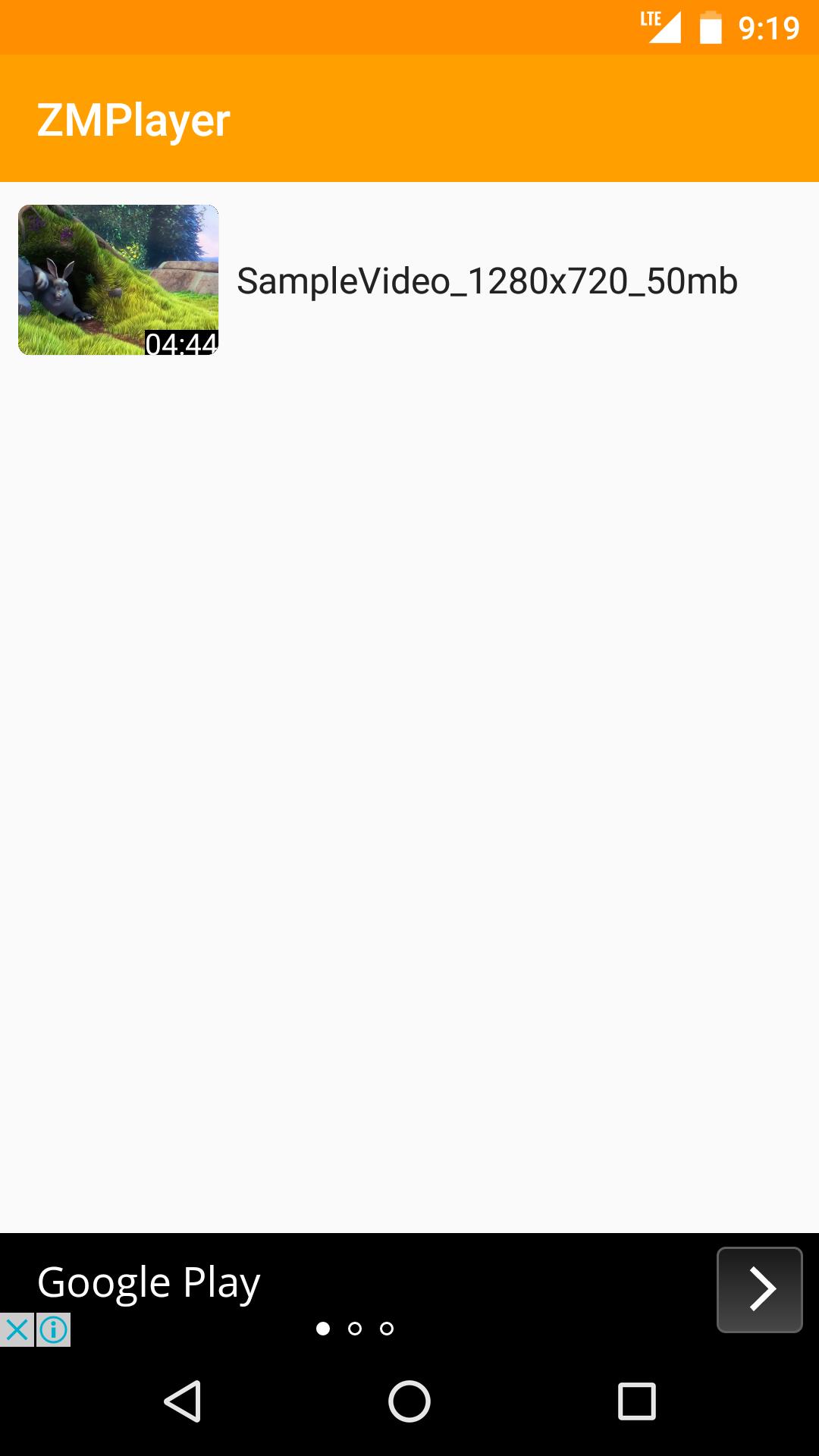
Jamong Player(HD Video, Subtitles)
-Supports All Video Formats
-Supports Subtitles include non Unicode Text
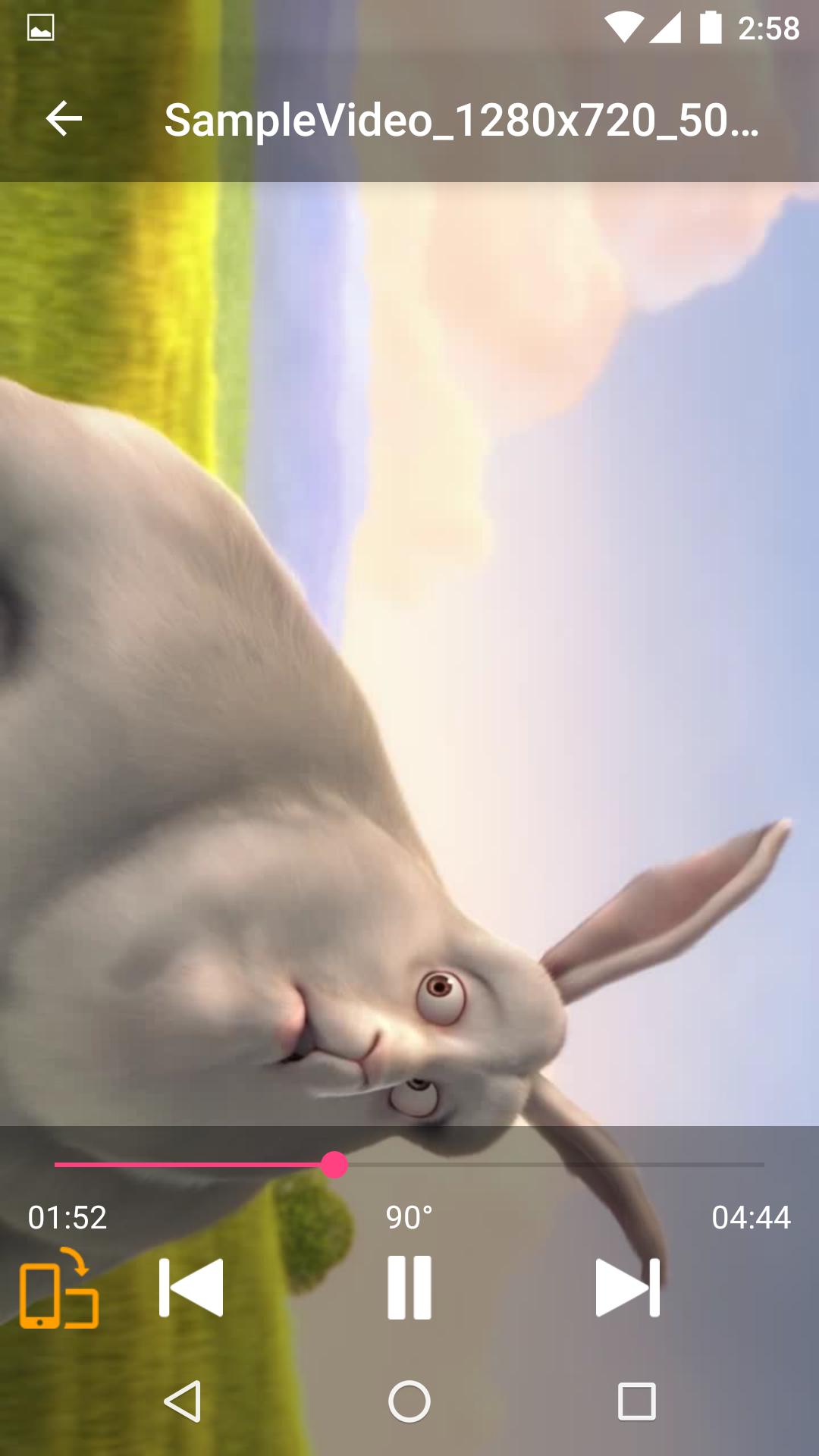
-Supports Force Video Rotation(Recent file's rotation information will be saved)
'Force Video Rotation' is the reason why we made Jamong Player.
User recorded videos often save wrong rotation information.
With Jamong Player, you don't worry about that.
If you have any suggestion or question, please send us an email.
Thank you.
--
Some of the screens are from the Big Buck Bunny licensed under the Creative Commons Attribution 3.0 Unported.
(c) copyright 2008, Blender Foundation / www.bigbuckbunny.org
Предварительный просмотр
Информация
Разработчик
duongame
Последняя версия
1.0.2
Последнее обновление
2017-06-30
Категория
Video-players-editors
Доступно на
Google Play
Показать больше
Как играть в Jamong Player с GameLoop на ПК
1. Загрузите GameLoop с официального сайта, затем запустите исполняемый файл для установки GameLoop.
2. Откройте GameLoop и выполните поиск Jamong Player, найдите Jamong Player в результатах поиска и нажмите Установить.
3. Наслаждайтесь игрой в Jamong Player на GameLoop.
Minimum requirements
OS
Windows 8.1 64-bit or Windows 10 64-bit
GPU
GTX 1050
CPU
i3-8300
Memory
8GB RAM
Storage
1GB available space
Recommended requirements
OS
Windows 8.1 64-bit or Windows 10 64-bit
GPU
GTX 1050
CPU
i3-9320
Memory
16GB RAM
Storage
1GB available space