
Wi Fi Automatic - Network Tool на пк
DanielParkApp
Скачать Wi Fi Automatic - Network Tool на ПК с помощью эмулятора GameLoop
Wi Fi Automatic - Network Tool на ПК
Wi Fi Automatic - Network Tool, исходящий от разработчика DanielParkApp, в прошлом работал на системе Android.
Теперь вы можете без проблем играть в Wi Fi Automatic - Network Tool на ПК с помощью GameLoop.
Загрузите его в библиотеке GameLoop или результатах поиска. Больше не нужно смотреть на аккумулятор или разочаровывать звонки в неподходящее время.
Просто наслаждайтесь Wi Fi Automatic - Network Tool на ПК на большом экране бесплатно!
Wi Fi Automatic - Network Tool Введение
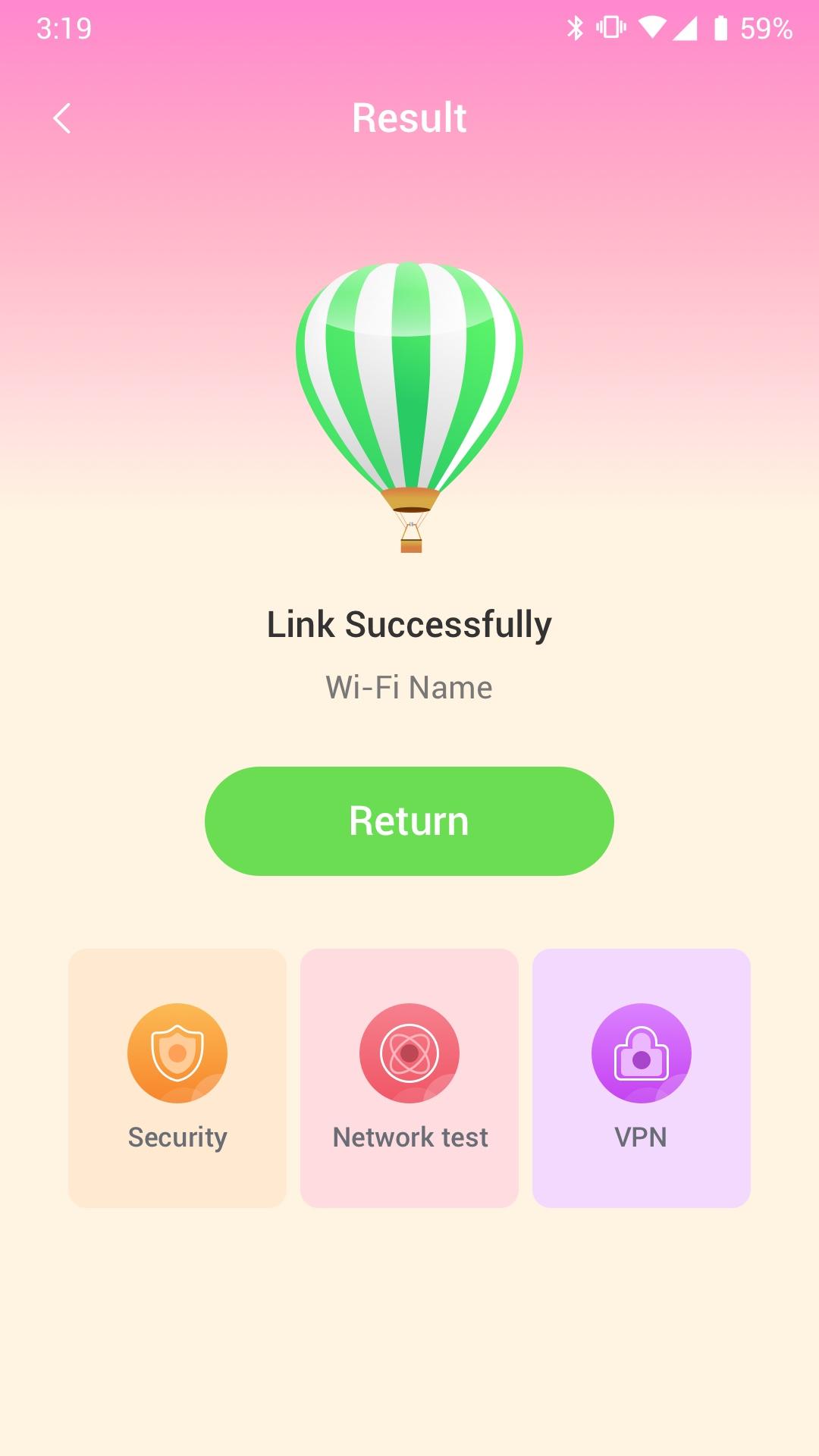
Wi Fi Automatic can efficiently query surrounding Wi-Fi hotspots and monitor the signal strength of all available WiFi networks
· Use WiFi Monitor to detect slow WiFi networks and identify poor signal strength.
· Use the Wi Fi Automatic app to scan all WiFi networks in your environment.
· Use the Wi Fi Automatic app to measure the signal strength of your WiFi network.
Wi Fi Automatic can help you diagnose various issues in your wifi network settings, internet connection, and also detect various issues on remote servers with the extensive tools it provides.
With Wi Fi Automatic's free tools and utilities, you can:
• Run WiFi and cellular speed tests, download and upload speed analysis and latency
• Use Wi Fi Automatic to scan the network and discover all devices connected to any network
Wifi signal display:
- Display text representation of signal strength
- Wifi network type (WEP, WPA, WPA2)
Wi-Fi Scanner:
- Fast and reliable detection of all network devices
- Vendor names, IP and MAC addresses of all discovered devices
Предварительный просмотр
Теги
ИнструментыИнформация
Разработчик
DanielParkApp
Последняя версия
1.0.3
Последнее обновление
2022-09-06
Категория
Инструменты
Доступно на
Google Play
Показать больше
Как играть в Wi Fi Automatic - Network Tool с GameLoop на ПК
1. Загрузите GameLoop с официального сайта, затем запустите исполняемый файл для установки GameLoop.
2. Откройте GameLoop и выполните поиск Wi Fi Automatic - Network Tool, найдите Wi Fi Automatic - Network Tool в результатах поиска и нажмите Установить.
3. Наслаждайтесь игрой в Wi Fi Automatic - Network Tool на GameLoop.
Minimum requirements
OS
Windows 8.1 64-bit or Windows 10 64-bit
GPU
GTX 1050
CPU
i3-8300
Memory
8GB RAM
Storage
1GB available space
Recommended requirements
OS
Windows 8.1 64-bit or Windows 10 64-bit
GPU
GTX 1050
CPU
i3-9320
Memory
16GB RAM
Storage
1GB available space